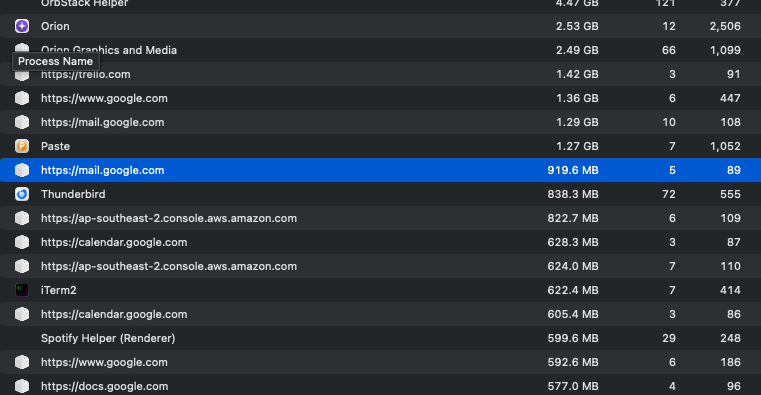
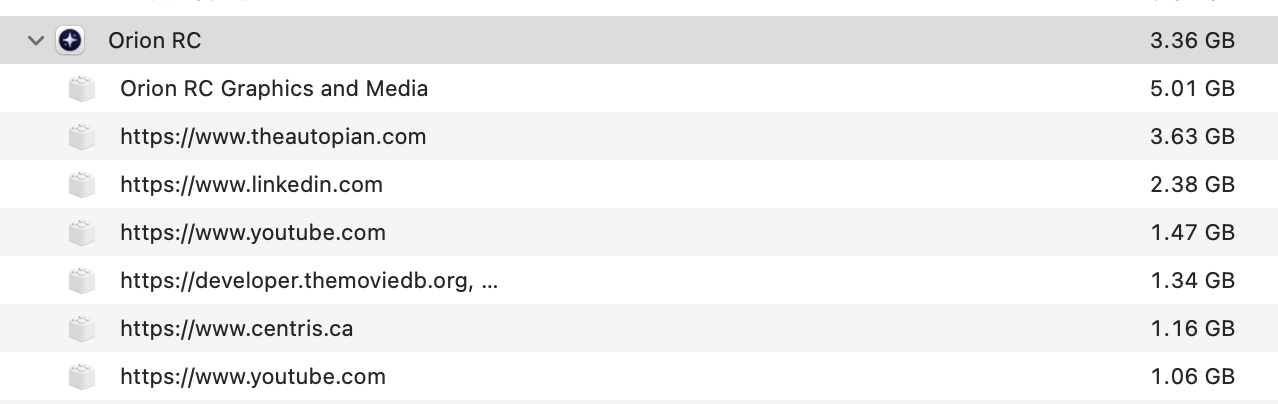
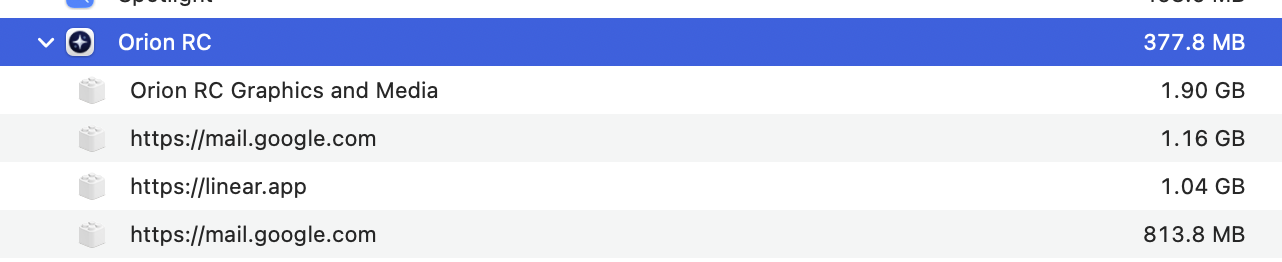
Like everyone else, my Mac (which is an M2 Pro with 32GB of RAM) begins to run sluggishly the longer Orion has been running (and consuming RAM). For some reason, I decided to fire up btop to monitor memory usage rather than relying on Activity Monitor. And to my surprise, btop was showing significantly less memory usage than Activity Monitor was. So which was right?
I was doing some thinking about this, and here's my thought:
Basically, btop is watching Real Memory, which measures the actual amount of RAM that a process is using. Virtual Memory is what most people see when they view memory usage in MacOS, which is the total amount of memory mapped to a process, even if it's not actually being used (e.g. a process might ask the OS for 512MB, but is only using 128MB -- the former is Virtual, the latter is Real). Virtual Memory also includes cached memory and swap file usage, but Real Memory is purely RAM usage.
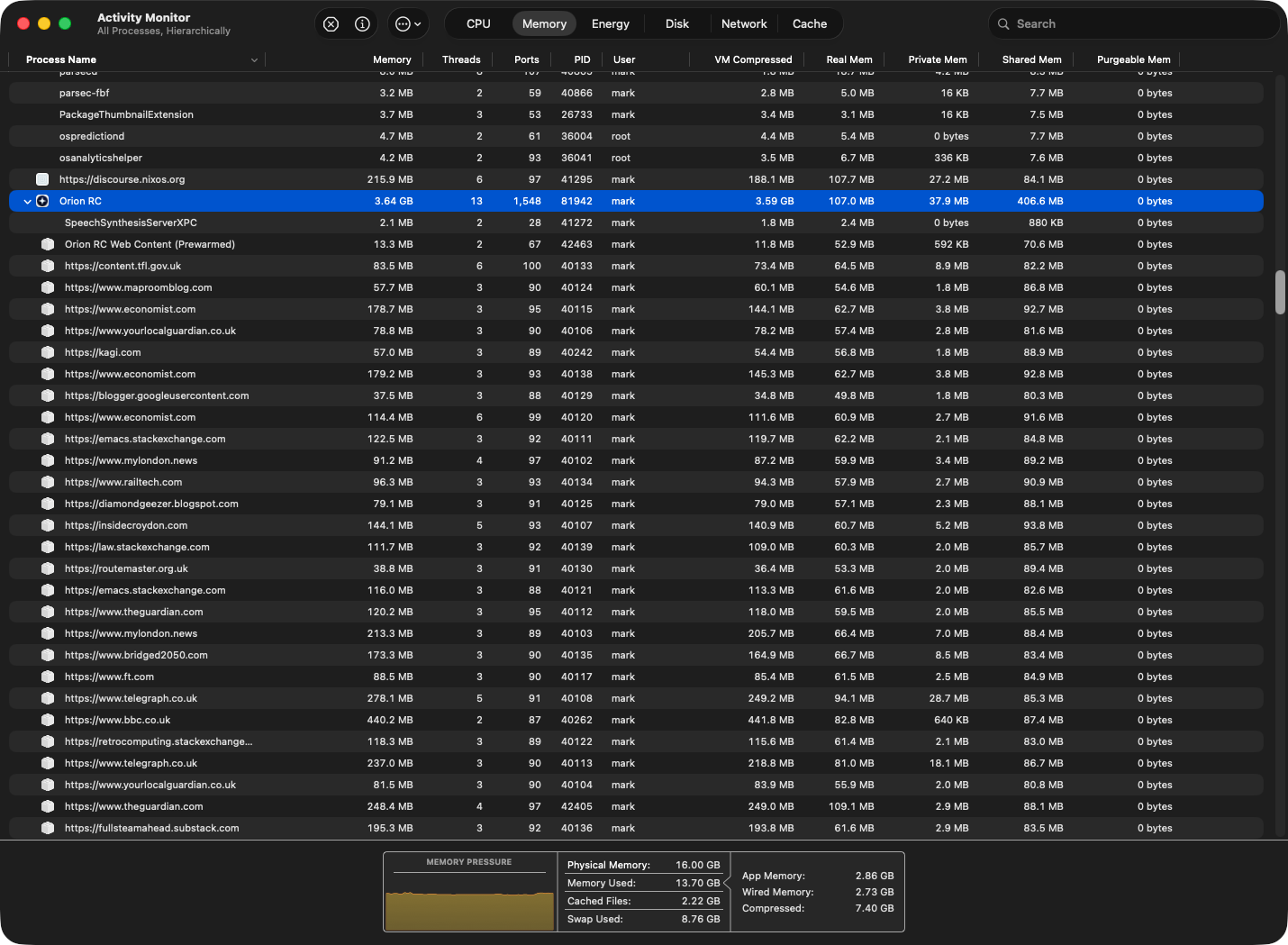
You can have Activity Monitor show you Real Memory by right-clicking the column headers, and you'll see there are extra columns to add for displaying a few different types of Real Memory (and the "Real Mem" column matches what btop was showing me).
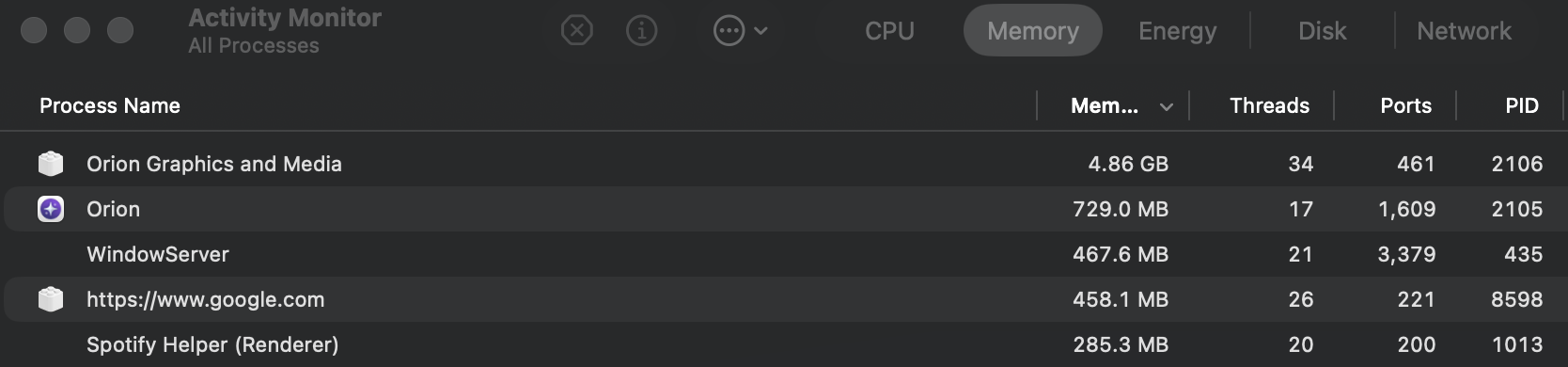
So, in my case, I've got two Orion processes running, one for work stuff and the other for personal stuff (separate profiles). Each one is currently showing to be using just over 4GB of Virtual Memory, but 1.2GB and 640MB of Real Memory.
So, 1.2GB and 640MG doesn't seem so bad. Heck, even 4GB each doesn't seem so bad on a system with 32GB of RAM. And the Memory Pressure status in green seems to confirm this. So why is my system getting more and more sluggish that longer Orion runs (and consumes more and more memory)? By the way: I should mention that I've never had performance issues on my Mac until I installed and began using Orion.
Now that I (kinda) understand Real Memory versus Virtual Memory, I think I have the answer: Virtual Memory includes Swap memory, and it seems that MacOS is trying to manage Orion's never-ending appetite for memory by offloading some of that to Swap (by whatever determinations it makes) -- that's what's causing the sluggishness: the repeated movement of memory between disk and RAM.
Evidently, memory isn't offloaded from RAM to Swap simply because available RAM is low -- looks like there are a lot more factors that the kernel uses when choosing what to move between RAM and Swap. Whatever Orion is doing with the memory that has been allocated (and leaked), is causing that memory management algorithm to continually move memory back and forth between RAM and Swap, which is causing the performance drop that people might be experiencing.