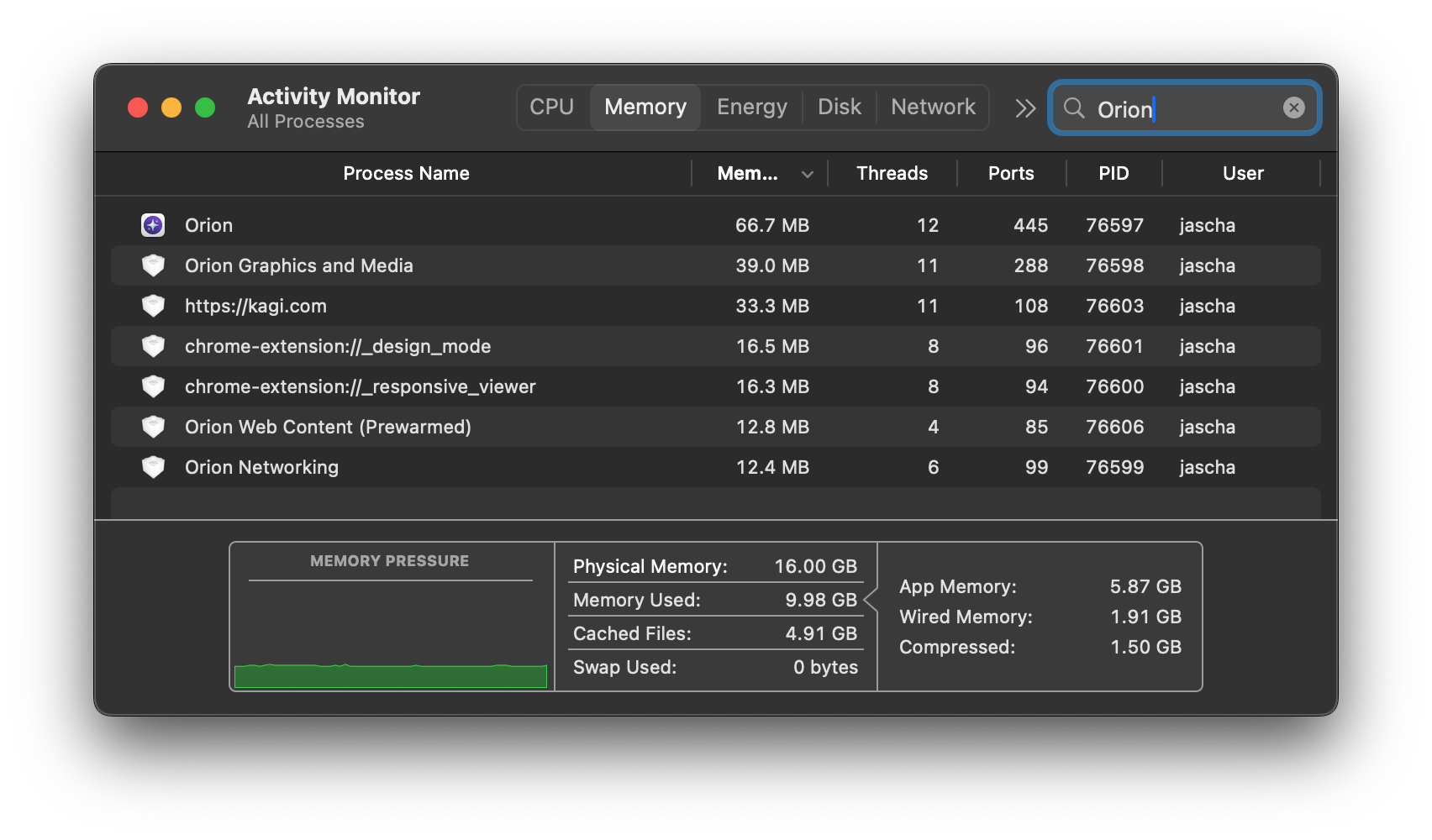
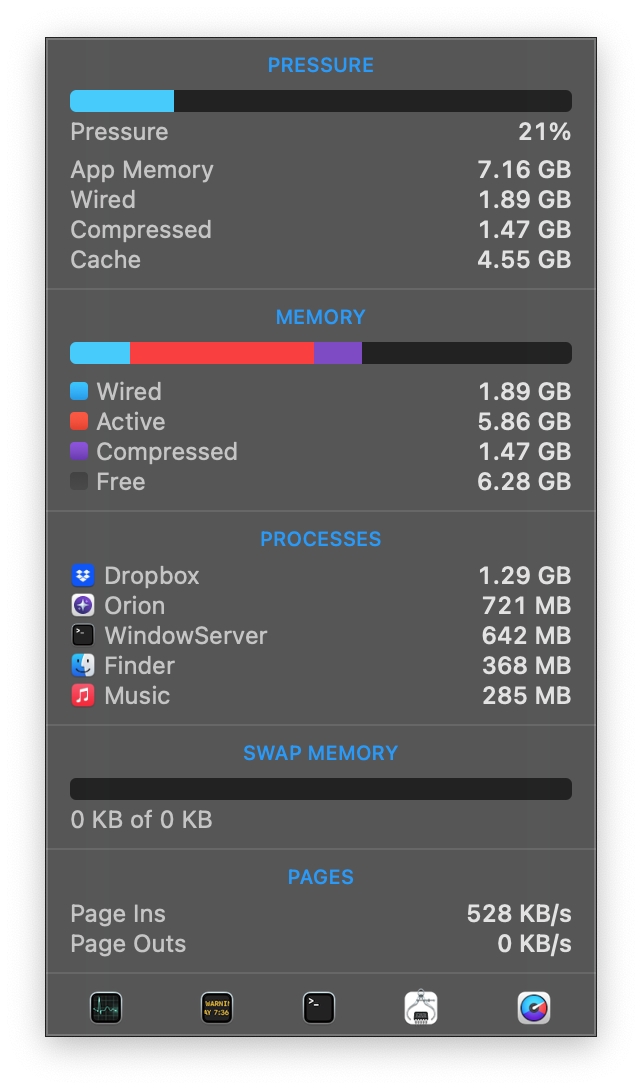
I'm not sure if this is relevant to this particular memory usage issue, but Speedometer 3.1 can pretty readily demonstrate a memory leak (and slowdown) on the latest Orion RC (build date 2026-03-16). Here's what I did:
- Launch Activity Monitor to keep an eye on memory usage
- Visit https://browserbench.org/Speedometer3.1/
- Run the test. Note the final score and memory usage of the browserbench.org process from Activity Monitor.
- Reload the page.
- Run the test again. Note the test is slower this time.
- Reload the tab (Cmd+R or the reload button in the address bar).
- Run the test a third time. Sometimes it's even slower than the second run (but not always)
Some numbers from my machine (a MacBook Pro M1):
First run (step 3): Score = 21.9; Memory = 1.87 GB
Second run (step 5): Score = 10.9; Memory = 3.28 GB
Third run (step 7): Score = 9.10; Memory = 5.35 GB
Fourth run (for fun): Score = 9.99; Memory = 6.84 GB
Fifth run: Score = 10.1; Memory = 7.75 GB
Sixth run did not complete; the OS seems to have killed the process.
If I keep going until the system is under memory pressure, I sometimes start to see stalls, and I can get Speedometer scores significantly lower than that (as low as 3).
Interestingly, I get completely different behavior with and without extensions enabled, so the memory leak seems related to extensions. In all the runs above, I had a single extension, "Don't Fuck With Paste", enabled. After disabling it and repeating the above steps, I see that the Speedometer score is consistent (at 23-25) and memory usage stays constant at around 300 MB.
Enabling either of the two extensions I have installed ("Don't Fuck With Paste" from Firefox, "1Password" from Chrome) leads to the memory leak returning. Note that both of these extensions have content scripts that are injected into the page—DWFP's is quite simple and 1Password's is rather complex, yet both cause similar slowdowns.
Out of curiosity, I tried an extension that does not have a content script ("Undo Close Tab" from Firefox), and I do NOT see the slowdown or memory leak with just that extension enabled. I can run Speedometer and refresh the page as much as I want and I never see the tab's memory usage grow, nor do I see any slowdown.
So whatever's going on seems to be specifically related to the content scripts that some extensions inject into pages. Hope this helps!