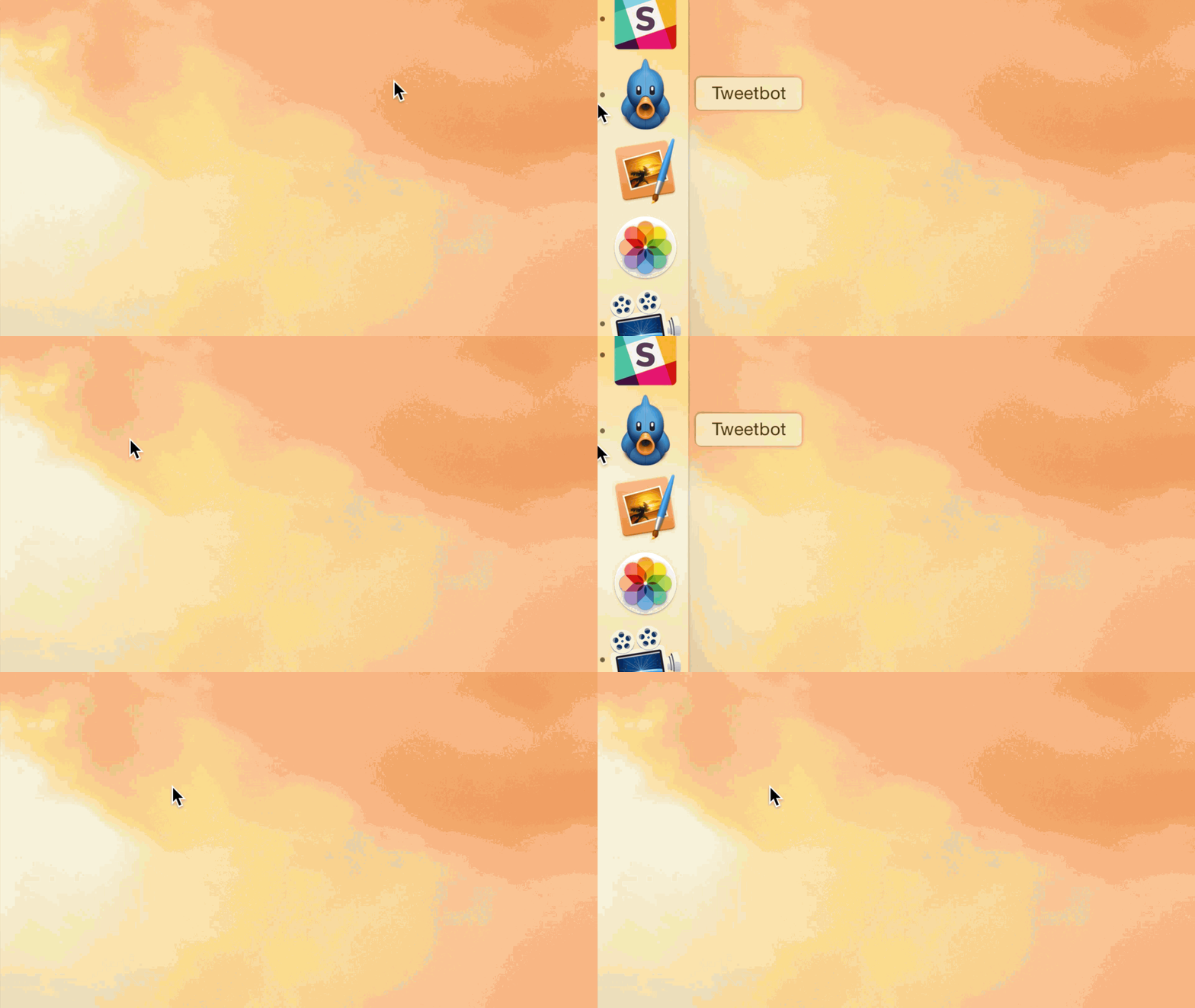
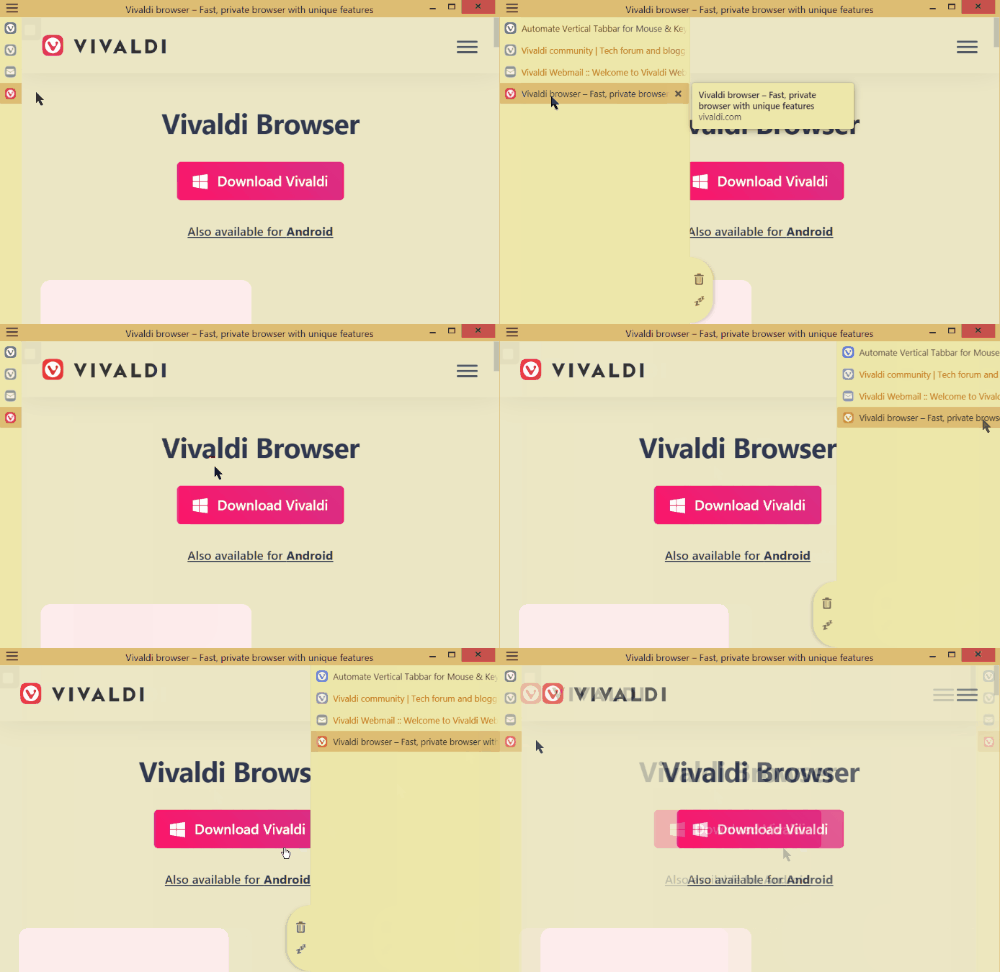
Currently, it is possible to hide the sidebar when not in fullscreen mode. However, the behaviour to auto-show the sidebar when the mouse reaches the edge is only for fullscreen.
As a result, the only way to show the sidebar (and vertical tabs) is to press the sidebar button or the shortcut. When trying to press the sidebar button, it is a bit cumbersome to try and click a small point instead of holding still at an edge of the screen.
My solution: two-finger swiping on the toolbar should activate/deactivate the vertical tabs bar. This gives a larger area for the action to take place.