Vlad
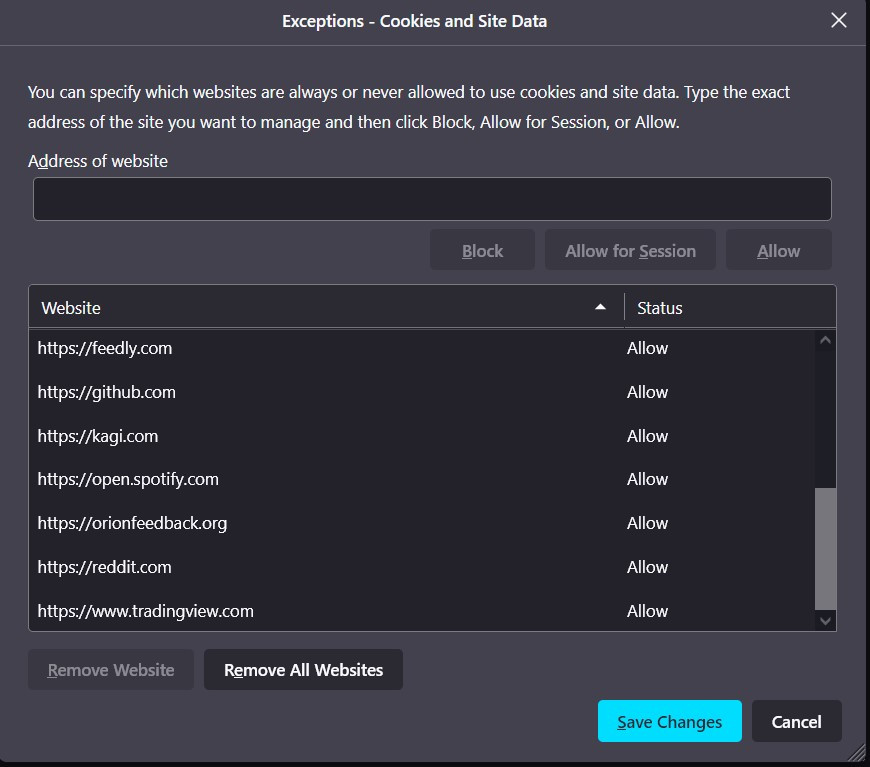
In Firefox about:preferences#privacy, under Cookies and Site Data heading, you'll find Delete cookies and site data when Firefox is closed with Manage Exceptions beside it.
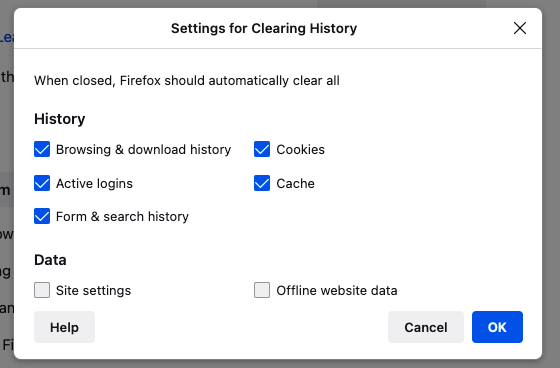
Also, in about:preferences#privacy, under History heading, you'll find Clear history when Firefox closes with Settings beside it.
However, the second option is more comprehensive and since it also allows clearing cookies on exit, it subsumes the first one. I am not sure why Firefox has both option though.