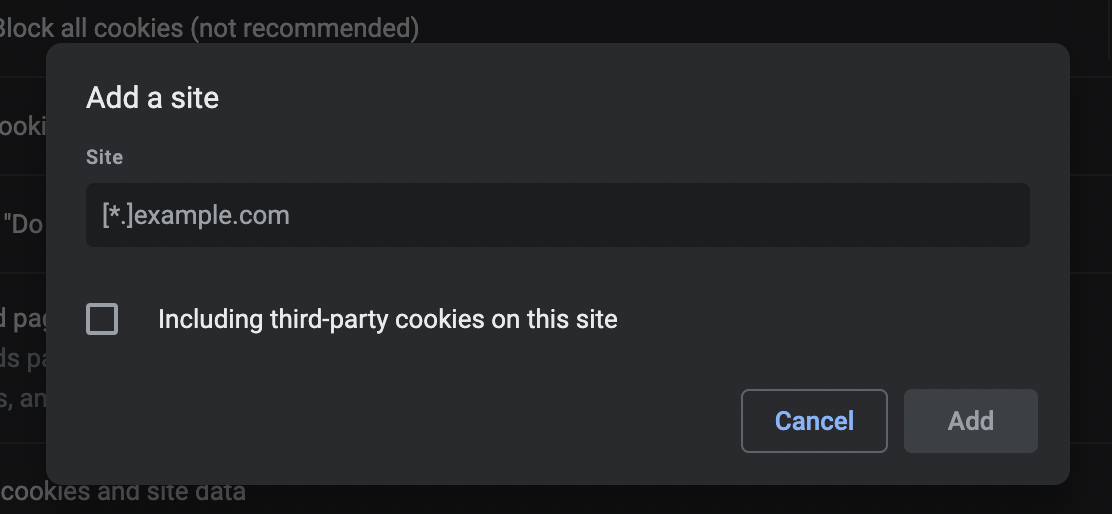
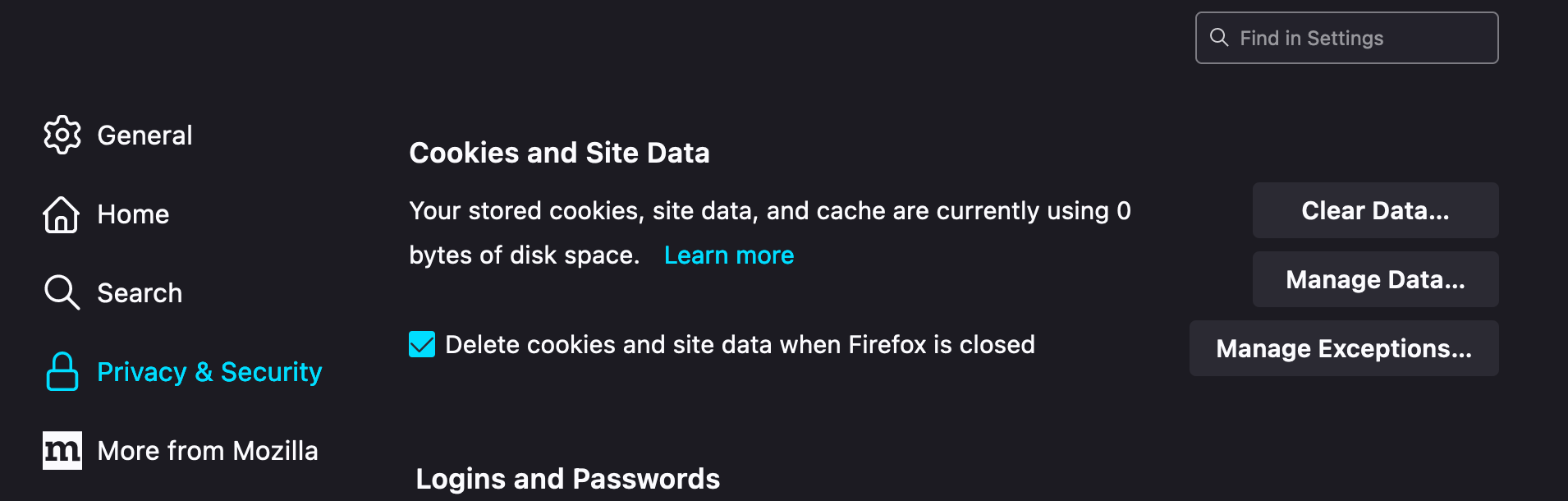
Feature configurable in Settings that allows user to select ON or OFF separately for each of the following action to be done automatically
When browser quits:
- Delete ALL Browsing History
- Delete ALL Download History
- Delete ALL Cookies
- Delete ALL Cache
- Delete ALL Form History
- Delete ALL Offline Website Data
- Delete ALL Site Settings ("allow microphone", "allow camera", ... that's different from default settings)
- Delete ALL Active Logins (it's the HTTP Basic Auth saved user/password, unrelated to cookies)
Then, have a button to allow Users to write in text for list of Targeted Sites and list of Exception Sites
(ideally a textarea with some instructions, e.g. separate sites by a newline)
- If user puts a regexp URI in the Targeted Sites list, then do the above actions only for the sites that match the regexp URI in Targeted Sites
- If user puts a regexp URI in the Exception Sites, then do the above actions for everything except for the sites that match the regexp URI in Exception Sites
In the case that something matches both lists, honor Exception over Targeted (i.e. do not delete if it's in both Exception and Targeted, as it would be less destructive)
Regexp should follow POSIX Extended Regular Expression standard, e.g.
*.google.com would match everything under google.com including accounts.google.com, etc
*.(facebook|fb).com would match both facebook.com and fb.com