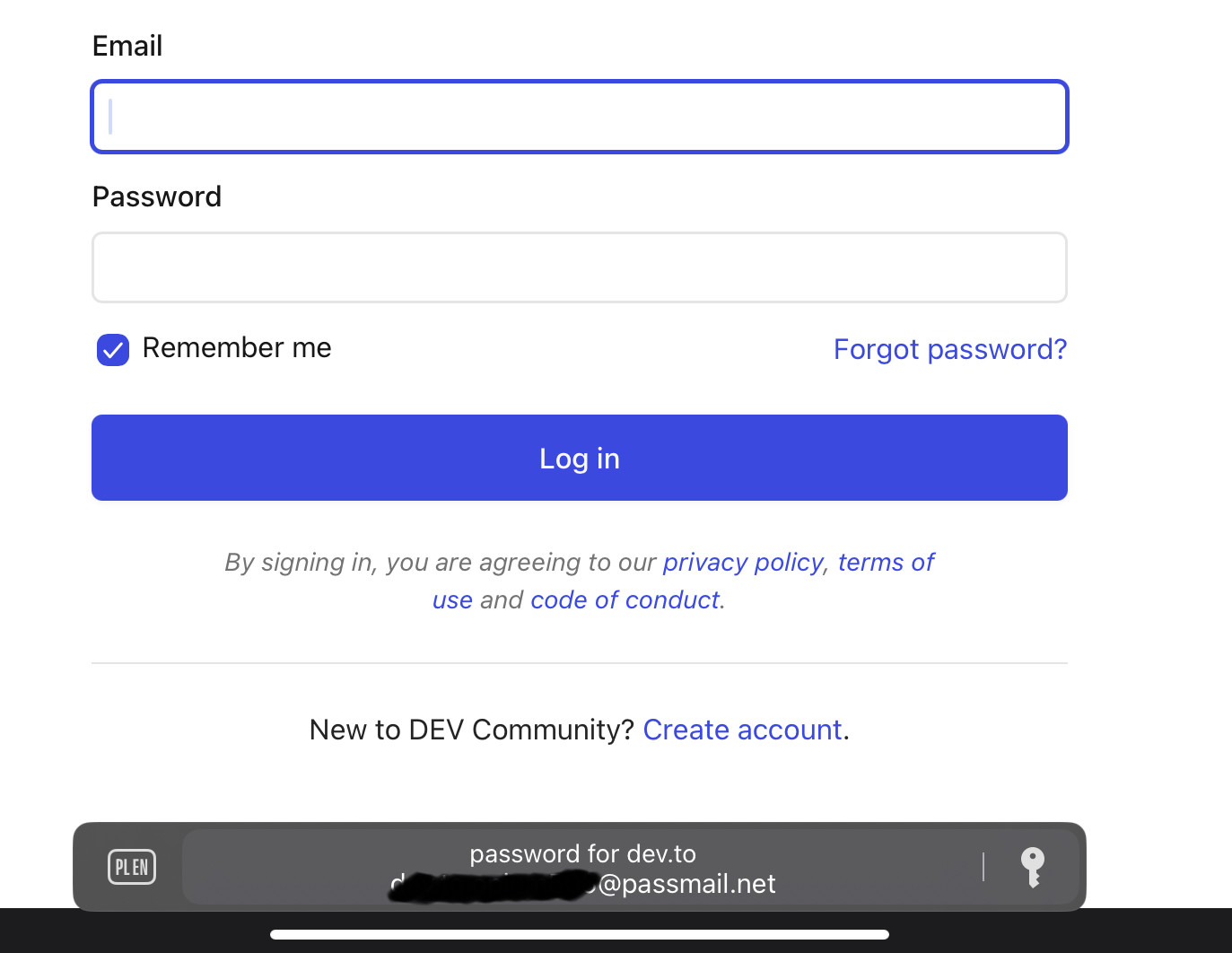
When I have iPad connected to physical keyboard, going to a page with login form should prompt me with a system's autofill (at the bottom) that comes from system password apps (like built-in Passwords or Proton Pass app).
However, when I am using Orion browser, that does not happen. The only way to get this prompt to show up is to disconnect the physical keyboard for a brief moment (so that virtual one shows up) triggers the password autofill prompt - connecting the keyboard back persists the prompt. However, when I will visit any other page, the situation will be the same (no prompt at first).
This works perfectly fine on Safari.
When I go to a login page on any website, with a physical keyboard attached to my iPad, clicking on the login form input should show up a system's prompt to autofill the password for me (from the on device app).
The prompt looks like this:
1.3.16 (20) (WebKit 8620.1.16.10.11) / iPadOS 18.2.1 (22C161)
18
