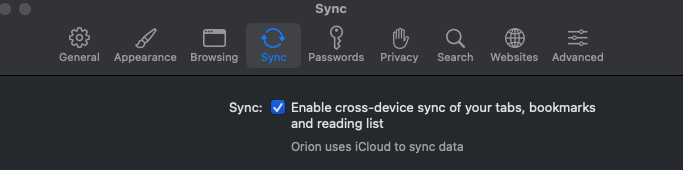
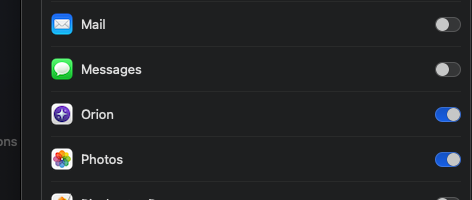
Okay, I'm not sure what expected behavior was previously, but this seems odd to me. My laptop seems to believe that it is syncing with my other two devices, an iPad and a Mac Mini. The Mini is also running Sonoma; the iPad is on 17.0.3.
The iPad can see both the Mini and the Laptop in Synced devices and open any currently open windows from the laptop. It cannot see open windows or tab groups on the Mini... but it does sync bookmarks from the Mini (the master list, in this scenario, which I am trying to get synced to the laptop).
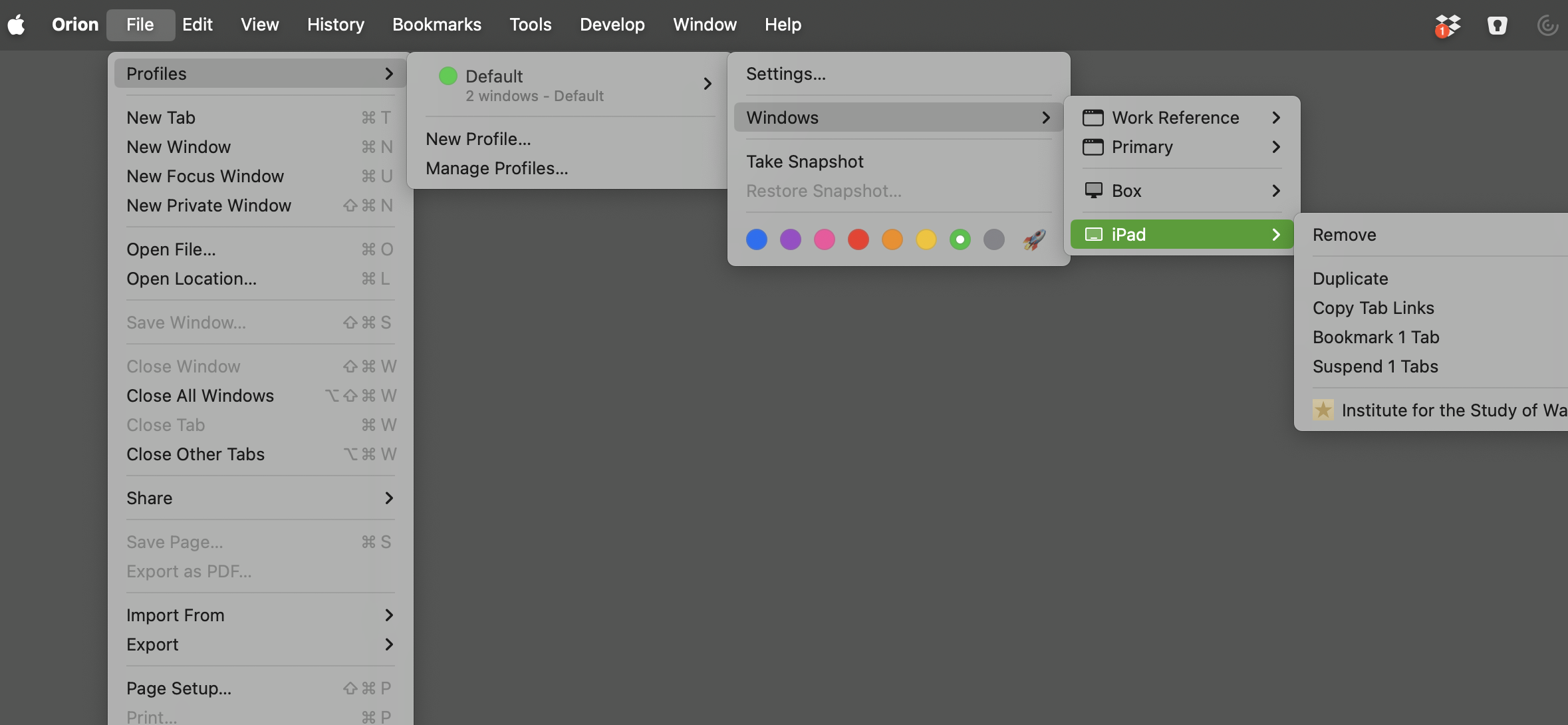
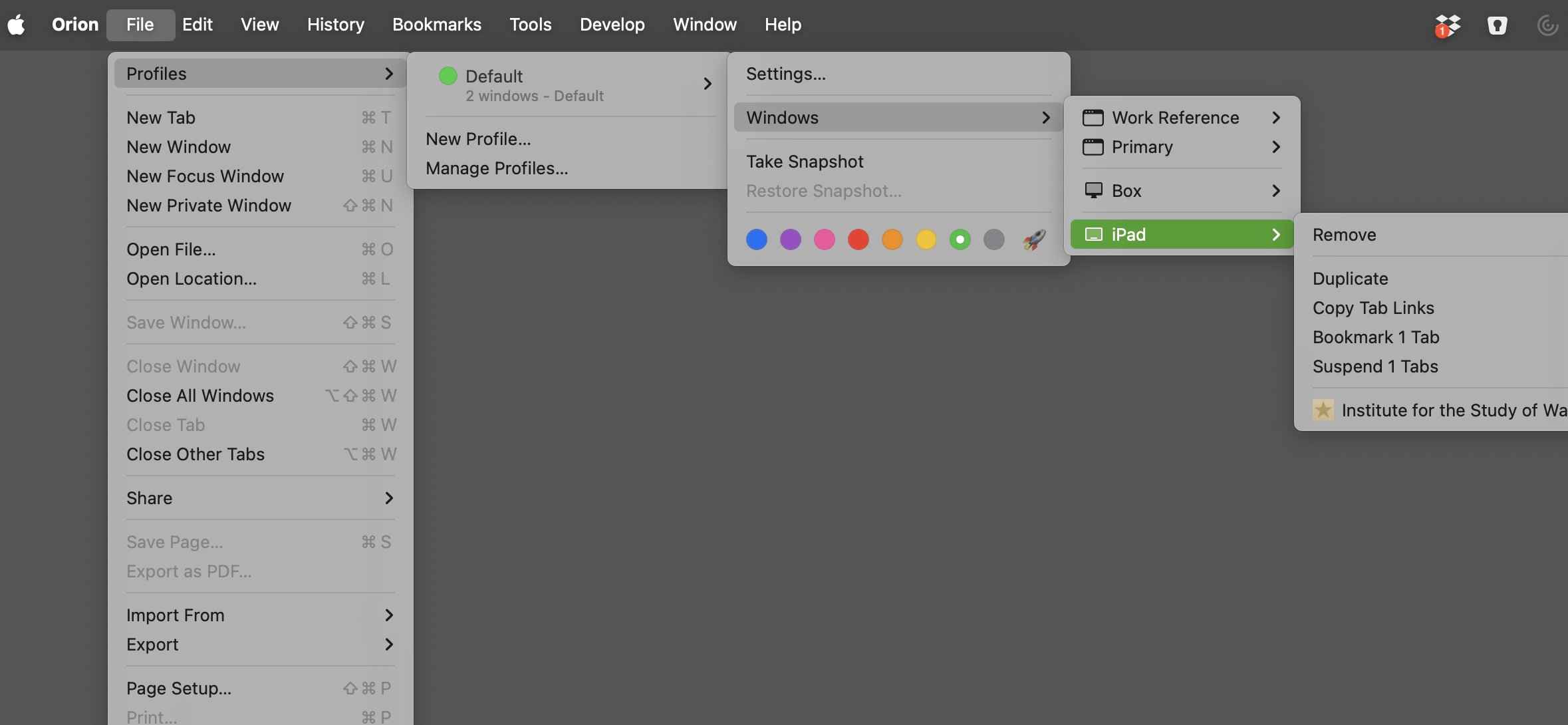
The laptop can see both the Mini and the iPad in Synced Devices and open any open window from the iPad. But it does not see any open windows or tab groups on the Mini, and does not sync bookmarks from the Mini. You can see the difference in the menu items as seen from the laptop here:
I'm also noticing that in File, Profiles, Manage Profiles, the Default profile on the Mini shows that it is Synced. It appears identical on the laptop... but it's not actually in sync.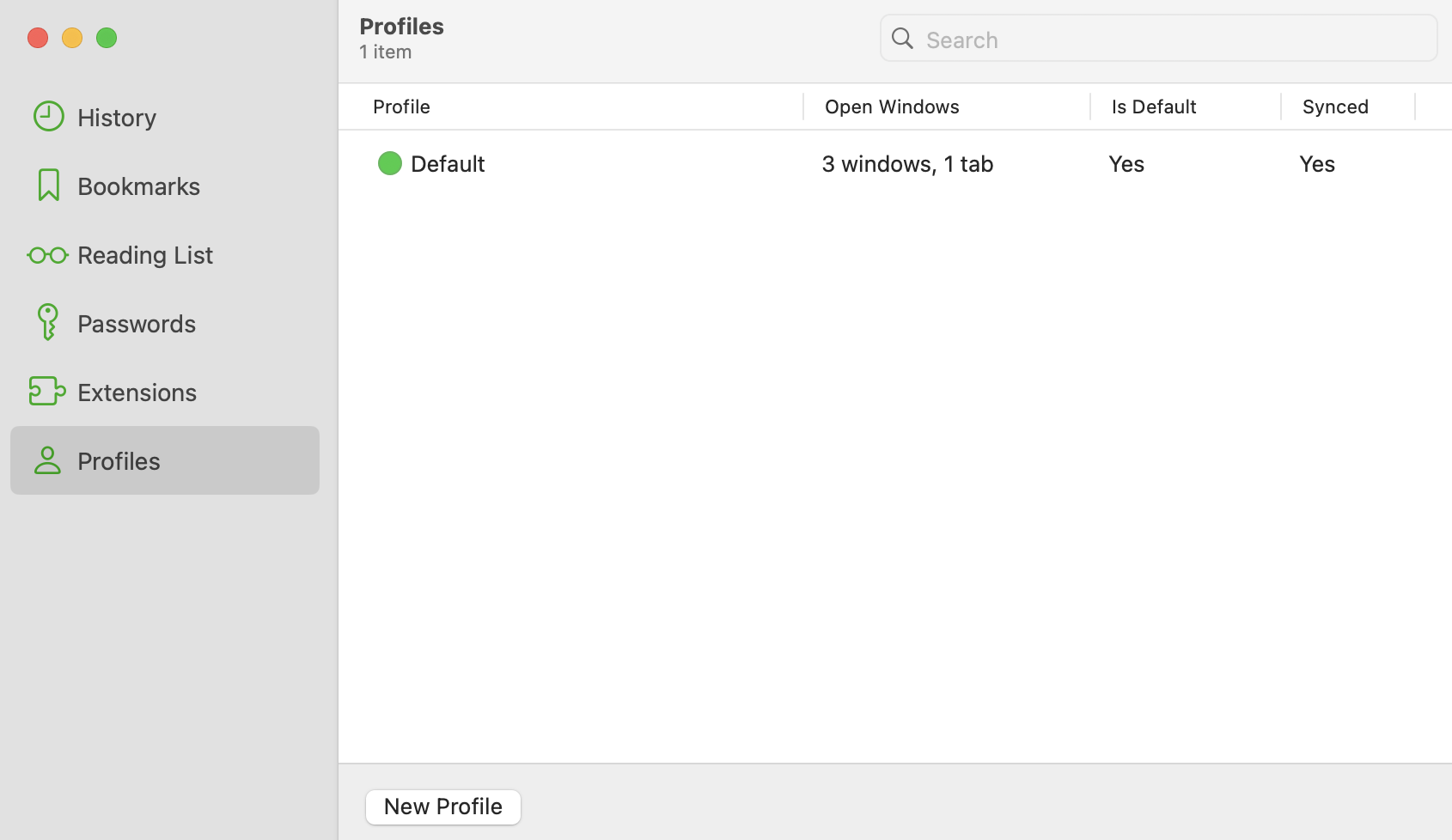
I don't see anywhere in Manage Profiles to toggle sync--although that would be handy, if I could also sync up other profiles! Or maybe this is only available for the default? But does that then conflict with other Default profiles? I'm blurry on how this is all supposed to work, so I can't tell if it's not working as expected... except I'm not getting my bookmarks on all devices.