Brief Summary
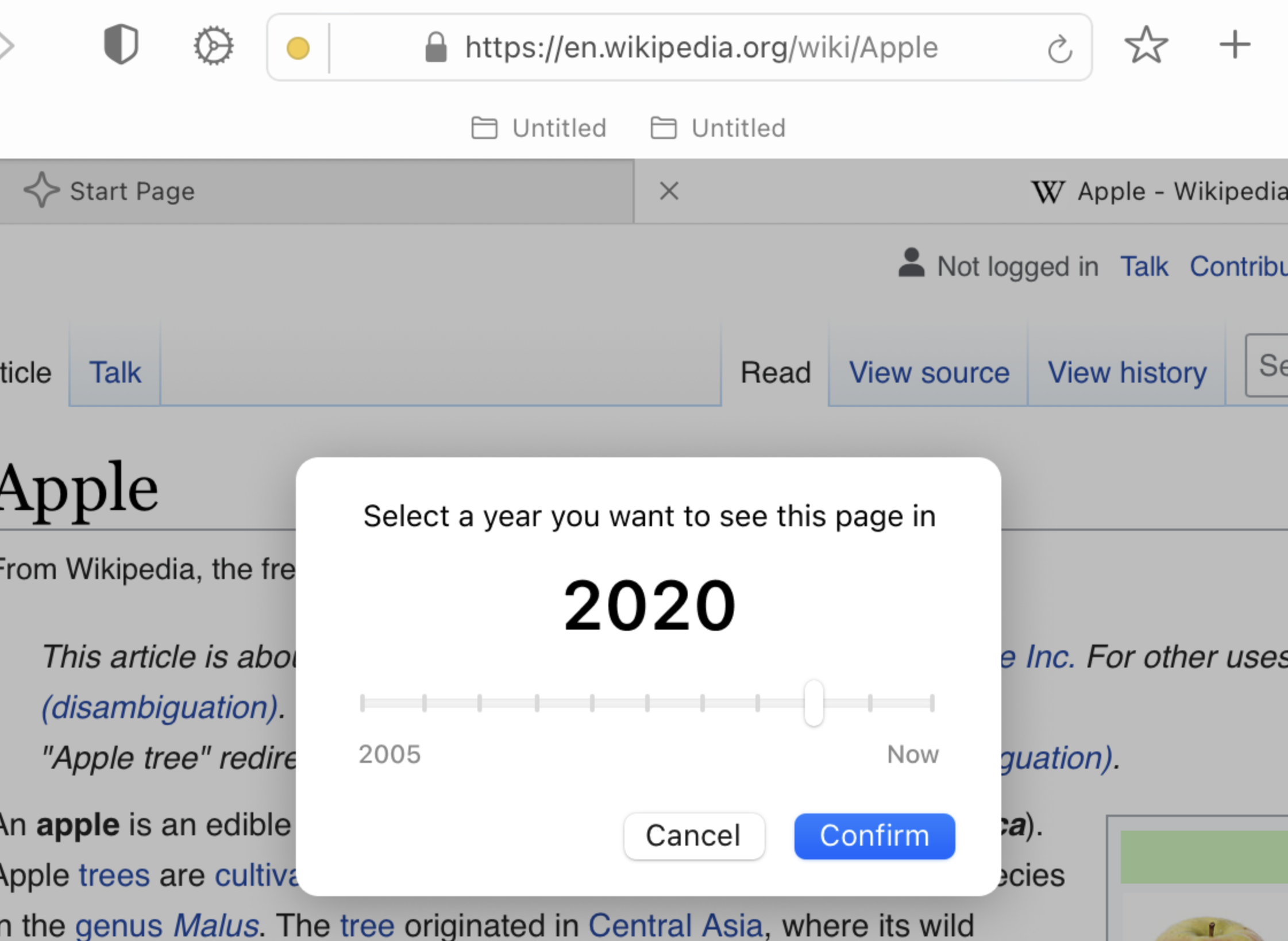
Currently, Orion offers to access the archive of a page via the tools menu of the menu bar.
I basically propose to improve access to this functionality by adding it to the contextual menu by right-clicking and displaying an icon (similar to TimeMachine's for example?) in the URL bar.
Details:
Access to web archives is becoming an important issue (linkrot, 404 error, consultation of deleted or modified pages, etc.) for many web users, whether they are general public or professionals (researchers, journalists, investigators, lawyers, archivists, etc.)
I basically propose to improve access to this functionality by adding it to the contextual menu by right-clicking and displaying an icon (similar to TimeMachine's for example?) in the URL bar.
For more advanced functions, I would therefore like native support and integration of the Wayback Machine API (with support for the memento protocol present, to access other web archive sites) in Orion.
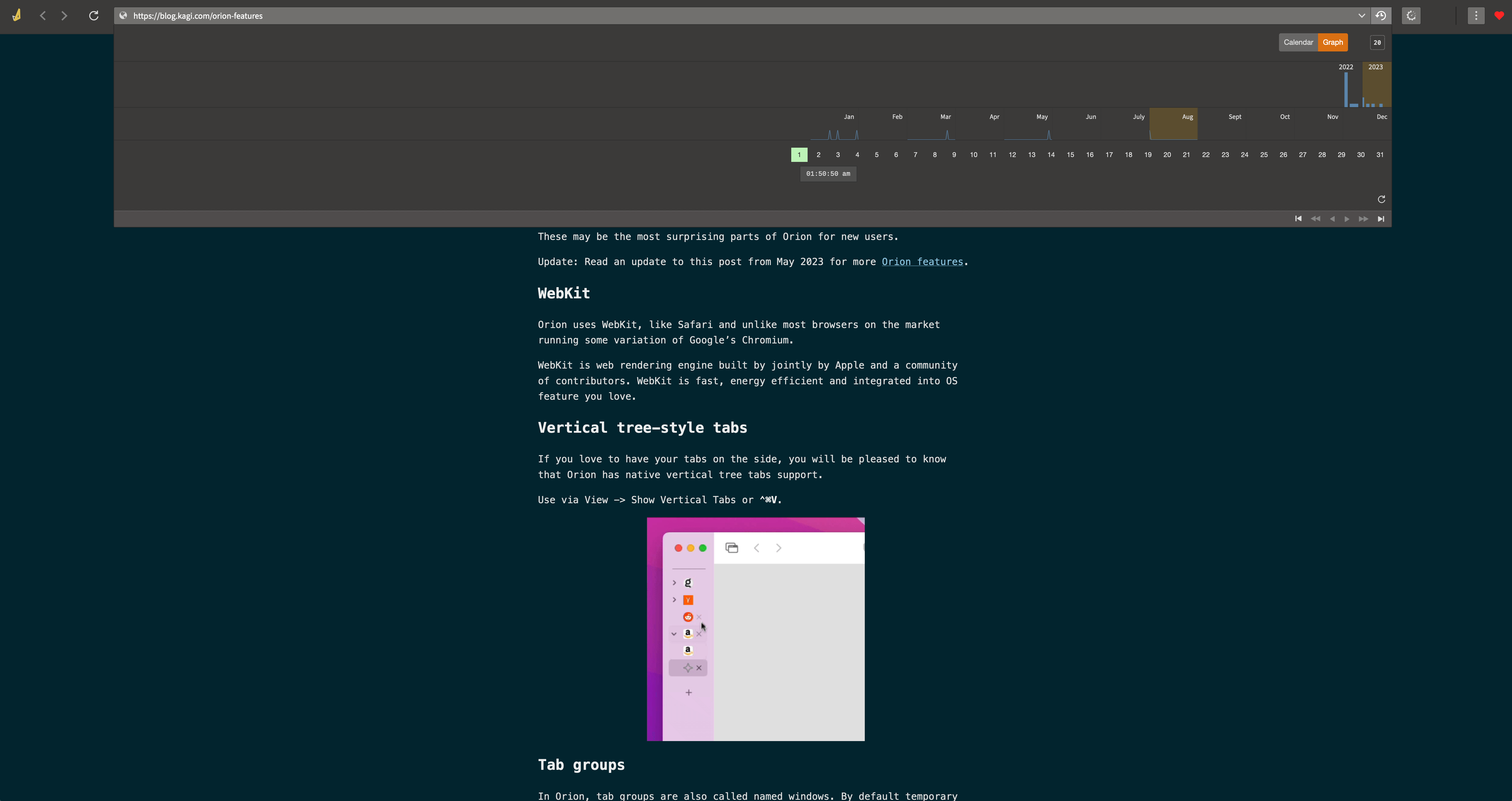
This could be presented, optionally, in the form of an icon in the URL bar. It could passively (or actively, by clicking on it) indicate if the page/website has already been archived, how many times and above all allow access and navigation in the different archived pages, in the same way and a similar interface what offers, for example, but better integrated, the Vandal extension (which does not work at all with Orion).
In combination with the next Split View function, it would also allow, for example, to compare two same pages/websites at different archiving dates.
There would also be the possibility of saving the page consulted directly to the service offered by the Internet Archive (and similar type archive.today, timetravel.mementoweb.org, etc.).
Image/Video:
Example : Vandal extension Interface in Firefox :