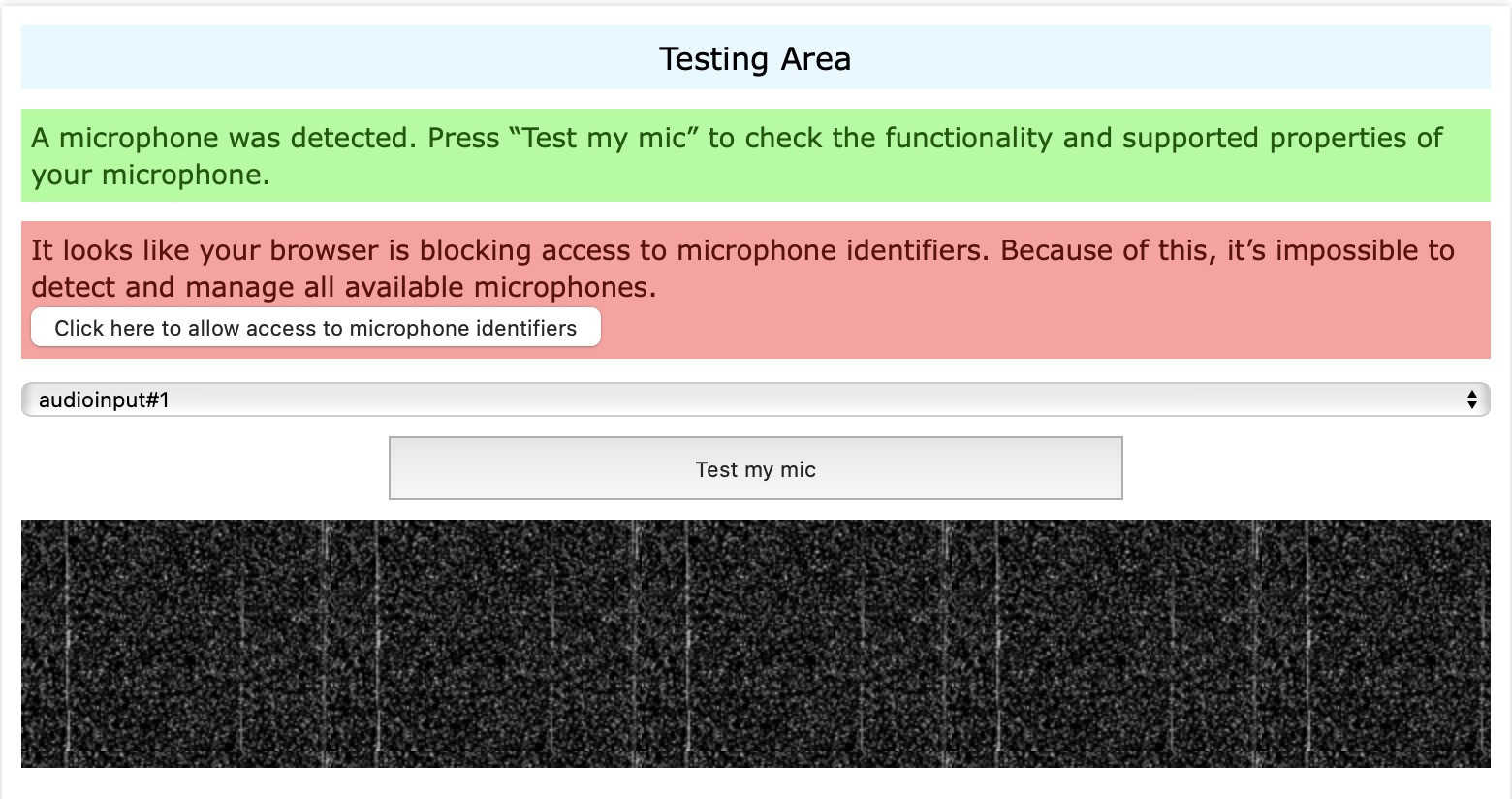
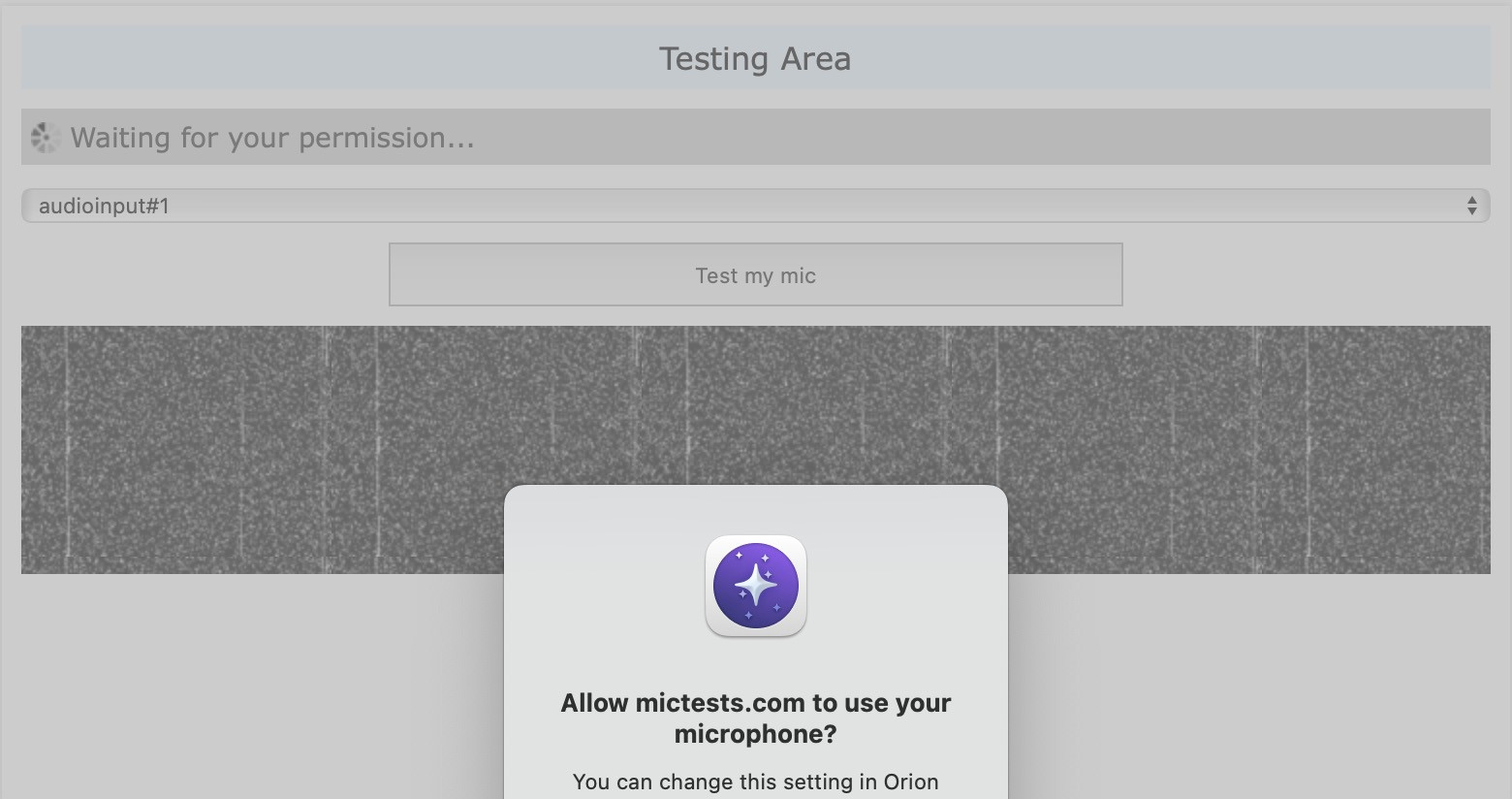
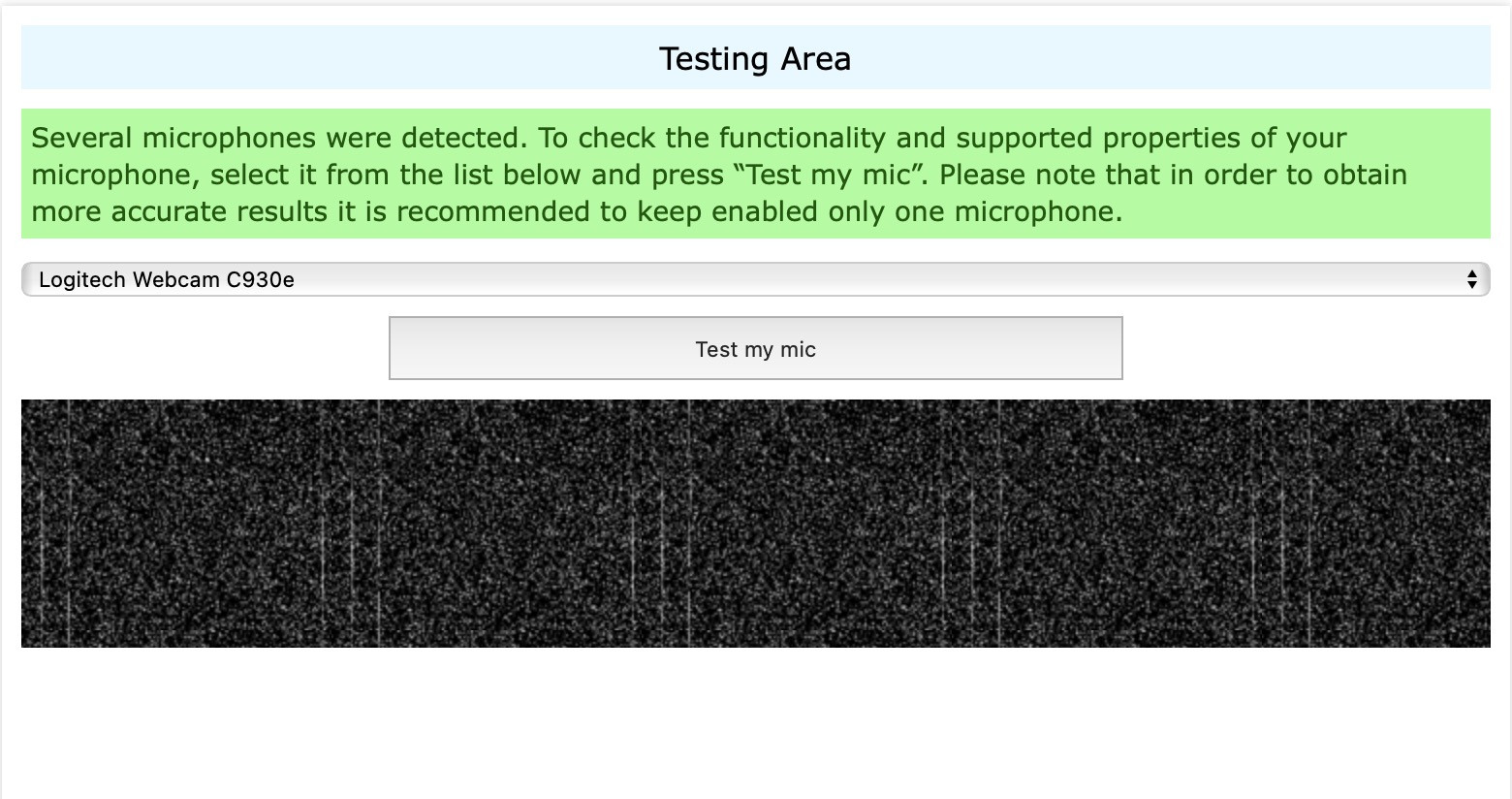
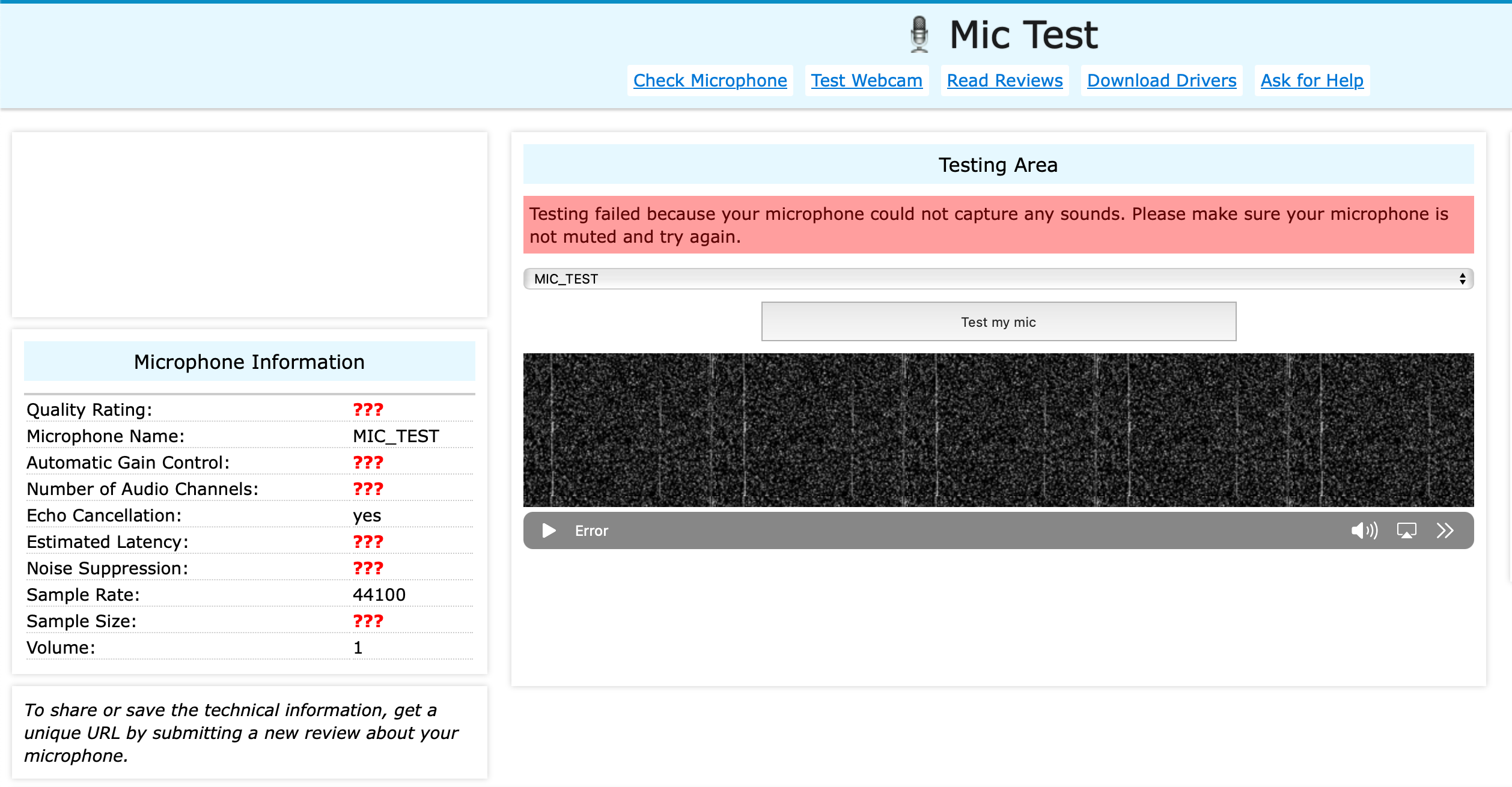
Audio input is not able to capture any sound. I think this might be a permissions issue, as I do not see the microphone icon in the Mac menu bar. Orion and Orion RC have Microphone and Camera permissions. Camera capture works as expected. This is not an issue in Safari. Compatibility mode does not make a difference.
Steps:
- Go to a microphone testing website, there are several: https://mictests.com, https://www.onlinemictest.com, etc.
- Allow it permissions to use your microphone
- Notice that MacOS does not actually grant it permissions
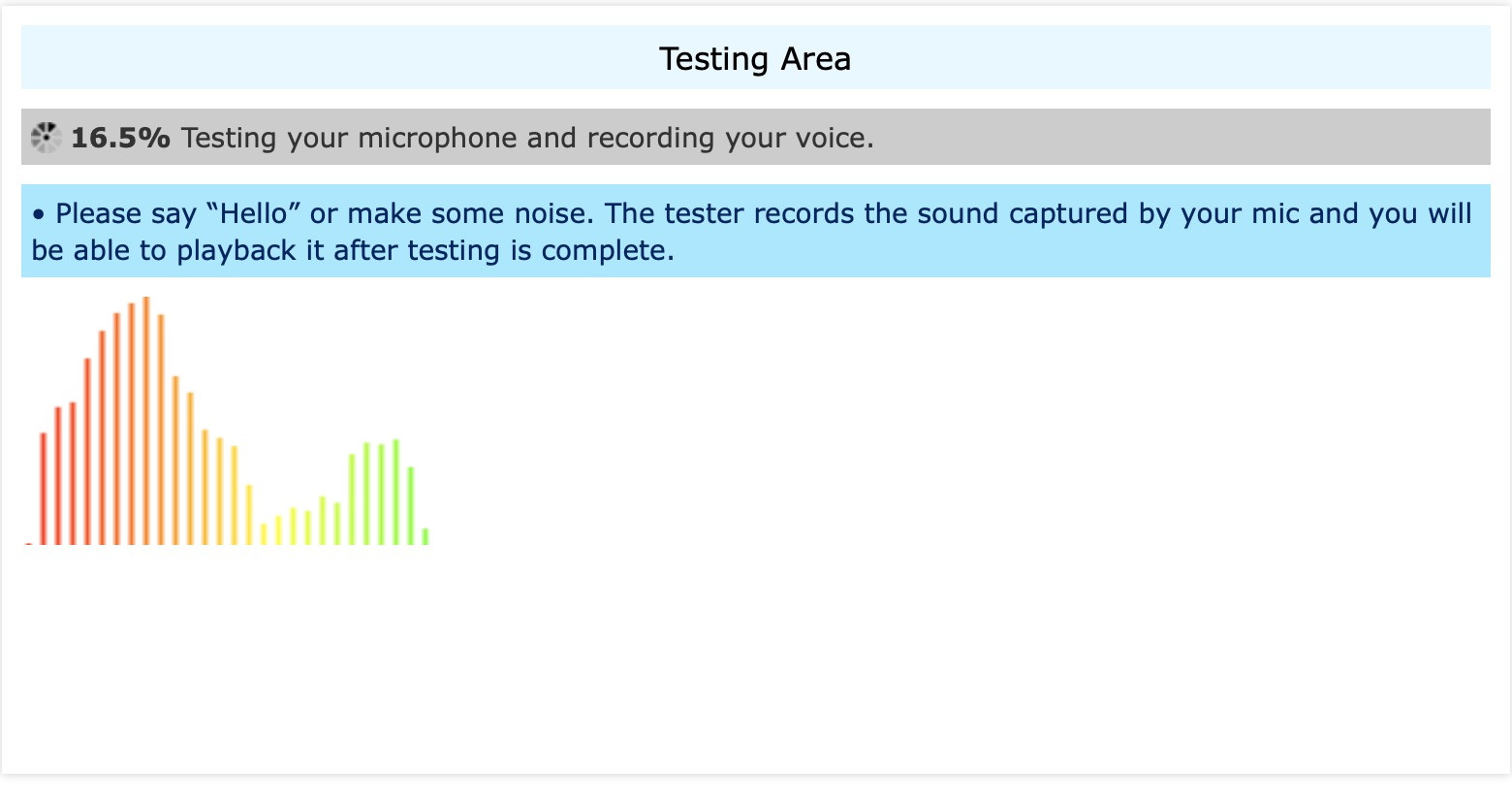
- Click "test" button
- Notice that test fails
The microphone should capture sound input and provide it to websites that have been granted permission.
OrionRC 0.99.130.3.1-rc, MacOS 15.2 (24C101)
Sequoia (15)