What happened? How did it happen? What are the steps to replicate the issue (from a new clean Orion profile, if applicable)? Does it happen in Safari (if it could be a WebKit bug)?
When I click on the + sign on toolbar to open a new tab, it likes duplicates. The + sign made appear a tab on the far right, but the tab working is the left one. It just like having two identical tab opened, one in focus and the same on the right. Is it a normal behavior?
I attach a couple of image to make my case clear.
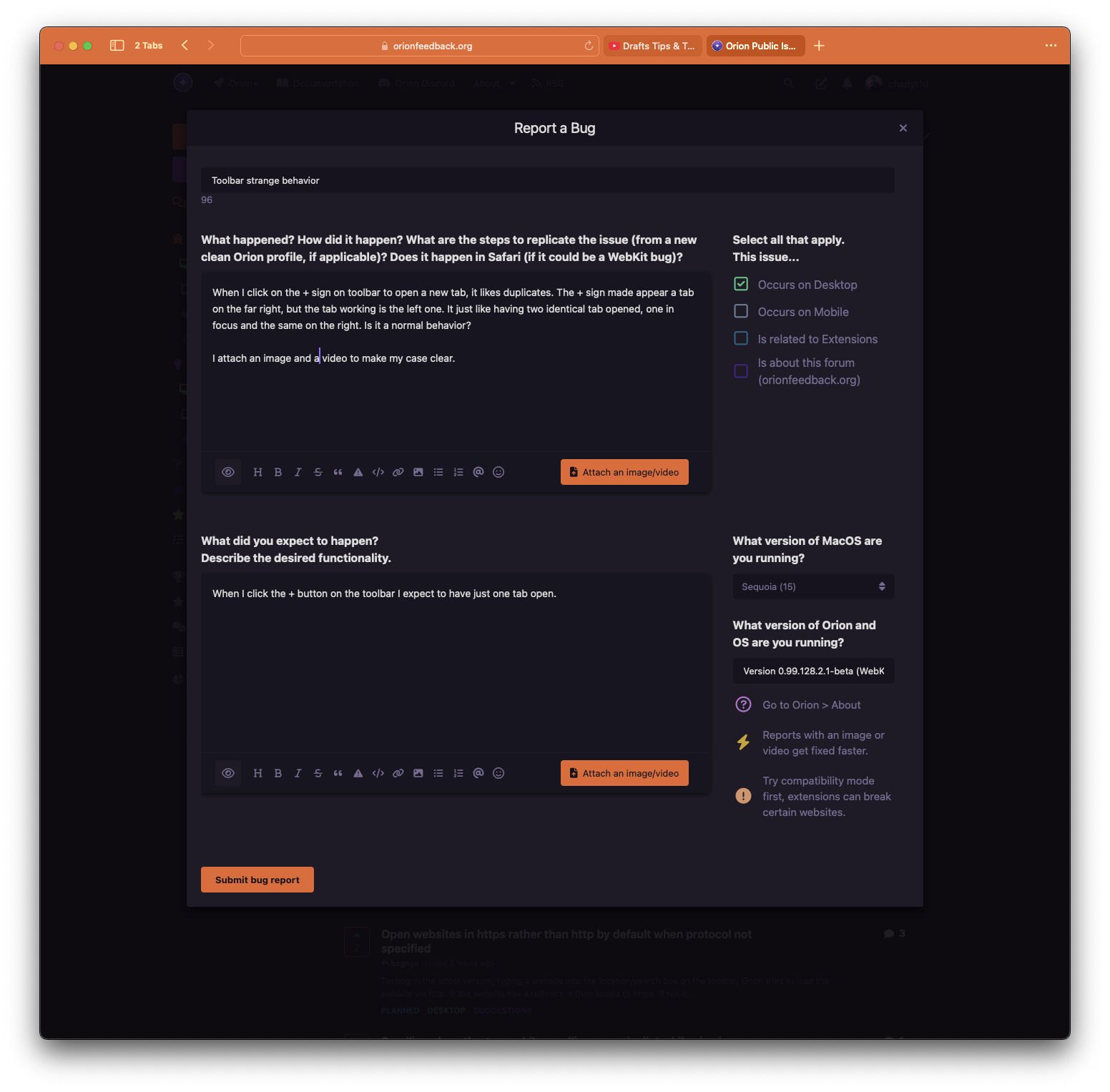
On the screenshot you can see the same tab opened two times: the one in focus where I'm typing this post and the one on the far right that it seems like selected. If I want to close this page I have to interact with the right tab, because on this one, even if it is being used and in focus, I can only interact with the content of the page but not with its toolbar parts.
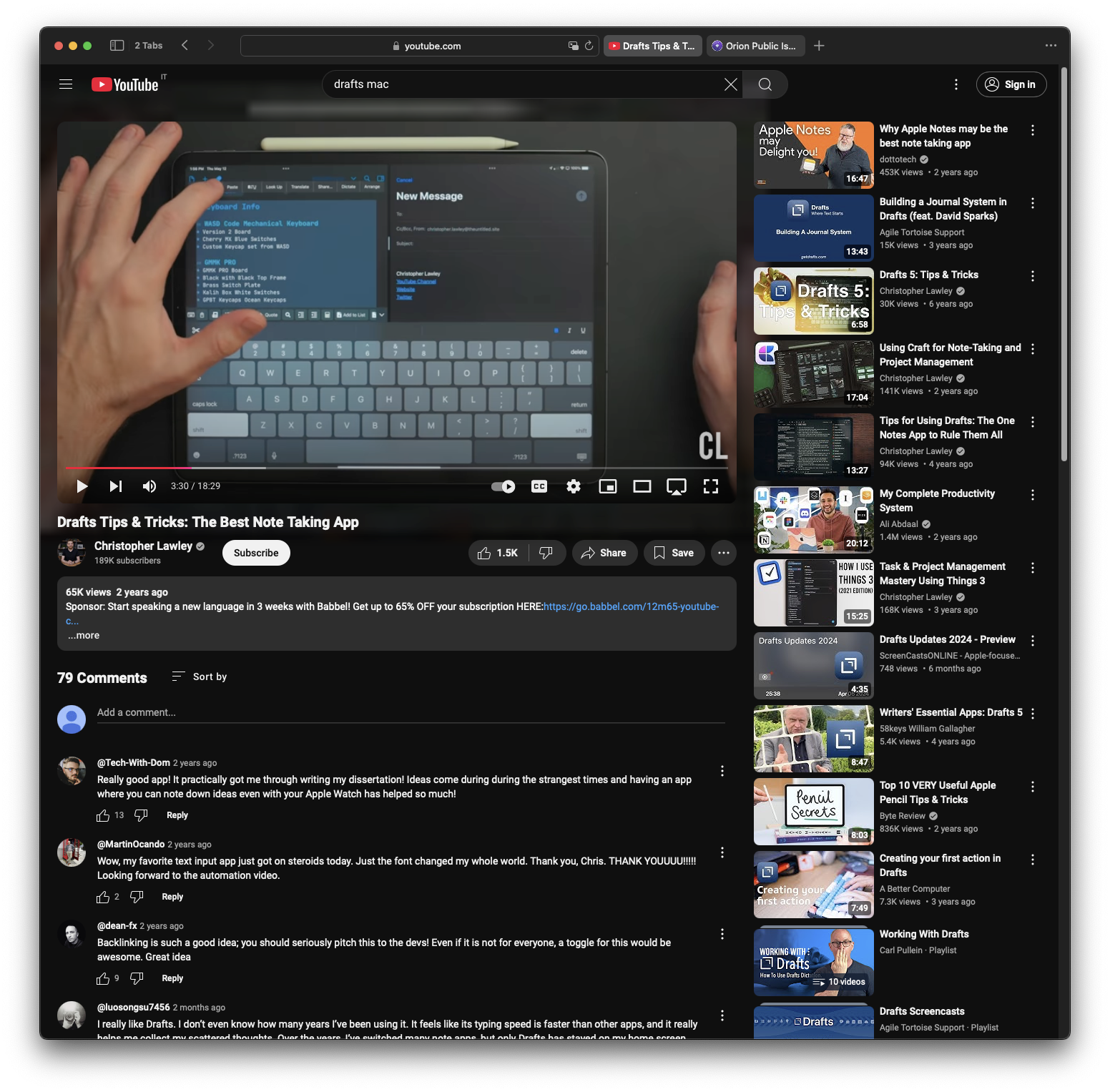
In this image, as you can see, when I select the YouTube tab, I've also a double tab: the right one which I clicked to move from this (orionfeedback) page to the YT video page and left which is the one in real focus which I can interact with.
It seems like a strange behaviour to me.
Version 0.99.128.2.1-beta (WebKit 619.1.11.111.2)
Build date Aug 4 2024
MacBook Air (macOS Sequoia 15.0.1 build 24A348)
Virgin installation; no extensions installed; no profile made (using the default one); it doesn't happen in Safari.
What did you expect to happen? Describe the desired functionality.
When I click the + button on the toolbar I expect to have just one tab open.
Version 0.99.128.2.1-beta (WebKit 619.1.11.111.2)
Sequoia (15)
