Description of the feature:
Currently, if a user wants to see what their element eraser changes have done, they have to jump through the following hoops:
- Open page tweaks
- Click
+Erase
- Open the dropdown menu by clicking the
Elements erased button
- Check the
Preview Erased checkbox at the bottom of that dropdown menu
Or, in video format:
I suggest adding a button that does same to the main Page tweaks popup.
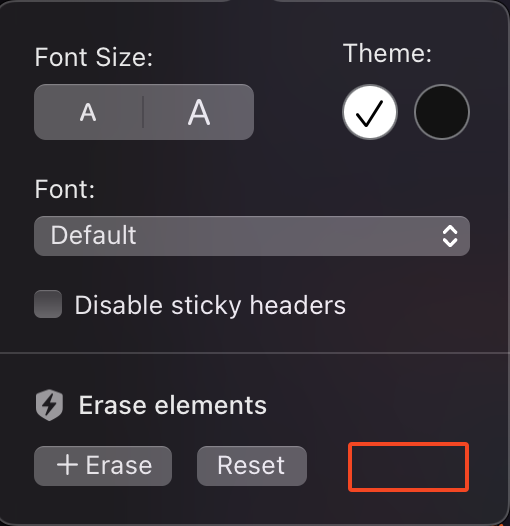
It has ample UI space for it, and adding a quick way of temporarily disabling element eraser/showing the erased page elements has its uses, such as needing to access a link you can happily have hidden 99% of the time, or needing to access a dark theme toggle before hiding it again.
