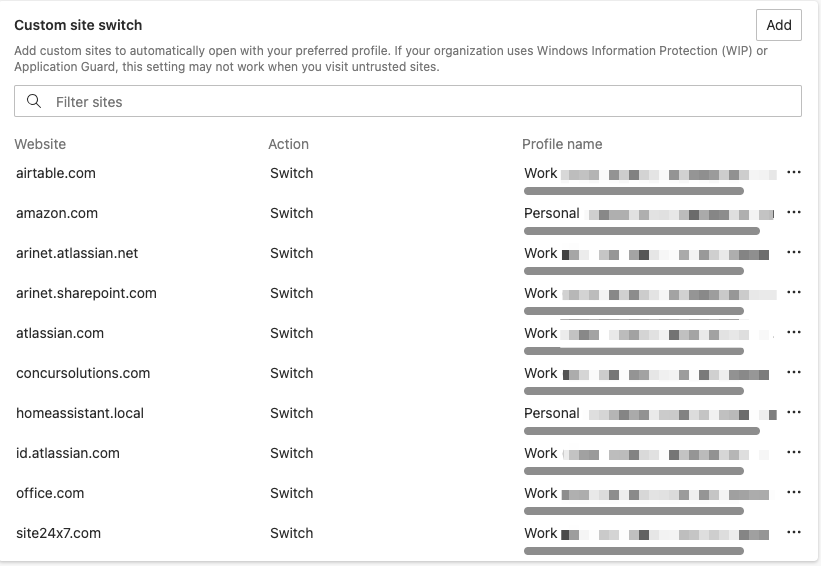
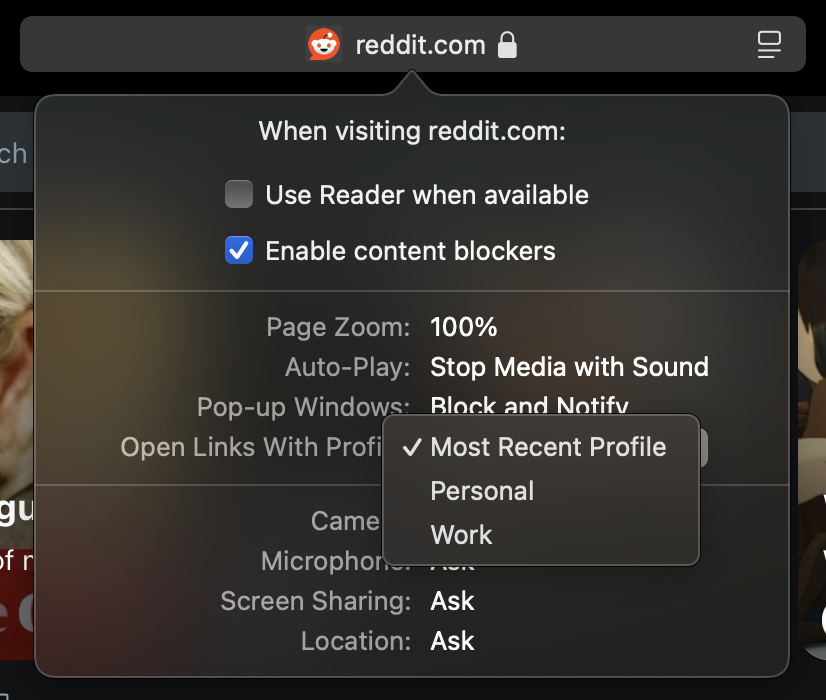
While we wait for native per-profile URL routing in Orion, you can get this working today using Finicky, a free macOS utility that acts as your default browser and routes URLs to different apps based on pattern matching. Since Orion creates a separate .app bundle for each profile under ~/Applications/Orion RC/Orion RC Profiles/, Finicky can target these directly.
To set this up, install Finicky (available via Homebrew with brew install --cask finicky), set it as your default browser in System Settings, and create a config file at ~/.finicky.js. In that config, define your profiles by pointing to each profile's .app path — you can find these by listing ~/Applications/Orion RC/Orion RC Profiles/. Each subfolder contains a UUID-named directory with an app like Orion RC - Work.app. Use appType: "path" and the full path for each profile, then define URL patterns using glob syntax (e.g., "github.com/*") or regex (e.g., /mycompany/) and assign them to the appropriate profile. Set one profile as the defaultBrowser fallback for any unmatched URLs. Use export default { ... } syntax for the config — Finicky 4.x requires ESM.
Here's an example ~/.finicky.js to start from — just replace the profile UUIDs and URL patterns with your own:
// ~/.finicky.js
const personalProfile = {
name: "Orion RC - Personal",
appType: "path",
// Replace the UUID below with your Personal profile's folder name
path: "/Users/YOU/Applications/Orion RC/Orion RC Profiles/YOUR-PERSONAL-UUID/Orion RC - Personal.app",
};
const workProfile = {
name: "Orion RC - Work",
appType: "path",
// Replace the UUID below with your Work profile's folder name
path: "/Users/YOU/Applications/Orion RC/Orion RC Profiles/YOUR-WORK-UUID/Orion RC - Work.app",
};
const personalURLs = [
"reddit.com/*",
"*.reddit.com/*",
"youtube.com/*",
"*.youtube.com/*",
];
const workURLs = [
"github.com/*",
"*.github.com/*",
"linear.app/*",
"slack.com/*",
"*.slack.com/*",
/mycompany/, // regex also works
];
export default {
defaultBrowser: personalProfile,
options: {
checkForUpdate: true,
logRequests: false,
},
handlers: [
{ match: personalURLs, browser: personalProfile },
{ match: workURLs, browser: workProfile },
],
};
You can test by running open "https://your-test-url.com" from Terminal and checking which profile it lands in. Enable logRequests: true in the config's options temporarily to watch Finicky's routing decisions in its log. Once everything is working, set that back to false to avoid logging sensitive URLs.
This approach has been working reliably for me — external links from Slack, Discord, email, etc. all route to the correct Orion profile automatically. It's not a replacement for native support in Orion, but it's a solid workaround in the meantime.