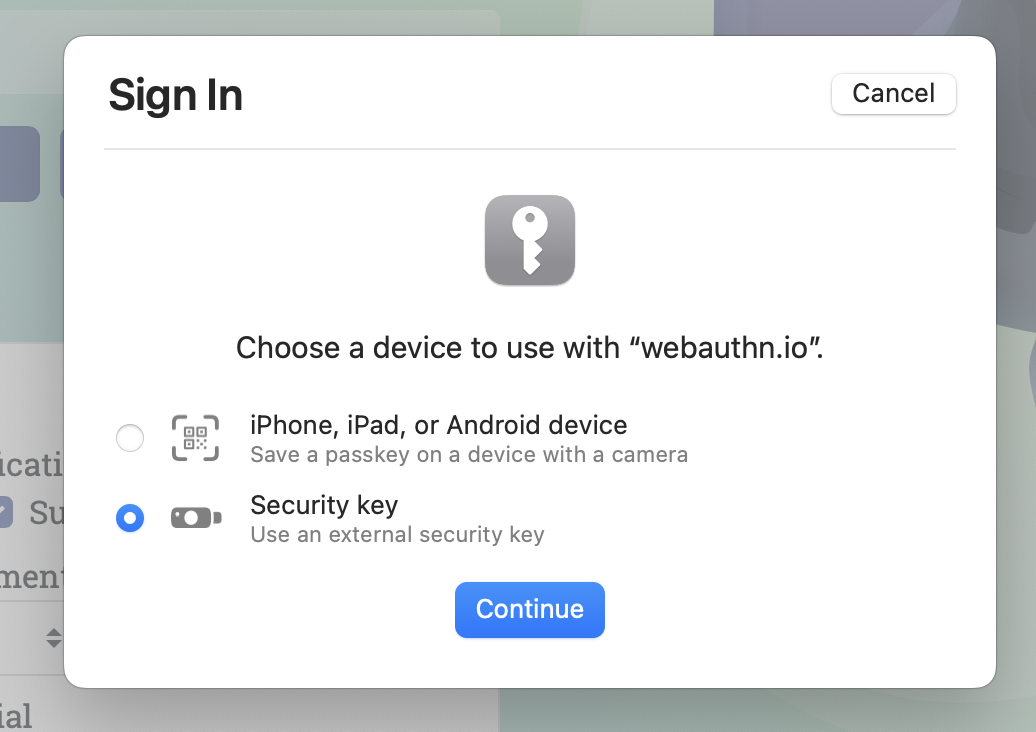
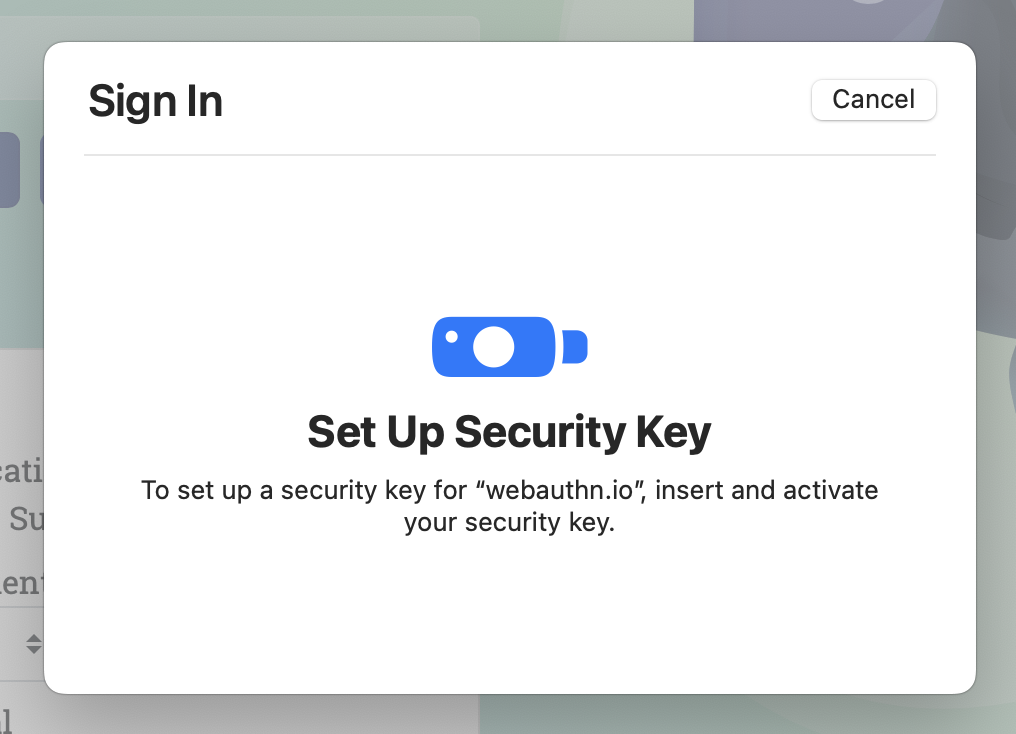
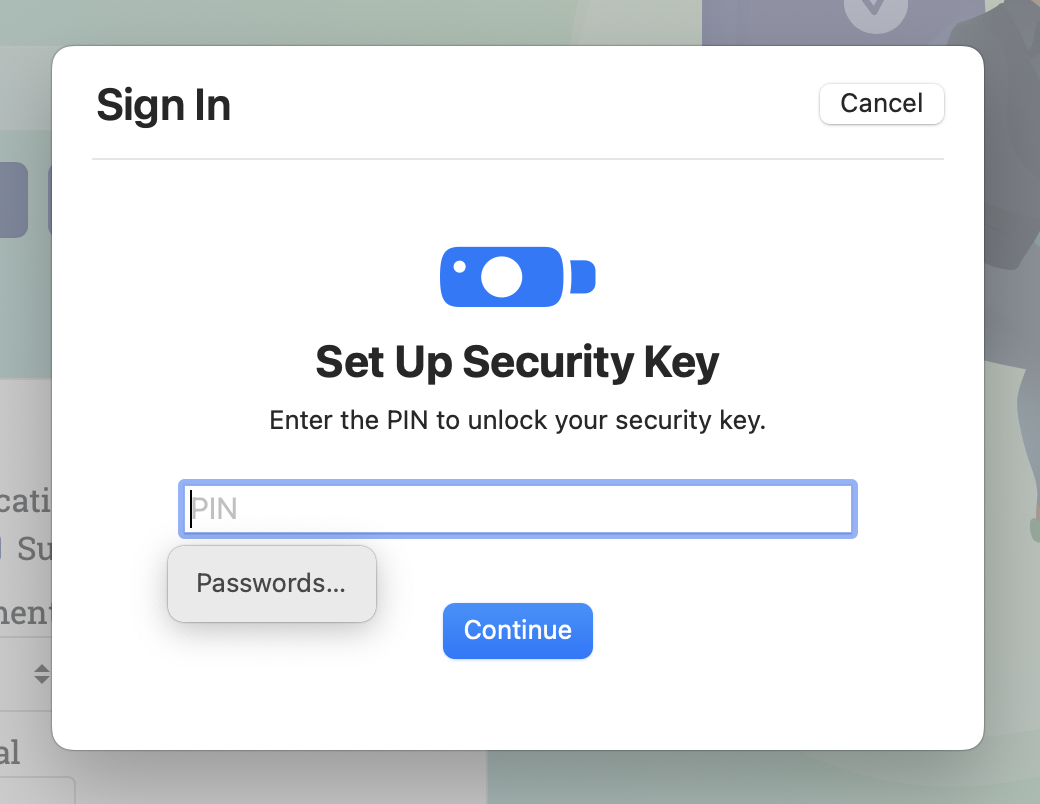
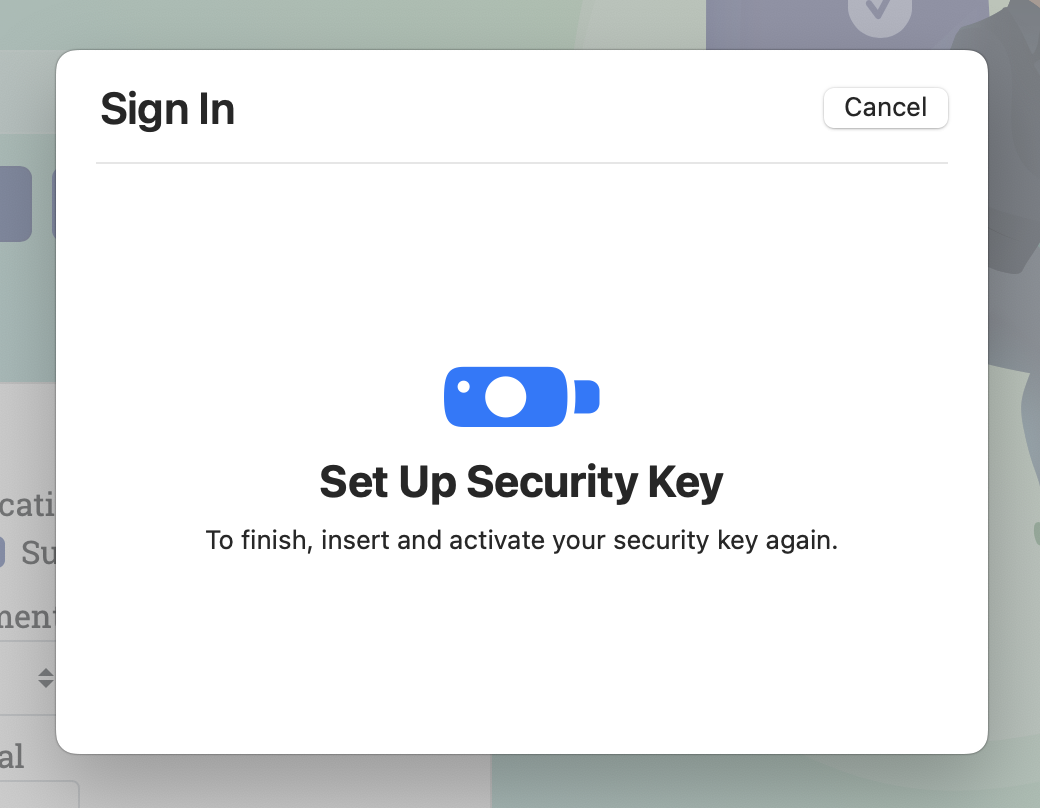
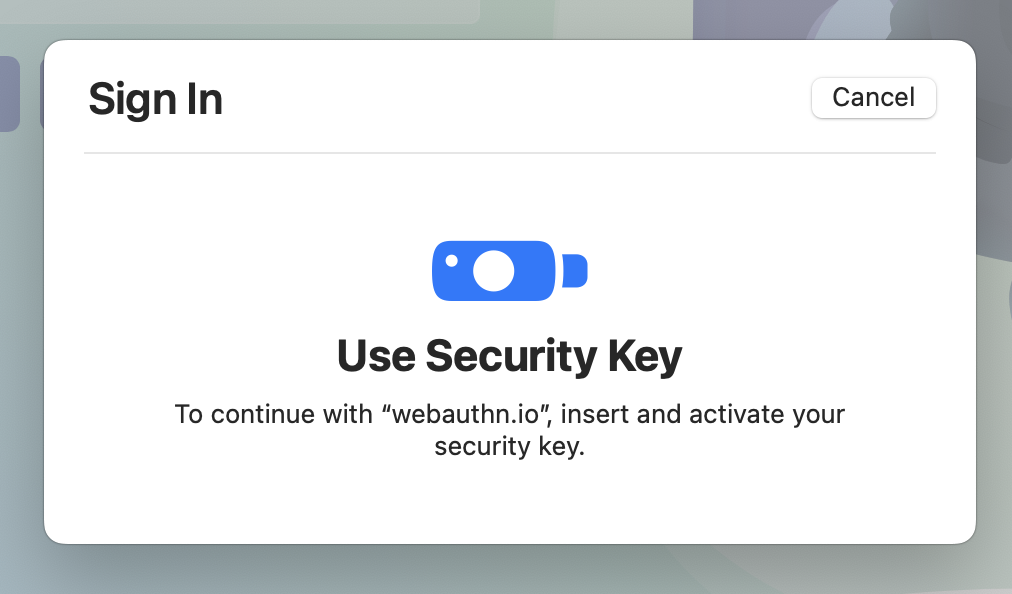
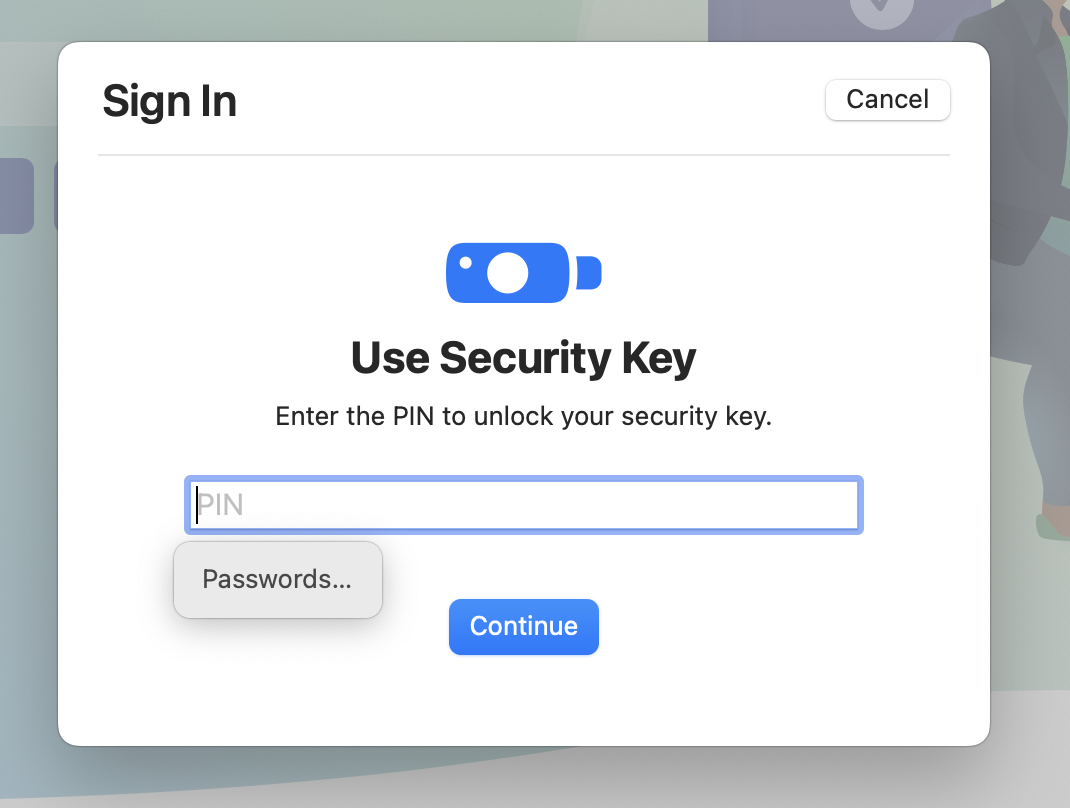
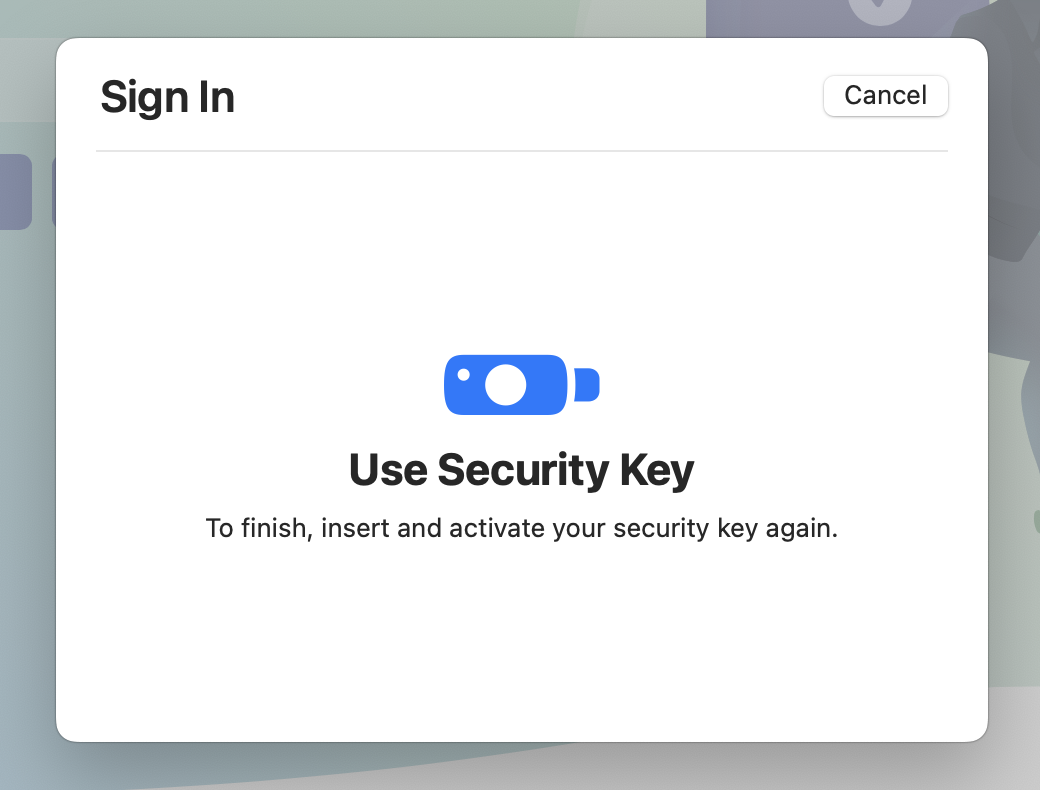
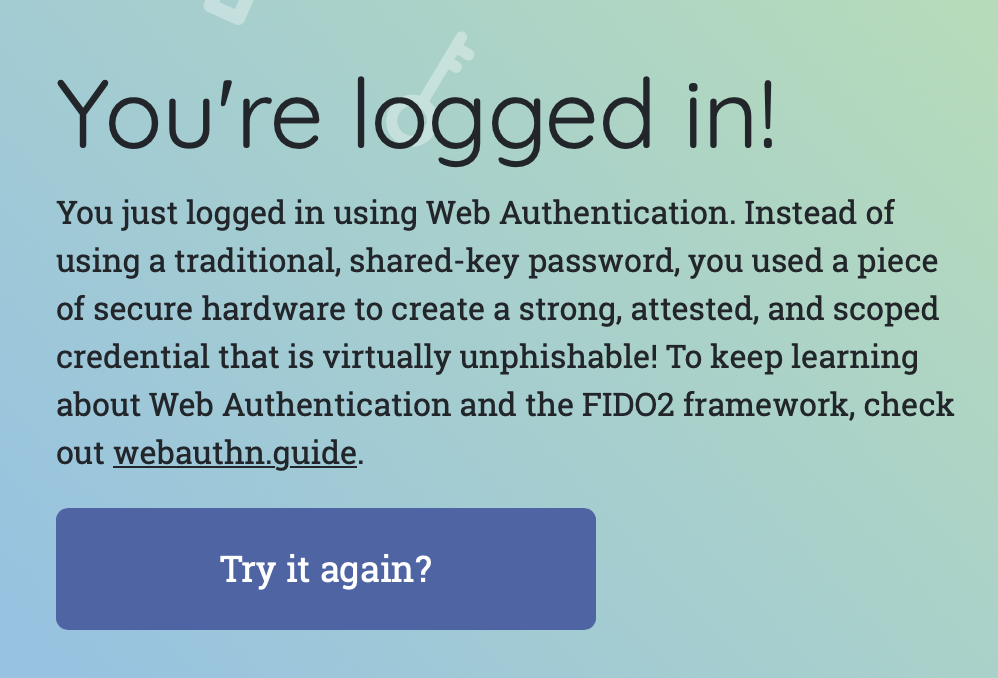
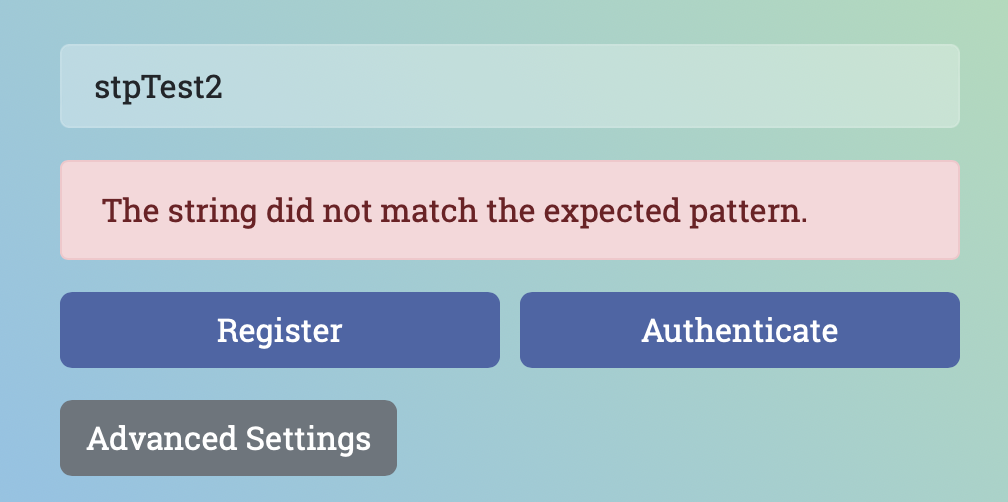
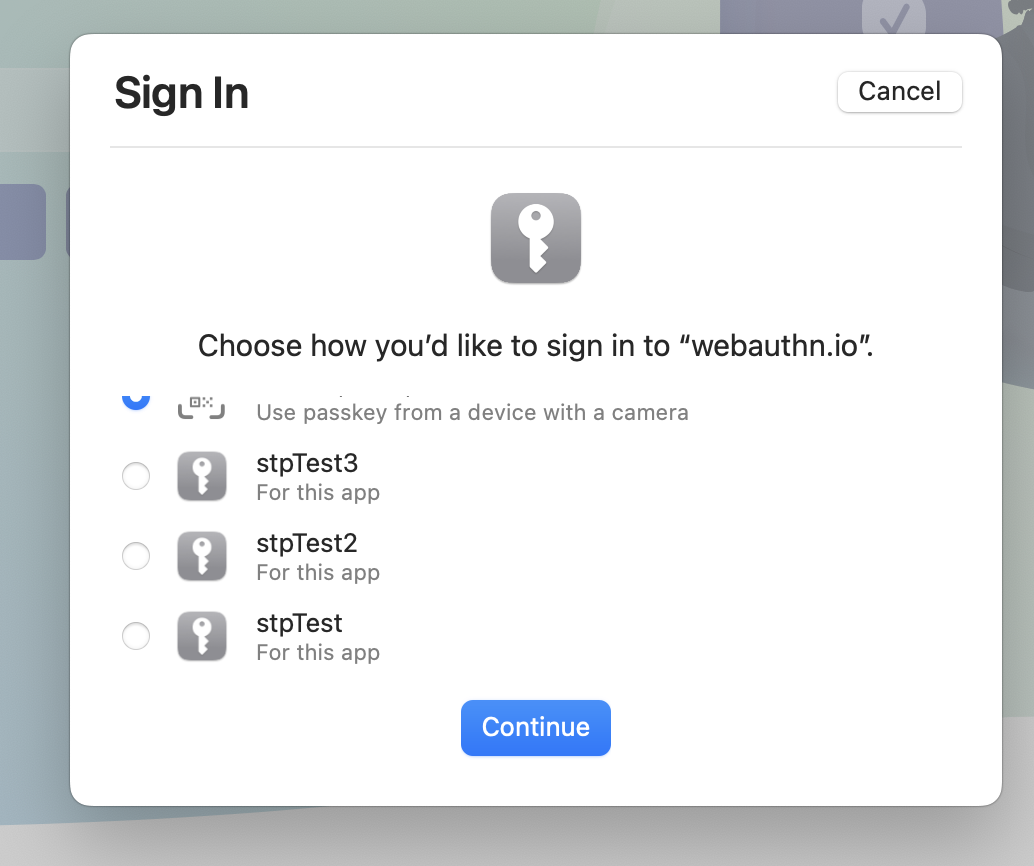
Ah, so it is possible to add PIN protection to webauthn devices.
I will set up a spare Yubikey with a PIN, and give it a test.
BTW, you won't need an actual Yubikey to test this with - almost any hardware "dongle" type key should let you set a PIN. Just be aware you often cannot remove it after setting it, so you might not want to do it on your "real" one.
From an article about this:
"To allow getAssertion calls with or without PIN, the website decides this individually per operation. This is done by setting the optional userVerification property to either required, preferred, or discouraged."
I imagine that in your API implementation of webauthn, we need to add a "flow" for a scenario where a site requests getAssertion(), and the 3 options for userVerification:
"The RP has the following options for userVerification when initiating registration or authentication:
DISCOURAGED: This value indicates that the RP does not want user verification employed during the operation (for example, to minimize disruption to the user interaction flow).
PREFERRED: This value indicates that the RP prefers user verification for the operation if possible, but will not fail the operation if the response does not have the AuthenticatorDataFlags.UV flag set.
REQUIRED: Indicates that the RP requires user verification for the operation and will fail the operation if the response does not have the AuthenticatorDataFlags.UV flag set."
Today, Orion handles DISCOURAGED fine - no PIN prompt should be popped up, even if the device has a PIN set. It handles PREFERRED when someone has not set a PIN on their device. The scenario not handled right now is where REQUIRED is used, or PREFERRED is used, and a PIN is set on the device.
More info - https://developers.yubico.com/WebAuthn/WebAuthn_Developer_Guide/User_Presence_vs_User_Verification.html
https://www.w3.org/TR/webauthn-2/#user-verification