To record my testing notes here. Note that I have tested with a Yubikey, but this is all standardised under FIDO2/webauthn as a PIN, so you don't have to use a Yubikey.
- Set up a fresh Yubikey 5C (firmware 5.4.3, current latest). Disabled all the applets other than FIDO2 and U2F.
- Set up a FIDO2 PIN on the device via the Yubikey manager app.
- In Safari, browse to https://webauthn.io
- Register a new "user" on this testing site, using the default settings. Settings captured below (note that user verification is the relevant one here, which is on by default).

- Safari asks how you'd like to authenticate. Pick the option for an external security key.
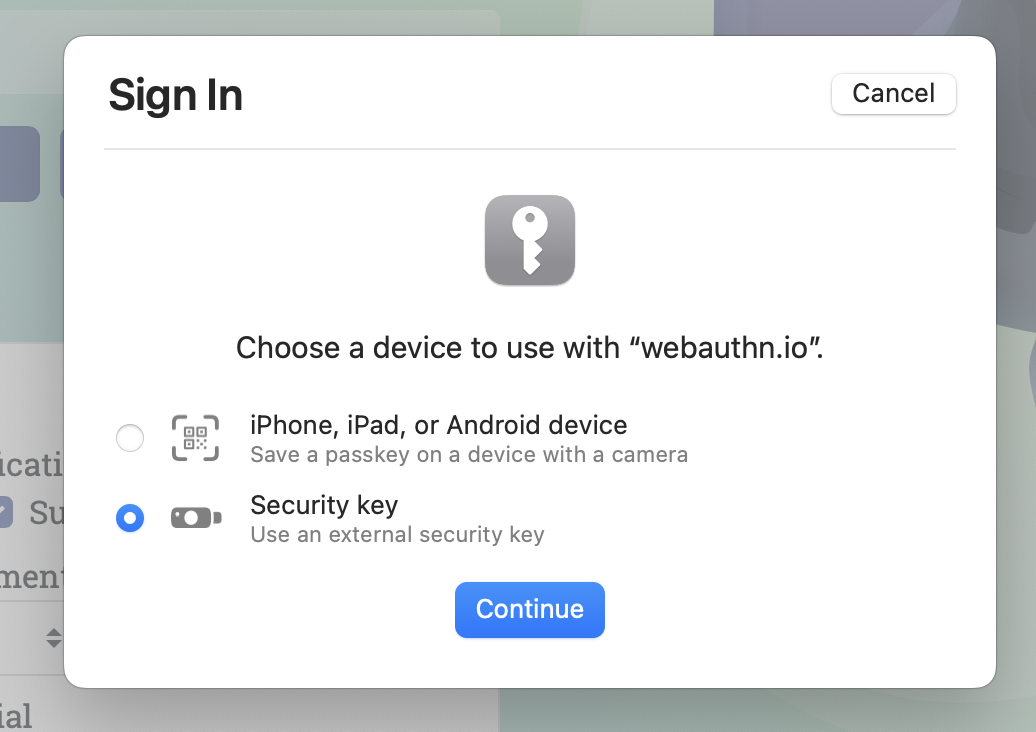
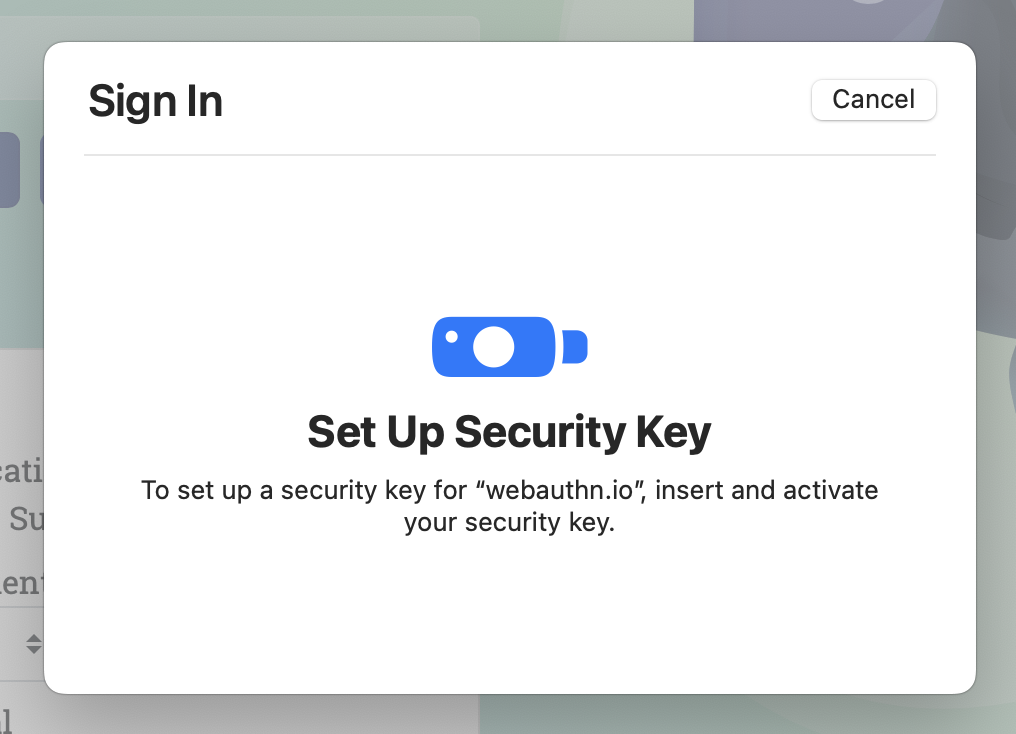
- Press the button on your token when prompted, to confirm user presence.
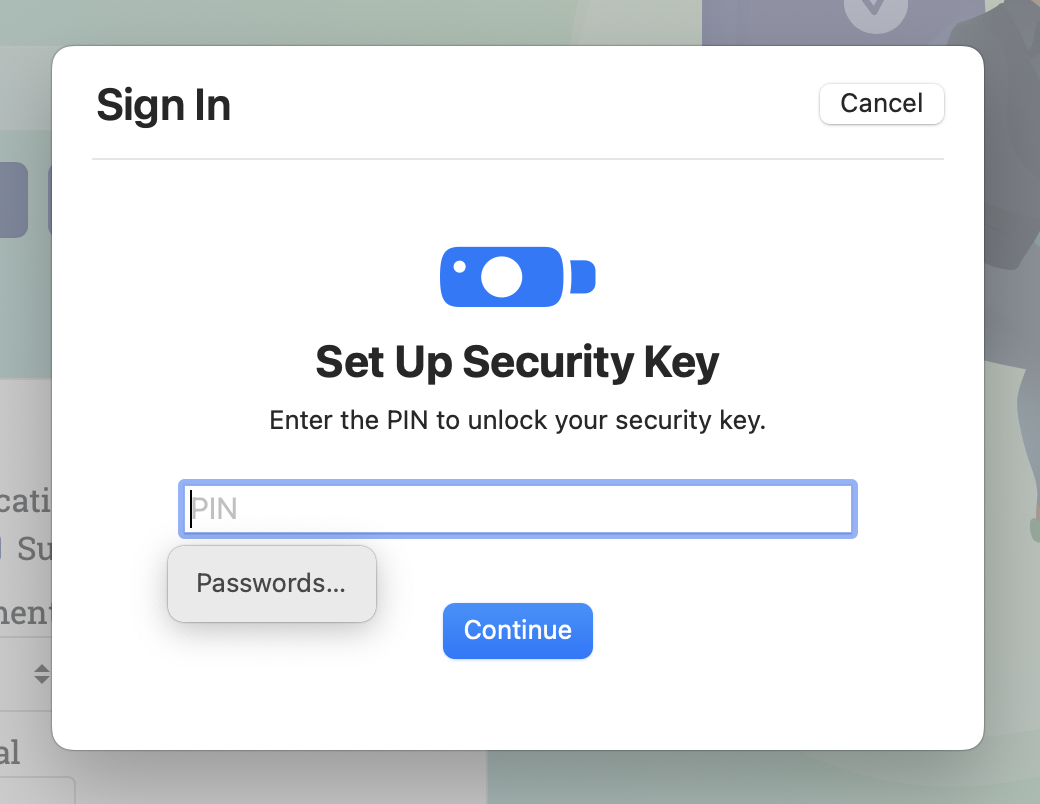
- Enter your PIN when prompted
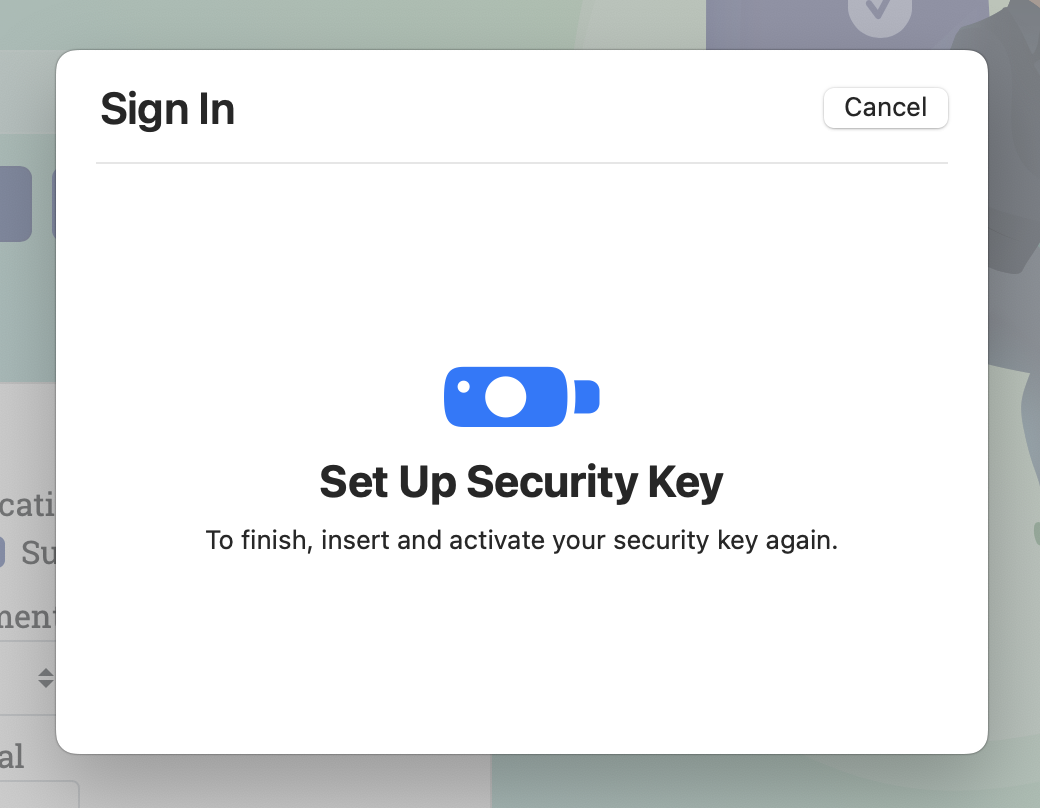
- Tap the button on the key again when prompted
- Done registering

Log in again using Safari - enter username, hit authenticate
Tap the button when prompted.
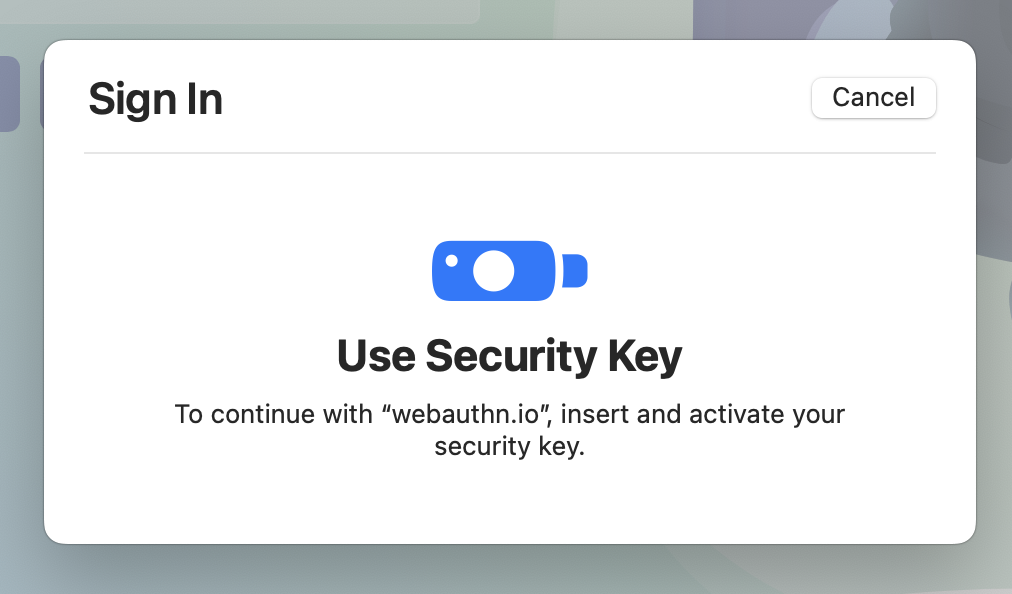
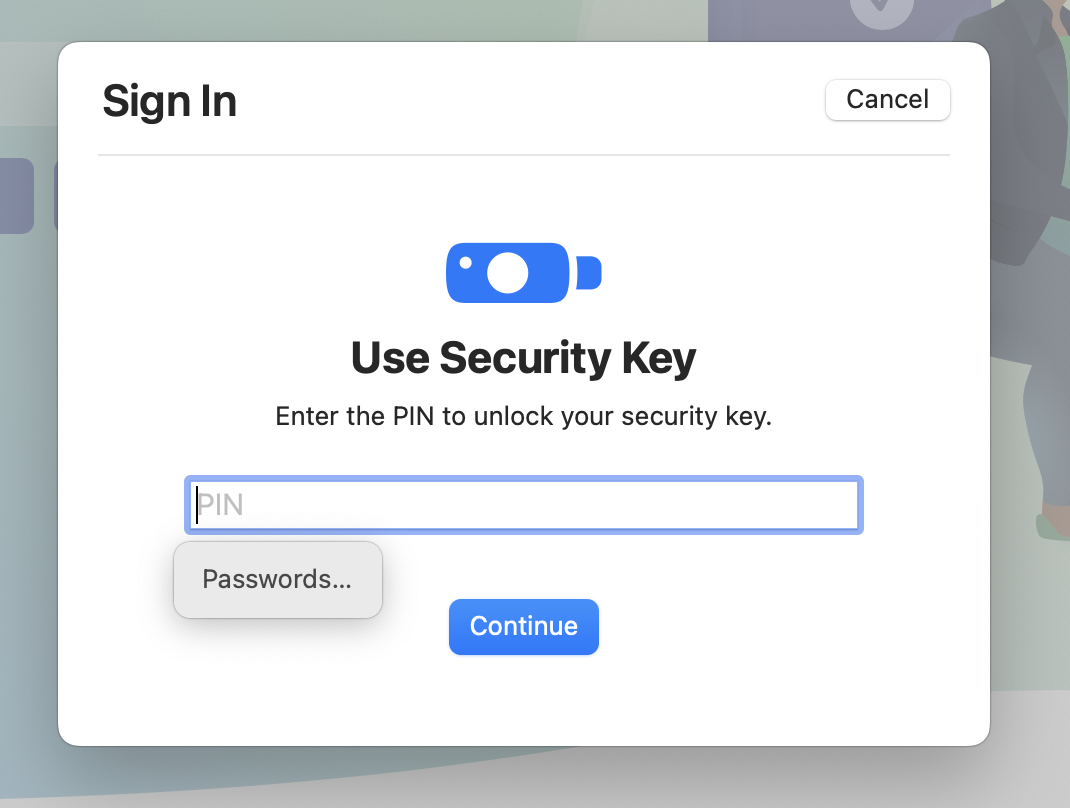
- Enter your FIDO2 PIN
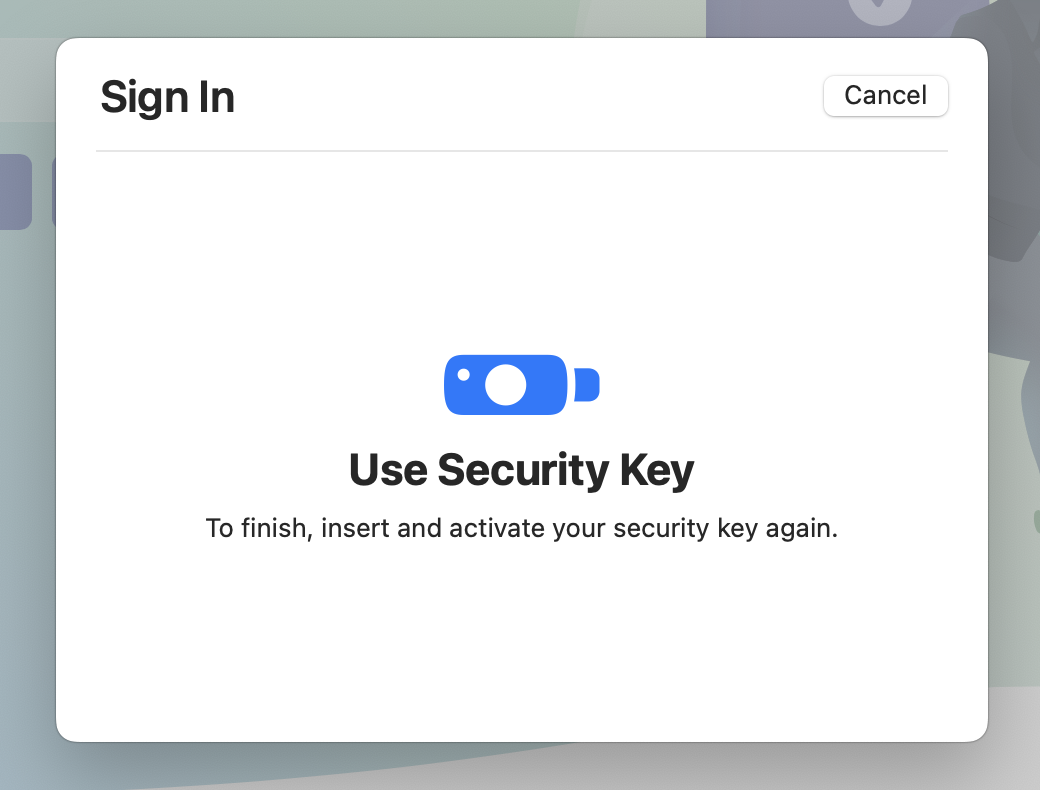
- Tap the button again
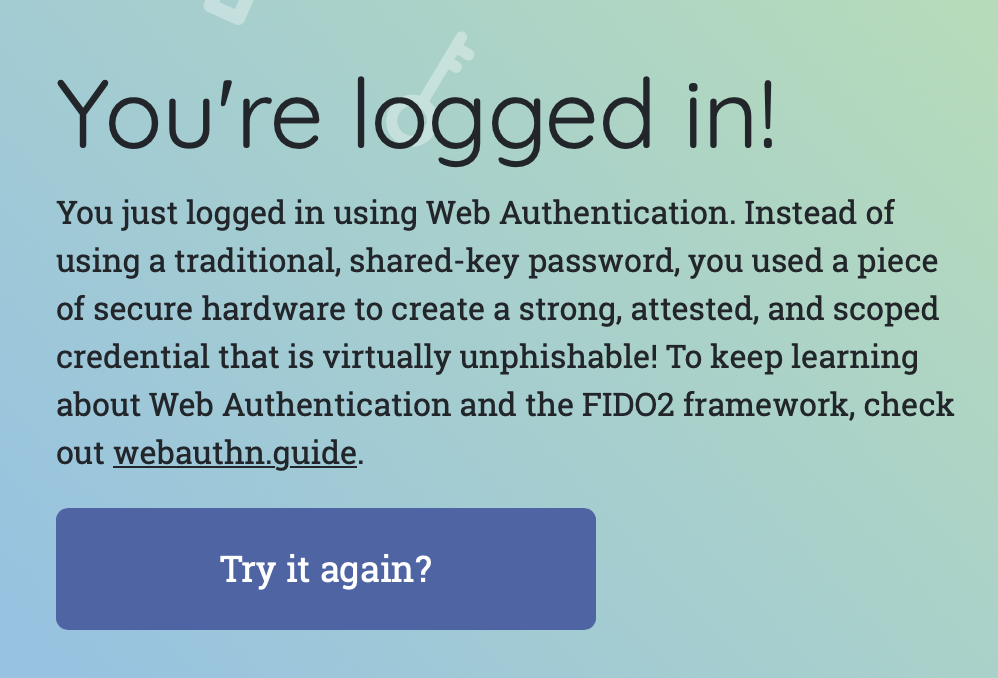
- Successful login in Safari
- Now let's use Orion to login, attempting the same username as before
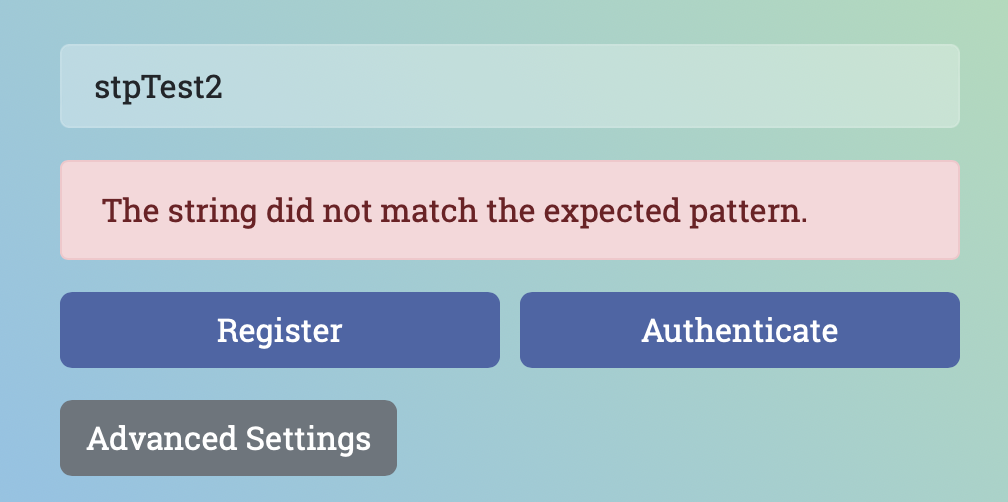
Some useful docs from Yubico looking at compatibility of different browsers and OSs.
https://developers.yubico.com/WebAuthn/WebAuthn_Browser_Support/
To resolve this issue, we need to ensure user verification is implemented.
I suspect the "next" feature request would be discoverable credentials (i.e. passwordless login). For example, if I try to log in to webauthn.io without entering a username, then press the button and enter PIN, I can see the following (after telling Safari I want to use an external key):
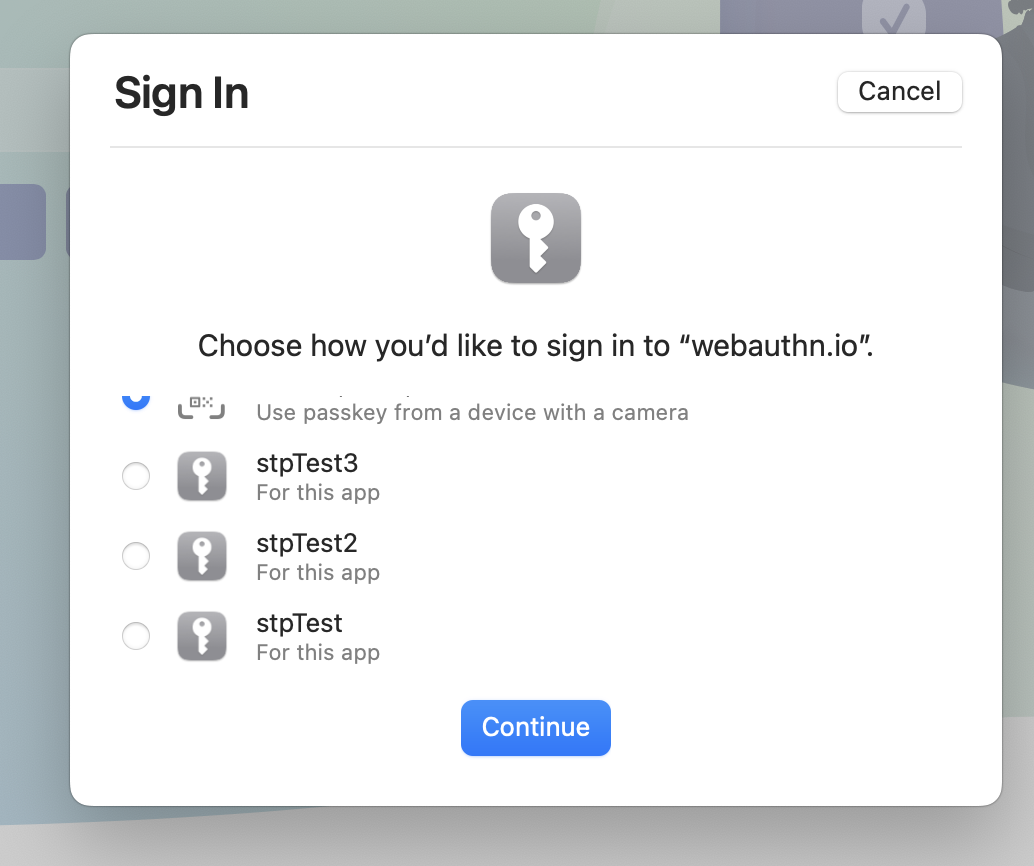
Allowing me to pick an "account" to log in as - via the "discoverable credentials" feature of Webauthn/FIDO2 - where the credential gets stored on the key itself.
