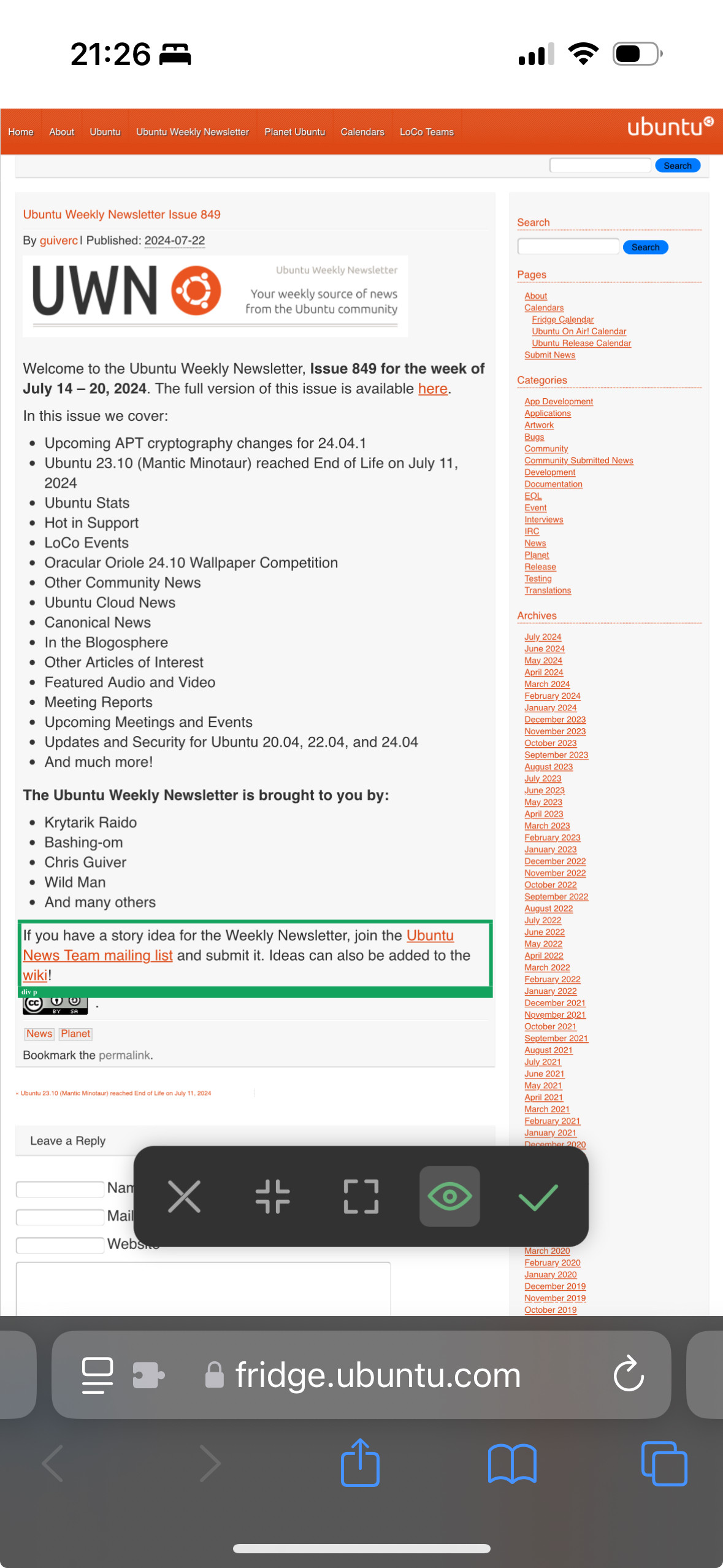
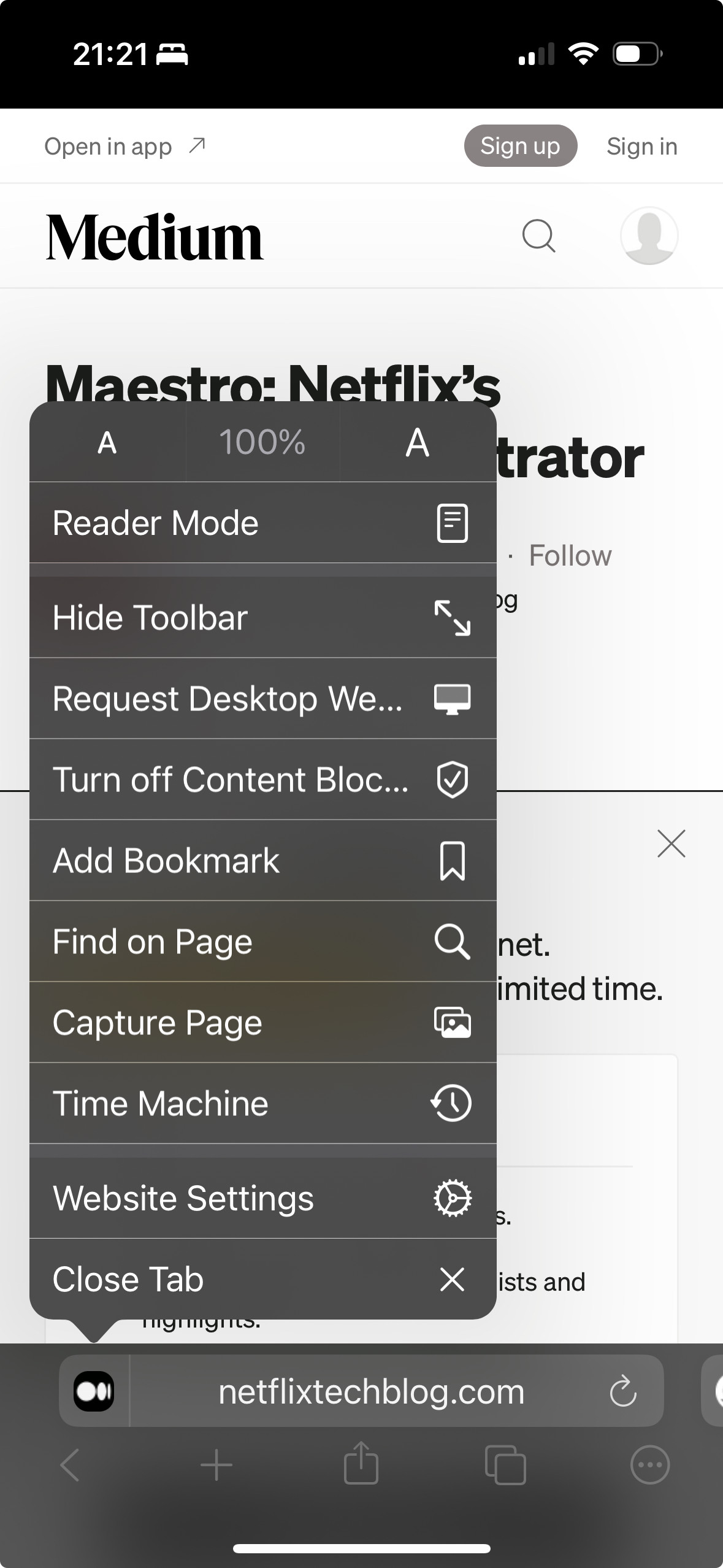
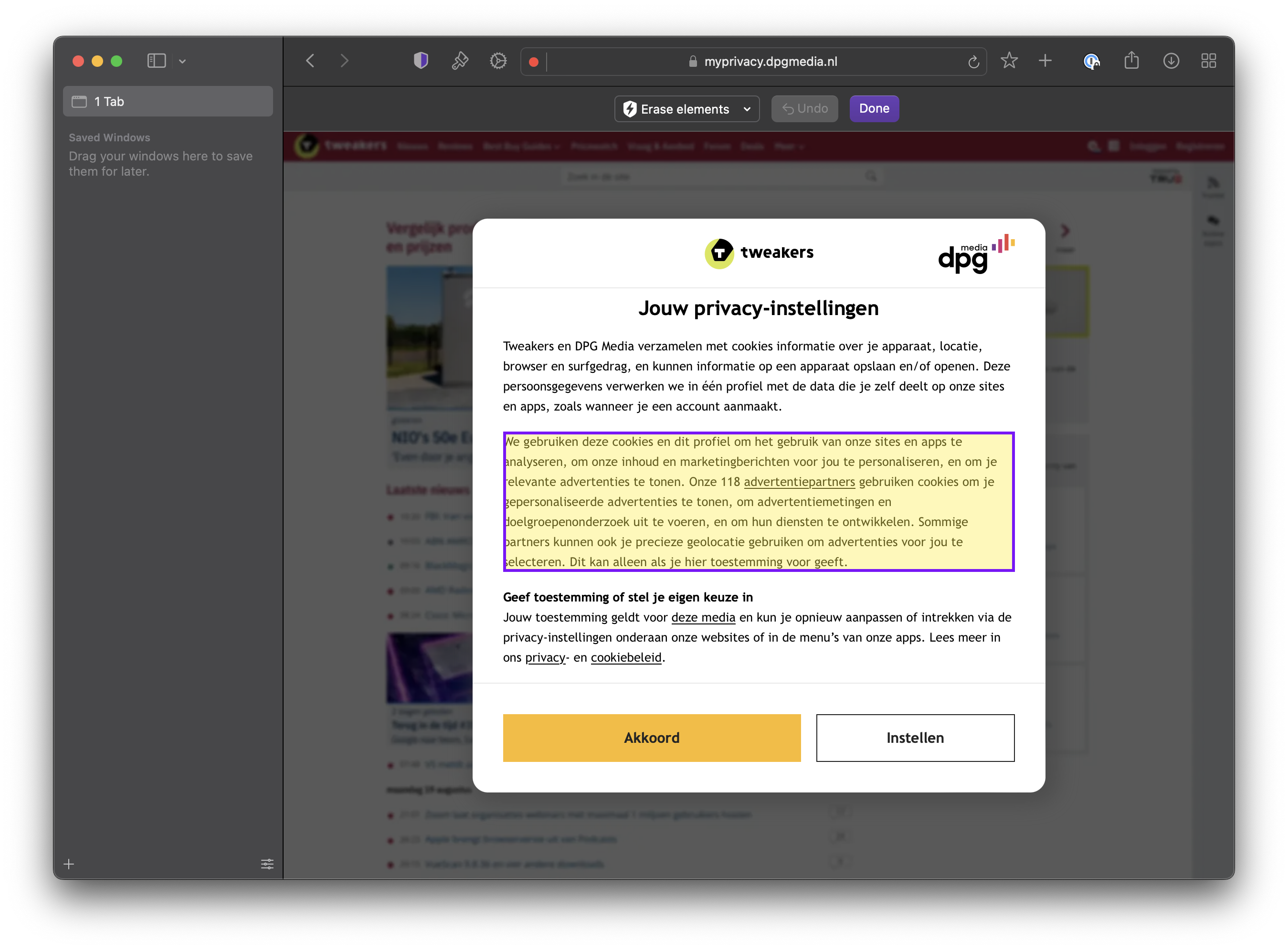
I would like Orion for iOS to implement a built-in feature similar to Safari’s “Hide Distracting Items” and Aloha Browser’s element-hiding functionality.
This feature would allow users to tap individual webpage elements, such as floating videos, sticky banners, pop-ups, and unwanted content sections, to hide them without writing custom CSS rules or configuring content blockers.
It would make browsing cleaner and give users more control over webpage layouts.
Users could open a webpage, select “Hide Distracting Items” from the browser menu, and tap the elements they want to hide. Selected elements would disappear immediately, and the browser would remember their preferences for future visits. An option to restore hidden elements should also be provided.
Safari already offers this functionality on iOS, and Aloha Browser provides a similar feature. I would like Orion for iOS to offer the same convenience, ideally integrated into its existing browsing and content-blocking features.
This feature request was written with the assistance of ChatGPT on behalf of the user.