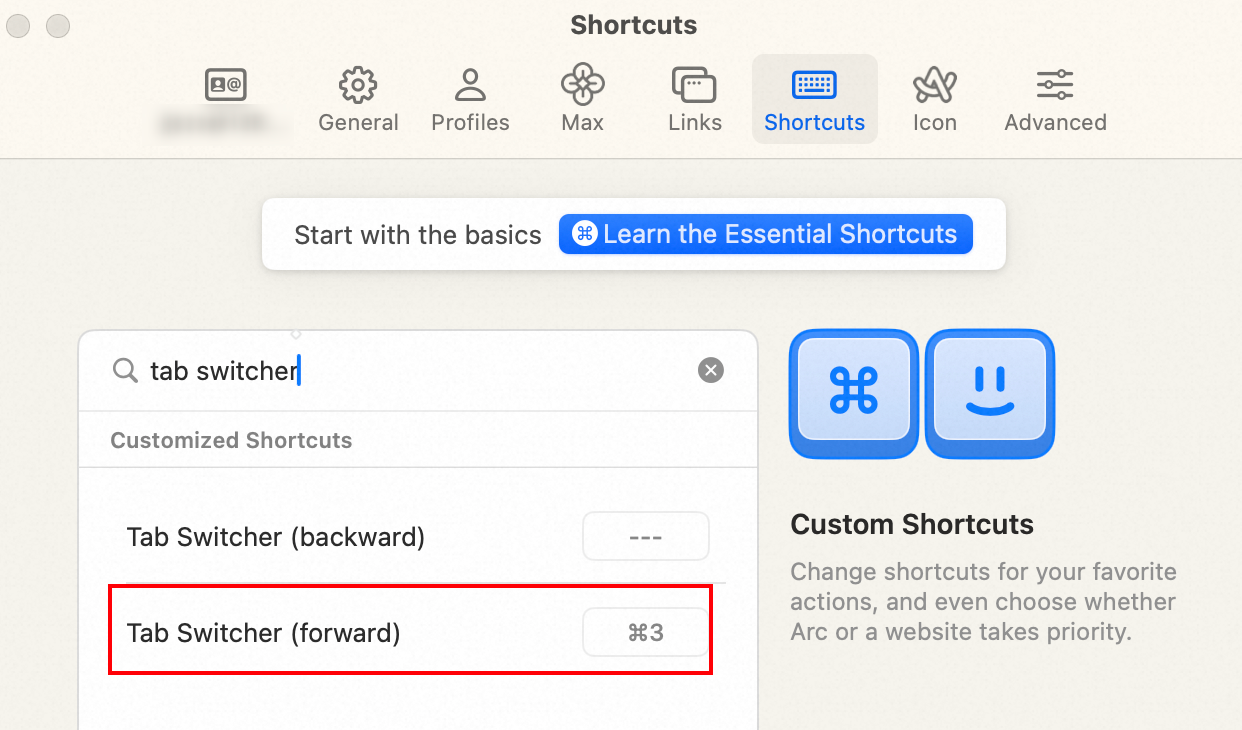
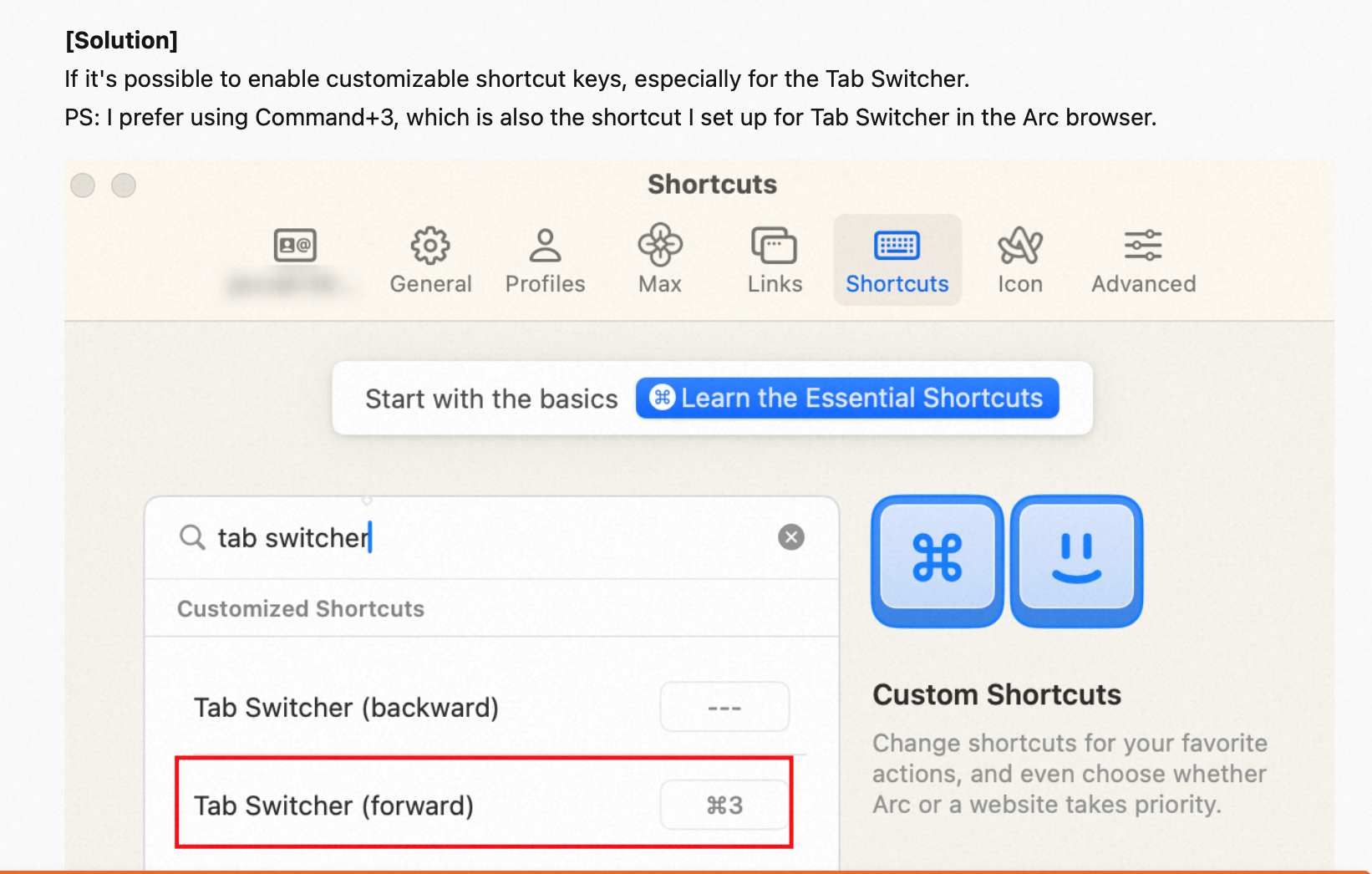
Hey @dmmc !
You should be able to achieve the exact same behavior on Orion 🙂
The menu actions you will want to use are Window → Show Next/Previous Tab
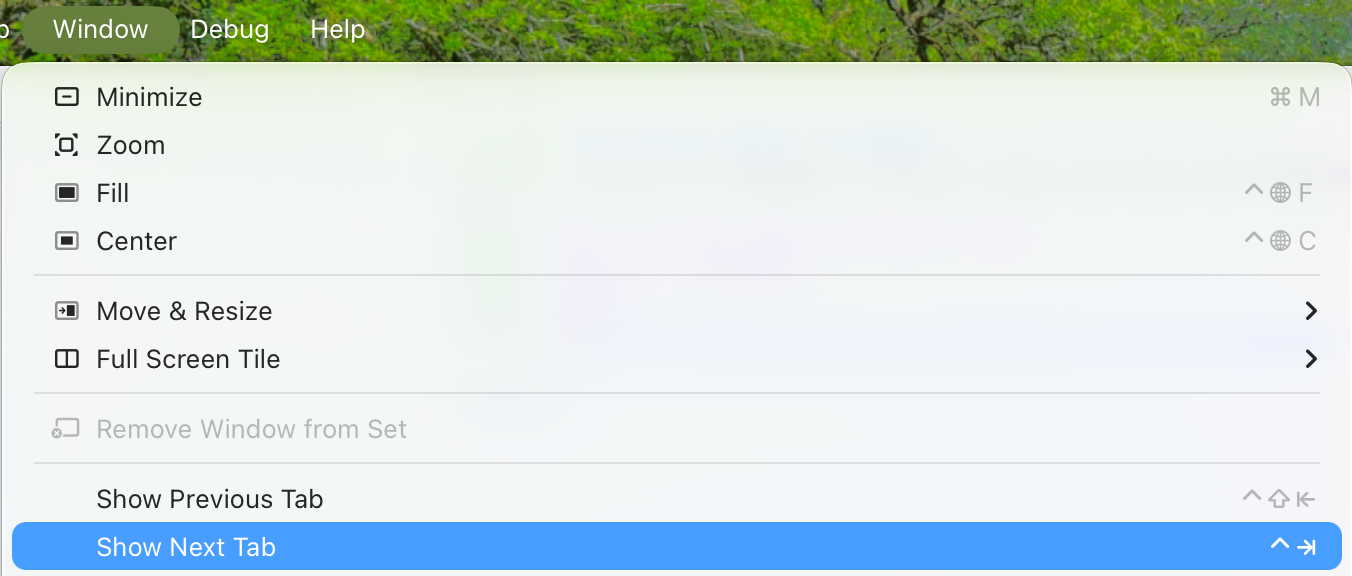
Since Orion is a native macOS app, you can configure the keyboard shortcuts for these actions in macOS System settings → Keyboard → Keyboard Shortcuts… → App Shortcuts → Click the + → Select Orion (or leave it set to All Applications) → Type the menu title, e.g., Show Next Tab and add the desired shortcut, e.g., ⌘3. After saving, you should be able to cycle through your tabs by pressing ⌘3 — as is the case on Arc.
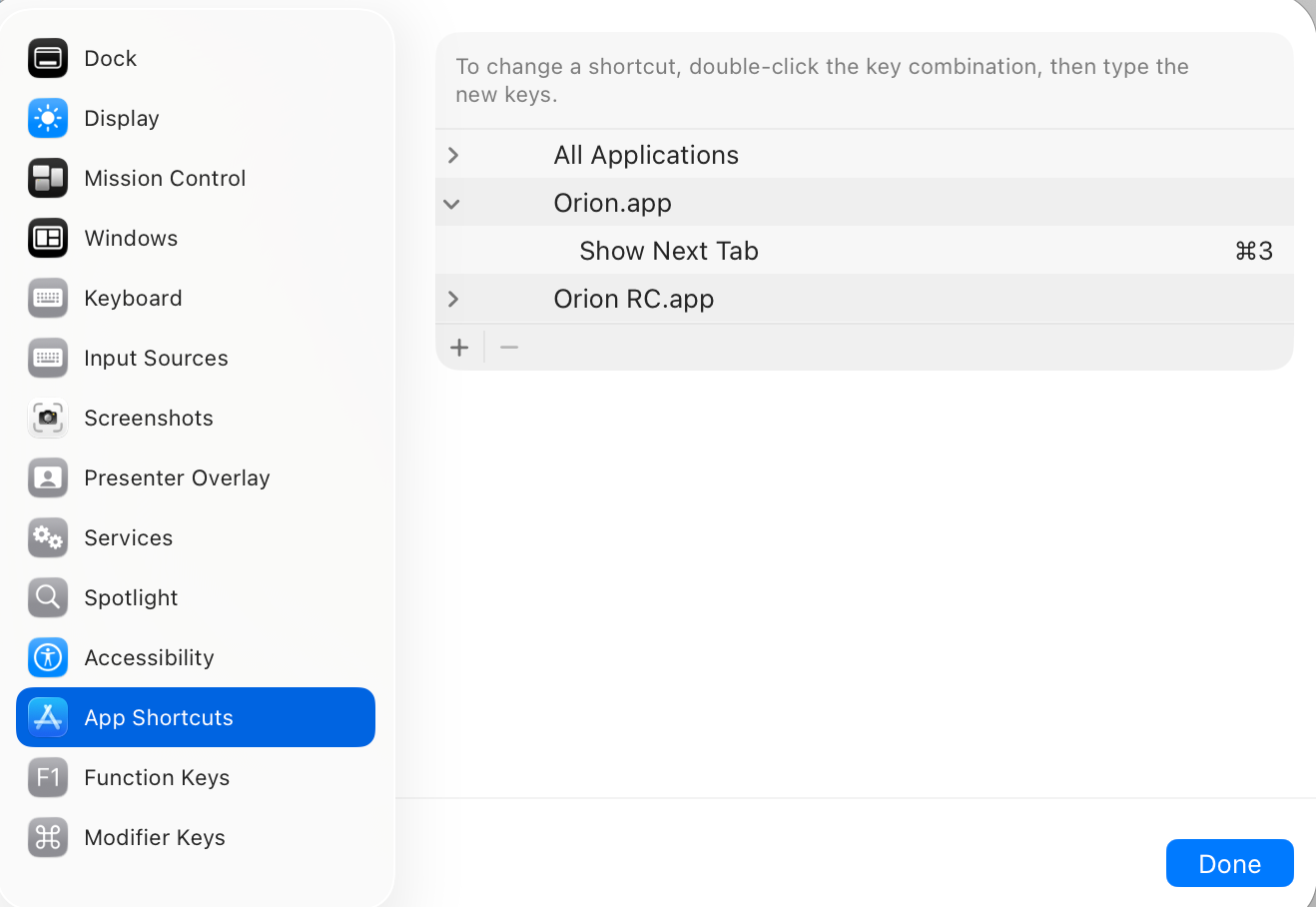
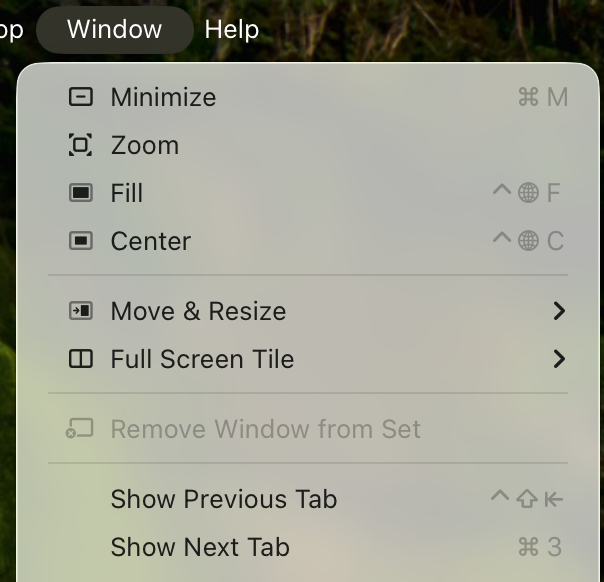
Please let me know if this matches the behavior you want.
Is it possible to make all shortcuts configurable? like Vivaldi/Arc etc. Like previous tab, next tab…
Pretty much everything should already be configurable using the same steps as above. If there is something missing, please let me know!