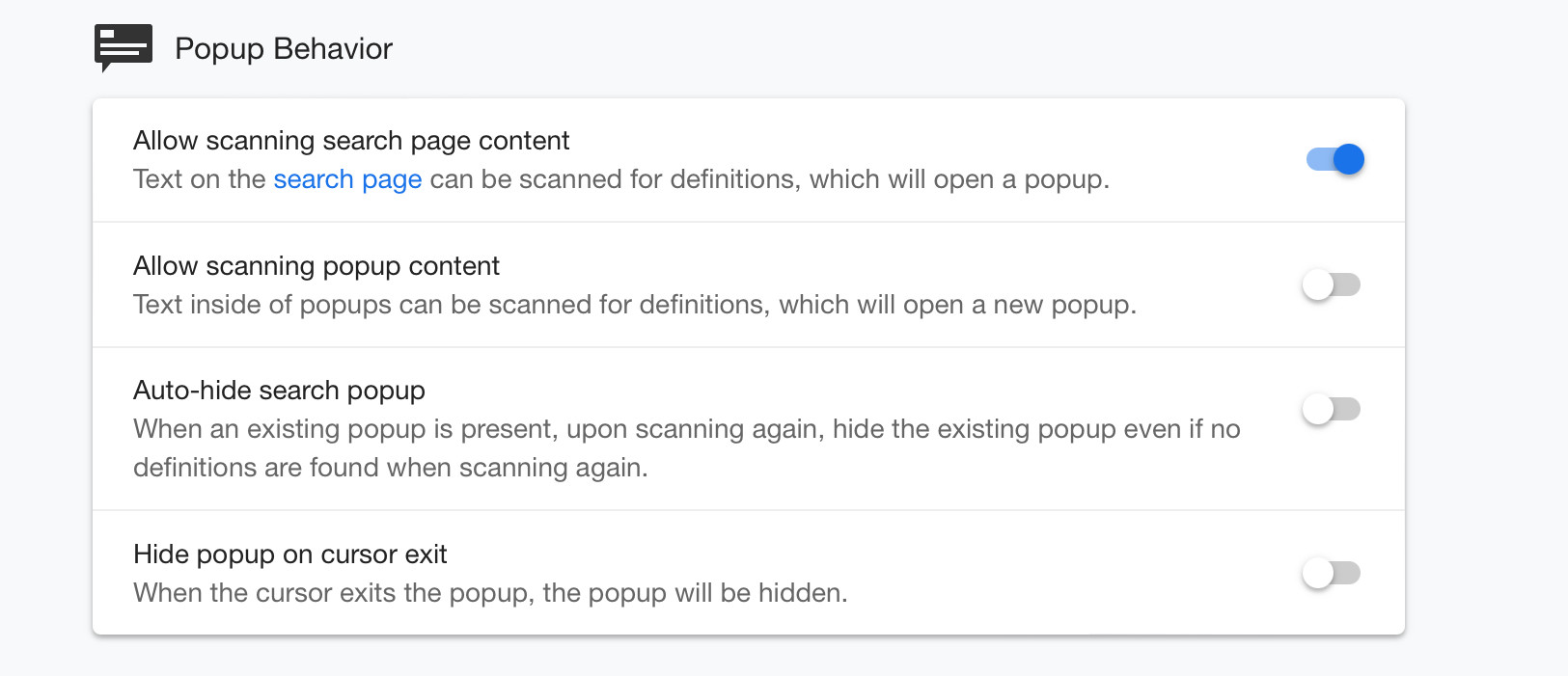
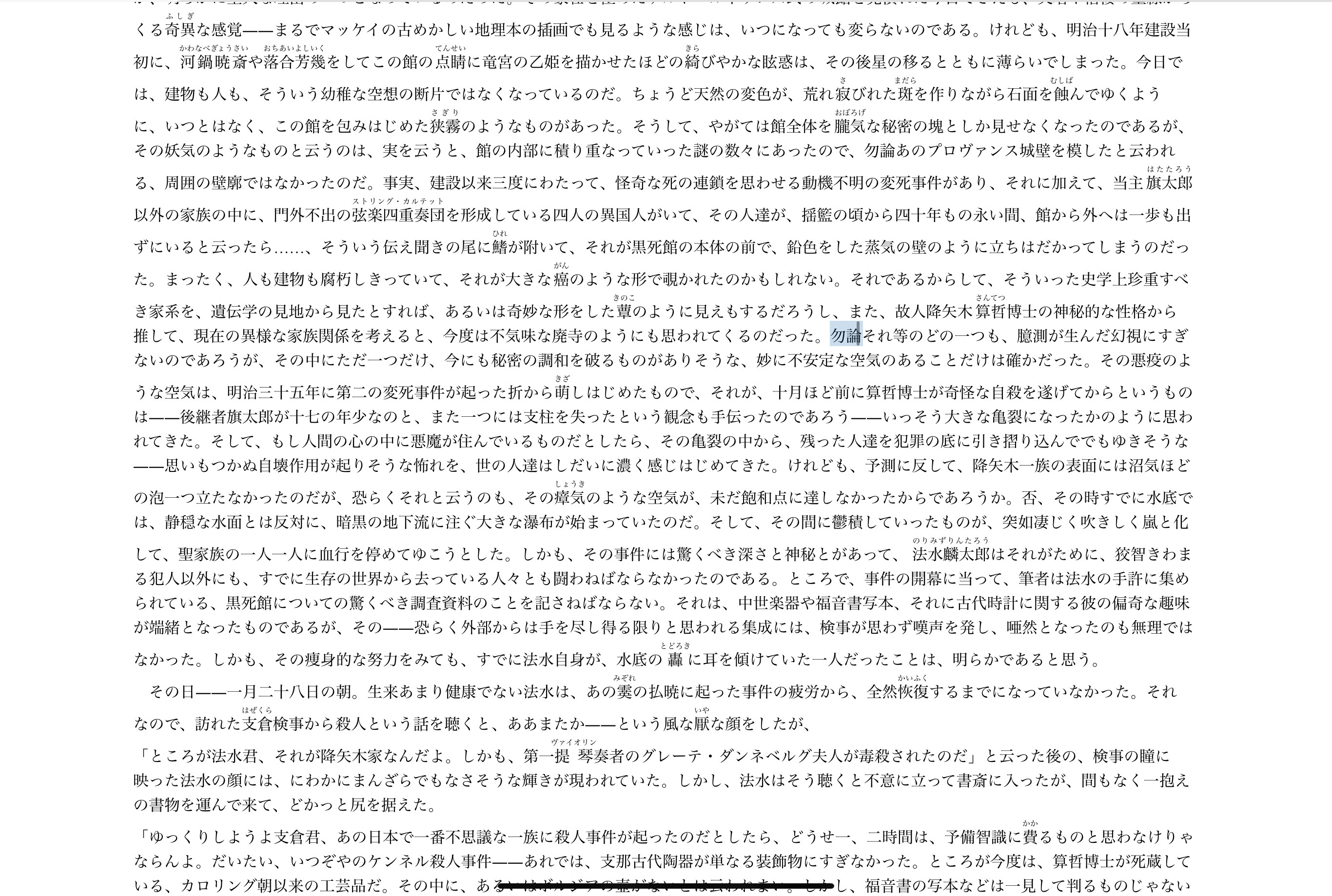
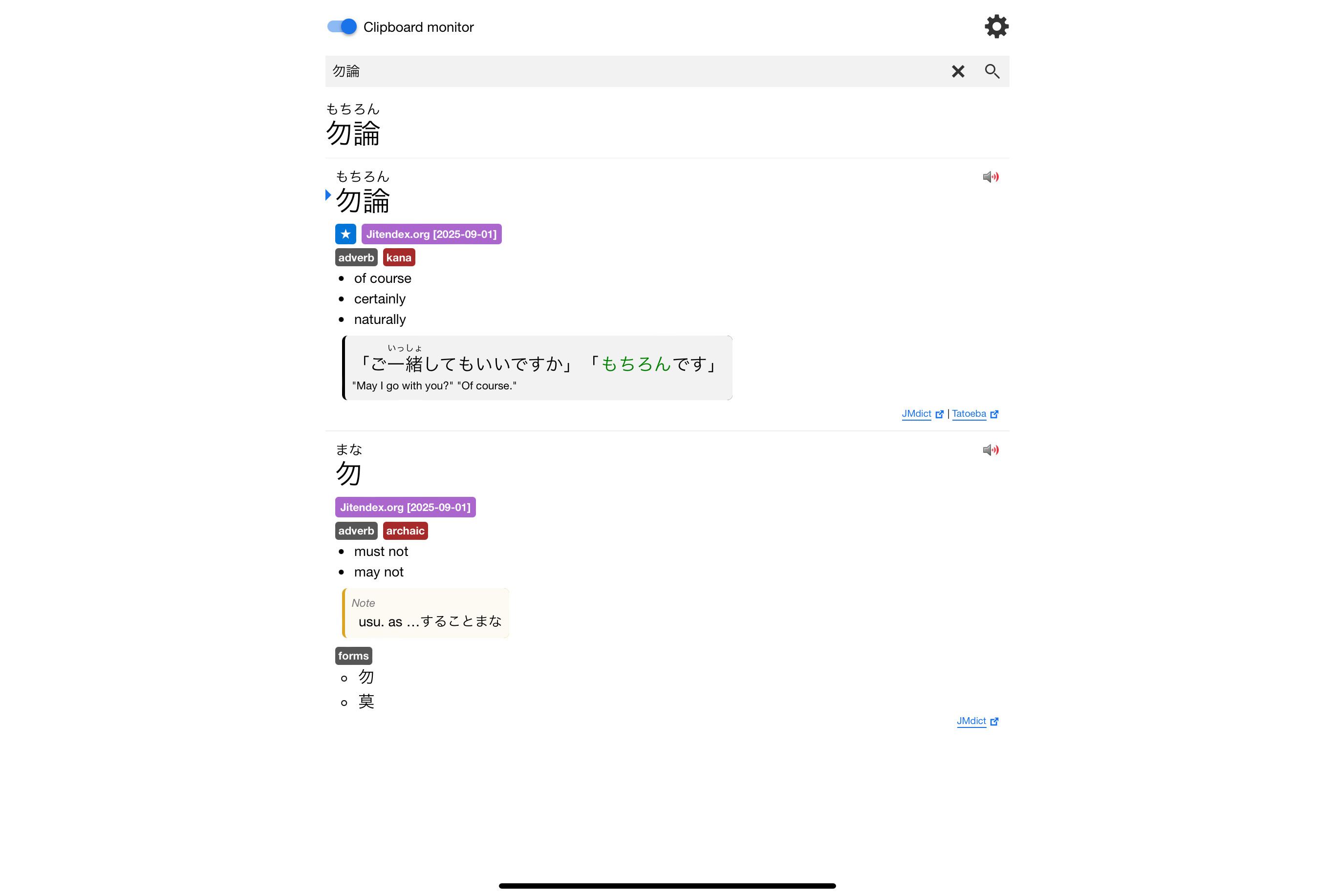
To reproduce:
- Install Yomitan (Firefox version; Chrome hardly works at all)
- Set language to French or Japanese and install kty-fr-en (French) or Jitendex (Japanese) dictionary (these are the only two I tested)
- Try to scan any phrase on any website in the chosen language.
The text highlights, but no popup appears. DevTools shows the following error:
[Error] Yomitan Popup Dictionary 25.6.3.0 has encountered a problem.
Originating URL: https://fr.lipsum.com/
Error: Comm port didn't open
@moz-extension://6b733b82-9261-47ee-a595-2dda294a4d08/js/comm/cross-frame-api.js:444:24
Issues can be reported at https://github.com/yomidevs/yomitan/issues
logGenericError (log.js:138)
error (log.js:65)
(anonymous function) (frontend.js:787)
This is the desired result (screenshot taken from Floorp, using the same text on the same page I tested Orion with.)
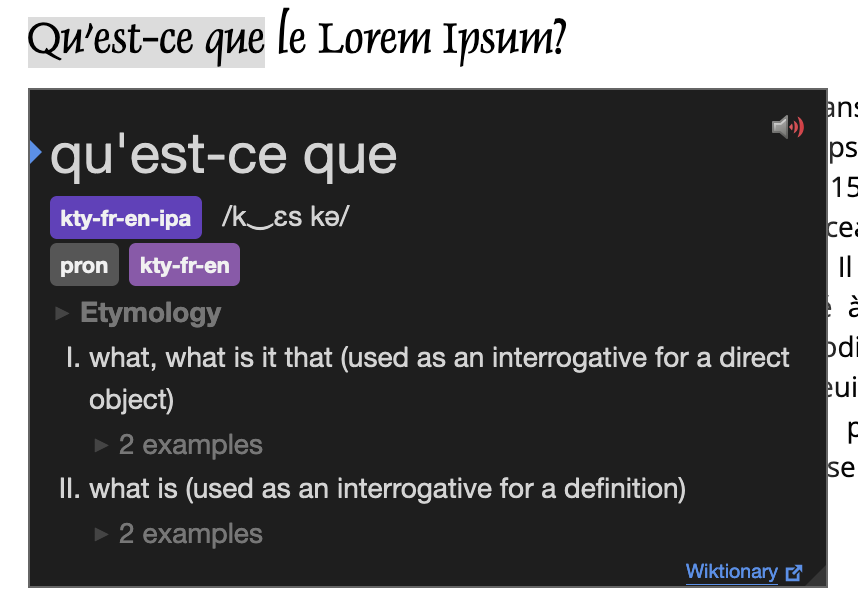
The popup dictionary should have appeared beneath the text, and no error should have appeared in DevTools.
Version 0.99.133-beta (WebKit 621.1.2.111.4) on macOS Sequoia 15.5 build 24F74
Sequoia (15)