The keyboard shortcut to autofill login from my vault doesn't work (CMD-Shift-L by default)
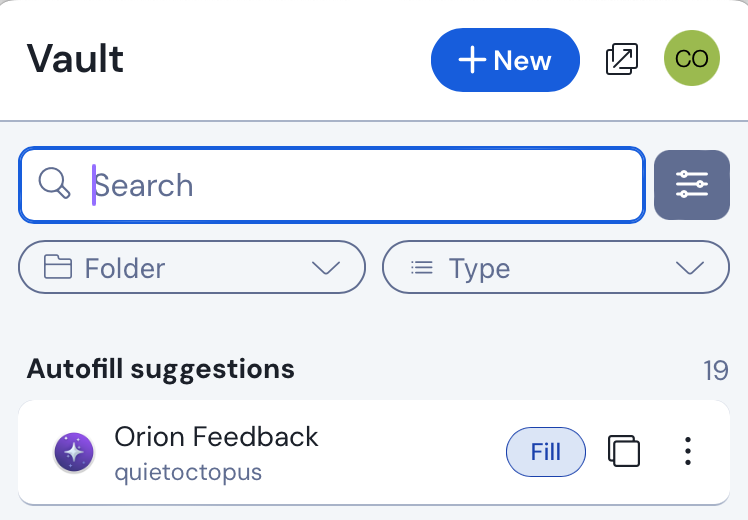
Autofill does work from clicking the 'Fill' button from extension menu itself, however the keyboard shortcut doesn't do anyting:
I looked at the following related issues to see if they would provide any clues:
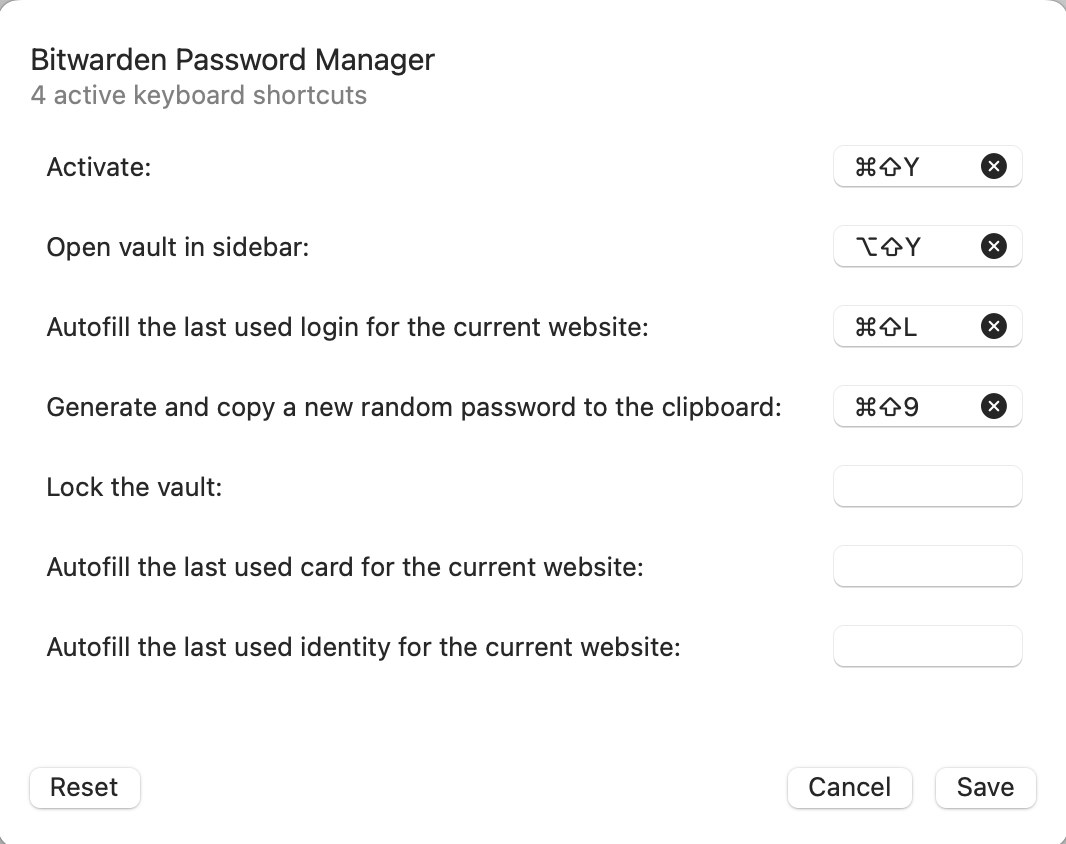
There doesn't seem to be an Orion shortcut clashing with the CMD-Shift-L option that I could see, and I tried remapping the shortcut in Orion's extension manager pane, but that didn't work either:
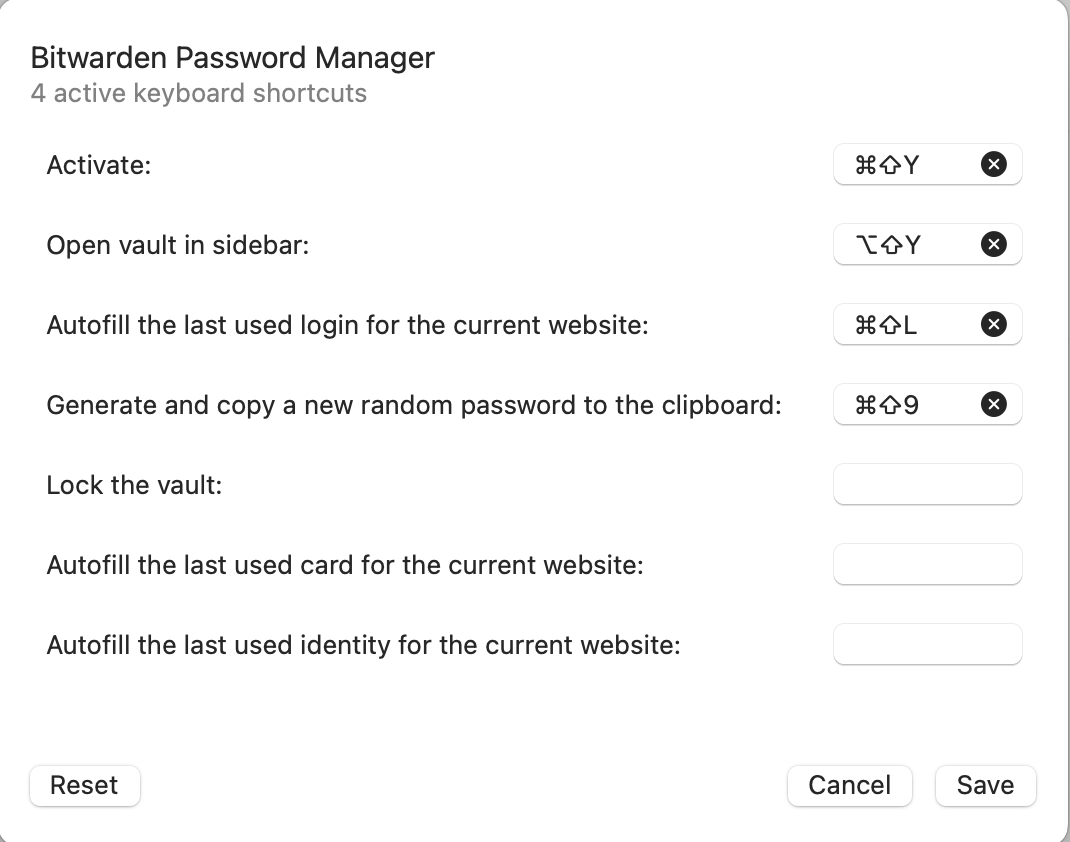
What is interesting is that I tried changing some of the other shortcuts as a test and the 'Activate' keyboard shortcut, which does work normally on its own, continued to work using the default CMD-Shift-Y shortcut despite a new shortcut being set in Orion's extension manager interface:
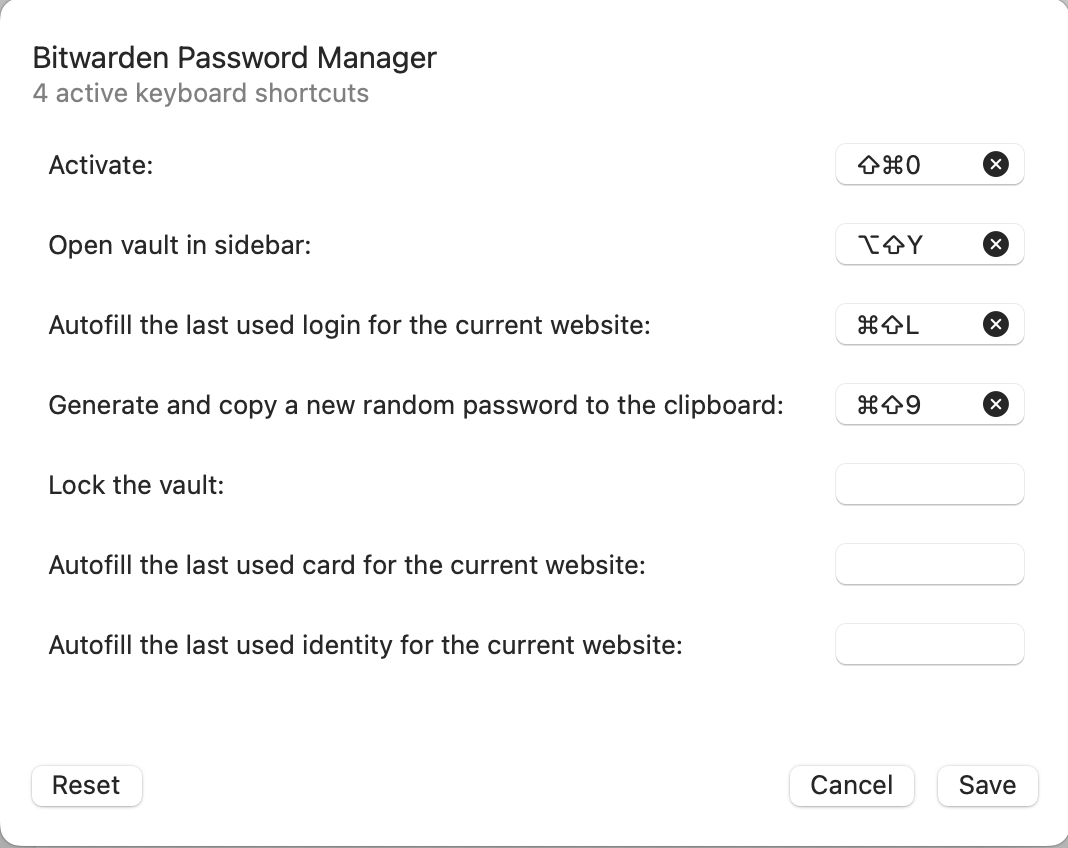
Additionally, as shown in the last screenshot, the CMD-Shift-L shortcut was set for the Autofill login function when I returned to the manage extension menu despite the fact that I manually removed it and saved it as blank before. I tested this with the other three functions that have keyboard shortcuts set by default and observed the same behavior with those as well:
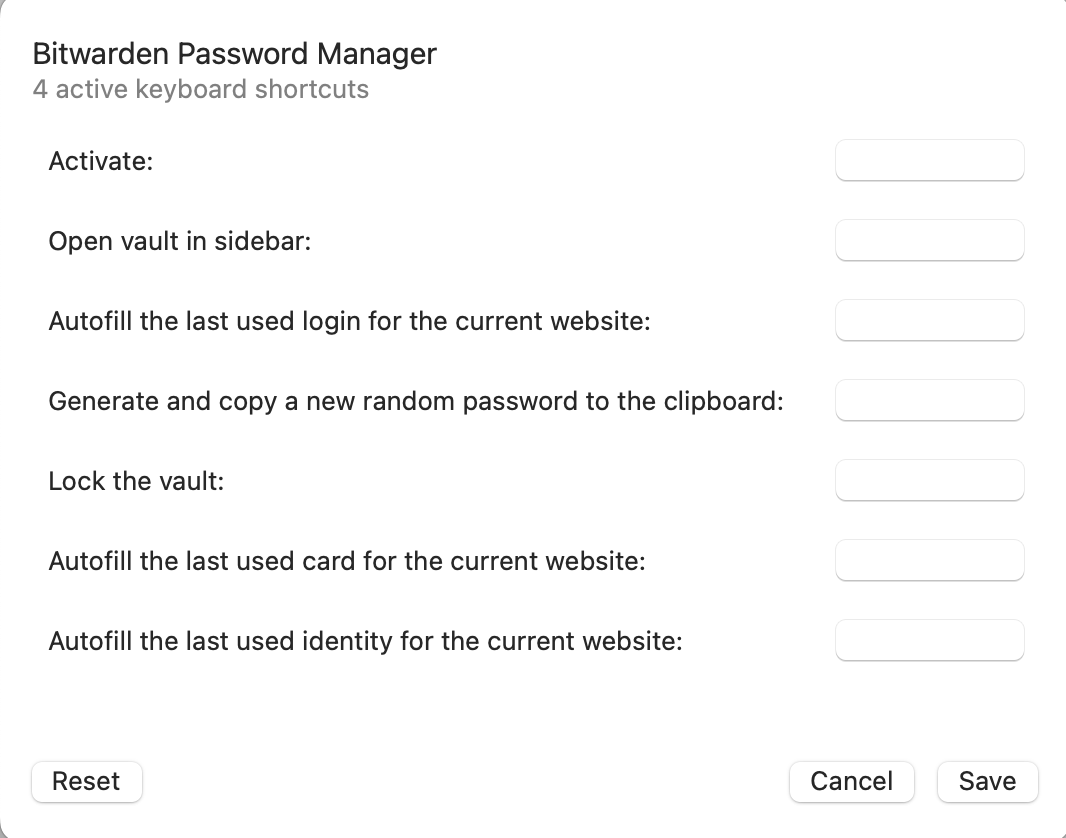
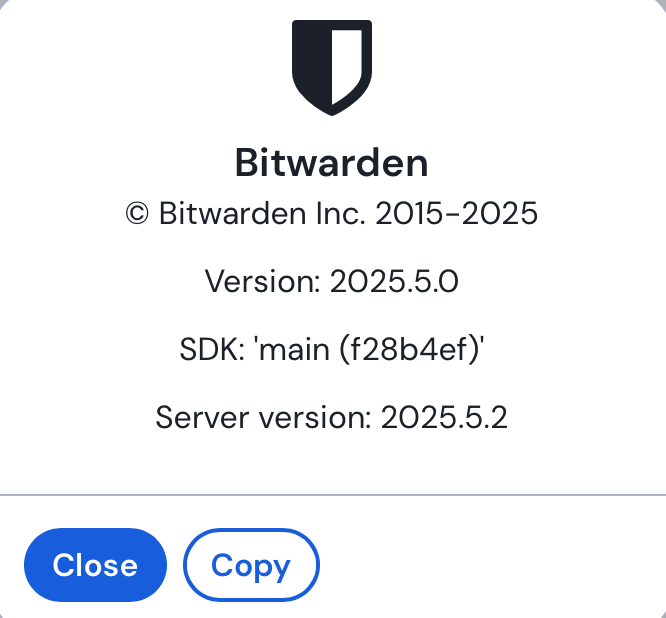
This in mind, I'm not sure if this is an Orion bug rather a Bitwarden bug, but I figured I'd bring it up here. This is the Bitwarden extension installed from the Firefox Store with the following details:
I want Bitwarden's autofill login to work with its default keyboard shortcut, but barring that I'd like to be able to change it to another shortcut that functions.
Version 0.99.133-beta (WebKit 621.1.2.111.4)
Sonoma (14)
