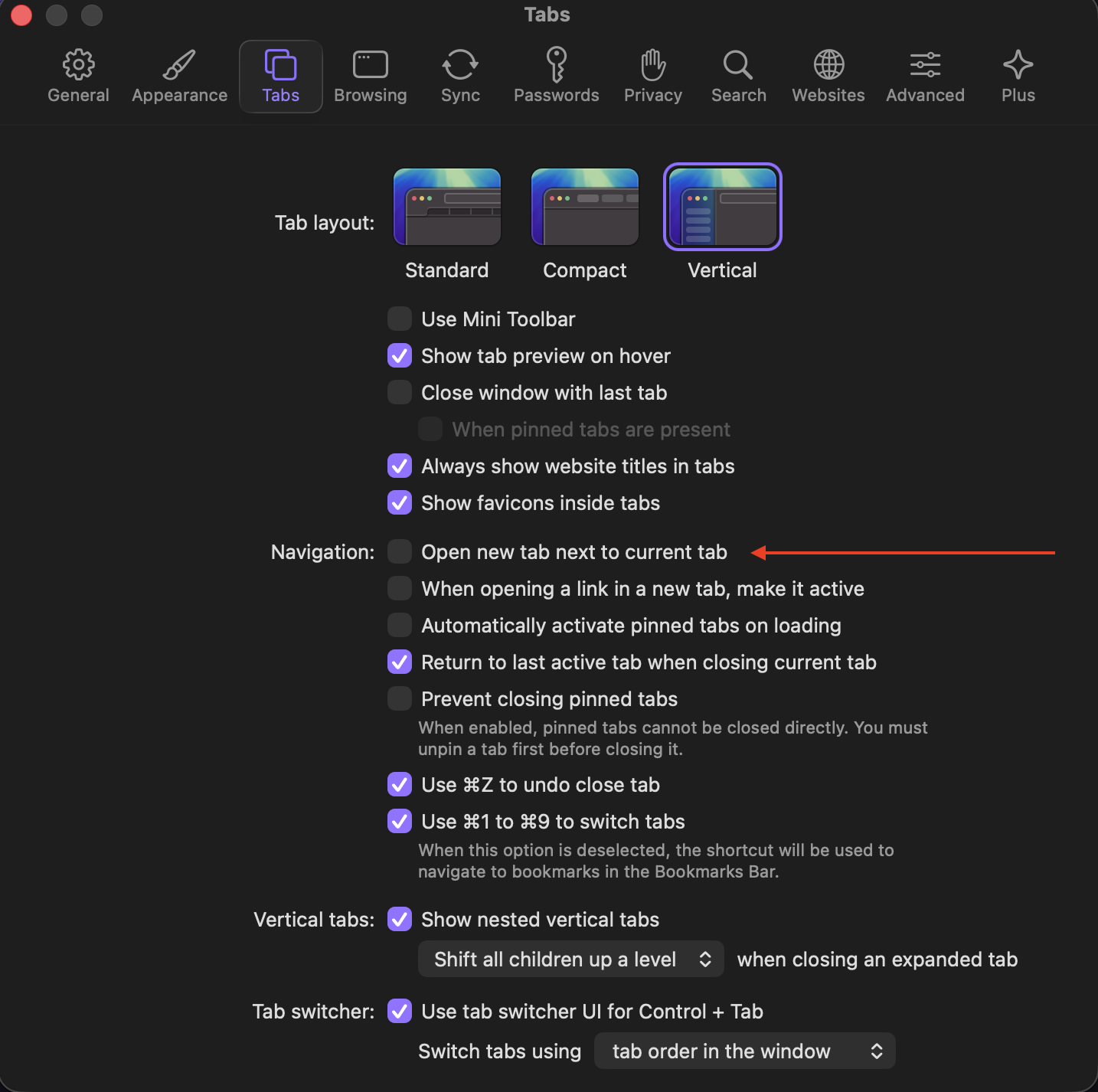
Either an additional option in the normal/current long-press menu, or an option to toggle that behavior in the settings. To keep order in multiple tabs.
ex: tabs opened AAABBCCCCD where each letter is a topic (wiki, youtube, etc)
a new tab opened from B is all the way back after D, which makes (fast) switching to compare with the other B´s really tiresome
I found mentions of the option of opening a new tab next to the current one, but neither was the option anywhere on my system, nor did it mention anything about a link and all the screenshots i saw were „new tab next to current“ and not „open in tab next to current“
Yes, tab groups can be a substitution, but make it harder to switch between tabs overall and do not allow for multiple sub groups. And usually you want to work in a newly opened tab sooner than later, so having it closer makes it easier to switch
The user can either decide individually (adding the option to the long press menu) or overall (changing the default setting in the options) where a new link is opened in a new tab.
Safari (ios) opens next to the current tab by default. Only if there was a tab that also originated from the current tab, it is opened next to that one.
So after opening 1, 2, and 3 from the current tab 0, the order would be 0123. This can be changed by moving some tabs about to reset the new tab position next to 0.
Firefox (ios) also opens next to default, but here the result would be 0321
Chrome, opera (ios&pc) behave like safari, but reset the new tab position faster