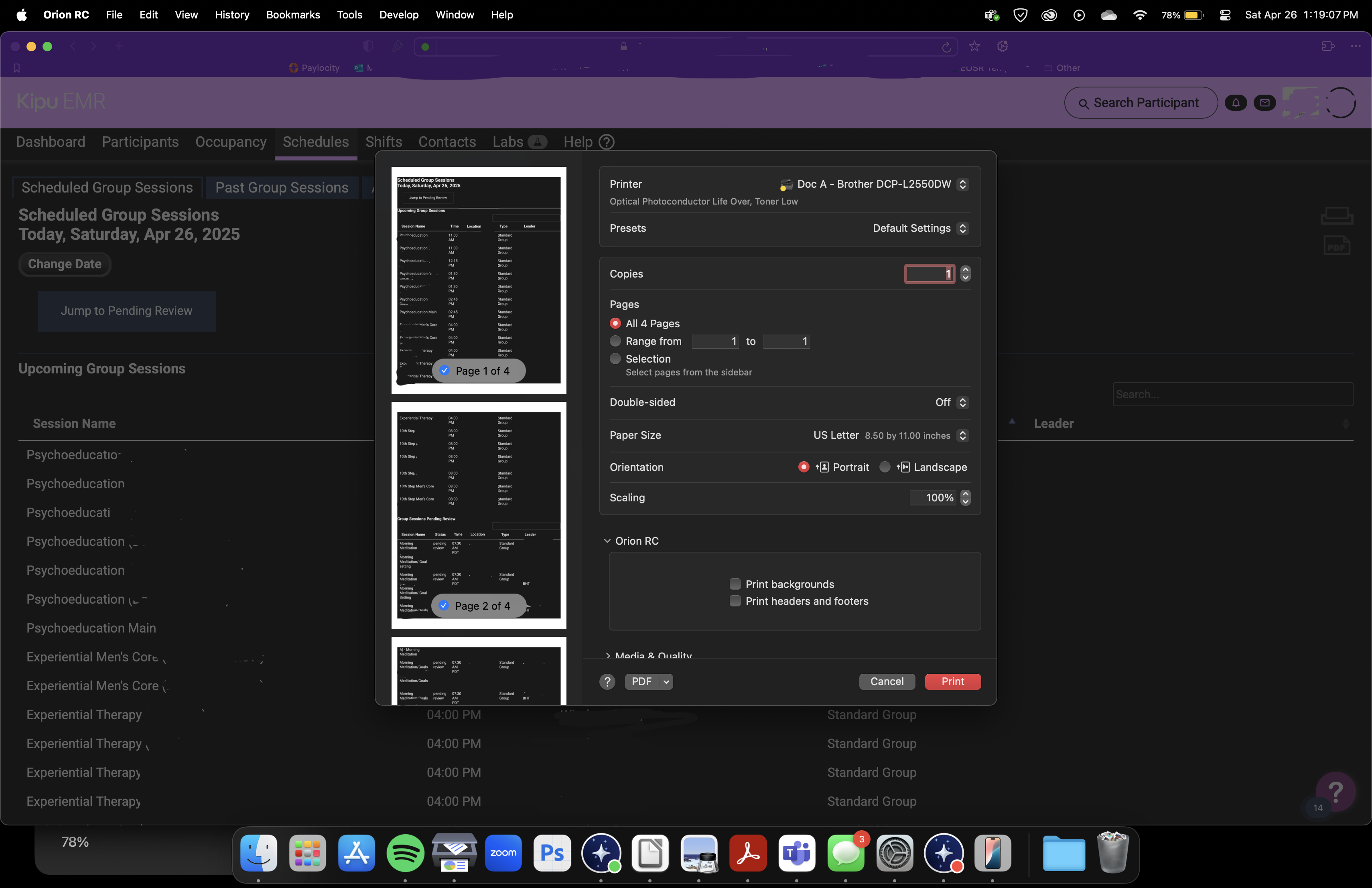
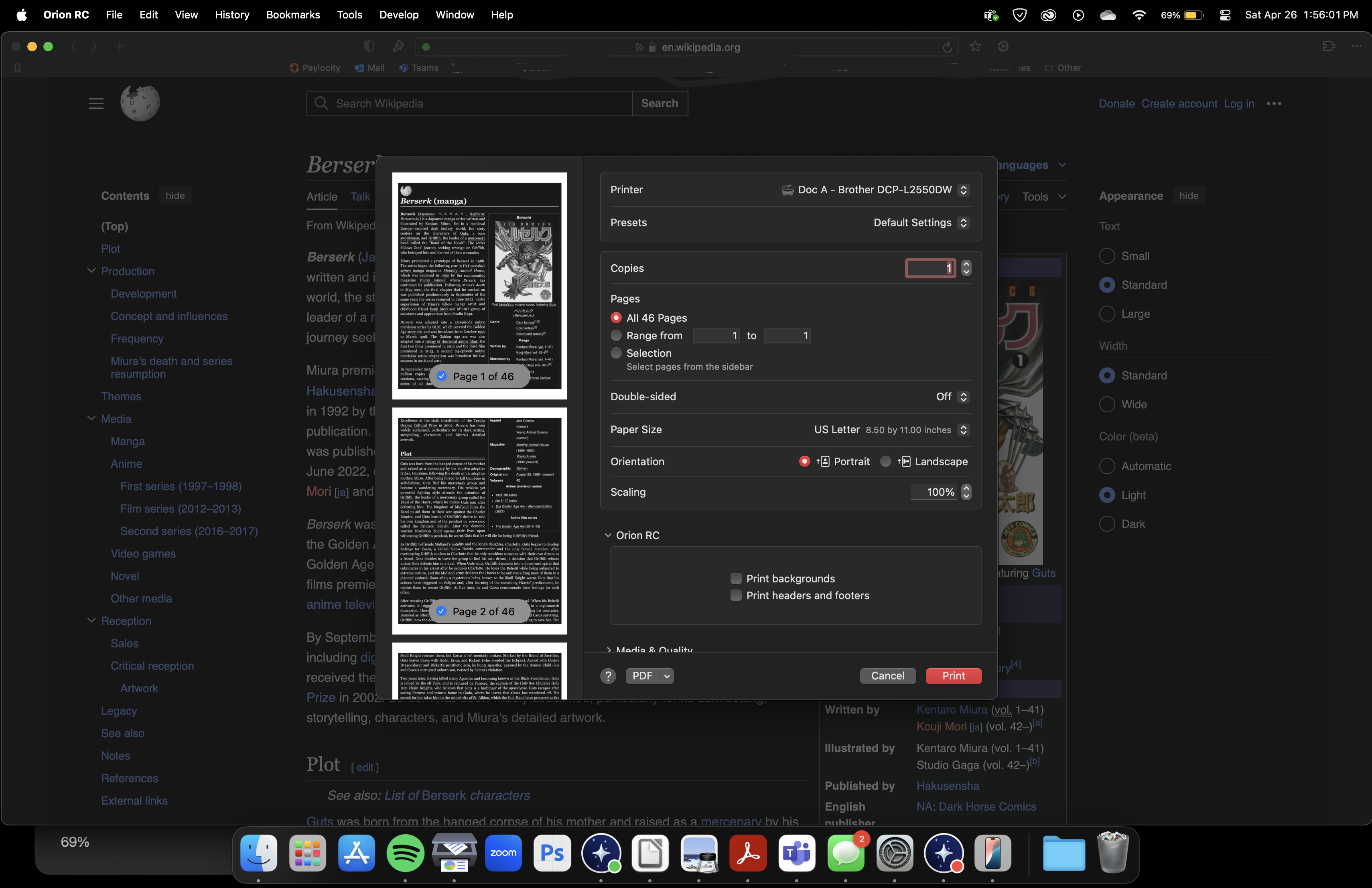
With every other dark mode setting on other browsers, when printing a webpage, pdf whatever, it switches the document back to light mode so it prints normally. When Enabling Dark Mode via Page tweaks, it does not work like so. Printing the contents of a page (i print a lot of records straight from my work site) they print in the dark mode setting. I have to completely turn it off to print. I am not sure if this is an issue on iOS since the mobile version doesn't have page tweaks but this is an issue on MacOS version.
If maybe dark mode can be disabled for printing or what i believe other browsers and certain extensions do is when hitting print, it auto-switches dark mode back into default light mode. Once the print is queued, it auto switches back to your set screen mode.
0.99.132.3-rc (WebKit 621.1.2.111.4)
Sequoia (15)