What happened?
The arrow keys do not navigate through 1Password suggested logins.
How did it happen?
It happens on any page where the 1Password inline box with logins appears.
What are the steps to replicate the issue (from a new clean Orion profile, if applicable)?
- Create a clean Orion profile
- Install 1Password from the "Popular Extensions" list
- Ensure you have at least 1 login saved for macrumors.com
- Naviate to https://forums.macrumors.com/login/
- Upon loading the page, usually the 1Password suggested login box will appear automatically, but if not, just click your mouse in the "Your name or email address" text field to make it appear
- Click the down arrow, which should navigate to/select the first login and highlight it in blue. Instead, nothing happens. See screenshot below.
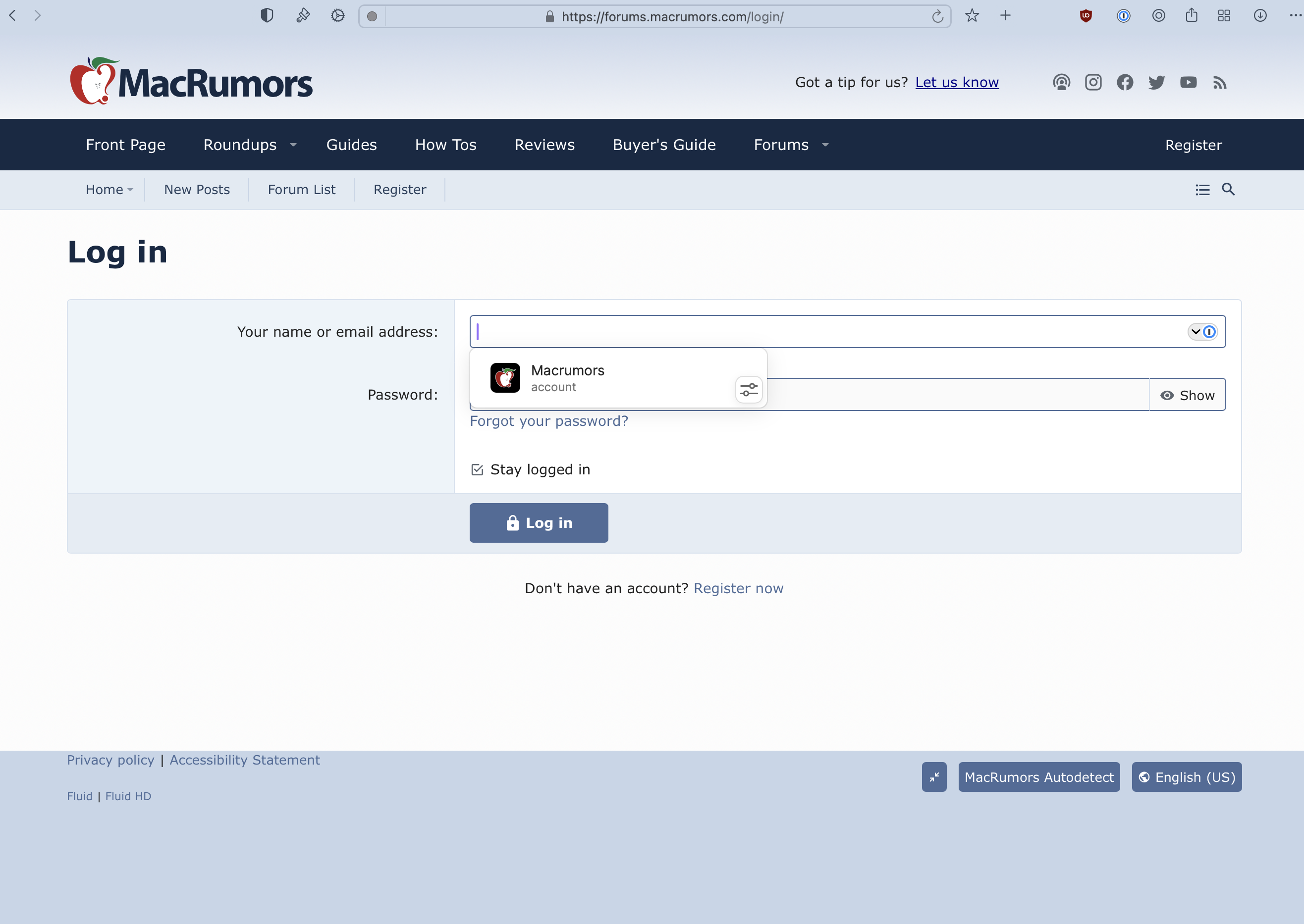
Does it happen in Safari (if it could be a WebKit bug)?
No, it works properly in Safari. See screenshot of what the down arrow does in Safari:
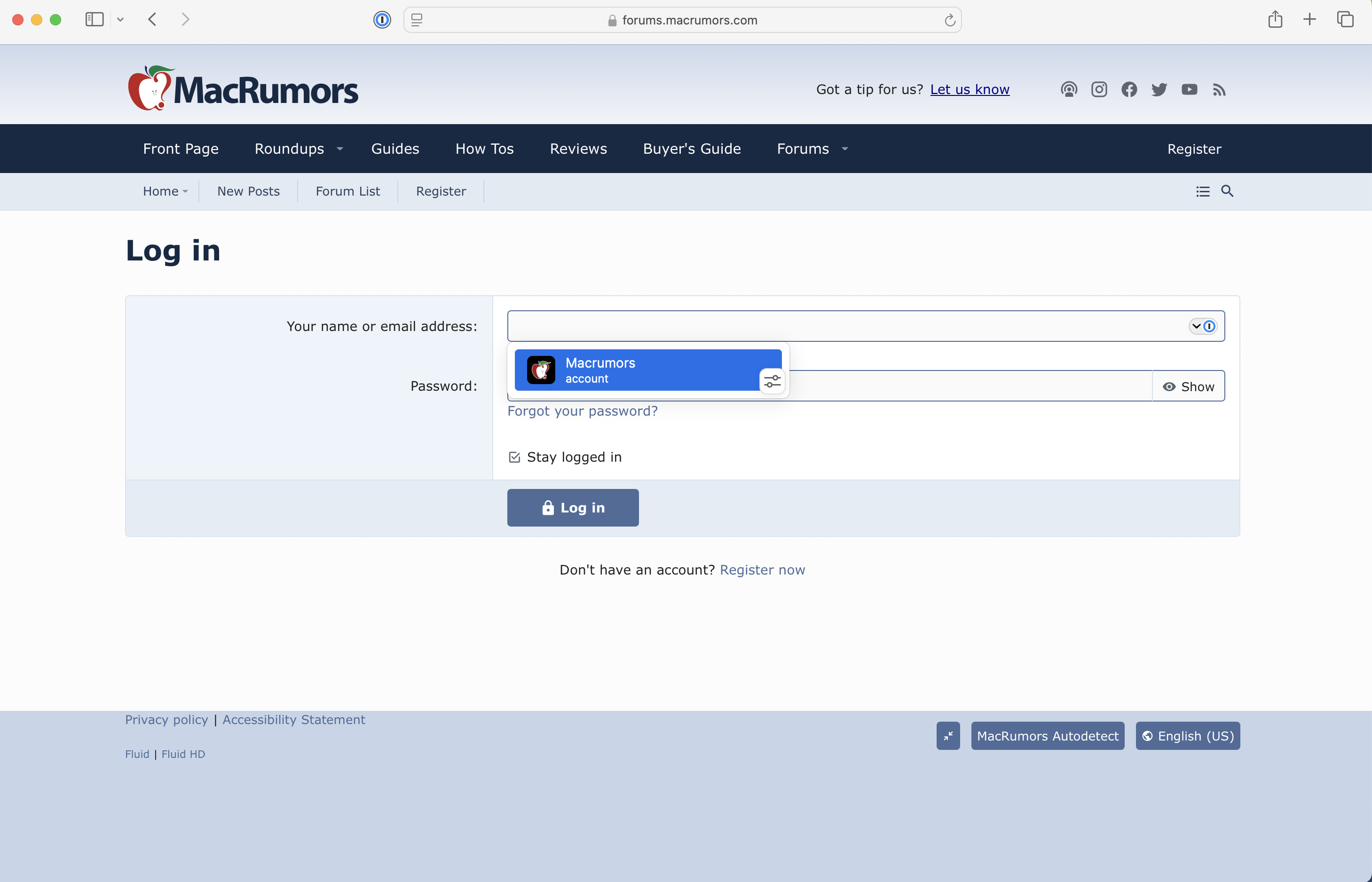
Overall Proper Behavior / How It Works in Chrome, Safari and Firefox
Clicking the down arrow should navigate to/select the first login and highlight it in blue. Subsequent uses of the up/down arrows should navigate up and down the list of logins (assuming there is more than one login for that site). When a login is highlighted in blue, clicking enter should fill and submit that login.
Version 0.99.130.5-rc (WebKit 621.1.2.111.4)
Sequoia (15)
