laiz
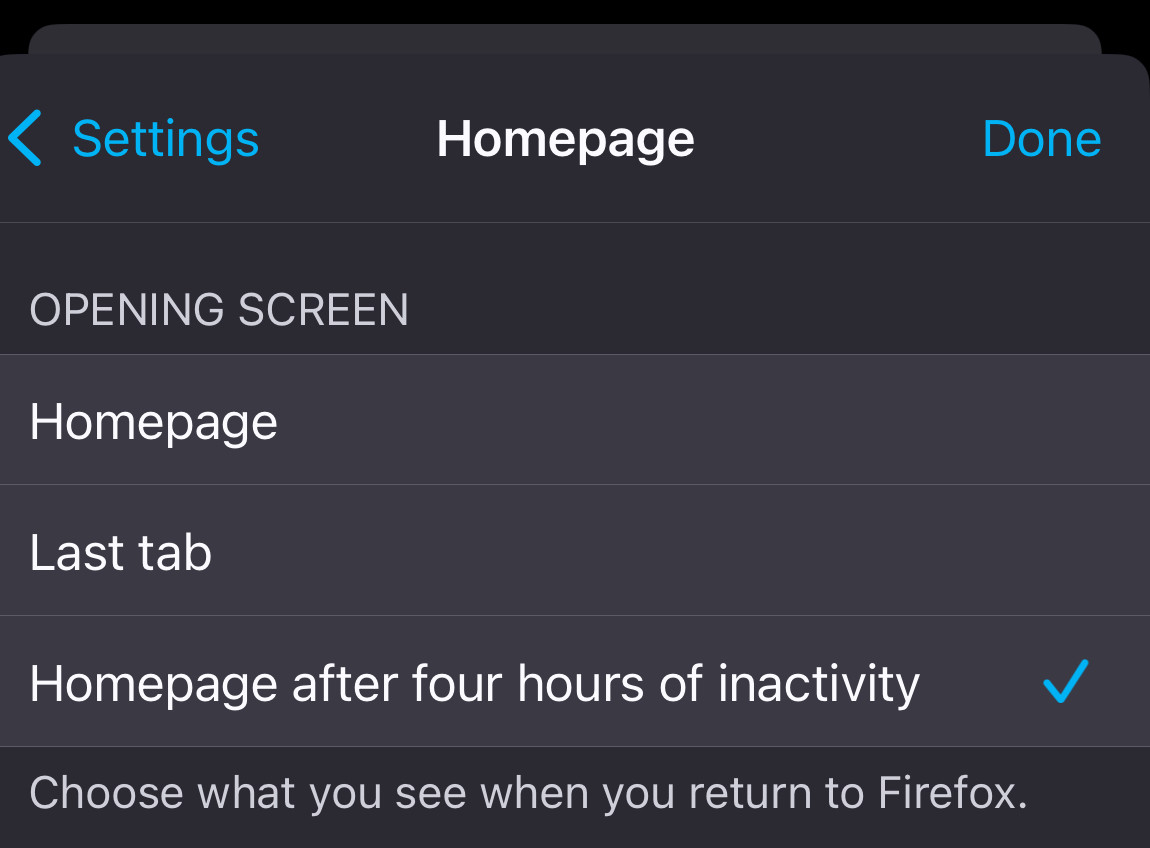
The settings are redundant for open vs. closing RE tabs.
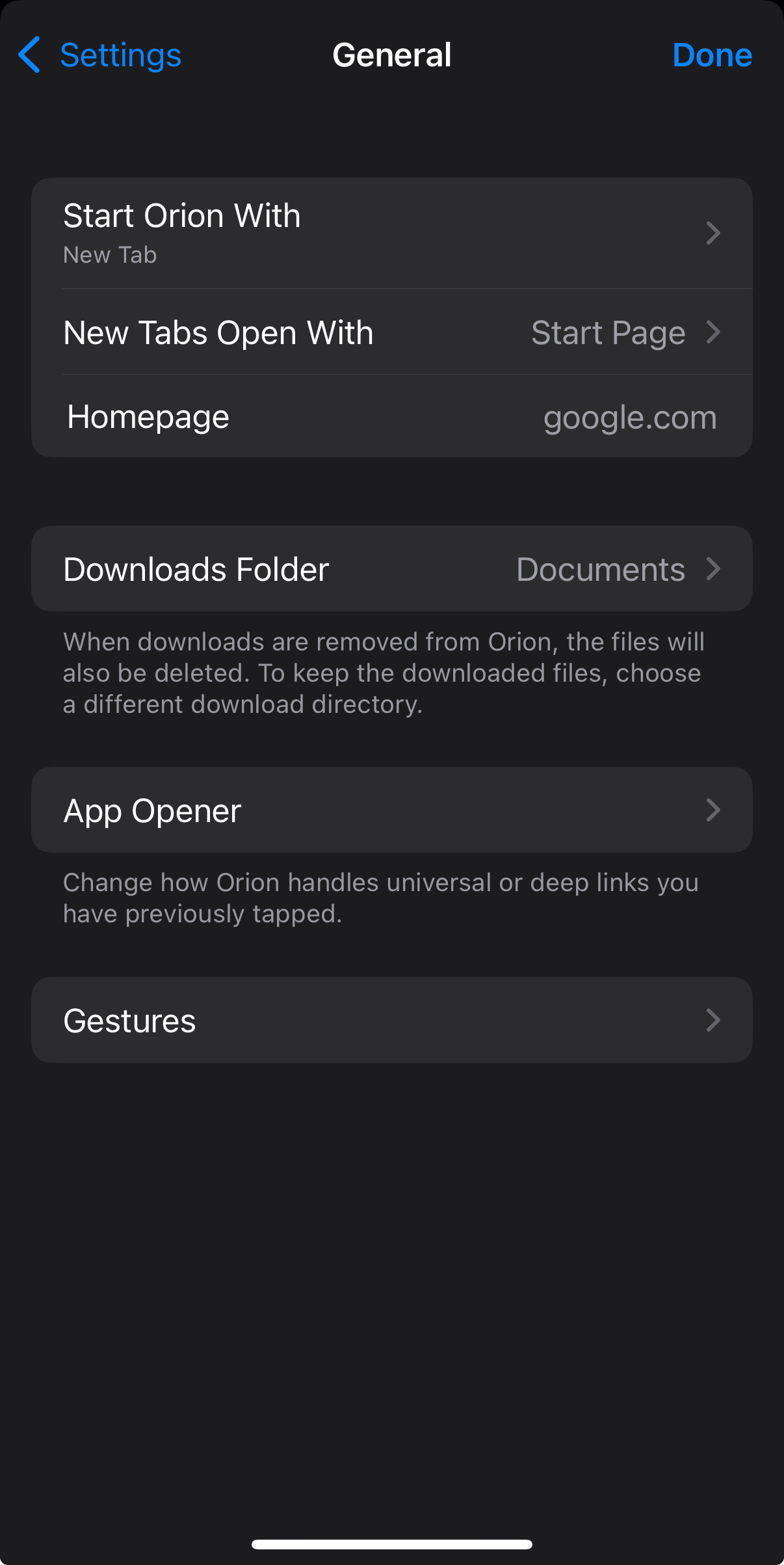
The open settings should only indicate the starting point, not affect the prior session unless explicitly specified. That said, please take the following into consideration:
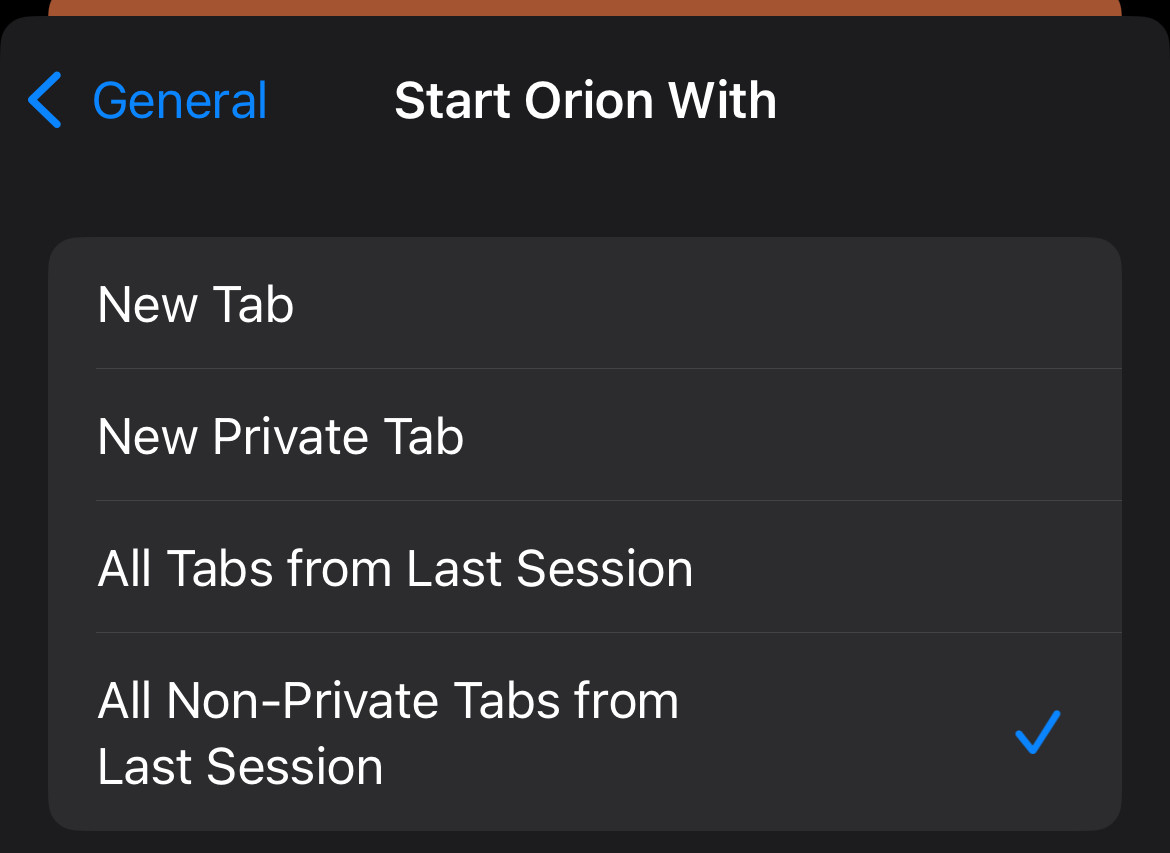
“Start with” settings should not interfere with, modify, background load, or otherwise modify tabs that were left open from previous session, unless the option is to “Close all tabs from previous session and open with New Blank Page” either in “on exit” or “starts with” but again, redundant so pick one.
New Tab
This should be the default. A new blank tab in the default session, along with all previous tabs from the prior default session should also open, but not actively loading the content in the background.
New Private Tab
This should remain an option. A new blank private tab opens as the default “start point”, but it should not interfere with, modify, or background load existing tabs that are open from previous session.
All Tabs from Last Session
This should be a button or something similar on the default start/home page as an option, as well as an option in the settings, under History, Sessions, or even as a favorite button.
Example scenario: if the user has opted to “Close all tabs when quitting/exiting” but they meant to save the tabs they were looking at and forgot to save them, were forced to quit the browser, or restart the browser for any number of reasons, but they wanted to keep the tabs that they had open.
All Non-Private Tabs from Last Session
Again, I feel this should be the default opening state. No need to even have it as a selection. “Open to tab group from previous session” is a better option. Still confused about the private/non-private, but if there is a private cache/history, “Open to last tab from Previous Private Session” should be an option.
This would allow for a backup option, or even a streamlined system to keep the UI from bugging out in the event the UI has an issue (which it usually does).
Aka auto bookmarking—but without the redundant, tedious steps and ultimately decision paralysis of creating a navigable, memorable organization structure.
One will generally remember how they got to a certain tab, by way of date or the other links it was grouped with, but committing all those steps again to creating a full bookmark tree (let alone manually doing so all over again) is just so much work and an outdated idea.
Real life example: For the user that has very carefully, painstakingly, with considerable time invested, managed to organise their hundreds of open tabs generated while performing multiple lines of research, reaches exhaustion but has set themselves up to be able to pick up their work where they left off. Only to find, upon returning to their days of work, that the groups, their contents, even the order of the tabs in the list has not saved. Whether cached incorrectly, or otherwise just not showing up as expected, and it appears that none of the pages or sources they have spent days searching for and carefully grouping has been lost, causing meltdowns, panic attacks, and other adverse effects to the user and other beings or objects within their environment. (Because everything is energy and is connected)
Please, PLEASE, review the backend—configuration, coding, sync operations, indexing etc—for the tab groups feature because this has happened to me multiple times and it is unbelievably frustrating.
Unless a user has elected to close all tabs when quitting, their tabs shouldn’t be closed by default. At minimum, the previous session tabs should be moved into an index or separate tab group, “Previous Session Thu 27 Nov 2025 11:25:56” with successive groups created with the date and time of the date of closing the browser as title. (Good example to emulate is how Safari lists the browsing history)
New “Starts with” option: Last tab from previous session
Opens to the last page/tab they were looking at when they closed the browser. If the page is within in a tab group, other than the default session, Orion should open to the iteration of that tab within its respective tab group, and not a duplicate of the tab in the default session.
Note: it should only load titles, favicons, headers of prior tabs—it should not background load the page content of all tabs from last session—they should otherwise be hibernating until selection of the tab group.
A tab group should be hibernating until selection. Upon selection of a tab group, a process to refresh and load the title/url/headers of the tabs within that group will refresh.
This should simultaneously trigger an indicator or loading animation to the user that the page headers or other elements within a newly selected hibernating tab group are being loaded and refreshed. This is incredibly helpful and useful communication for the sanity of the user.
Maybe have the actual URLs listed in hibernating tab groups instead of caching titles or headers, and then trigger loading them upon selection.
Perhaps indexing and linking tab groups, like an automatic bookmarking system that creates an html index in the background would be a good solution?
“Why not just make bookmarks?” you say?
The bookmark interface is—ahem—not easily navigable, to put it diplomatically, and it is especially worse when on mobile. No browser has done this well.
Perhaps this leads to another feature: all tabs in groups are periodically indexed to an html list, and the tab group added as folder icon (link) embedded on the start page, in a dedicated section, Tab Groups, separate from Favorites or Frequently Visited.
Editing of the html list is necessary and should reflect in the UI.
Also, not all tabs within a tab group will be ultimately be saved, useful, or relevant—they are often parked for follow up to save time when initially navigating a particular subject. So
Favorites are the only relevant “saved” links—tabs and tab groups are the new bookmarks.
Lastly, there should be an option for selecting which tab groups to sync between devices on mobile, either via icloud or email address. As a settings option for browsing > tab groups or symcing.