I have a web app which I'd like to have share cache and cookies with the main browser and it doesn't seem to be happening. From talking to Vlad on discord, it sounds like they're supposed to be shared. I'm currently using 0.99.130.2-beta on macOS 15.2 on an M1 Max laptop.
My repro info here relies on having a public library card with a library that has an Overdrive/Libby (they're the same thing) subscription.
To start with, I went to https://libbyapp.com and registered my library card to create a profile for myself. From there, I created https://libbyapp.com/shelf as an app with all the default options:
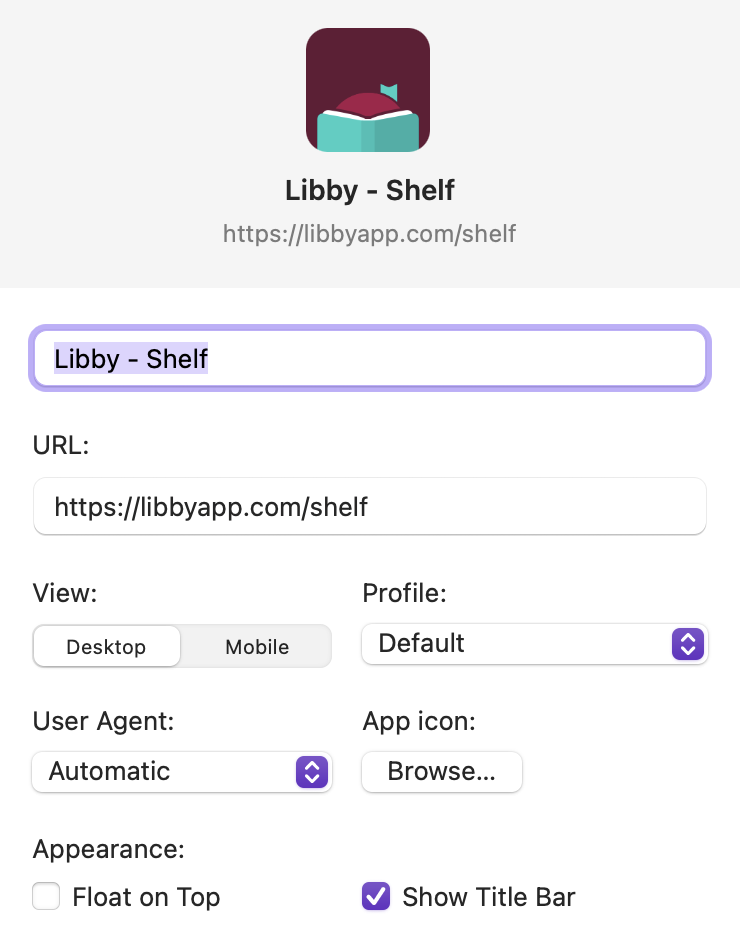
When pulling up the app, it doesn't recognize the user I have already, and I need to link it to the session I set up in the main browser by selecting "Yes, I have a library card" and then "Recover Your Data". However, even when I do that, they're not linked.
Because Libby's options for searching through multiple libraries (I have several library cards) and choosing a specific one to place a hold or borrow at is . . . less than stellar, I use a Calibre plugin to do that. The thing is, though, the author refers people to the Libby web site to download the book (technically a metadata file to have Adobe Digital Editions download the book) so that I can transfer it to my reader, and until the web app syncs data with the web backend, it won't recognize a new loan. It does that sync when the site is pulled up, but it does mean that using the "Open in libbyapp.com" button in the Calibre plugin doesn't work at first unless I've either synced the page in the main Orion browser first or reloaded the page it brings up after several seconds of it displaying an error.
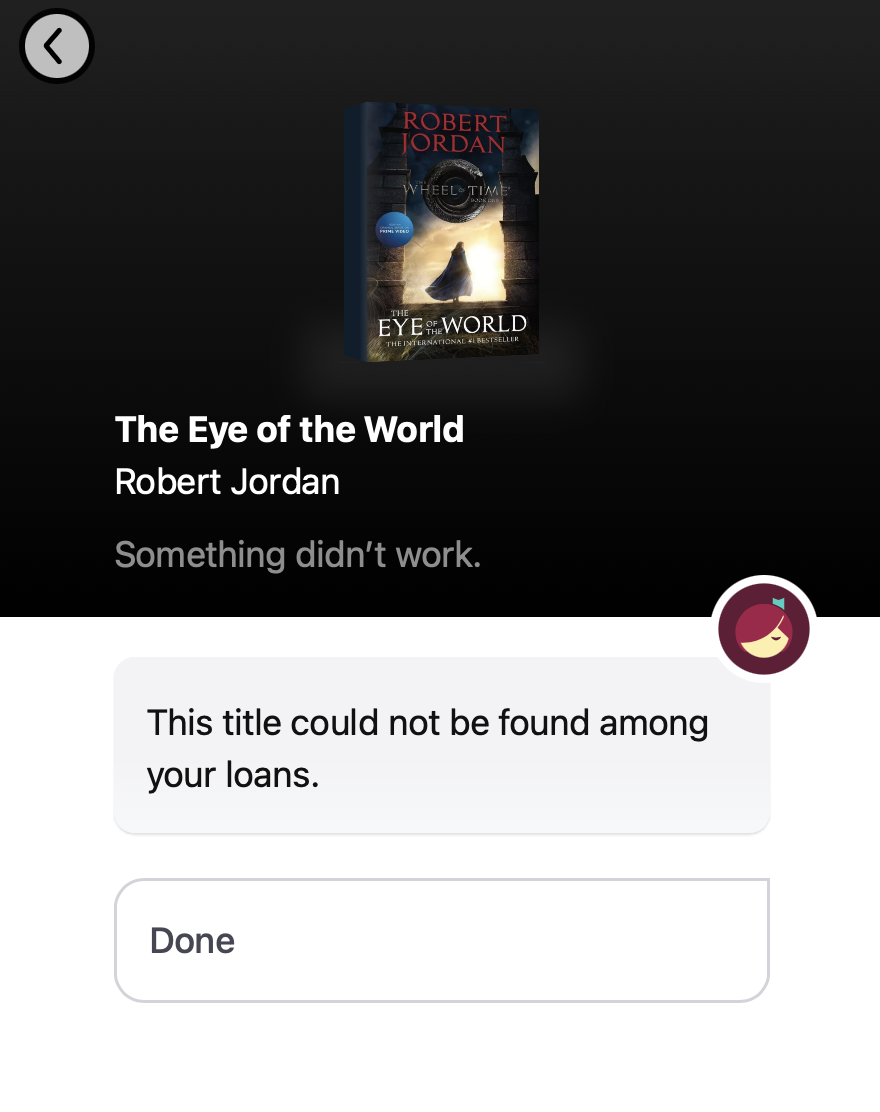
To see this checkout issue, you can check out any book through that Calibre plugin (or any other open source tooling that interacts with Libby for checking out books; there are several) and then load the Libby web app that was created earlier. It will sync (the progress is a spinner in the top right by the green ACTIONS button), and will pick up the new loan. But if you use the "Open in libbyapp.com" button in the Calibre plugin or otherwise pull up the loan in the regular Orion browser, it will display an error that looks like this:
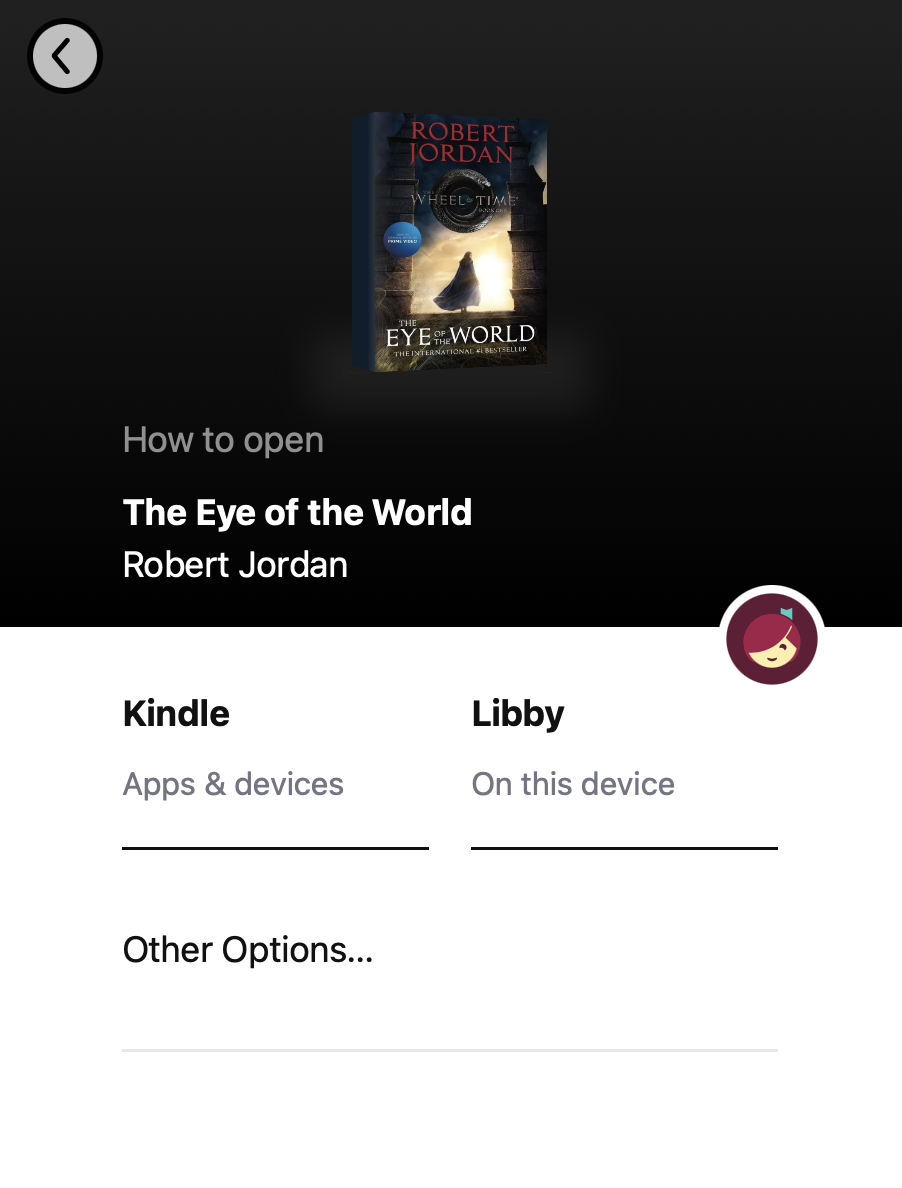
Syncing in the main browser and then using that same button to load the loan from Calibre, however, yields this:
I apologize for how convoluted this is, but hopefully it all makes sense. I'm happy to provide more details if needed.
I'd expect syncing Libby to pick up the loan in the web app I created to do the same thing as doing it in the main browser.
0.99.130.2-beta on macOS 15.2 on an M1 Max laptop
Sequoia (15)
