Whenever I am making an iDeal payment (Dutch payment system), the payment verification is being done in the browser instead of the app. This is extremely frustrating, because this requires triple verification instead of a single verification in the app. Which means first I have to enter my app pin (the app does too, but that allows face ID), then I have to enter a code I get by text and then I have to still verify in the app. After that, instead of being taken back to the website where I am doing the payment, I get back to the enter phone number screen...
Payments should NEVER be handled in browser and it's always preferred to be handled in the bank app itself.
I select Revolut (sorry this screenshot is from safari, forgot to take it in Orion):
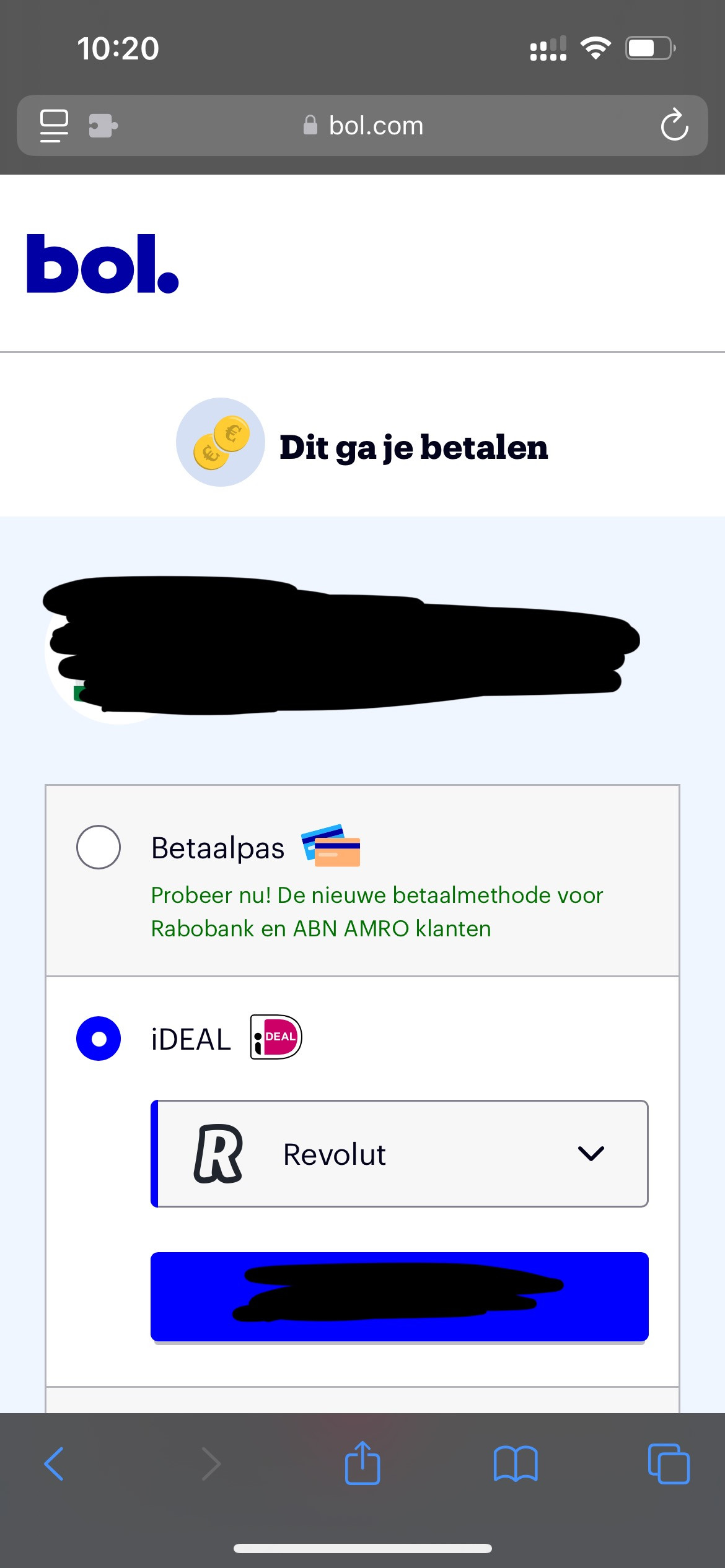
After clicking pay, instead of going to the app, the payment is being handled in the browser:
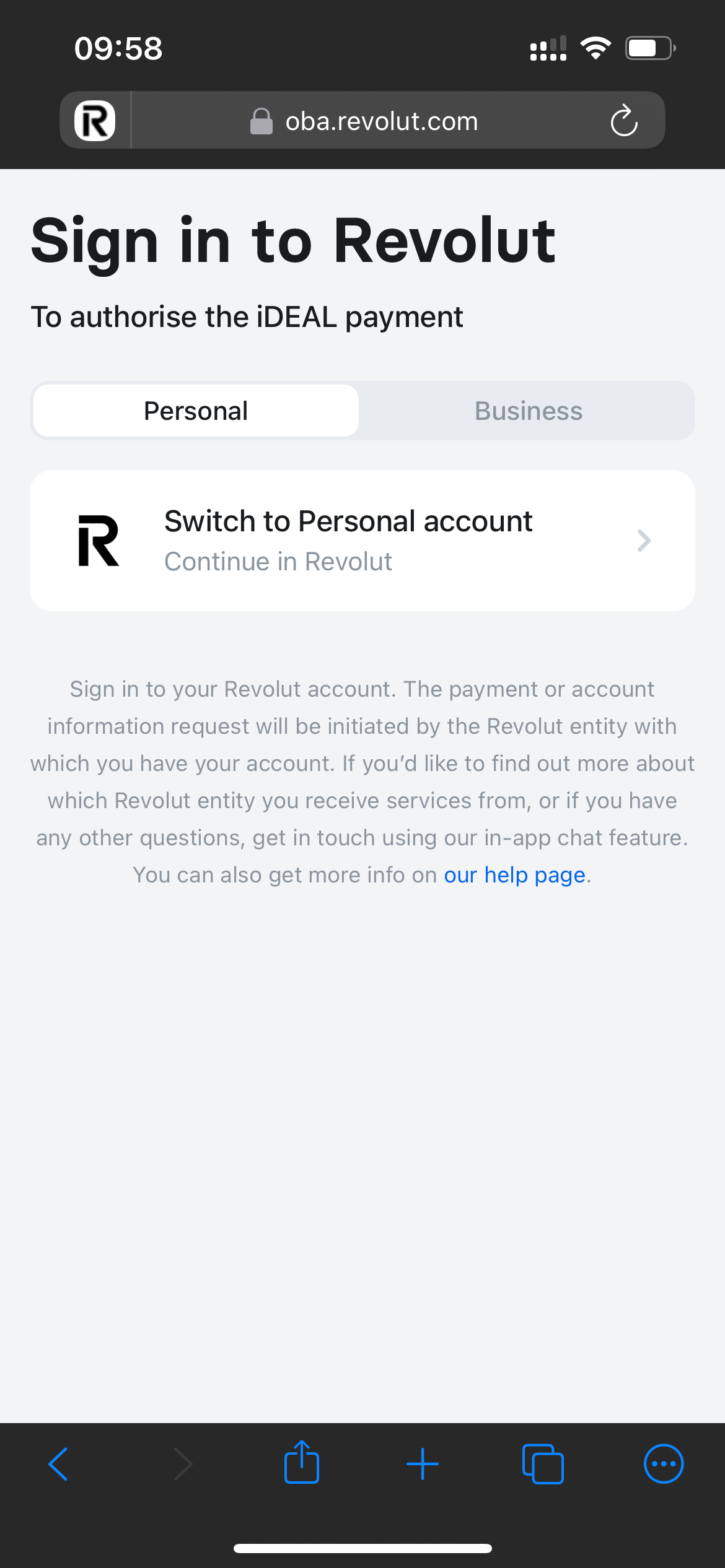
No idea what went wrong but I was able to continue once I clicked "Got it" and enter my PIN:
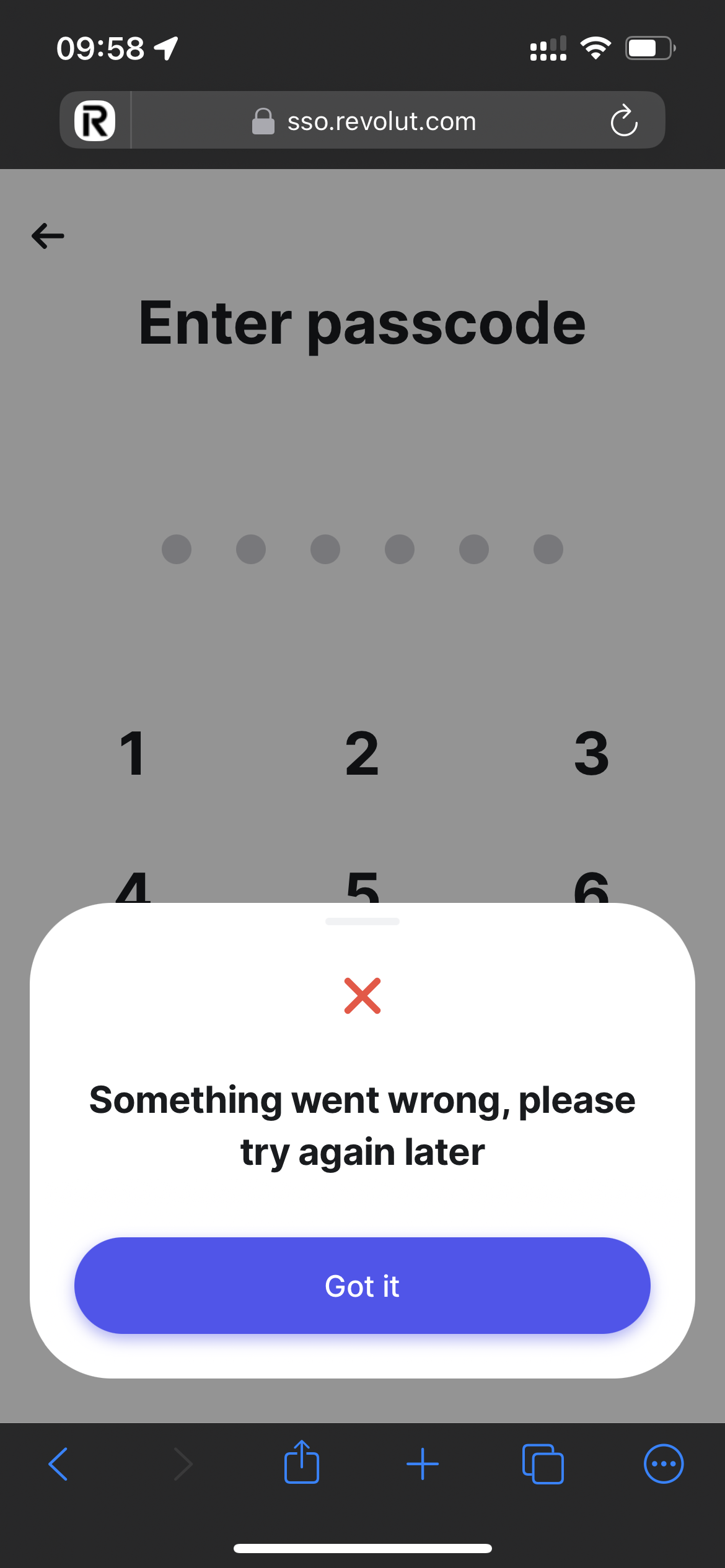
Then I have to enter my phone number to receive a text:
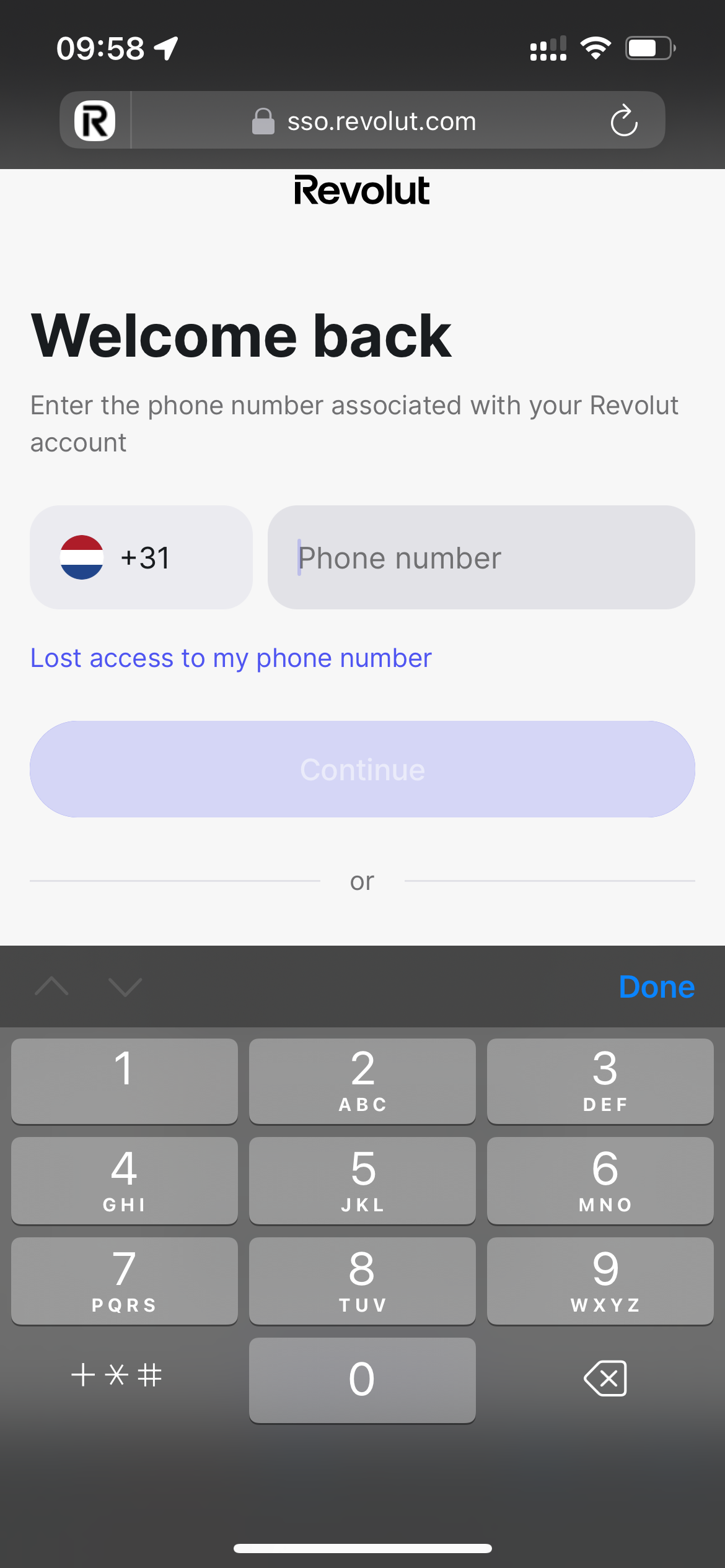
Enter the code:
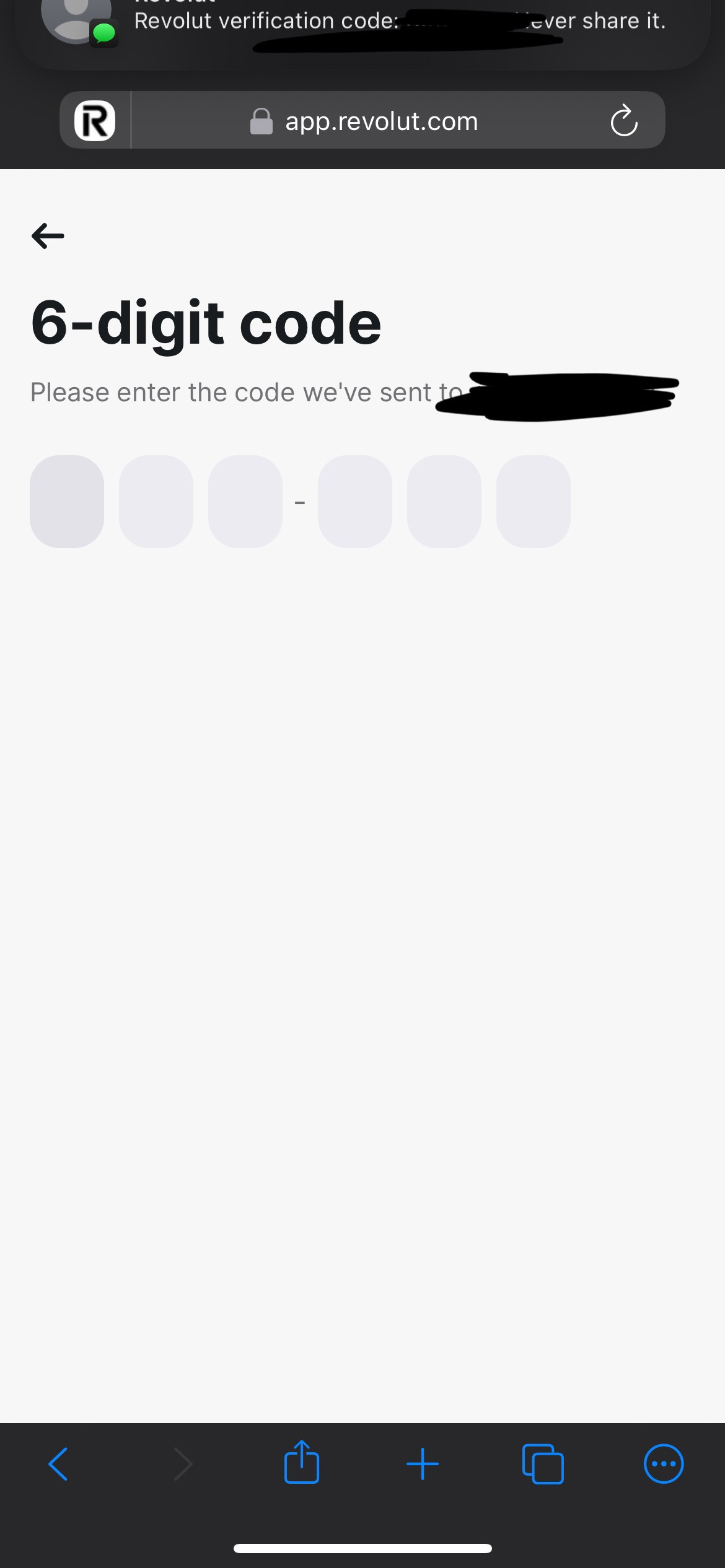
Then authenticate/authorise in the app:
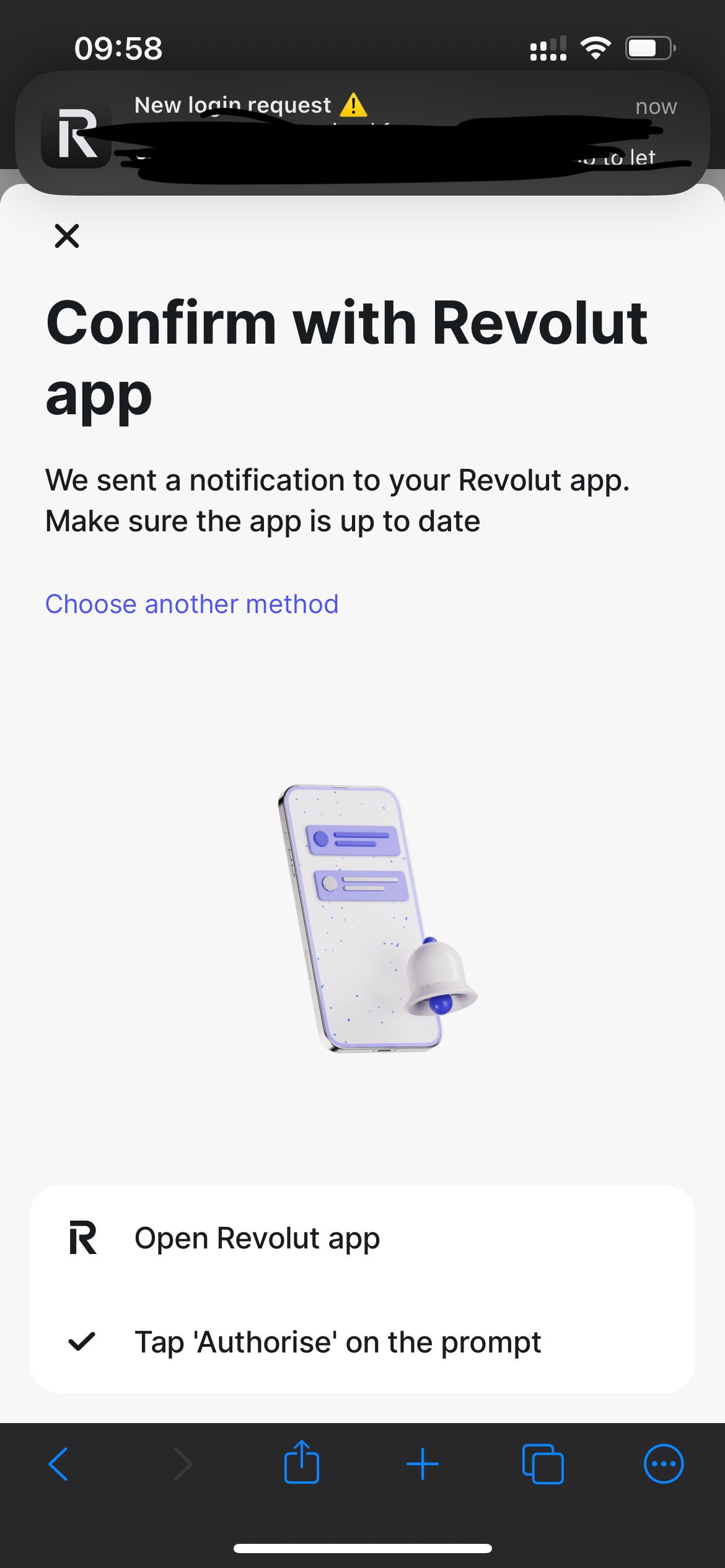
Then authorise again in the browser...:
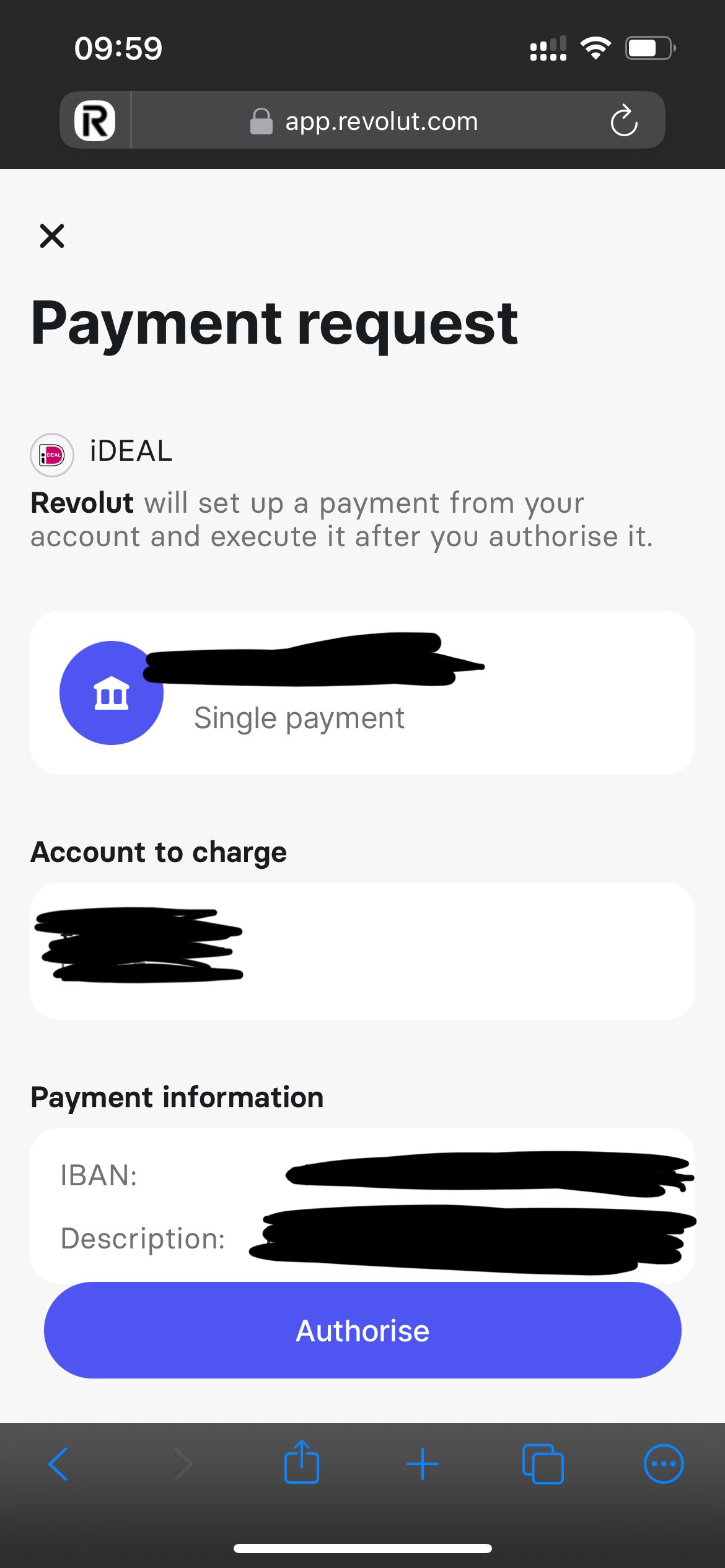
All this while Revolut is allowed to open in app in settings:
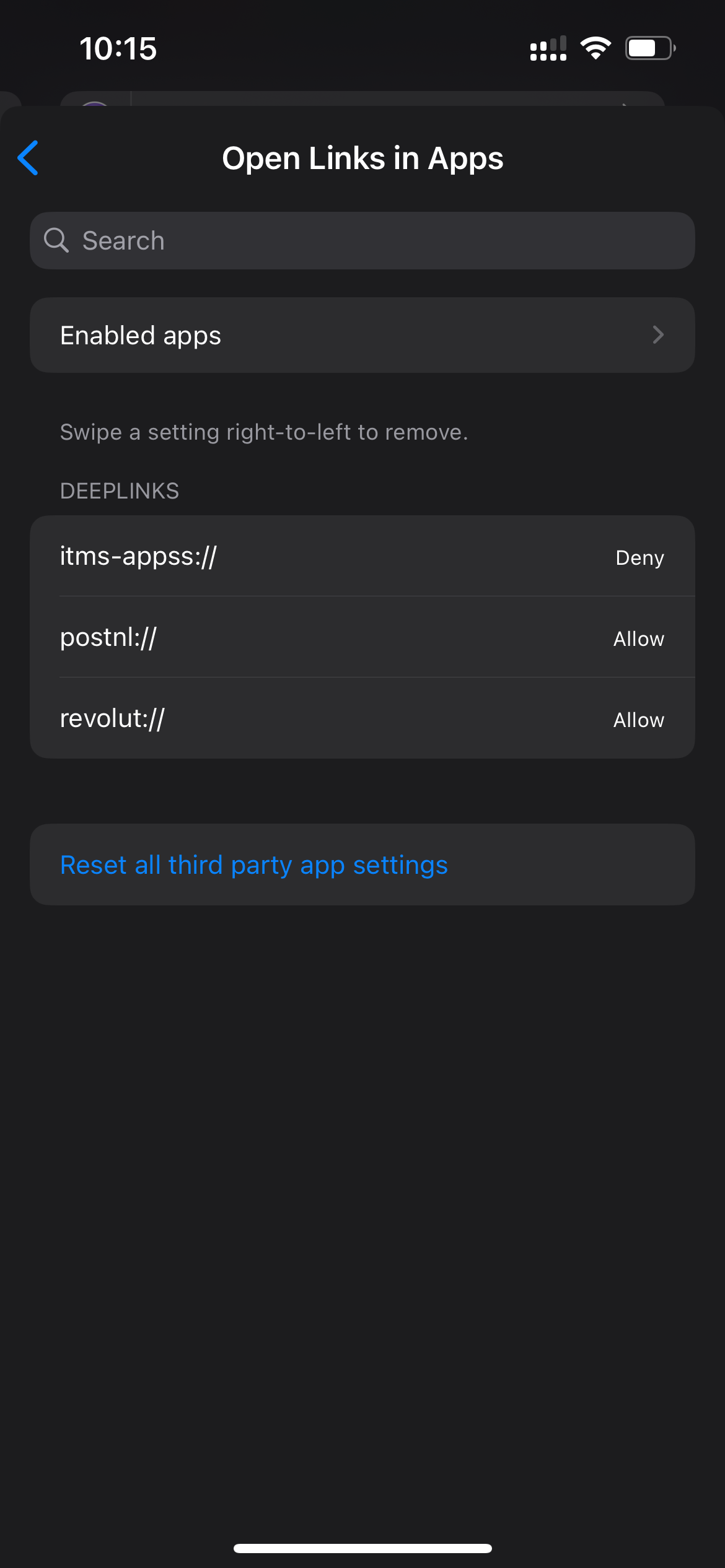
Instead of seeing the first screen in the browser asking to continue in Revolut, I should immediately be taken to the app (this is how it works in Safari), click authorise and then the payment is immediately done. Sometimes I still have to enter a code from text, but it's easier in the app since iPhone recognises the text and it automatically copies the code. This doesn't happen when the authentication goes through Orion. Either way, payment through bank app is ALWAYS preferred. Now I have to change my preferred browser to Safari every time I need to do a payment 👎
(Following screenshots are from Safari)
I select Revolut:
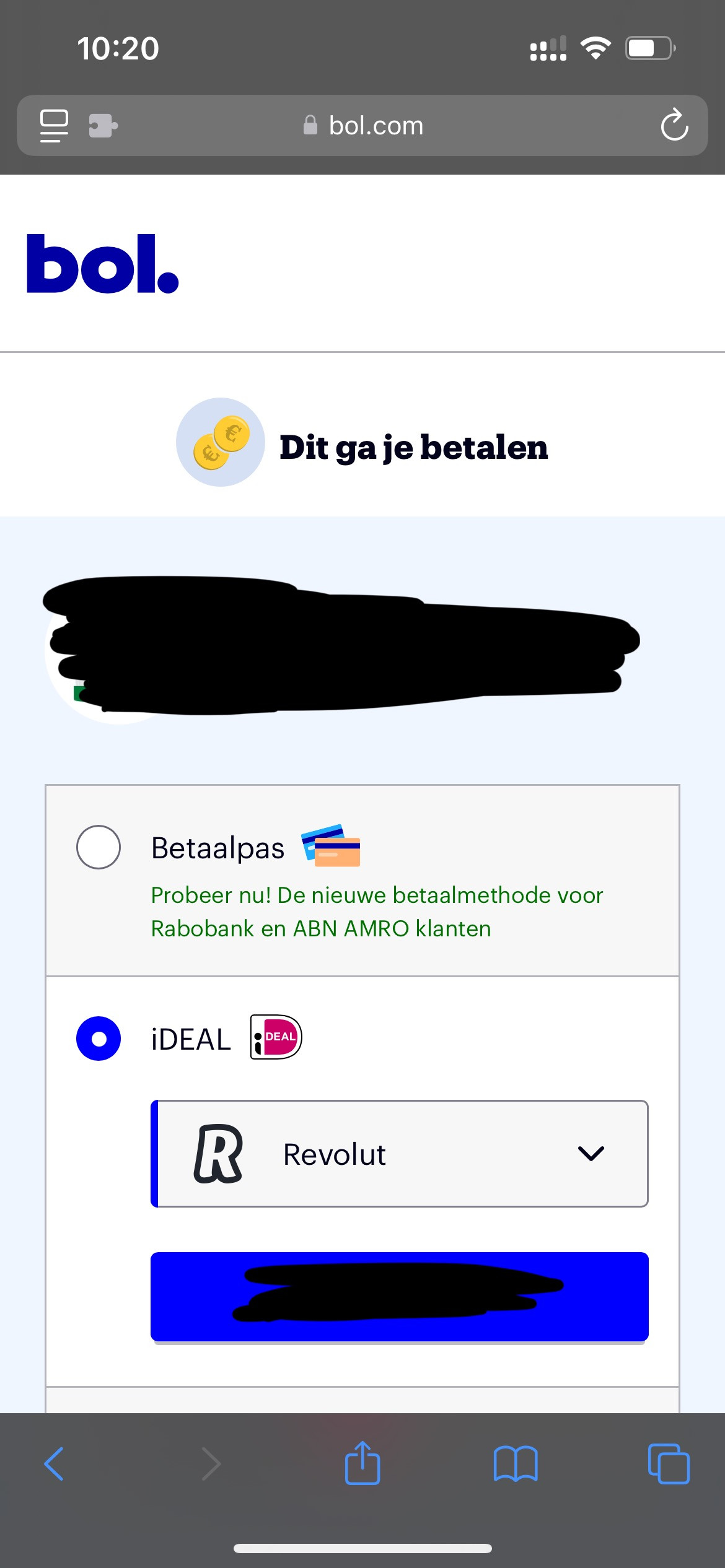
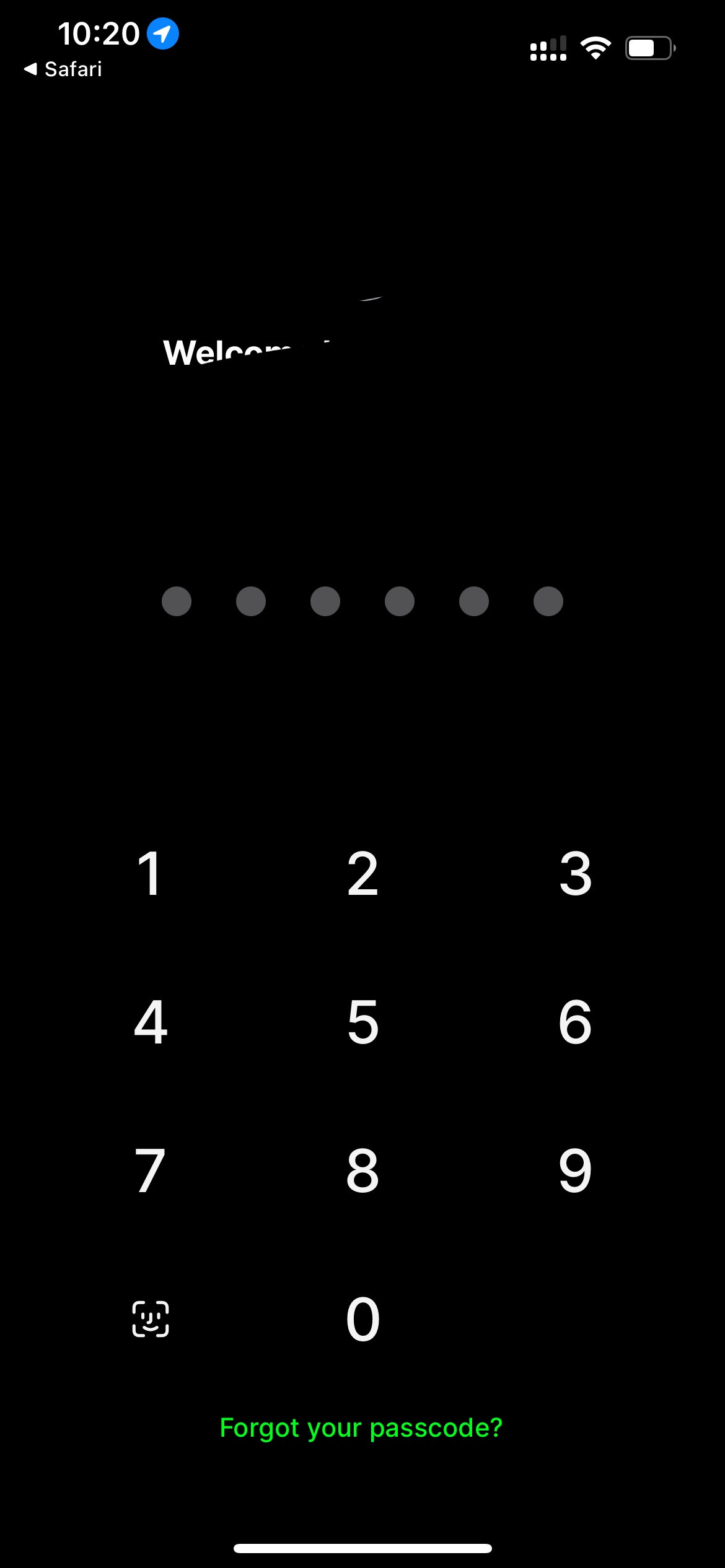
After clicking pay, I am taken to the app and can use face ID to log in:
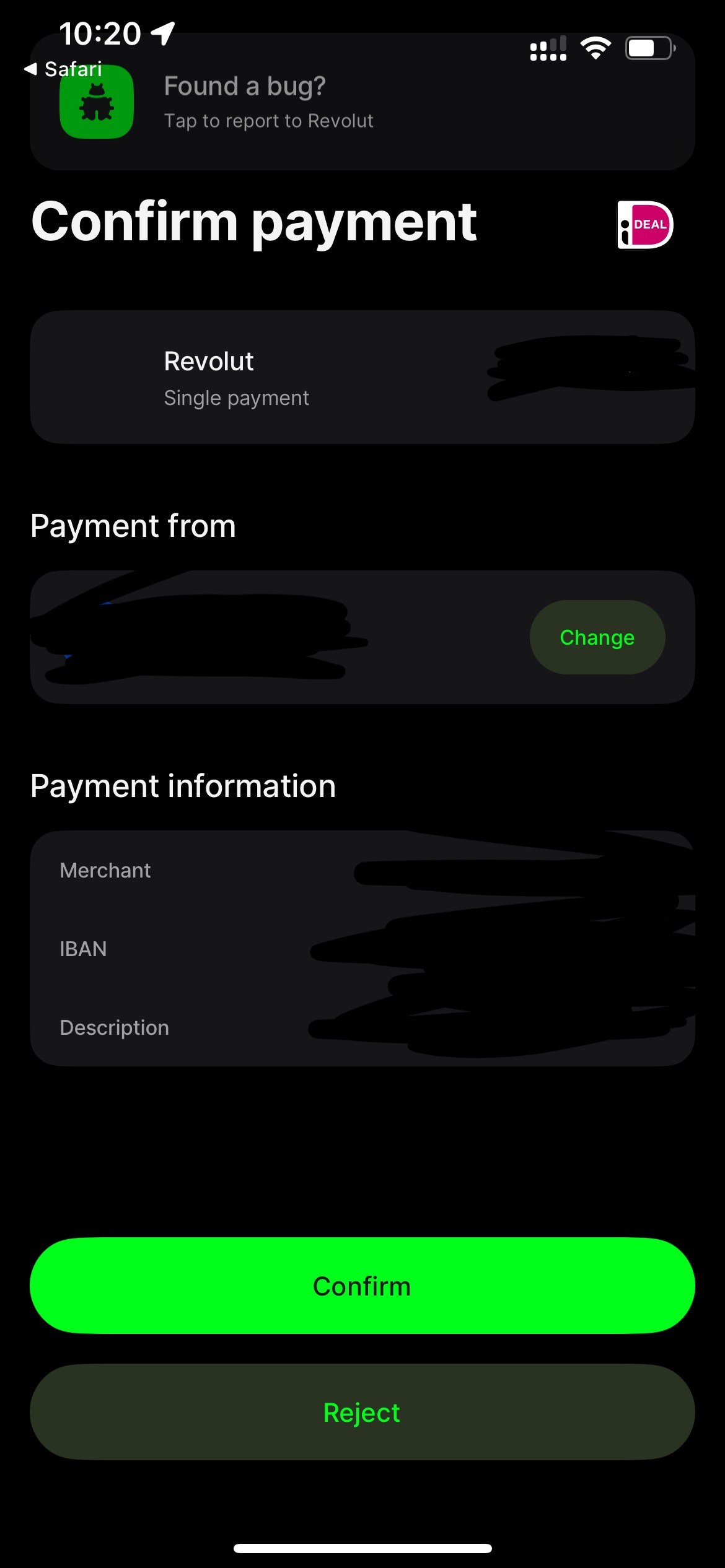
I only have to confirm the payment:
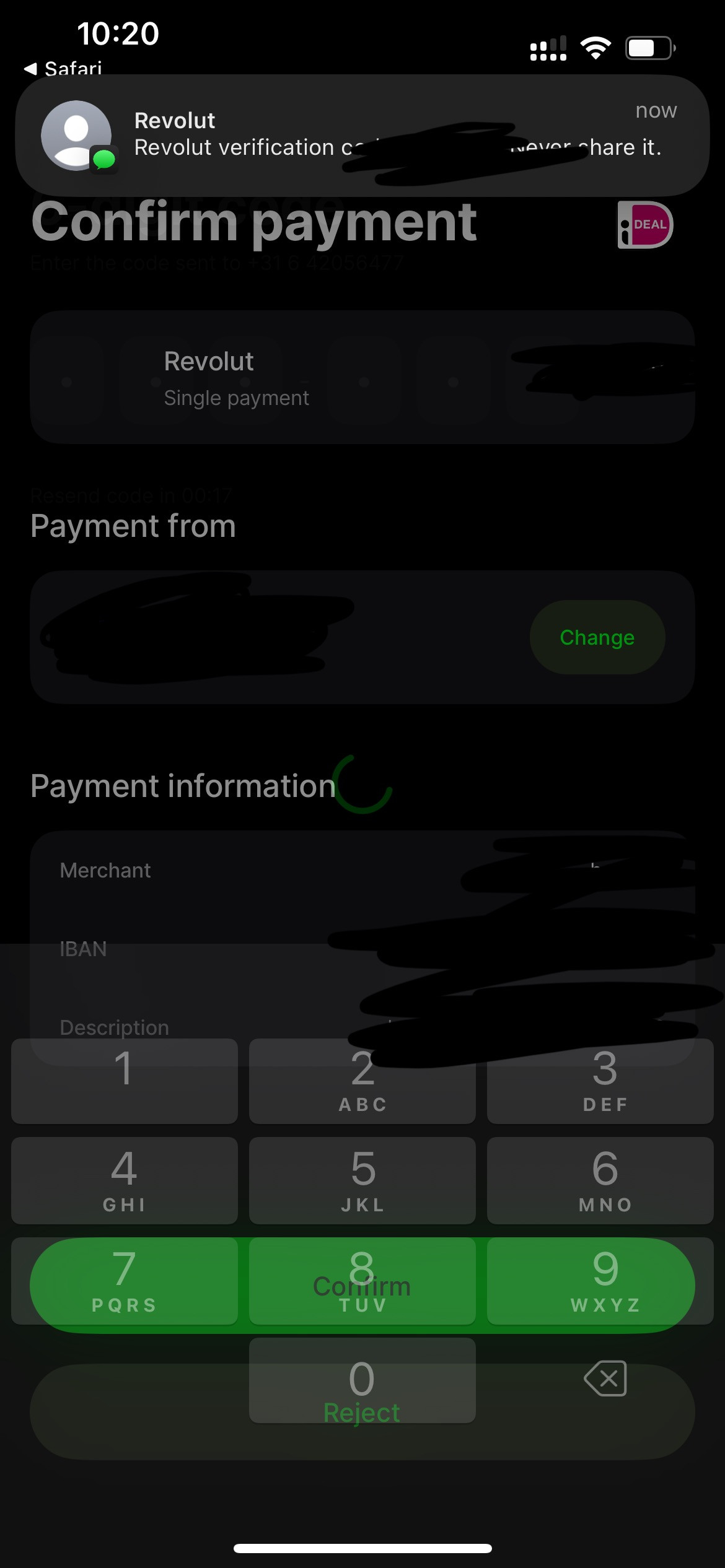
Sometimes I have to double verify with a text, but as you can see it goes very fast because iOS recognises the text and I can copy from the keyboard and it automatically continues:
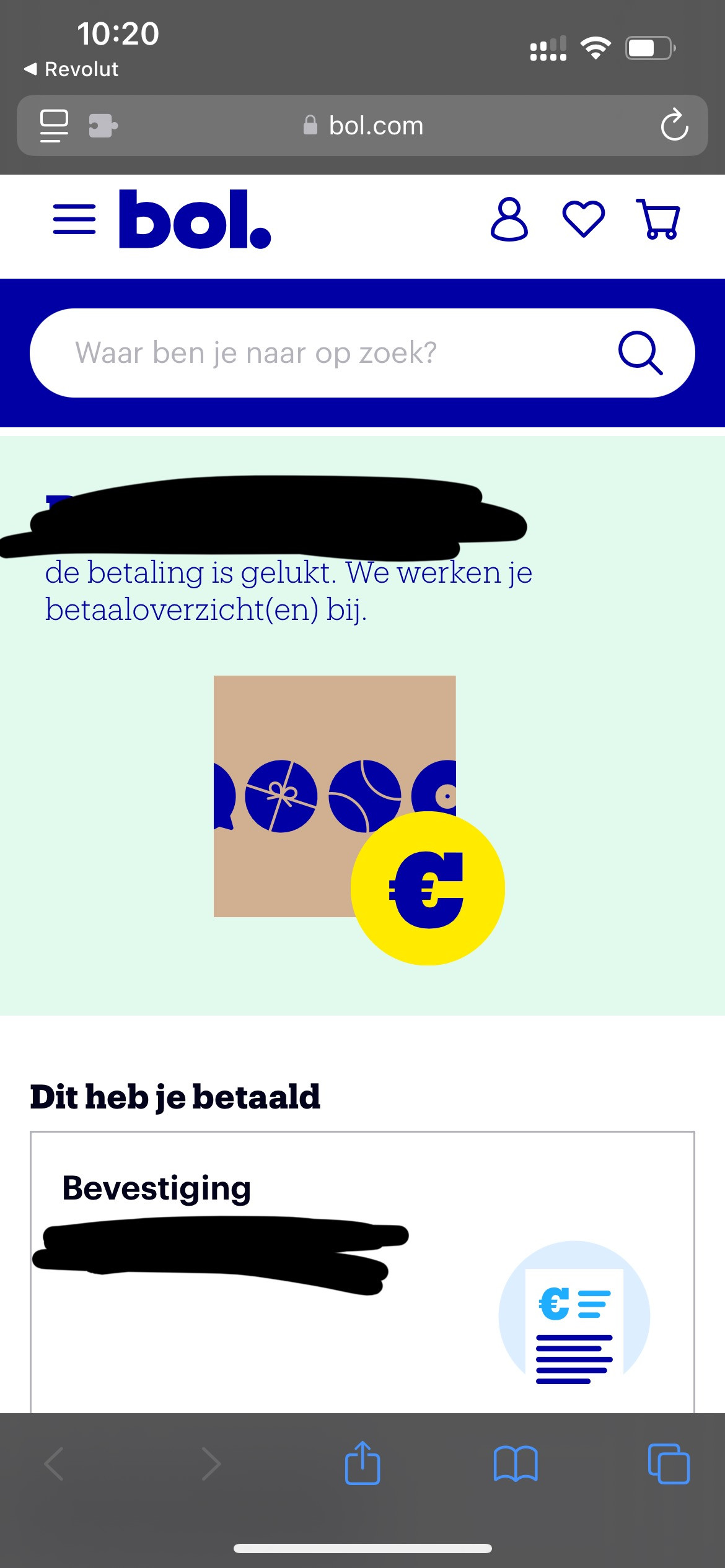
After that the payment is done, without any extra unnecessary steps:
App version: 1.3.10 (8) (WebKit 8619.1.26.30.7)
System version: 18.0.1
Device type: iPhone 13
Native bounds: (1170.0, 2532.0)
Scale: 3.0
Regular tabs: 3/3/3/https://www.bol.com/nl/rnwy/account/facturen
Private tabs: 0/0/0/(
