"What does your feature entail?"
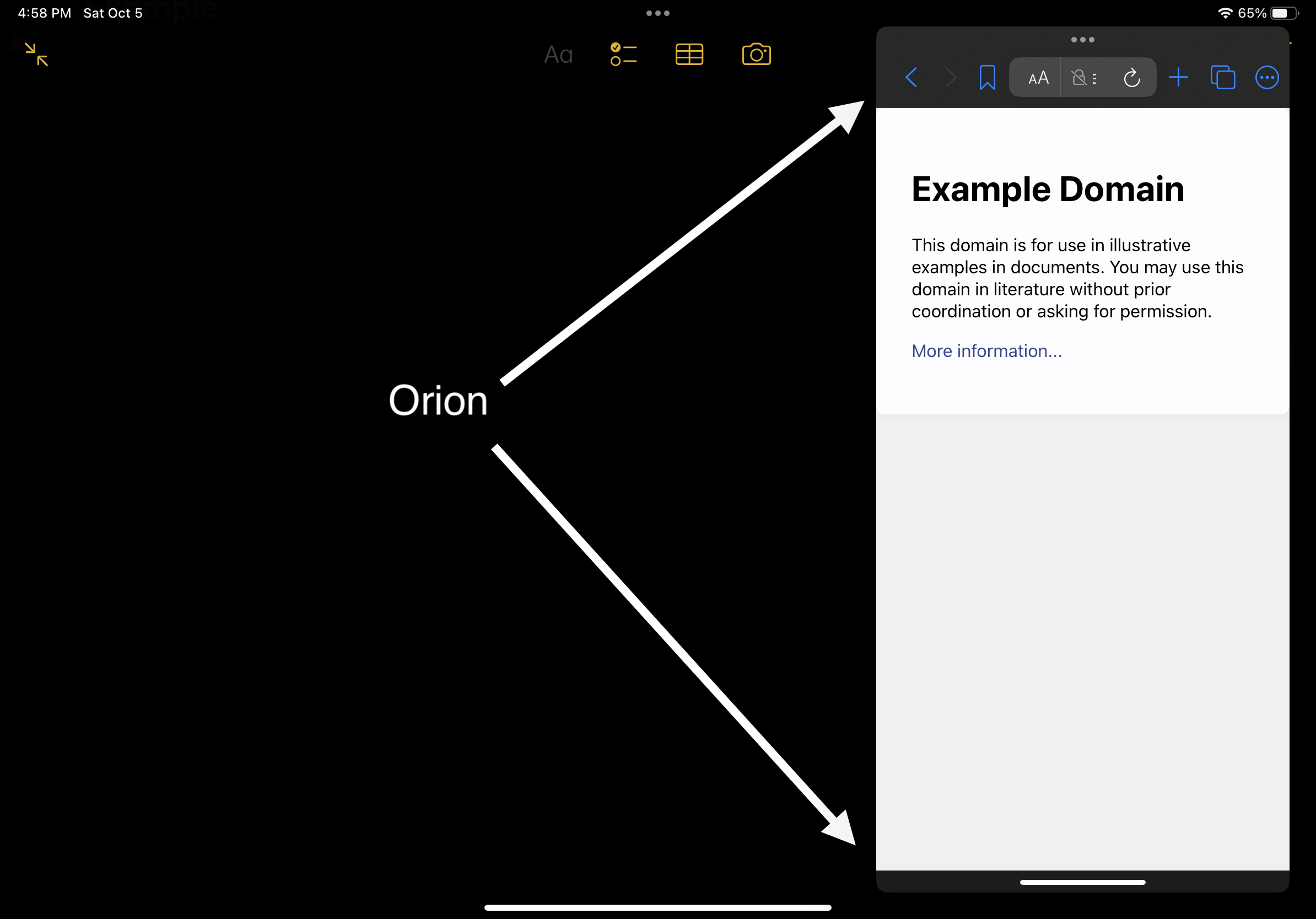
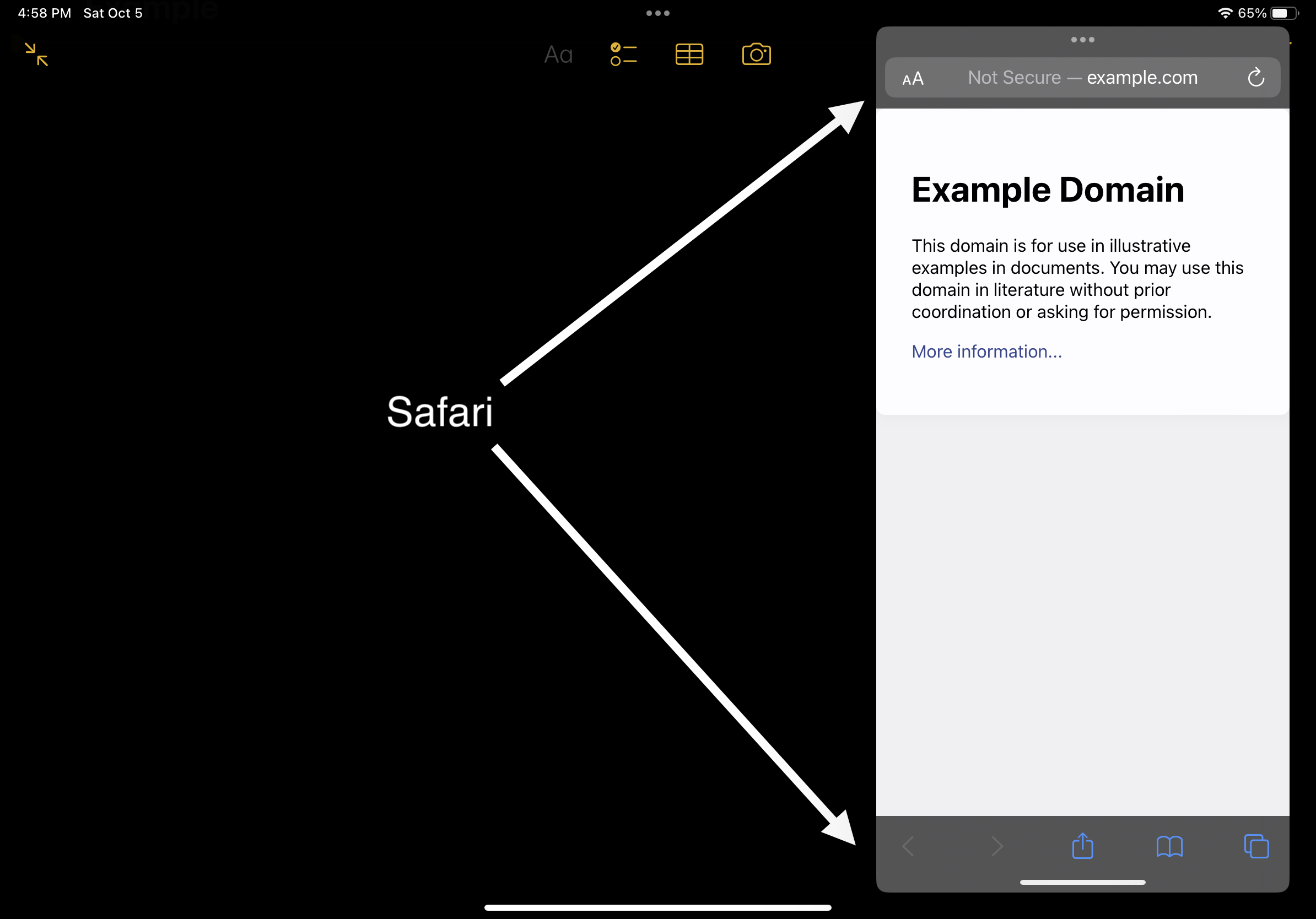
This feature involves relocating Orion's navigation buttons (e.g., back, forward, bookmark, tabs) from the top of the screen to the bottom when the browser is in Slide Over mode on an iPad.
"How will it affect existing workflows or user experience?"
It improves accessibility and usability - as it makes the buttons more reachable and the search bar larger as it should be.
Less clutter is always better! 🙂
Attachments below:
How Orion does it:
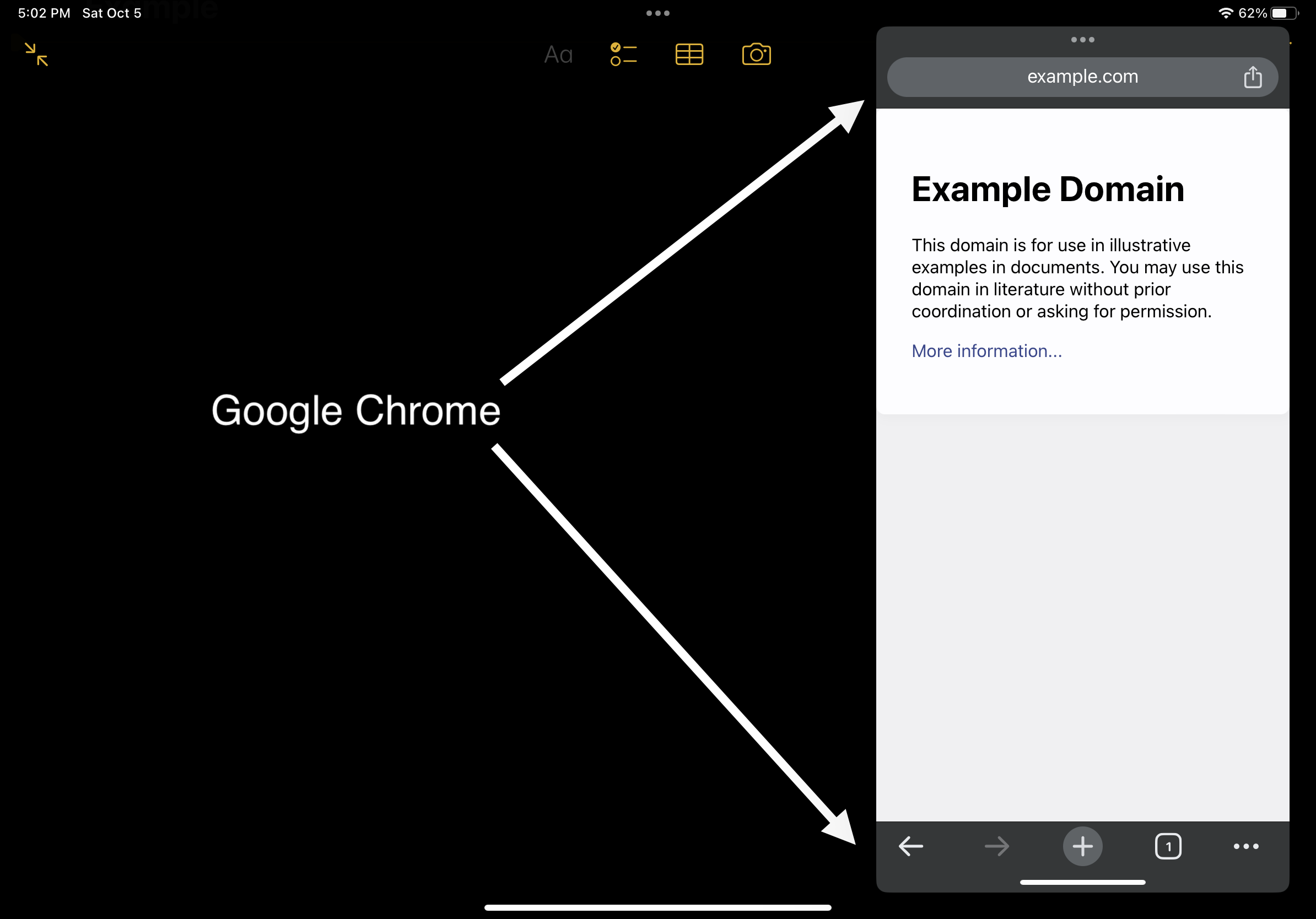
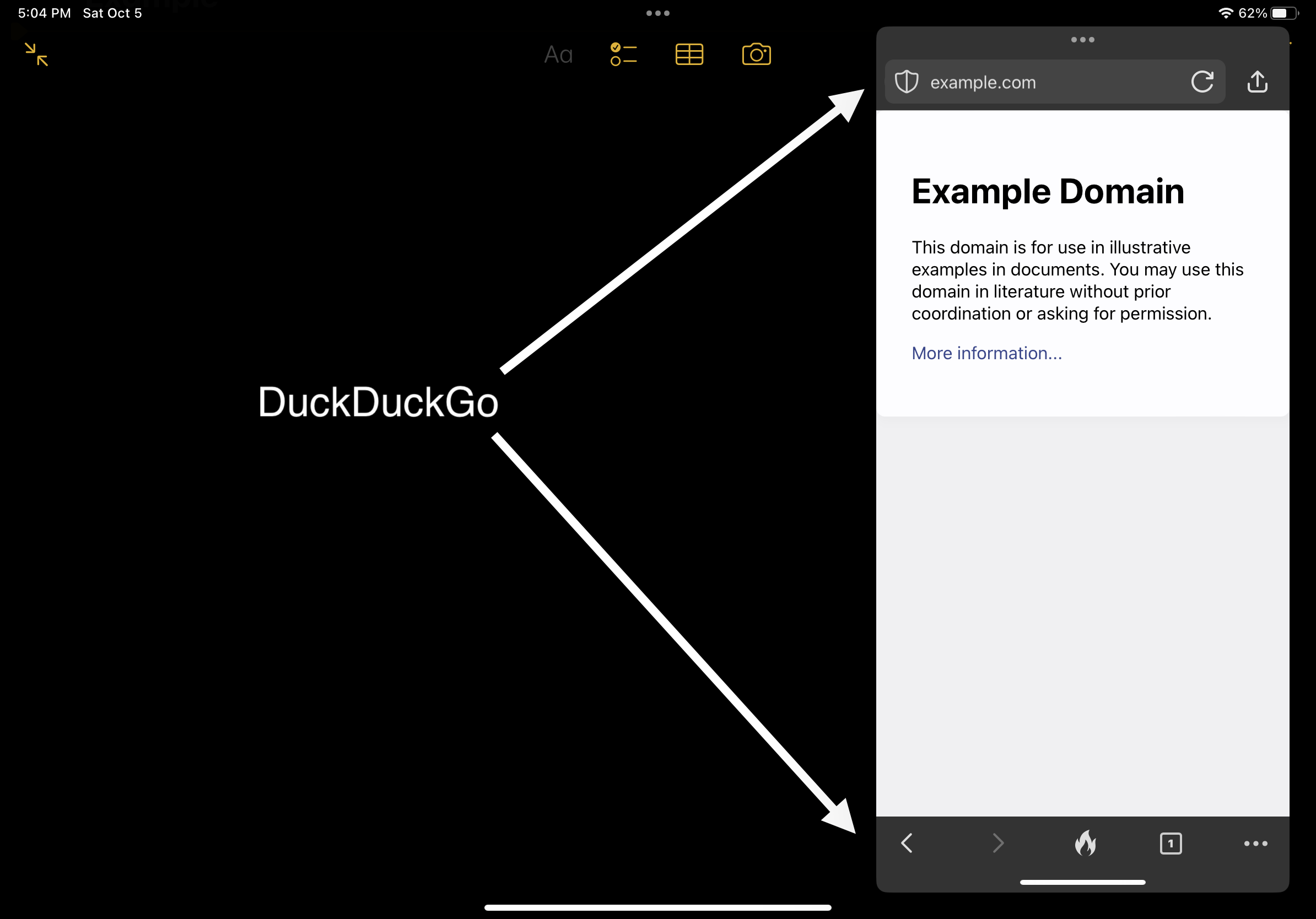
How everyone else does it:
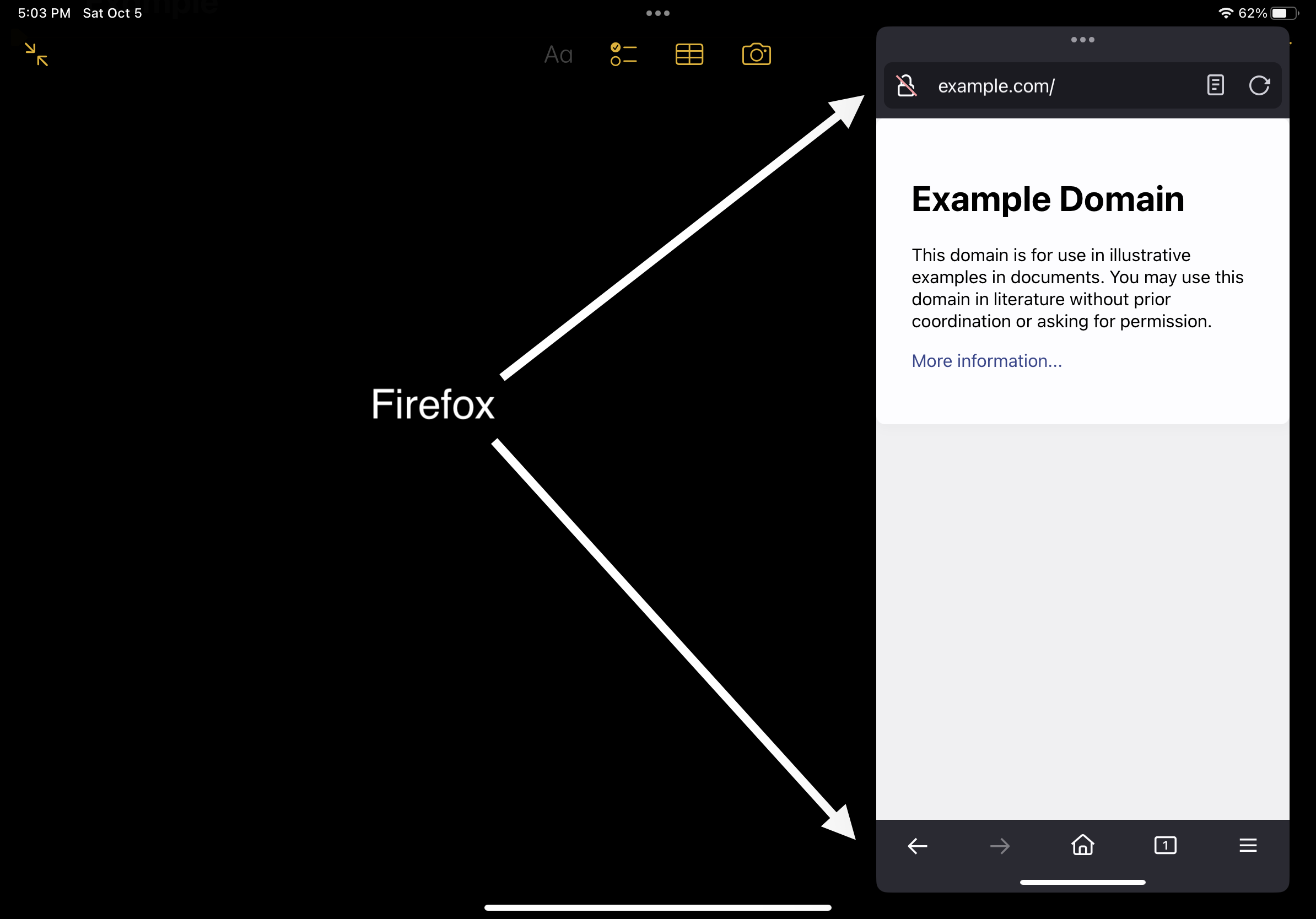
I will provide 2 most common scenarios for me, but, there are of course many other scenarios where such a change is needed!
#1:
Scenario: I am doing research while taking notes.
My Current Issue: The search bar is too small due to the navigation buttons at the top, making it VERY difficult to enter/view search queries...
Solution: Relocate the navigation buttons to the bottom, the search bar becomes larger and more accessible for me.
#2:
Scenario: I am using Slide Over one handed (putting apps in Slide Over makes them pretty much iPhone sized)
My Current Issue: Reaching navigation buttons is uncomfortable, far, and very clunky.
Solution: Relocating the buttons to the bottom makes them easier to reach with my thumb, making my one-handed user experience nice.
