Summary
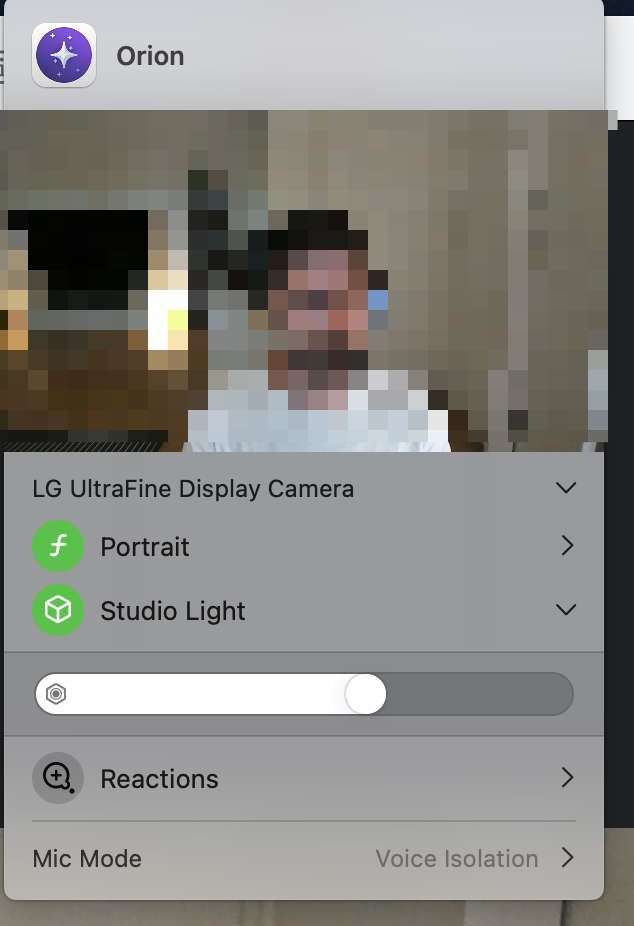
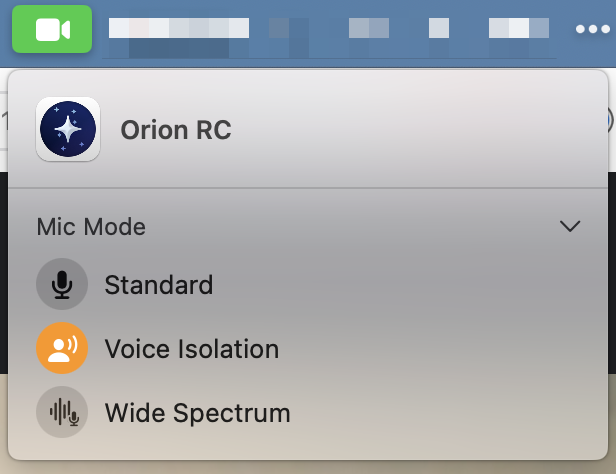
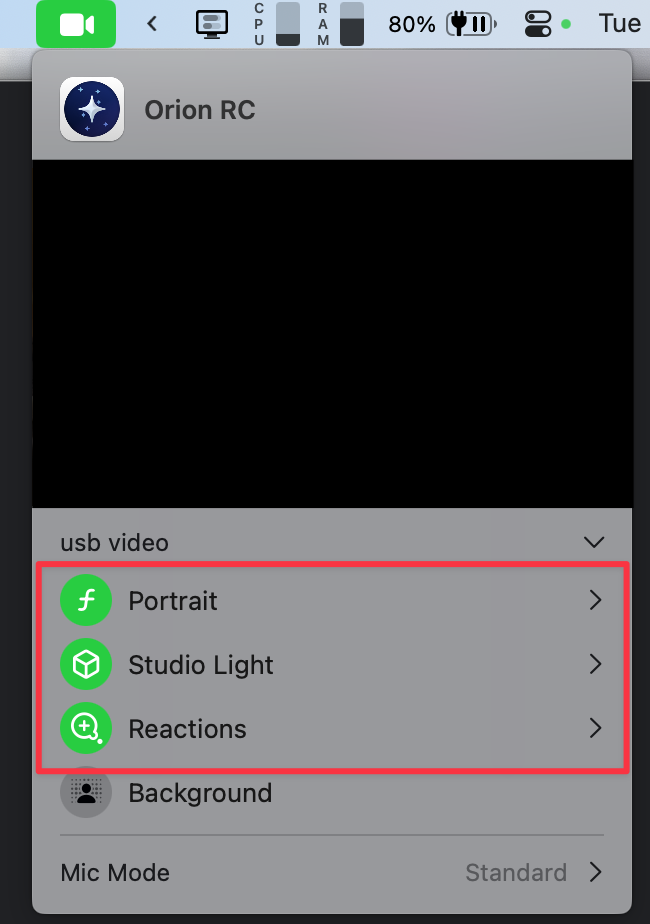
When attempting to apply camera or mic settings using macOS's menu with Orion, the changes do not take effect. Settings like Studio Light, Portrait or Background do not apply at all.
Steps to Reproduce
- Connect a webcam/external microphone
- Go to meet.google.com
- Go to the macOS camera/mic settings popup and change settings
Environment
- Device: MacBook Pro M1 2021
- OS: 15.1 Beta (24B5055e)
Expected Result
The settings should be applied to the feed of the video or the audio.
Actual Result
Nothing happens.
Version 0.99.128.2.1.1-rc (WebKit 619.1.11.111.2)
Sequoia (15)