Library Extension (from libraryextension.com) offers a plugin for checking which library collections have books available based on pages you visit. However, you need to enable it within the extension (not just enabling it in the browser settings) for specific sites, such as amazon.com. Orion does not appear to save the settings for it when sites are enabled, so it never actually runs on any sites.
Steps to replicate:
- Visit libraryextension.com
- Install either the Chrome or Firefox extension linked there (it happens with both)
- Select any library to add to the list
- Under Sites, click Enable All (see the below picture for the settings I'm referring to)
- Close the extension settings
- Re-open the extension settings
Sites setting: 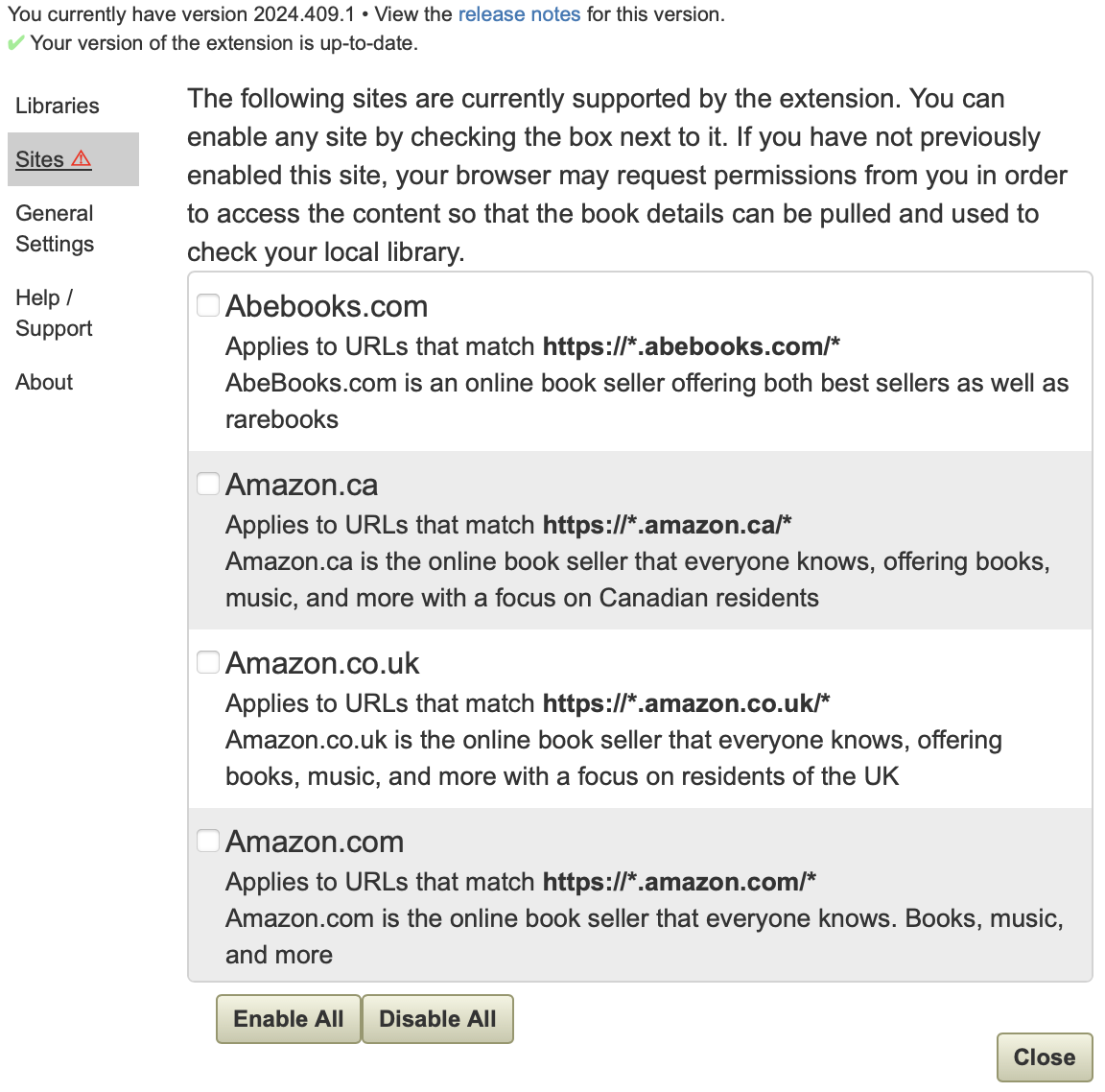
At this point, the extension should show that it's configured to run on all the sites it knows how to run on, but it will show that none are enabled.
0.99.127.3-beta
Sonoma (14)
