Hi,
In Privacy settings I have chosen to delete both the browsing history and the cookies every time Orion is closed. See the screenshot attached.
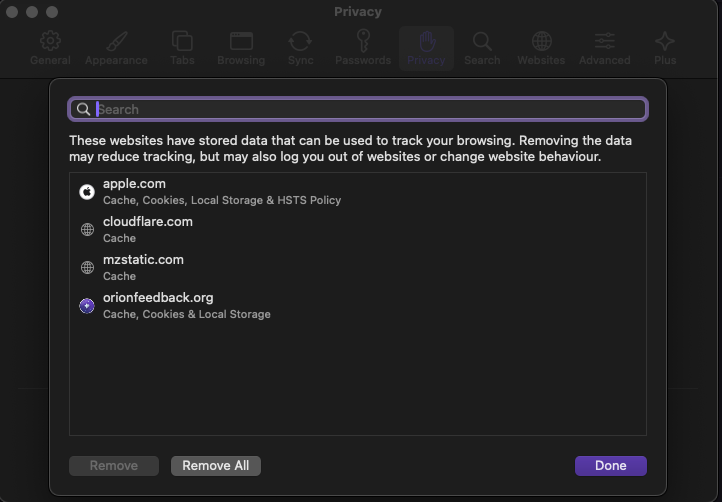
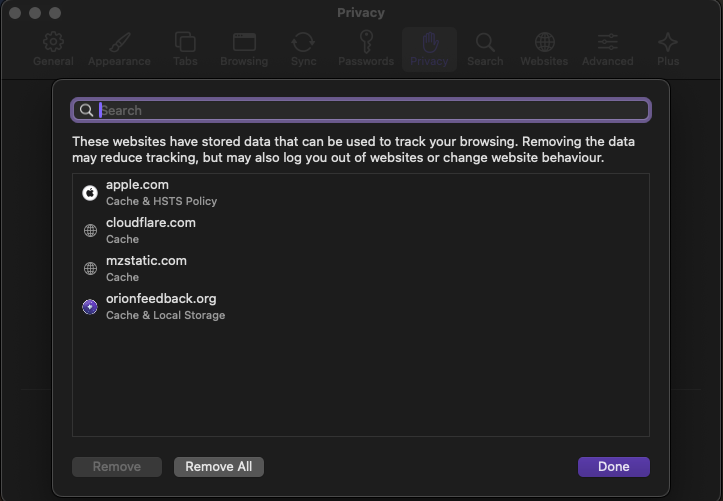
Every time I close and restart Orion, the browsing history has been correctly cleared but the cookies are never deleted. If I click on the "Manage website data" button (underlined in the screenshot), I can still see all cookies from the past browsing sessions and I have to clear the cookies manually.
I installed Orion for the first time in January 2024. The same exact behaviour has always happened since day one, for all the updated versions I have installed.
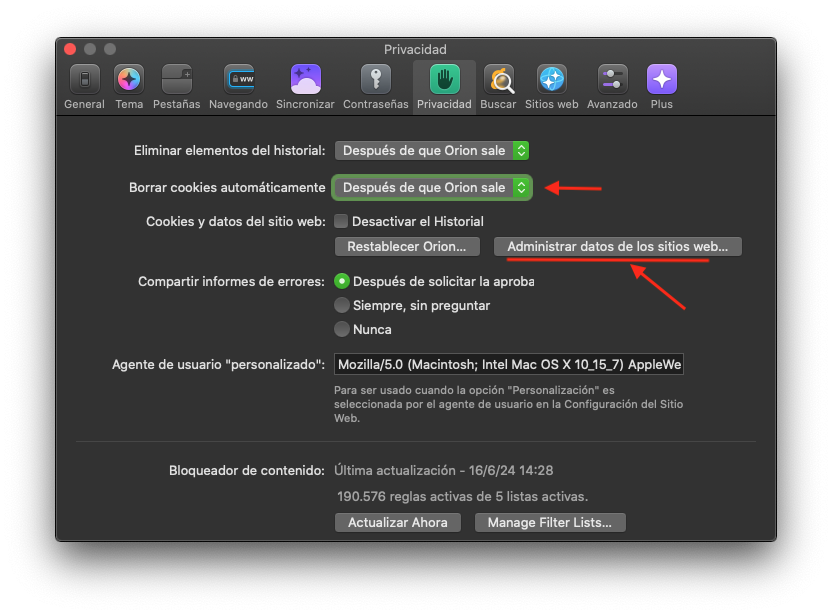
Given that I have selected the option to remove cookies upon closing, I expect all cookies to be deleted every time I close Orion and that, when re-starting, the list of cookies shown in "Manage website data" to be empty.
Same as the browsing history is emptied every time Orion is closed, with the same option selected.
Orion 0.99.127.3-beta (WebKit 619.1.1) MacOS 10.15.7
Catalina (10.15)