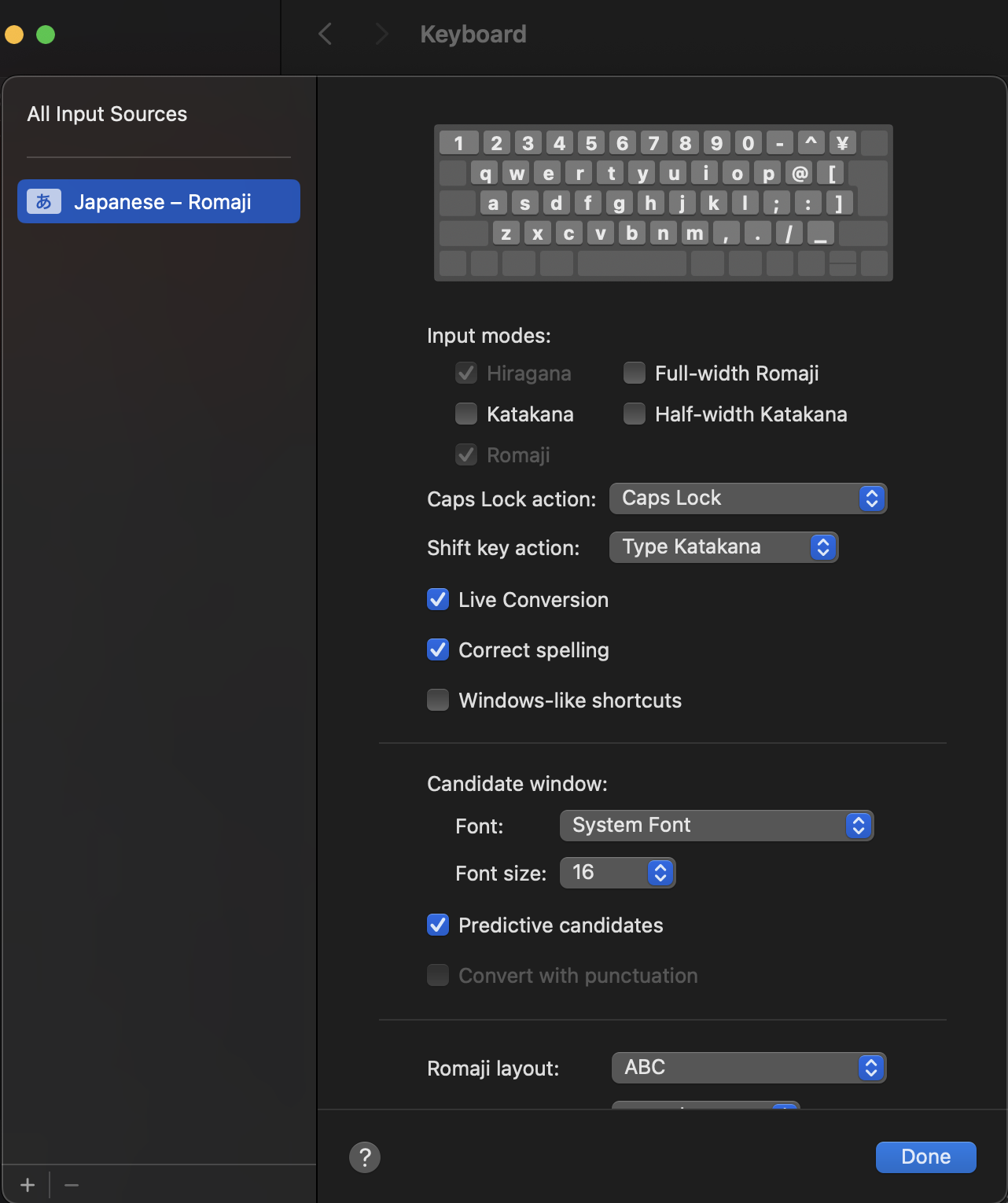
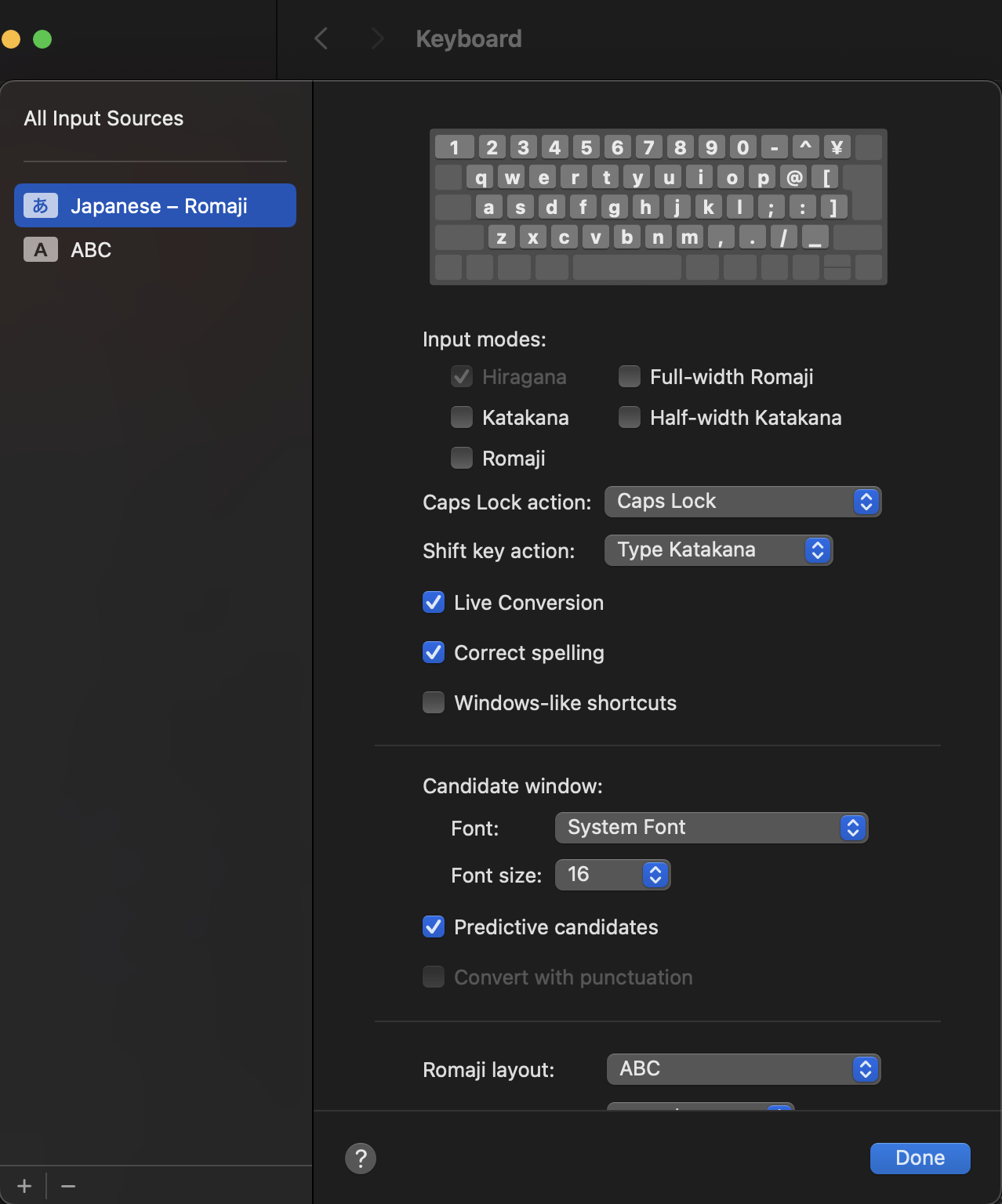
astruckm Have you tried pressing Ctrl-Shift-Space? Or if it doesn't work, please check System Settings -> Keyboard -> Keyboard Shortcuts -> Input Sources, and see what's the shortcut for "select previous input source". Once you trigger that shortcut, it should rotate through all your available input sources including Japanese - Romaji.
Or do you see a input source selection button on the menu bar? It should appear when you have multiple input sources. If it doesn't, check if the option is checked in the "All Input Sources" tab in your screenshot.
In my screen recording, I actually switched to Japanese - Romaji directly (the blue "あ" icon means it's Romaji input, not Hiragana input. The latter would show "かな" instead.) That's because I have a Japanese keyboard, which has a special key made specifically for switching to your default Japanese input method.