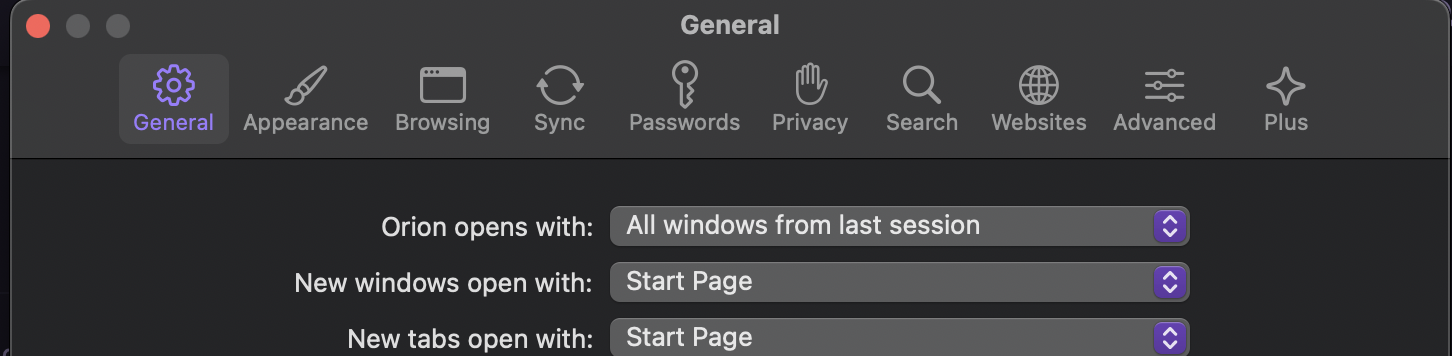
Sometimes I know exactly what setting I'd like to change, but I don't know which category it's nested under.
For example, today I wanted to increase the default page zoom. I know 100% that the setting has the word zoom in it.
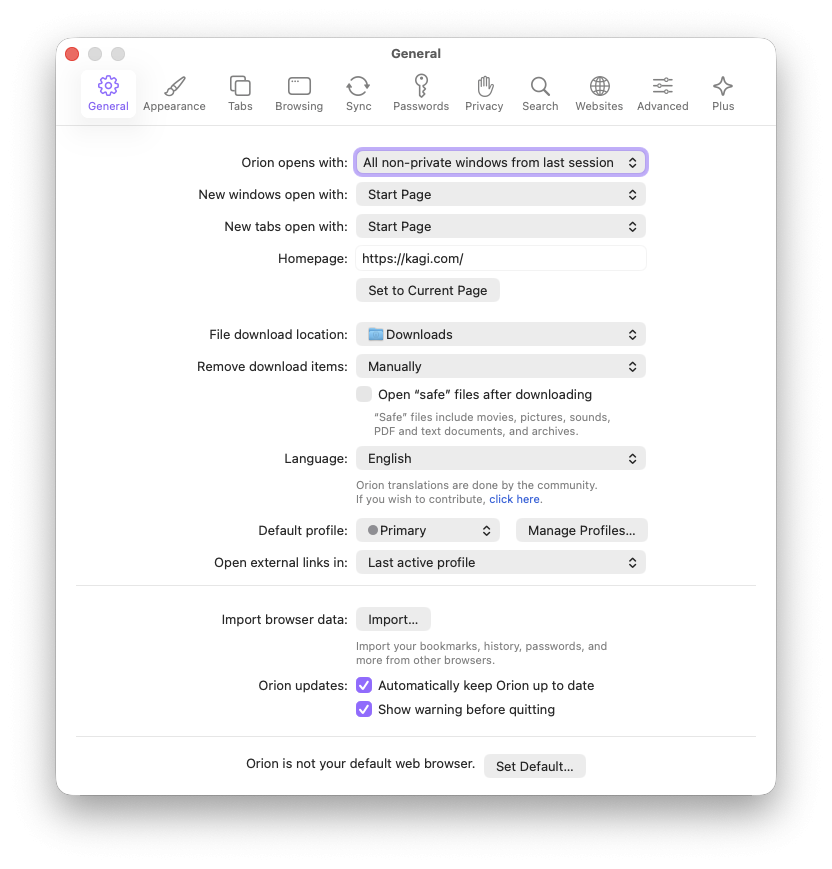
- First I checked
General, because it's the default.
- I hit
cmd+f hoping to type zoom, but obviously that doesn't work.
- I checked
Appearance and Browsing because they sounded relevant.
- It wasn't there, so I checked
Advanced
- Finally, I just started checking every category again left to right until I realised it's under
Websites... which makes sense now that I know.
Coming from Chromium, I'm used to cmd+, to open settings and instantly typing the thing I need, because the cursor is already in the search box. Or launching macOS global system preferences via alfred/raycast and hitting cmd+f. Good search is powerful 🫶
I hope you have a nice day!
cmd+,cmd+fzoom- matching results listed
- arrow keys followed by
enter to navigate