Orion is unable to download any images from Pixiv.
Steps to reproduce:
- Open an image on Pixiv such as https://www.pixiv.net/en/artworks/38631998 (SFW)
- Right click on the image
- Select Save Image As...
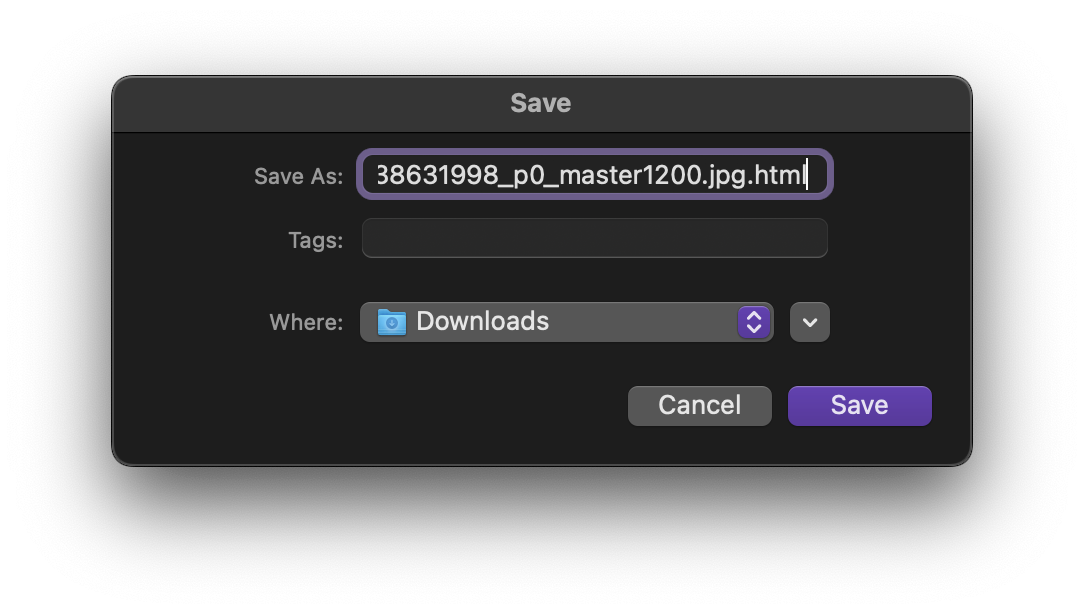
- Notice file name ends in
.jpg.html
- Click on the Save button anyway
- Open downloaded file
Actual Results:
Orion downloaded an HTML file that says "403 Forbidden" which appears to be the same page you get if you right click the image and click Open Image in New Tab/Window.
Screenshot from Orion:
Expected Results:
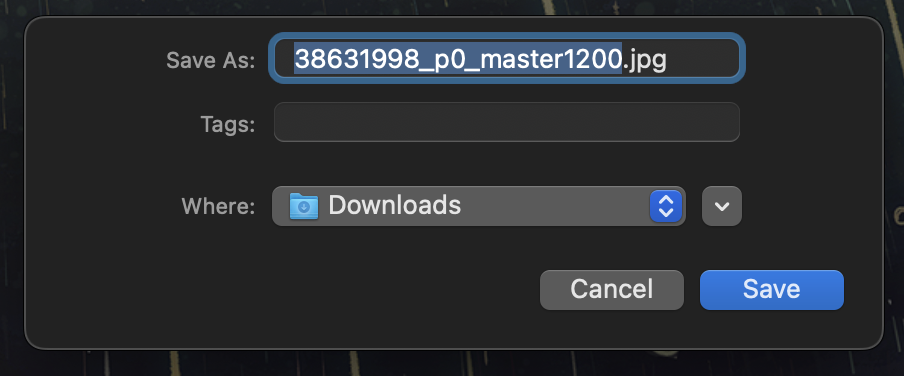
Orion downloads the image properly like other browsers do. Both Safari and Firefox download the image correctly.
Screenshot from Safari:
Note:
A higher quality version of the image can also be downloaded by logging in to a Pixiv account, clicking on the image to enlarge it, and then right clicking. But the bug can be reproduced with or without logging in and with or without enlarging the image.
Version 0.99.126.3-beta (WebKit 618.1.2)
Ventura (13)
