Yes, So that's because you have your window controls to the left, you can change that here 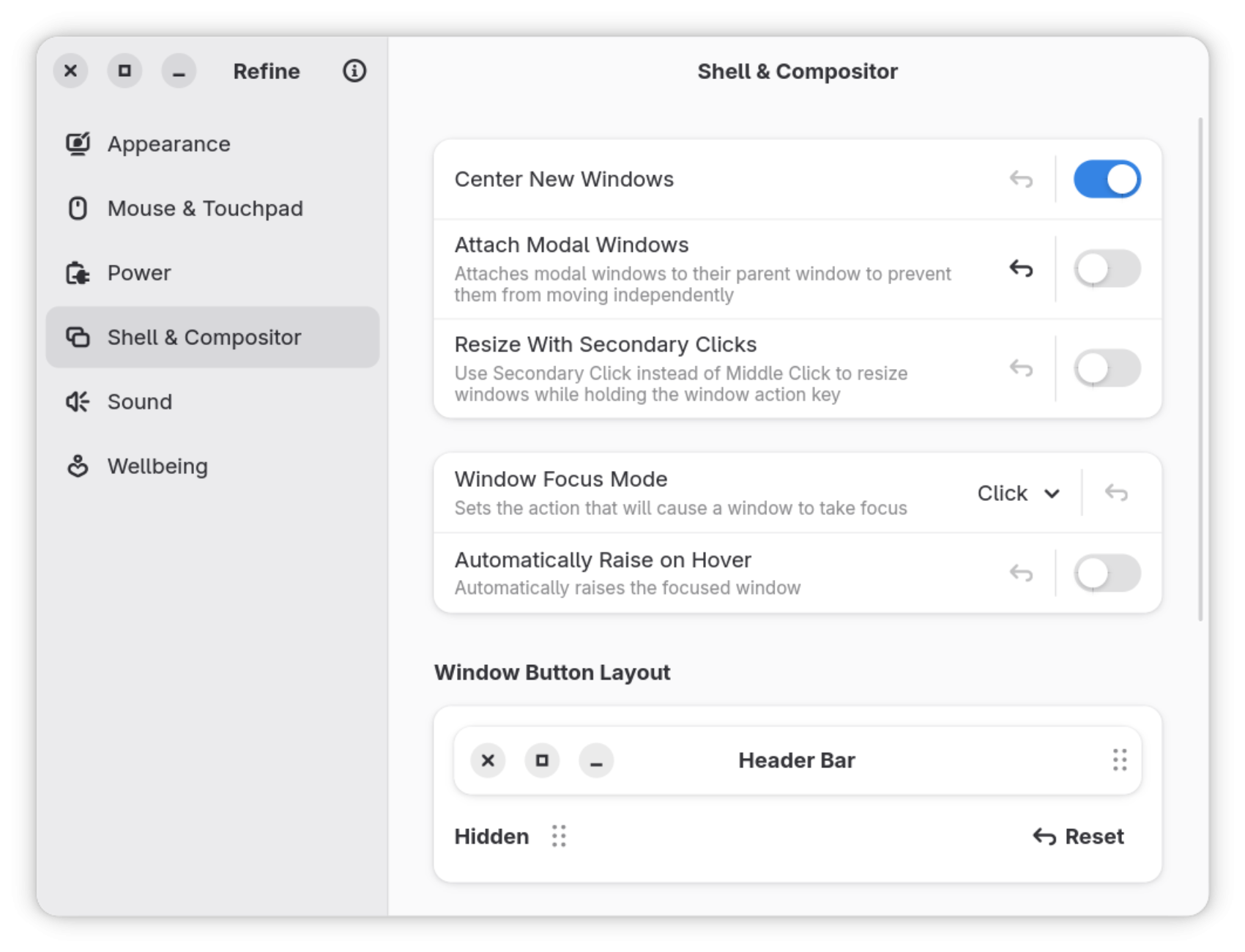
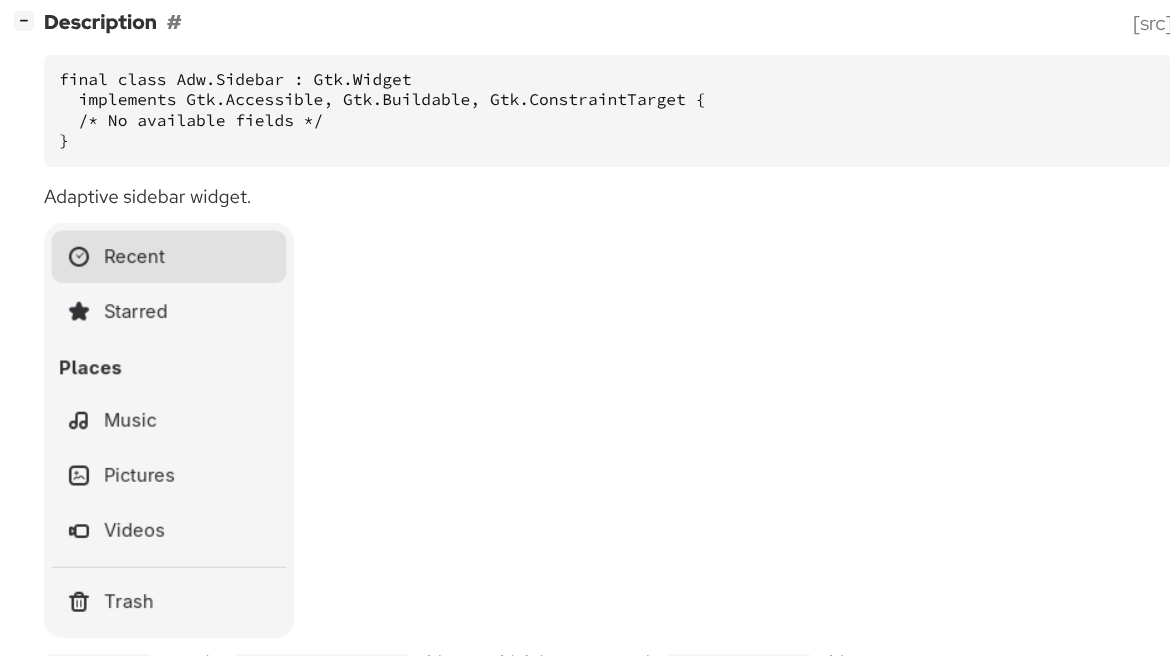
Normally, the sidebar should include an Adw.HeaderBar. That's how GNOME/libadwaita apps handle window controls correctly regardless of whether they’re on the left or right.
Right now the UI seems to ignore GNOME conventions and instead imitates a macOS-style layout. If the project is using libadwaita, it should follow the patterns that library is designed for. For example, stuffing what resembles a macOS-style global menu into a hamburger menu is not something the libadwaita design guidelines recommend.
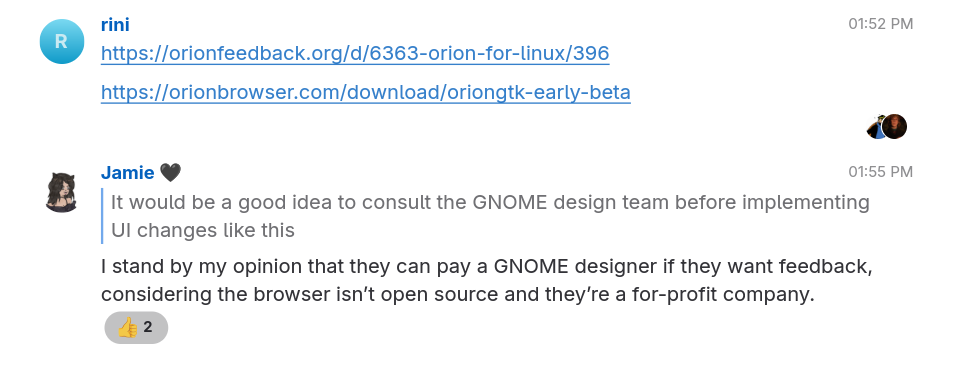
It would be a good idea to consult the GNOME design team before implementing UI changes like this. The GNOME Design Matrix channel exists for exactly that purpose: https://handbook.gnome.org/get-in-touch/matrix.html
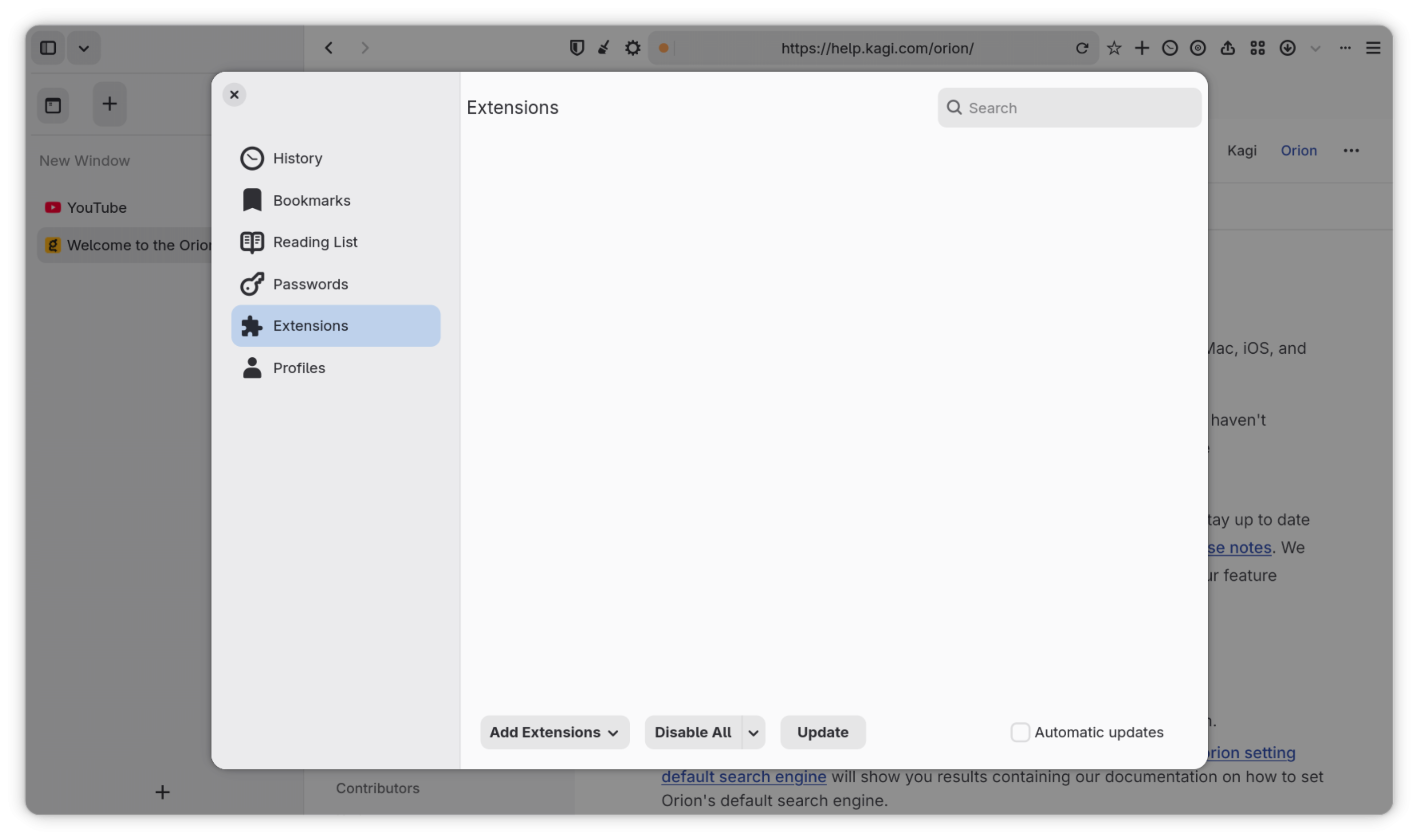
Also, several custom widgets appear to be used where native libadwaita components already exist. That just leads to inconsistency and unnecessary maintenance. There’s not much reason to reinvent widgets that the toolkit already provides.
For example this: 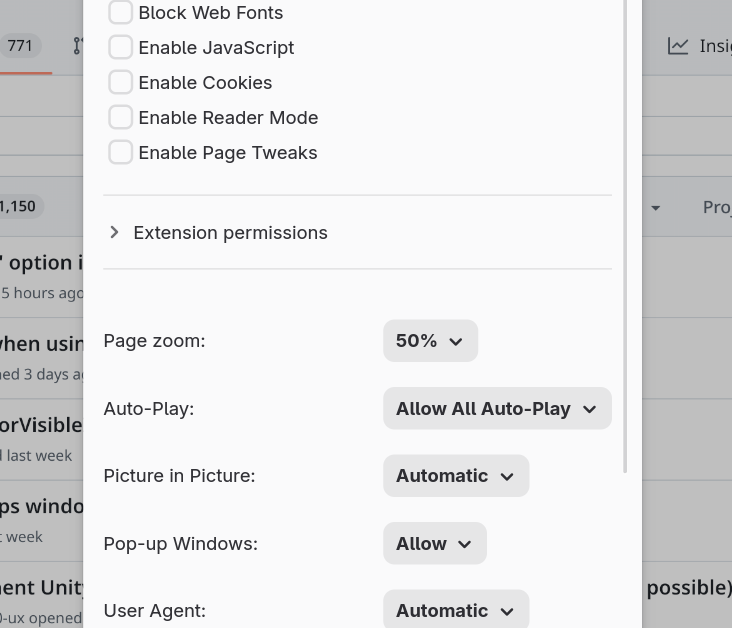
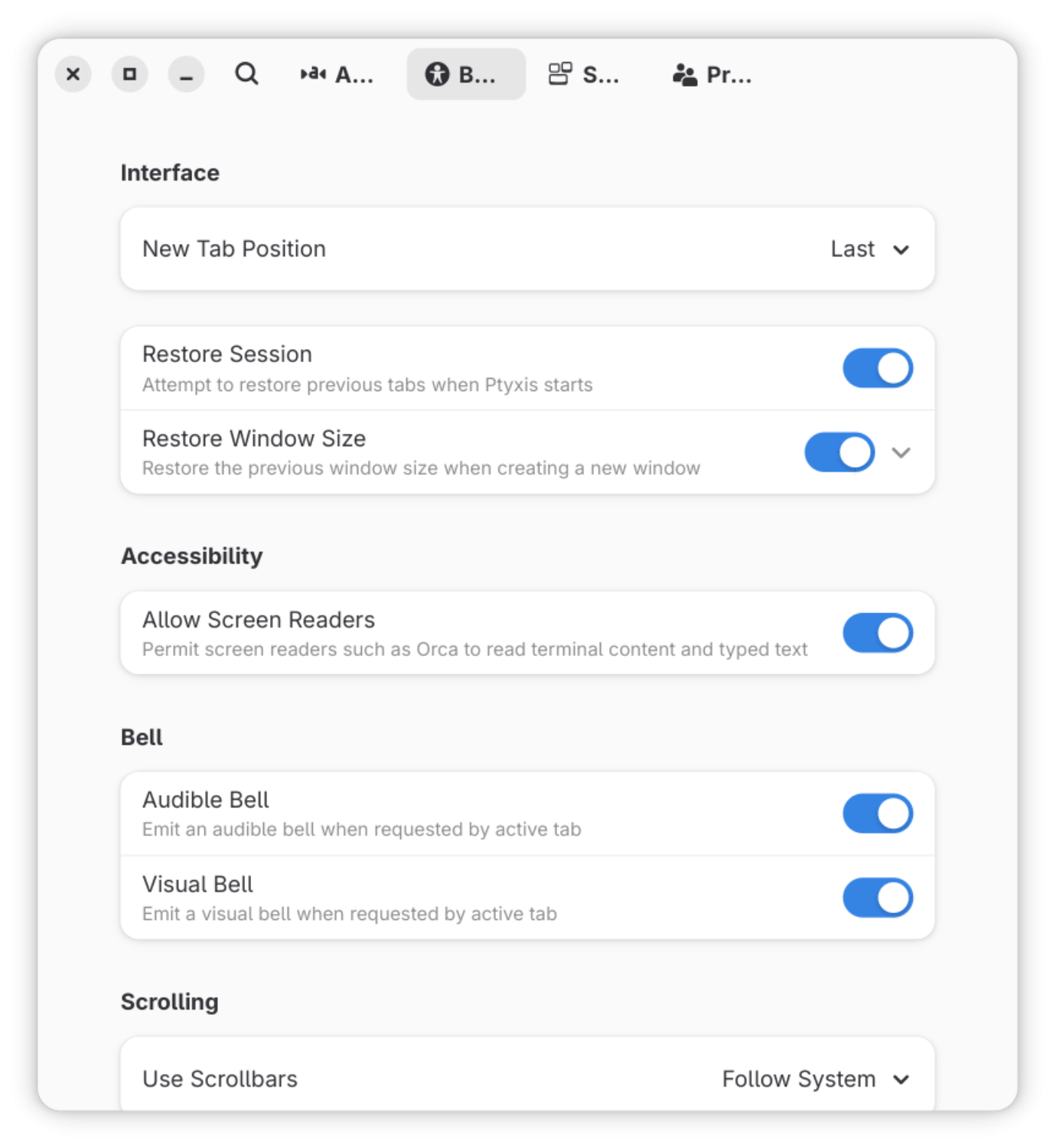
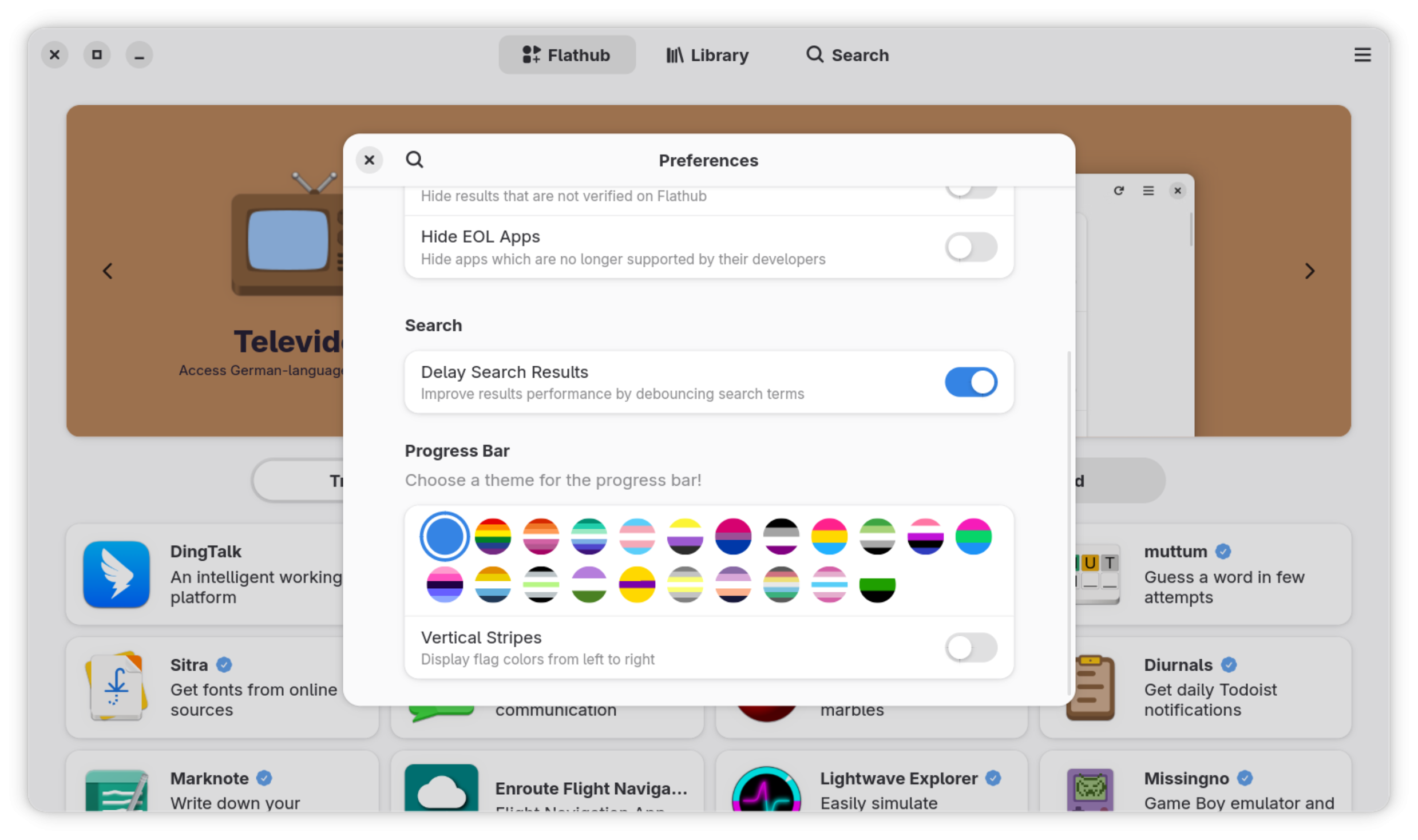
That's where for preferences kind of things Adw.ActionRow (s) are used, like for example look at ANY other libadwaita app:
Terminal
Bazaar
Nautilus
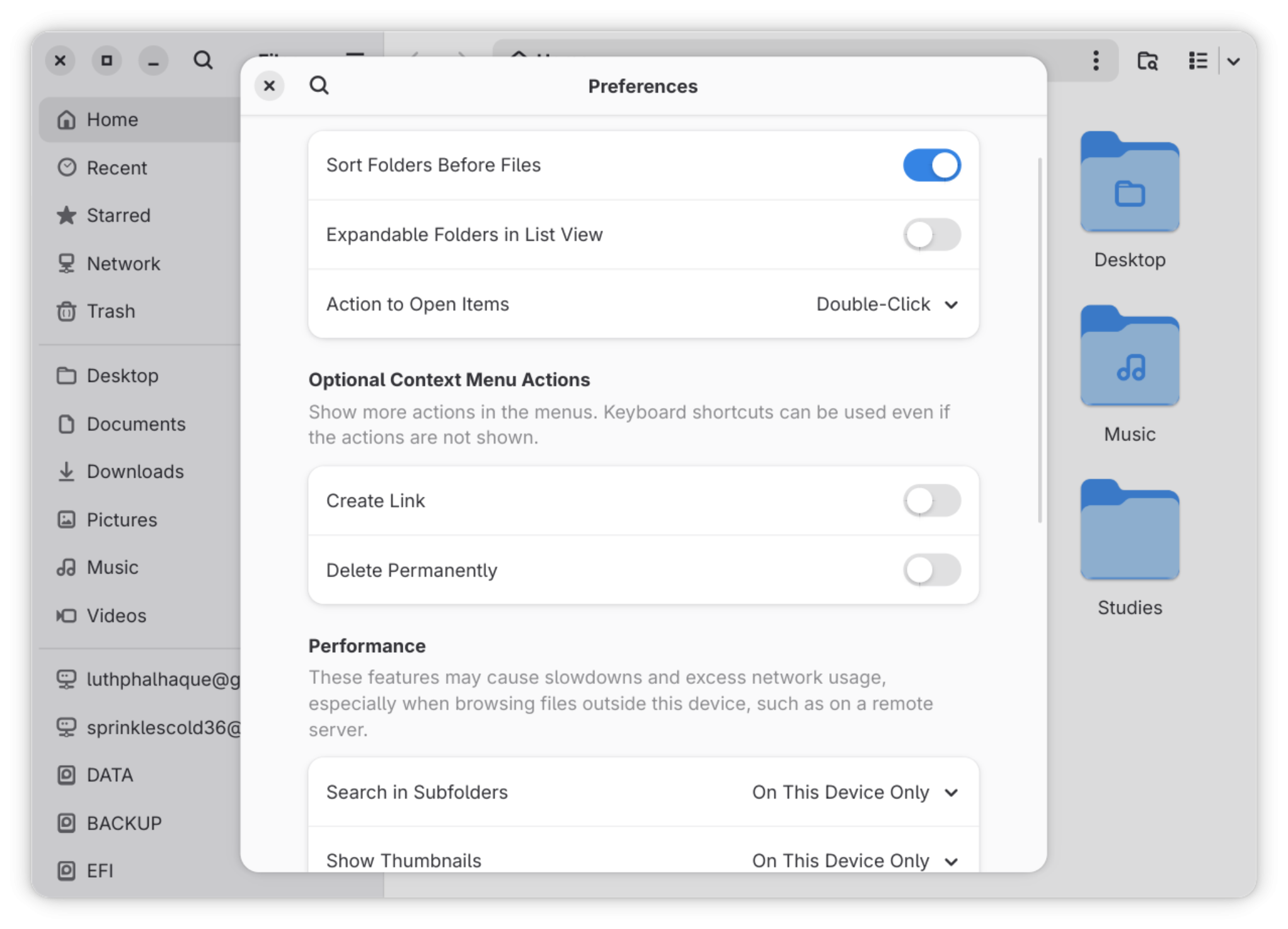
Etc Etc