Brief Summary
During the web app installation process, I'd like a toggle for "Enable extensions". Turning it off would make Orion NOT load the extensions when launching the installed web app.
Details:
When you install a website as a web app, all the extensions you have installed load in and you have no control over them. You cannot interact with them, change their settings or disable them, unless you visit the web app's site in normal browsing mode.
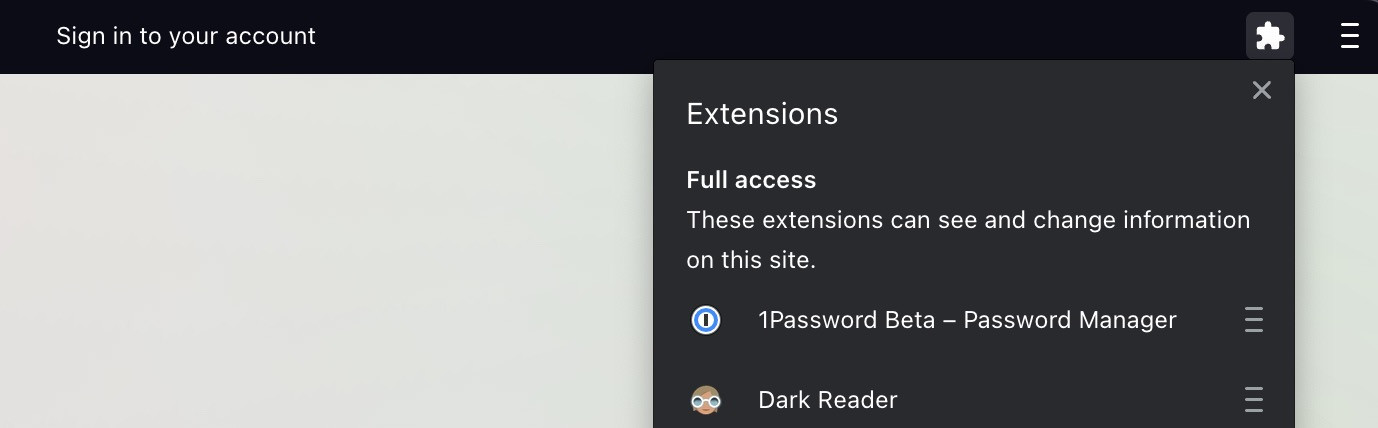
I use Dark Reader, but when I install a website as a web app, sometimes I want to disable it because it interferes with the website's built-in dark mode. However, I cannot do this because Orion web apps do not display your installed extensions, nor does it provide a way to interact with them to, for example, disable Dark Reader on that specific website.
Brave implements this feature in its app title bars by showing an expandable extensions icon that will display your extensions and allow you to click on them to interact.