Steps to reproduce:
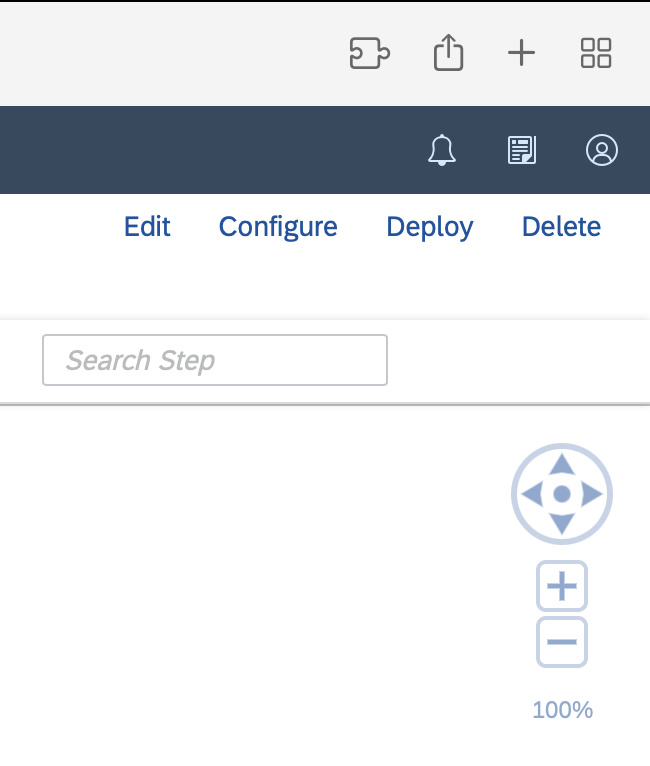
I tried to install extension CPI Helper, first from the Chrome Webstore (https://chrome.google.com/webstore/detail/sap-cpi-helper/epoggeaemnkacpinjfgccbjakglngkpb) and when that didn't work from Firefox (https://addons.mozilla.org/en-US/firefox/addon/cpi-helper), but that also didn't work. The extension icon does not appear as possible extension when changing the bar and the additional functions also don't appear when visiting a SAP Cloud Integration tenant.
Expected behavior:
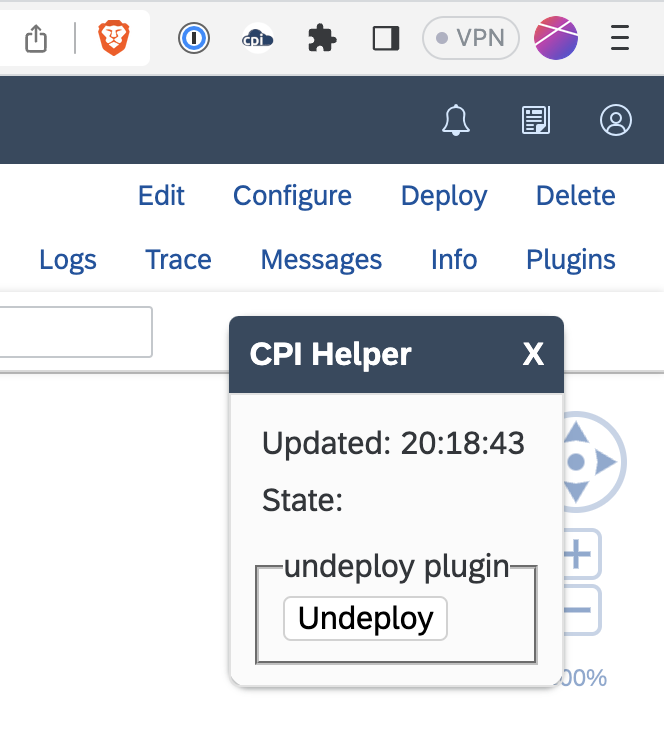
Extension icon visible in the browser bar and additional functions available on SAP Cloud Integration tenants.
urlMatches: '.?hana.ondemand.com\/(itspaces|shell)\/.?'
Orion, OS version; hardware type:
Orion 0.99.125-beta (WebKit 616.1.22)
MacBook Airbuild 22F82)
MacOS 13.4.1 (22F82)
MacBook Air M2 Chip
Image/Video:
How it looks in Orion:
How it should look (from Brave):