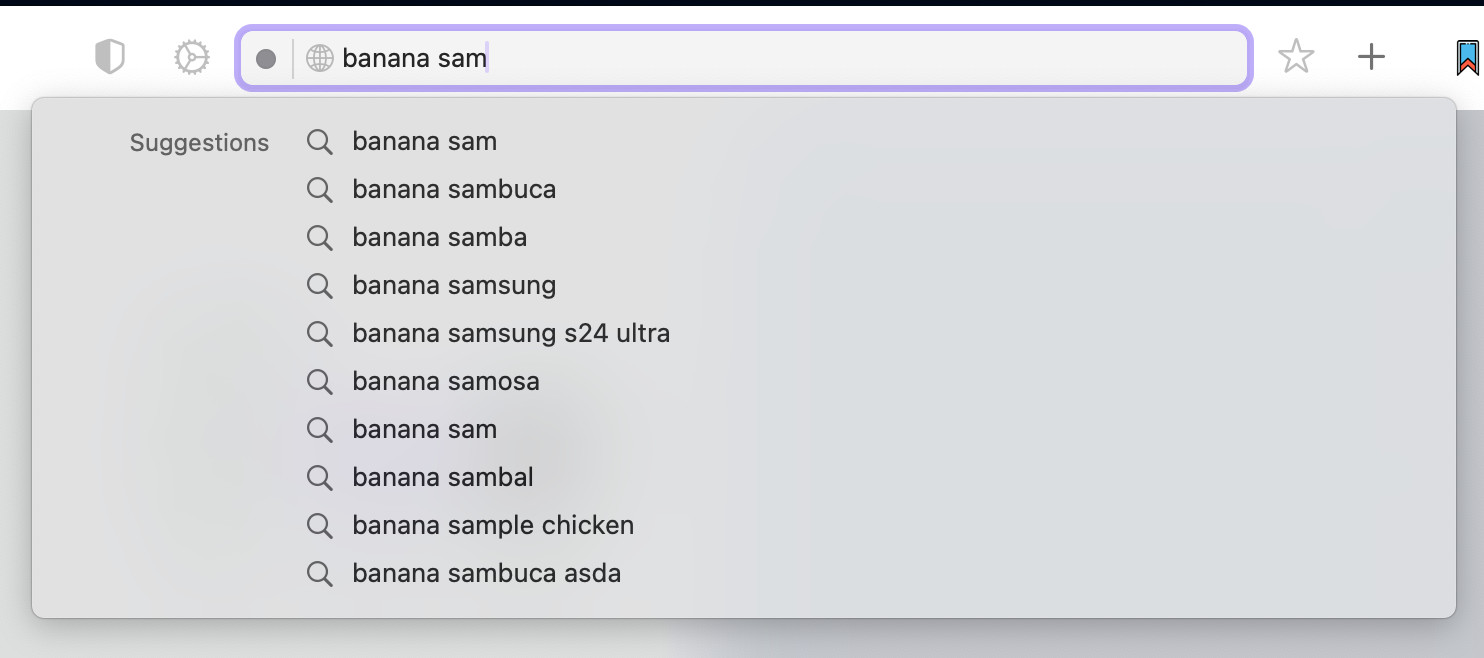
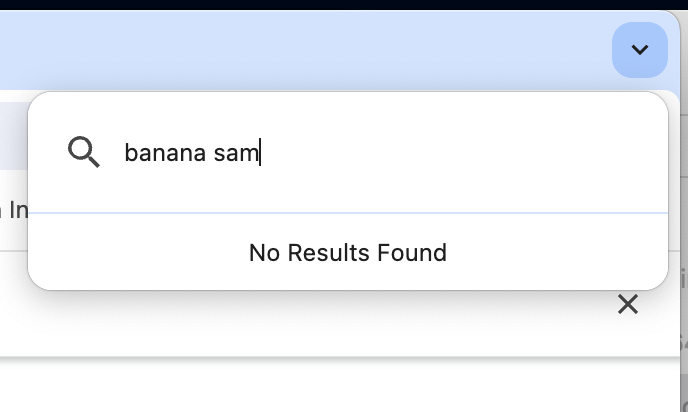
The main difference is that cmd+l is optimized for searching for new things while shift+cmd+a is optimized for switching tabs and finding things you've seen before.
It's subtle but it means that when my intention is to switch tabs, but I'm a tab hoarder who has a lot of tabs, shift+cmd+a quickly gets me what I want. Without that if I can't quickly find an open tab I end up reopening duplicate results.
In particular:
- shift+cmd+a only allows searching tabs or recent history. So if you search for a word "atm" you can't accidentally do a google search for "atm" or go to "atm.com"
- Since currently opened tabs are the first thing showin in shift+cmd+a results, the first result is usually what you want. Vs with cmd+l the first results are top hits, suggestions, and then bookmarks, before you get to open tabs.
- Shift+cmd+a seems to operate on substring exact matches, which means if you see a result lower in the list you can quickly keep typing to filter down to one tab and select it (vs having to reach for the arrow keys).
cmd+l vs shift+cmd+a comparisons below
"free atm"

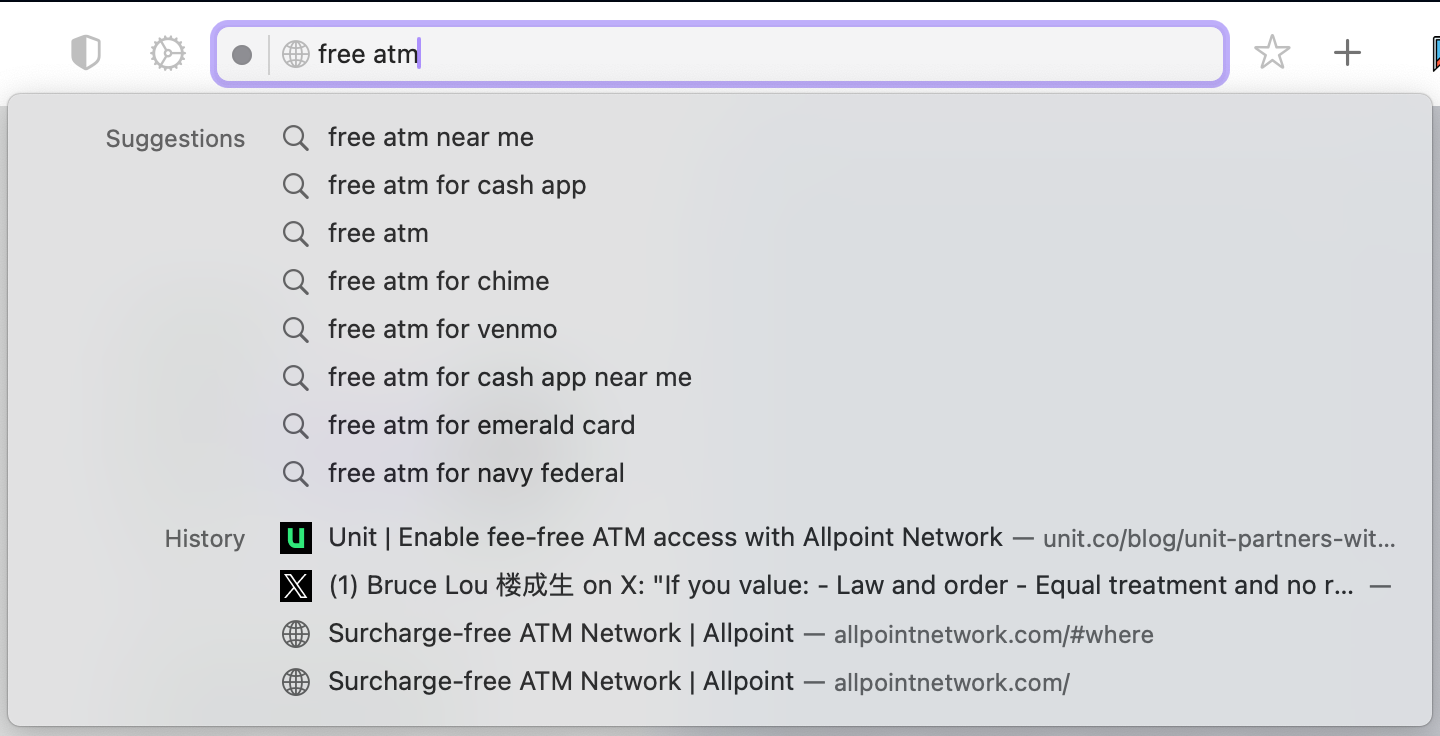
When I don't have a tab open / haven't seen it before: