Steps to reproduce:
Basically, I will split screen orion and then after a little bit of browsing in both windows, the extension menu will go behind the window. It happens for all my extensions (dark reader, vimium, ublock, etc.) and it doesn't resolve itself until I quit and restart the browser. It doesn't seem to happen while in fullscreen, so I'm pretty sure it's something about the split screening.
If wanted, I can send my yabai config as well, but I've tried changing my settings around in yabai but this issue persists in yabai. Important to note, this ONLY happens in orion. I've tried chrome + safari, and they both display extension menus correctly.
When I switch out of yabai, this issue goes away. If there's a dev who uses yabai (which is a great feature for mac btw), hopefully you can sort out the cause.
Given this is an issue with extensions, I haven't tried a clean profile given the lack of extensions. I don't believe compatibility mode would do anything given this happens for every website + isn't a result of the website itself.
Orion, OS version; hardware type:
Version 0.99.123.3-beta (WebKit 615.1.16.1)
MacBook Air (macOS Ventura 13.2.1 build 22D68)
Image/Video:
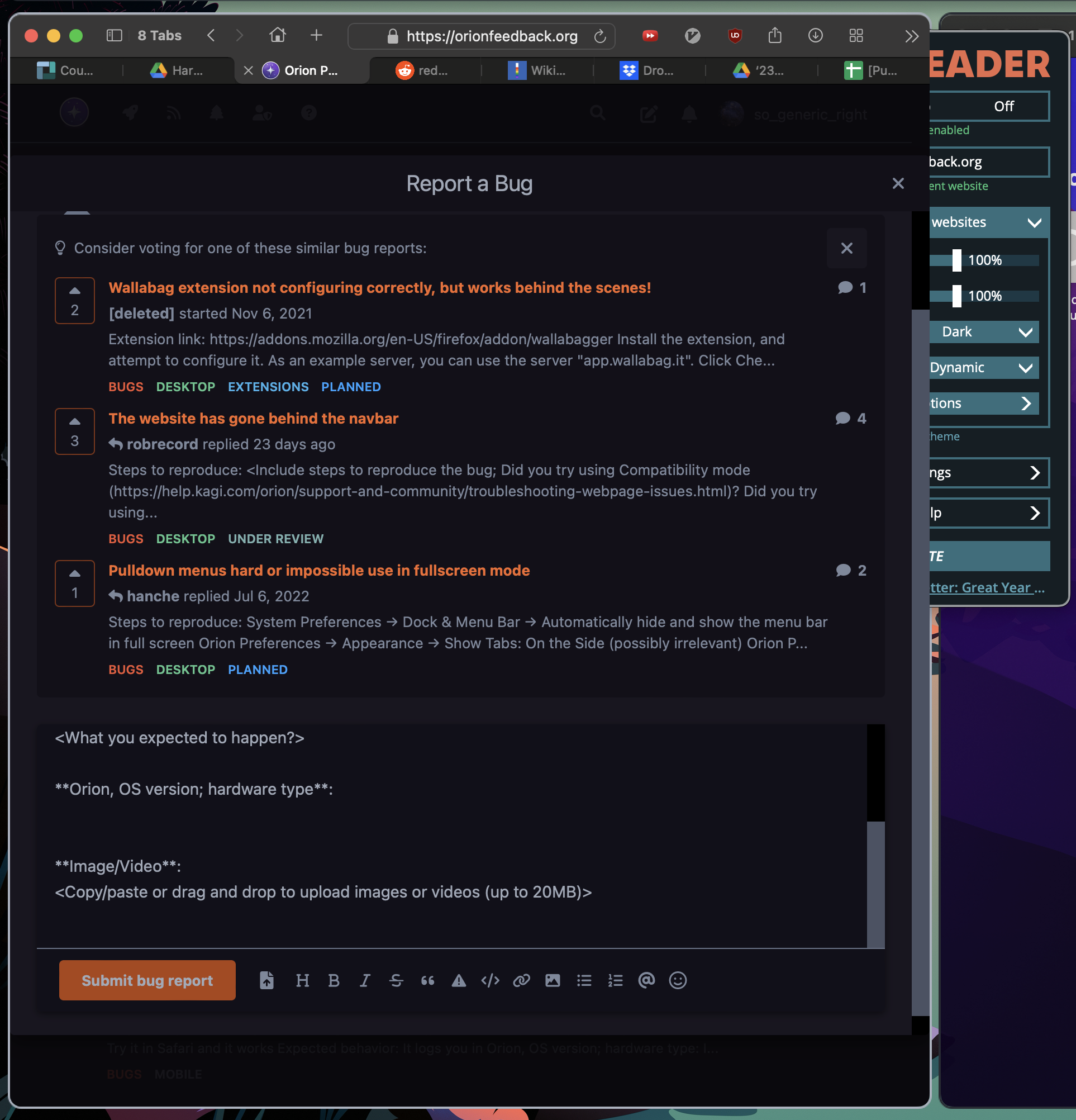
Thank you for the help, and thank you for making Orion! Outside of this main inconvenience, I've been loving the browser.
EDIT
I forgot to mention in the original post that my extension shortcuts start to break as well. For example Alt + Shift + D for dark reader stops working, and bizarrely the "x" key action for vimium stops working. So it's a little more annoying than I initially made it seem.
EDIT 2
I was just being stupid, see @eirk answer below for the fix
