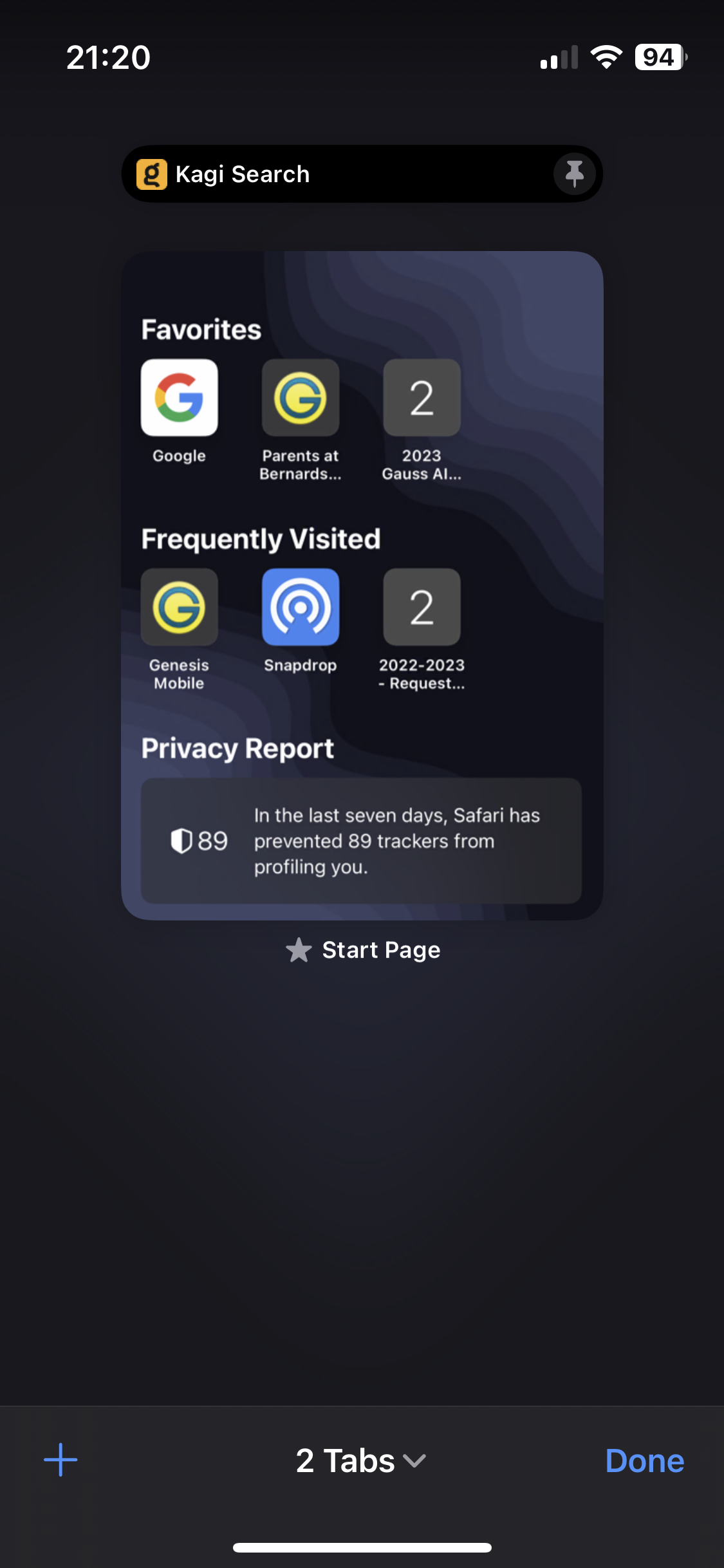
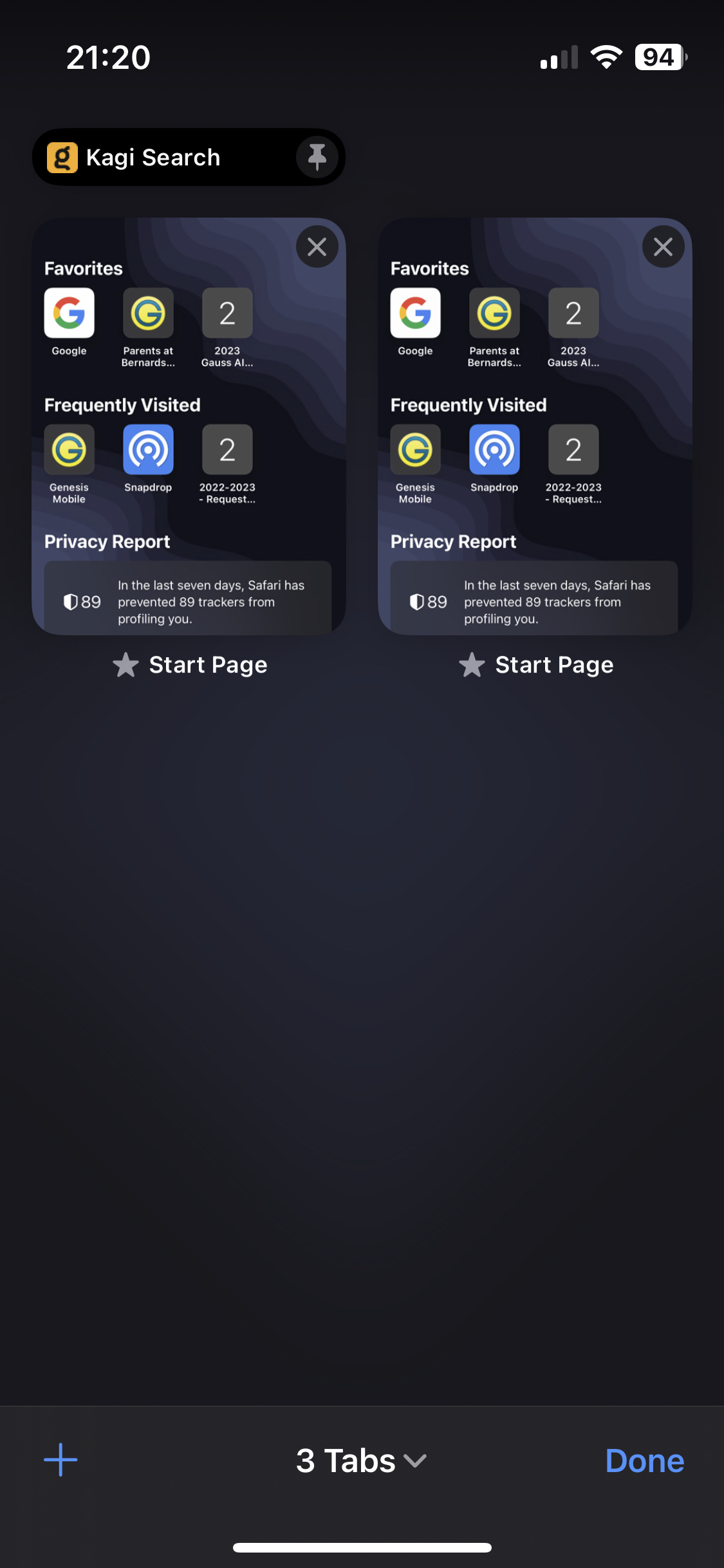
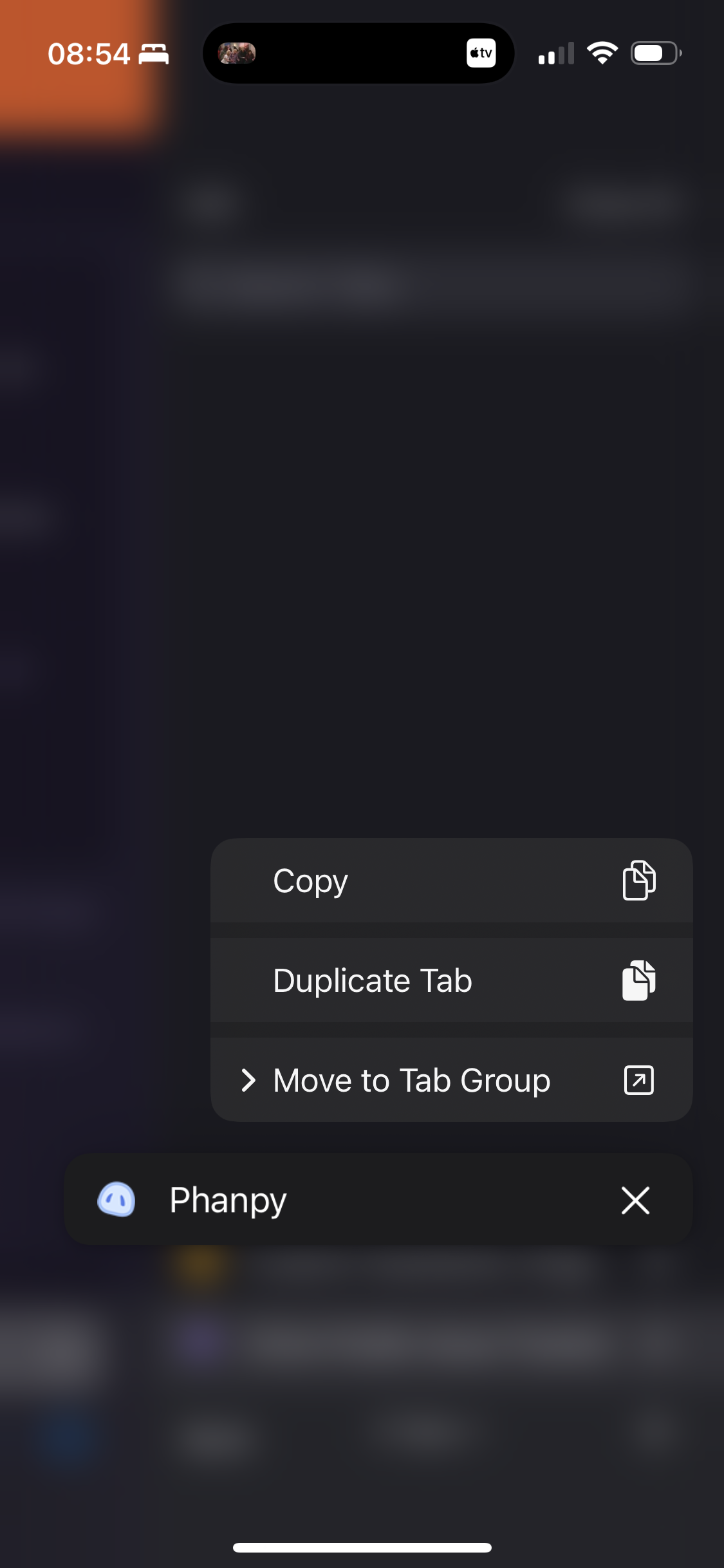
I would like to have a “Pin Tab” feature on Orion for iOS, similar to pinned tabs on desktop browsers.
Pinned tabs would allow users to keep frequently used websites or web apps easily accessible and prevent them from being accidentally closed or lost among many open tabs. This would be especially useful for users who keep a small set of frequently used tabs, such as email, calendars, messaging apps, or work-related web apps.
This feature would not change existing workflows for users who do not use pinned tabs. For users who do, it would make tab management more consistent with desktop browsers and make frequently used tabs easier to access.
How I would use pinned tabs
I would use pinned tabs for websites that I want to keep open and access frequently, but that I don’t want to get lost among regular tabs.
For example:
- Email — Keep Gmail or another webmail service permanently available.
- Calendar — Keep Google Calendar or another calendar open for quick access.
- Messaging / work apps — Keep Slack, Teams, Notion, etc. available throughout the day.
- Frequently used web apps — Keep services that I use regularly without having to search for or reopen them.
- Long-lived tabs — Keep a page open for days or weeks without it becoming difficult to find among newer tabs.
How it could work
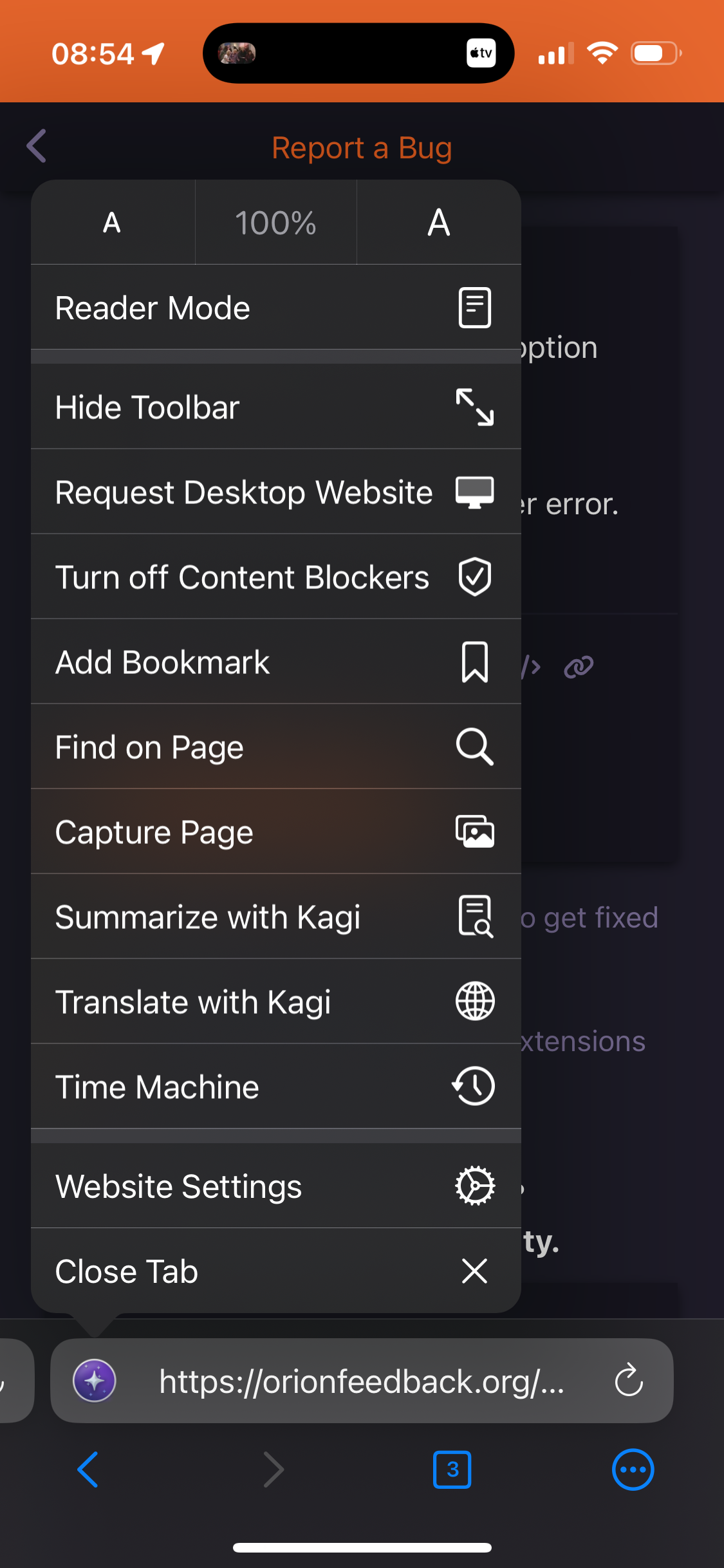
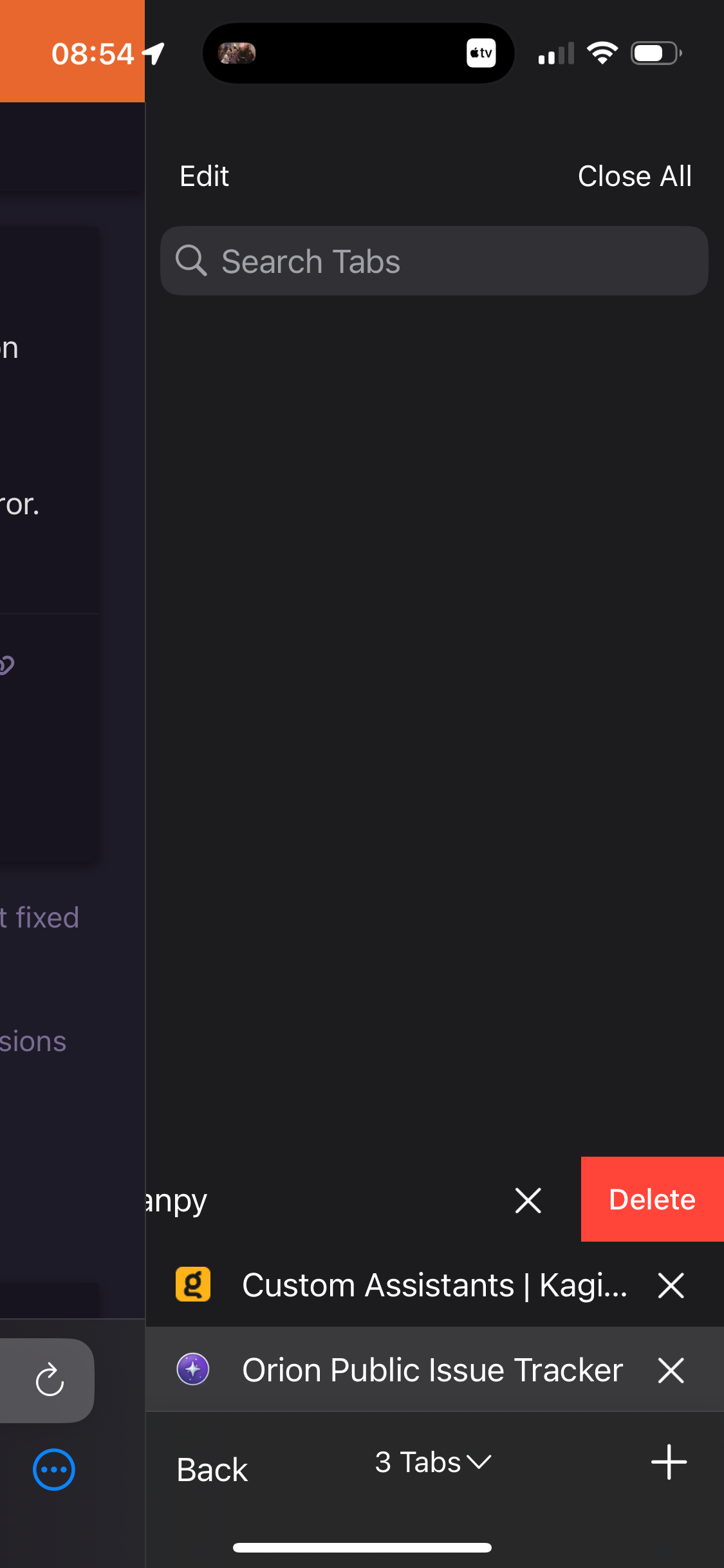
A user could long-press a tab in the tab overview and select “Pin Tab”, or use a Pin action in the tab’s context menu.
Pinned tabs could then:
- Be displayed in a dedicated Pinned section at the top of the tab overview.
- Be visually distinguished from regular tabs.
- Remain available when the user has many other tabs open.
- Be protected from accidental closure.
- Optionally remain open when using “Close All Tabs”, with an explicit action such as “Unpin and Close” required to close them.
For example, I might have 30 regular tabs open while keeping Gmail, Calendar, and a work application pinned. When I open the tab overview, those three tabs would always be immediately accessible regardless of how many other tabs I have opened.
Integration with existing tab management
This should extend Orion’s existing tab management rather than introduce a separate workflow.
Regular tabs would continue to work exactly as they do now. Users who don’t need pinned tabs would not have to change anything. Users who frequently keep certain tabs open would simply have an additional option to mark those tabs as persistent.
This is similar to how Safari, Chrome, and Firefox use pinned tabs on desktop: frequently used or long-lived tabs can be kept separate from ordinary browsing tabs and are less likely to be accidentally closed.
Having the same concept on iOS would also make tab management more consistent between Orion’s desktop and iOS versions.