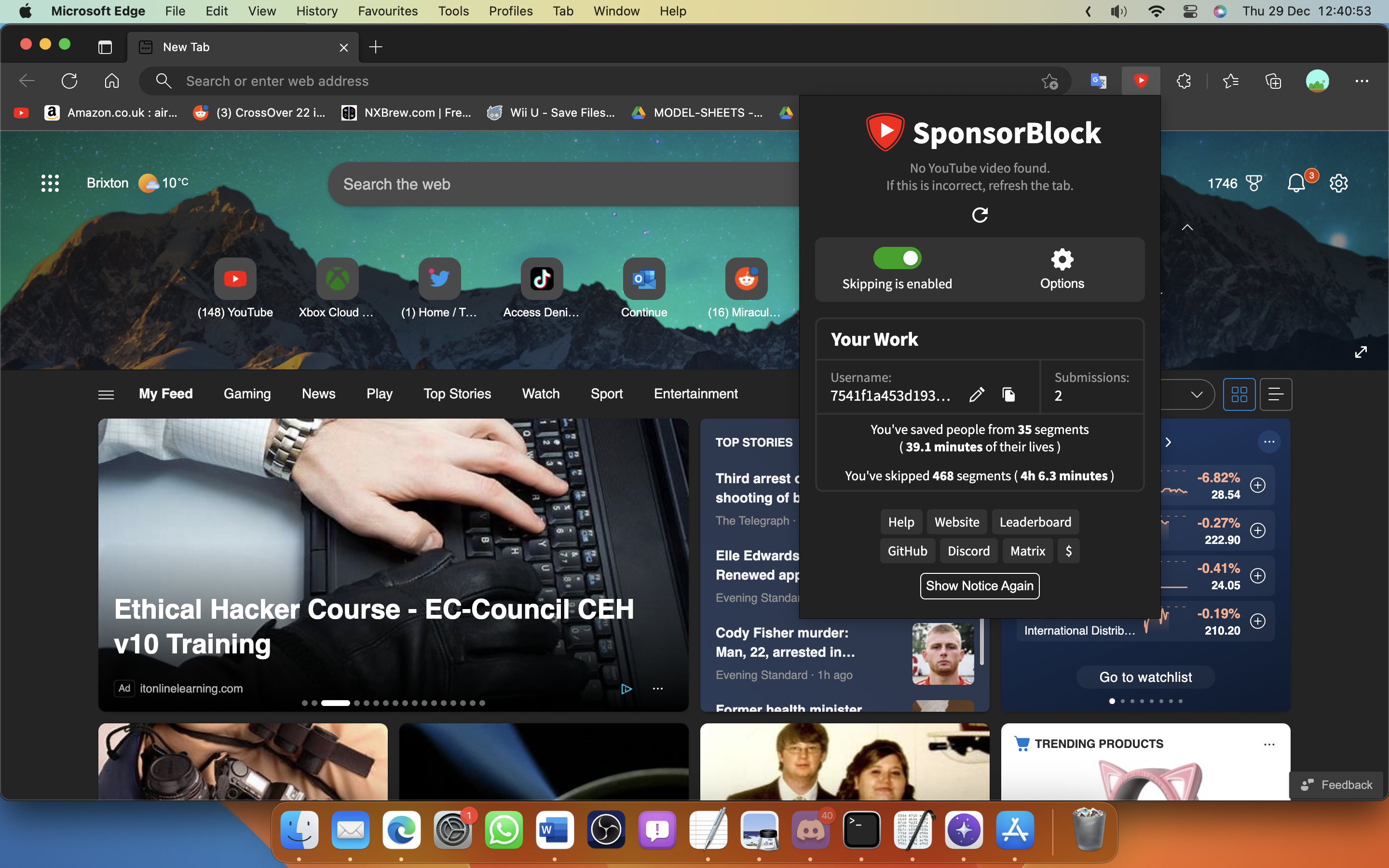
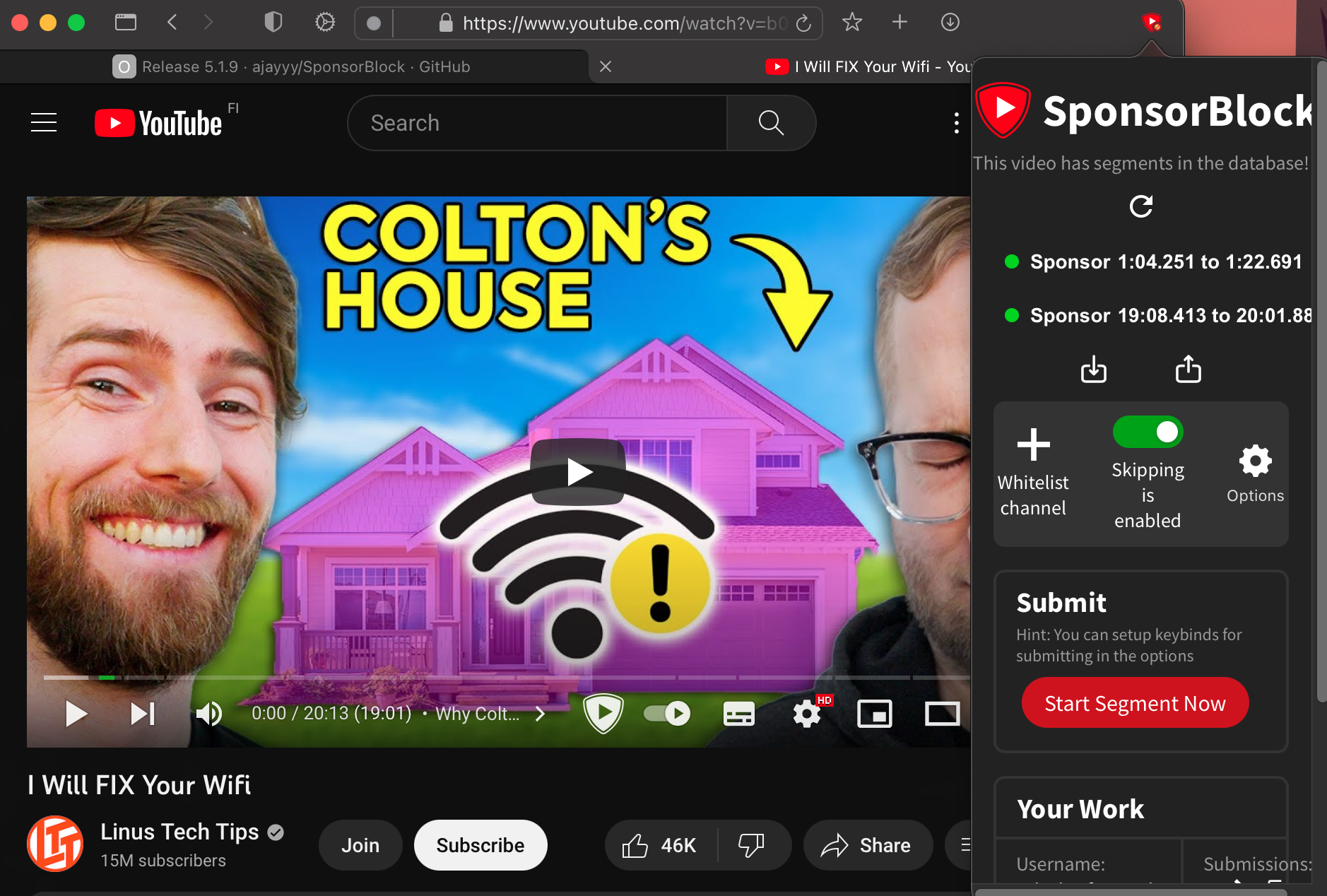
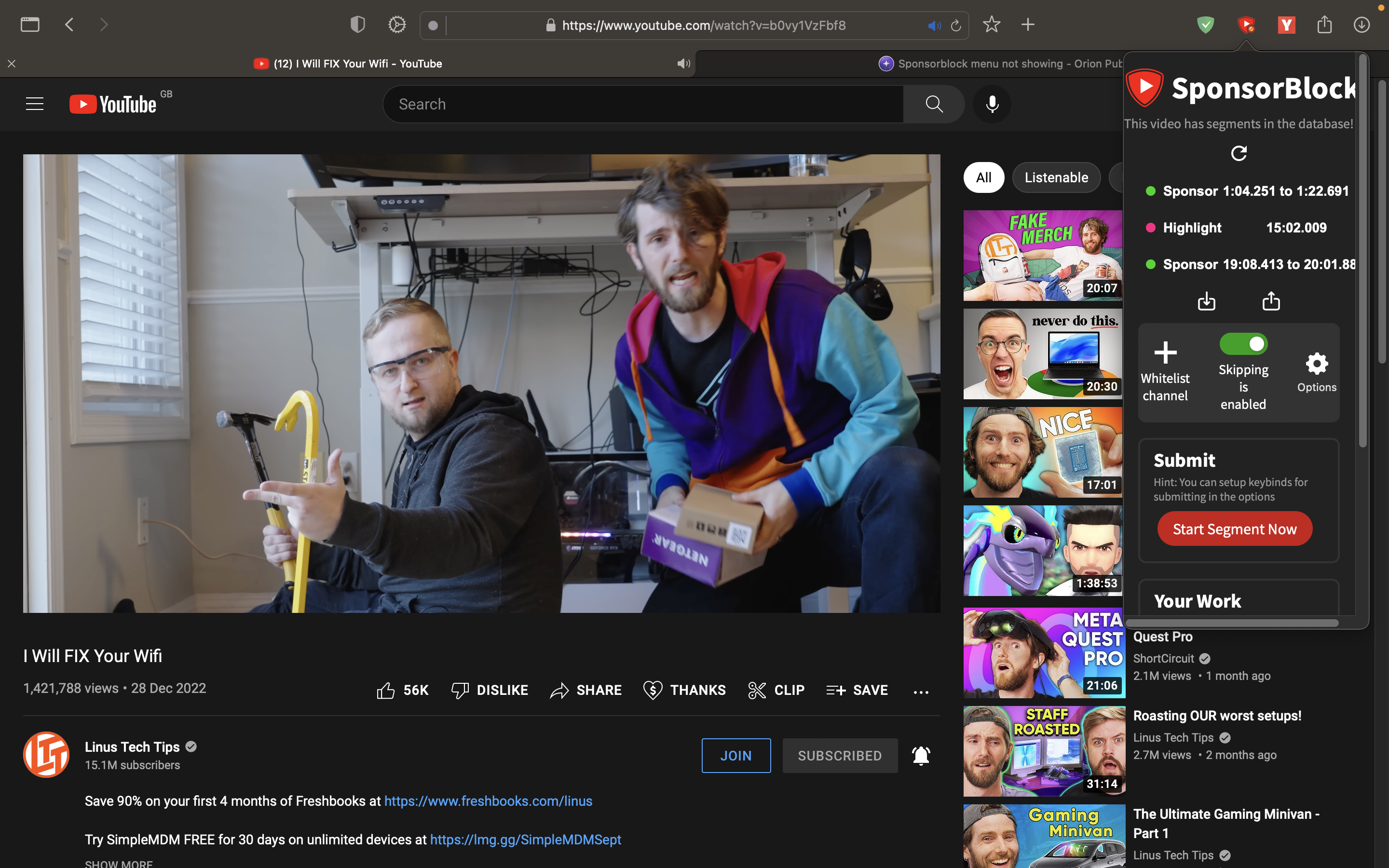
MarioMastr Steps to reproduce: Install Sponsorblock and try to open it Expected behavior: There should be an menu to manage segments Orion, OS version; hardware type: Orion 0.99.122-beta MacOS 13.1 M1 Macbook Air
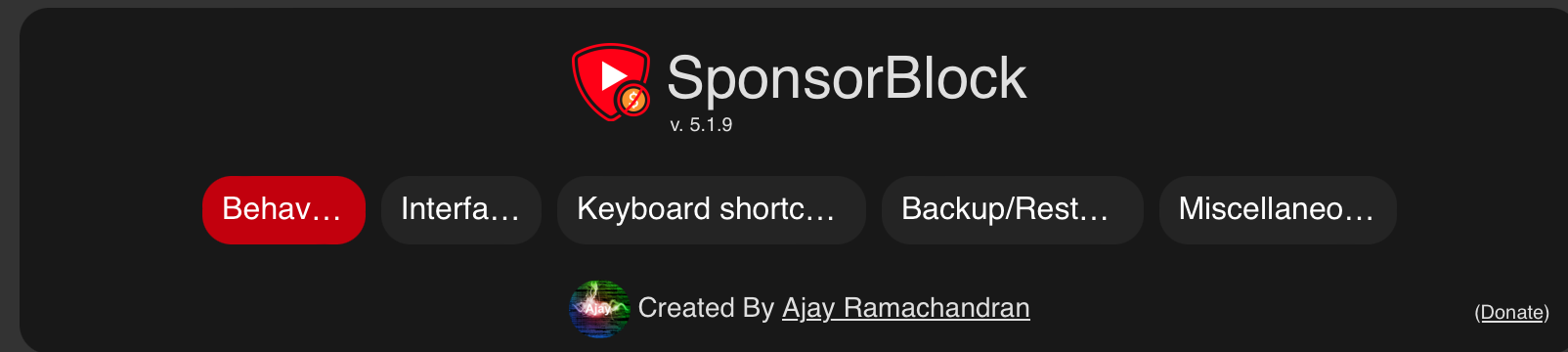
laiz Confirmed. Tried the newest versions for both Firefox (5.1.11) and Chrome (5.1.10) and both had the issue @MarioMastr posted. As a workaround, you can install version 5.1.9 from https://github.com/ajayyy/SponsorBlock/releases/tag/5.1.9 (both Chrome and Firefox versions work for me). All you need to do is download FirefoxExtension.zip or ChromeExtension.zip, unzip that. Go to Orion -> Tools -> Extensions -> Install from Disk -> Open the unzipped extension folder -> everything should now work.