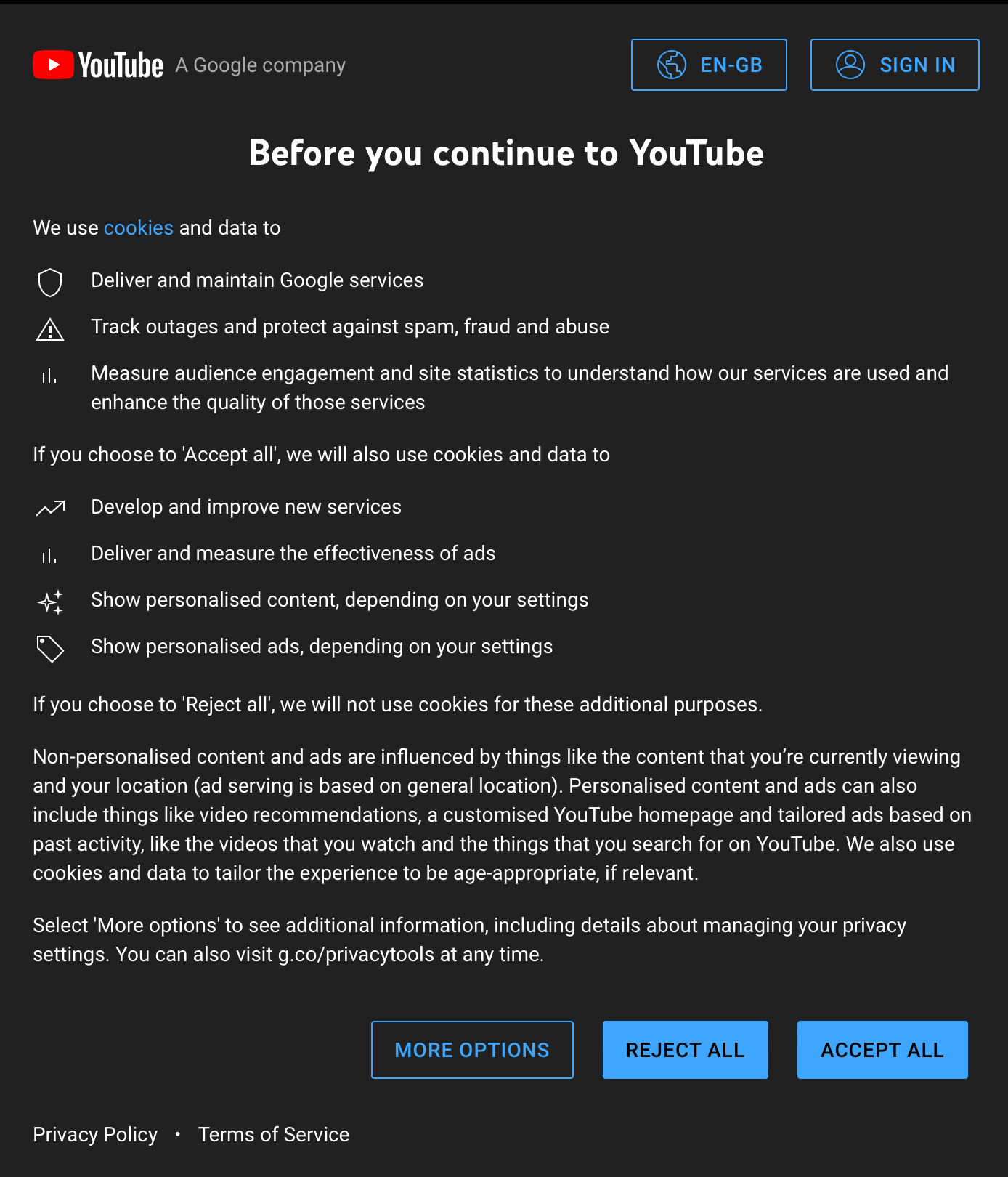
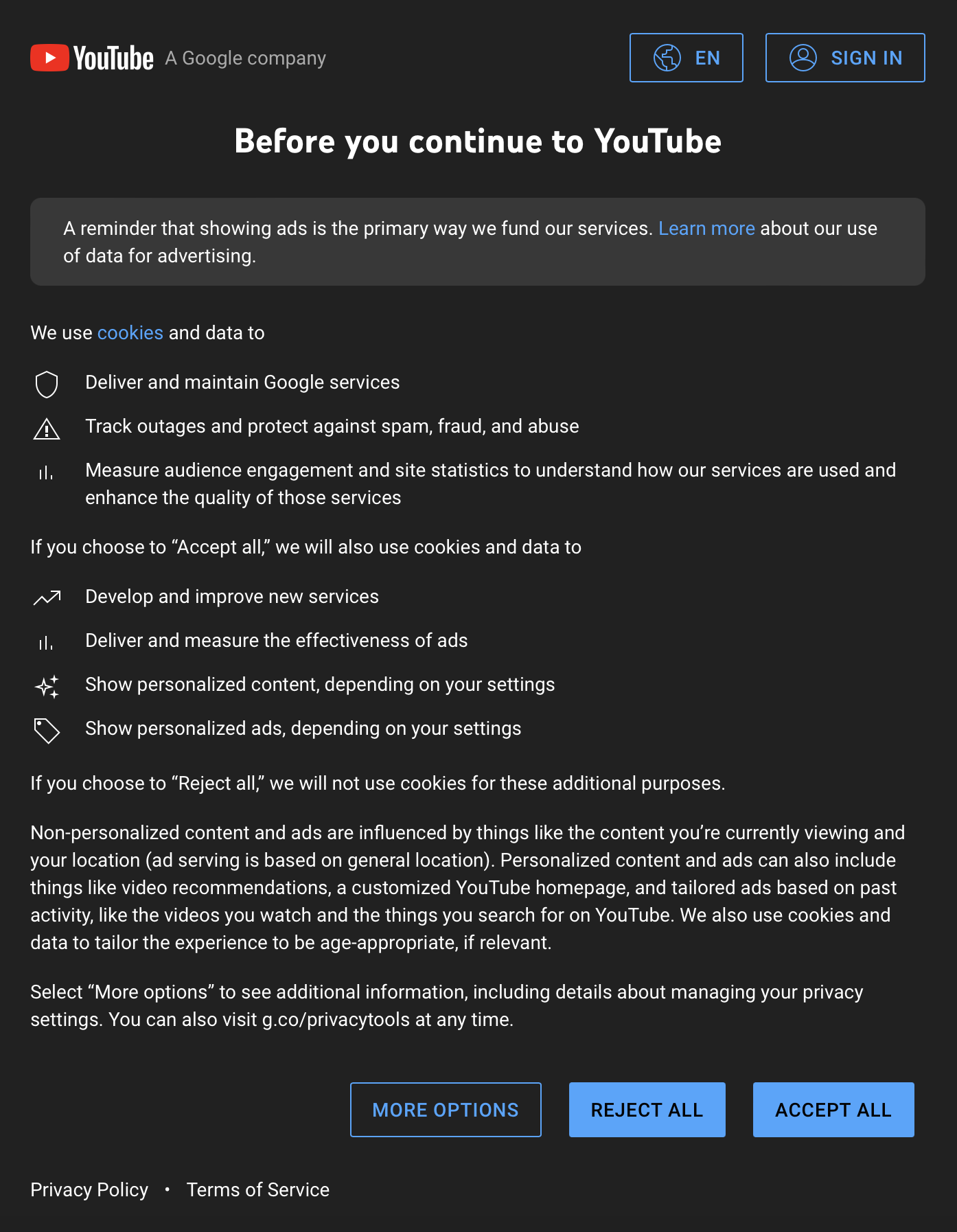
Ok, I found something out: it seems to be related to the browser's built-in cookie management and content blockers.
This is what I found out:
- If I uncheck "Enable cookies" the video won't play at all and there's no way to make that work AFAIK, I tried everything.
- If I keep cookies on, then the in-built "Enable Content Blockers" option prevents the cookie prompt from YouTube from appearing, and that's what's blocking the playback.
- If I enable all of my extensions(including "I don't care about cookies") but I disable the browser's in-built "Enable Content Blockers" option the video will play but for some reason the "I don't care about cookies" extension is unable to block YouTube's cookie prompt.
It seems as if YouTube changed something in such a way where you're forced to respond to that prompt.