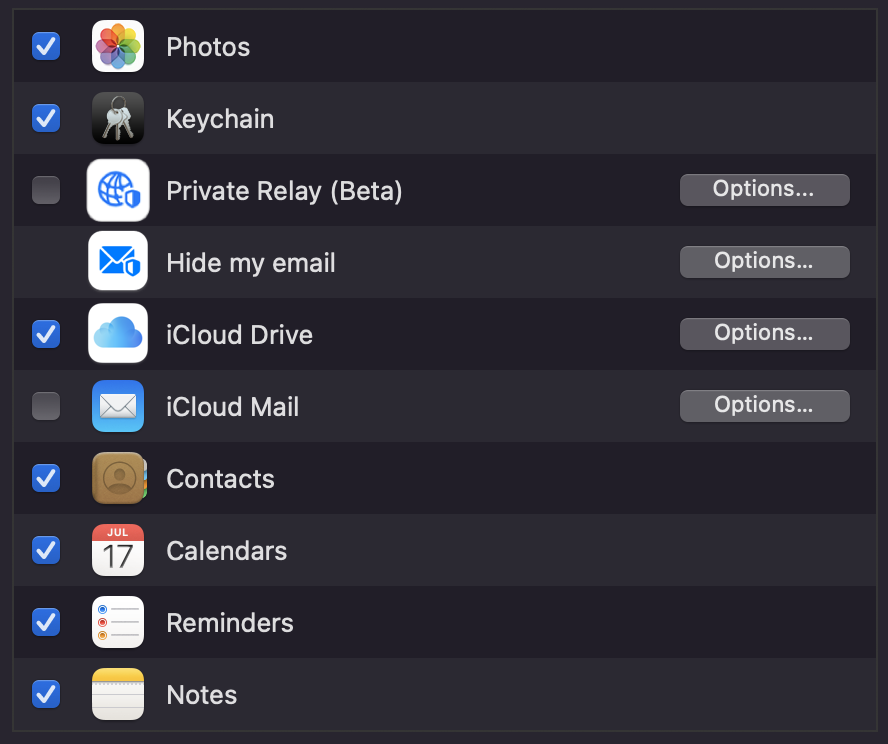
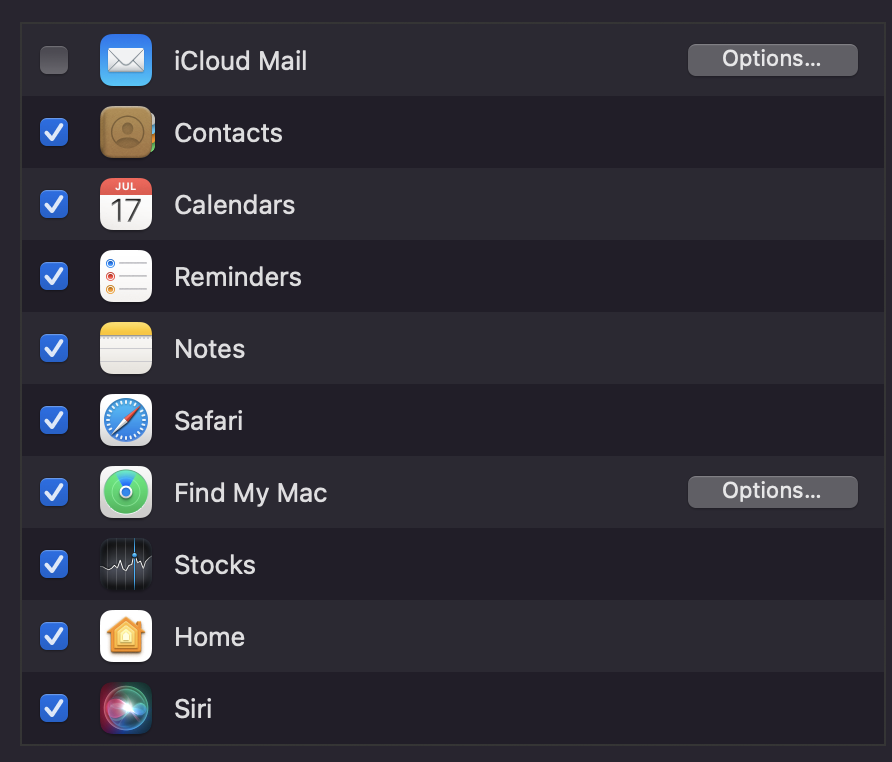
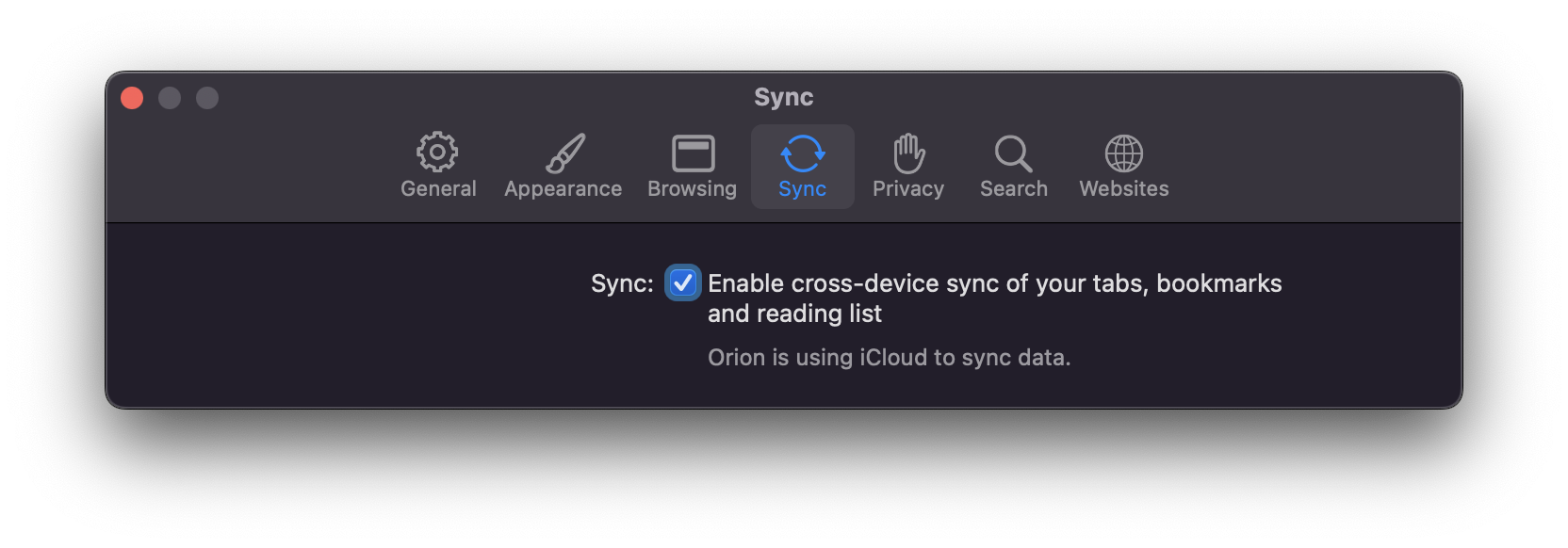
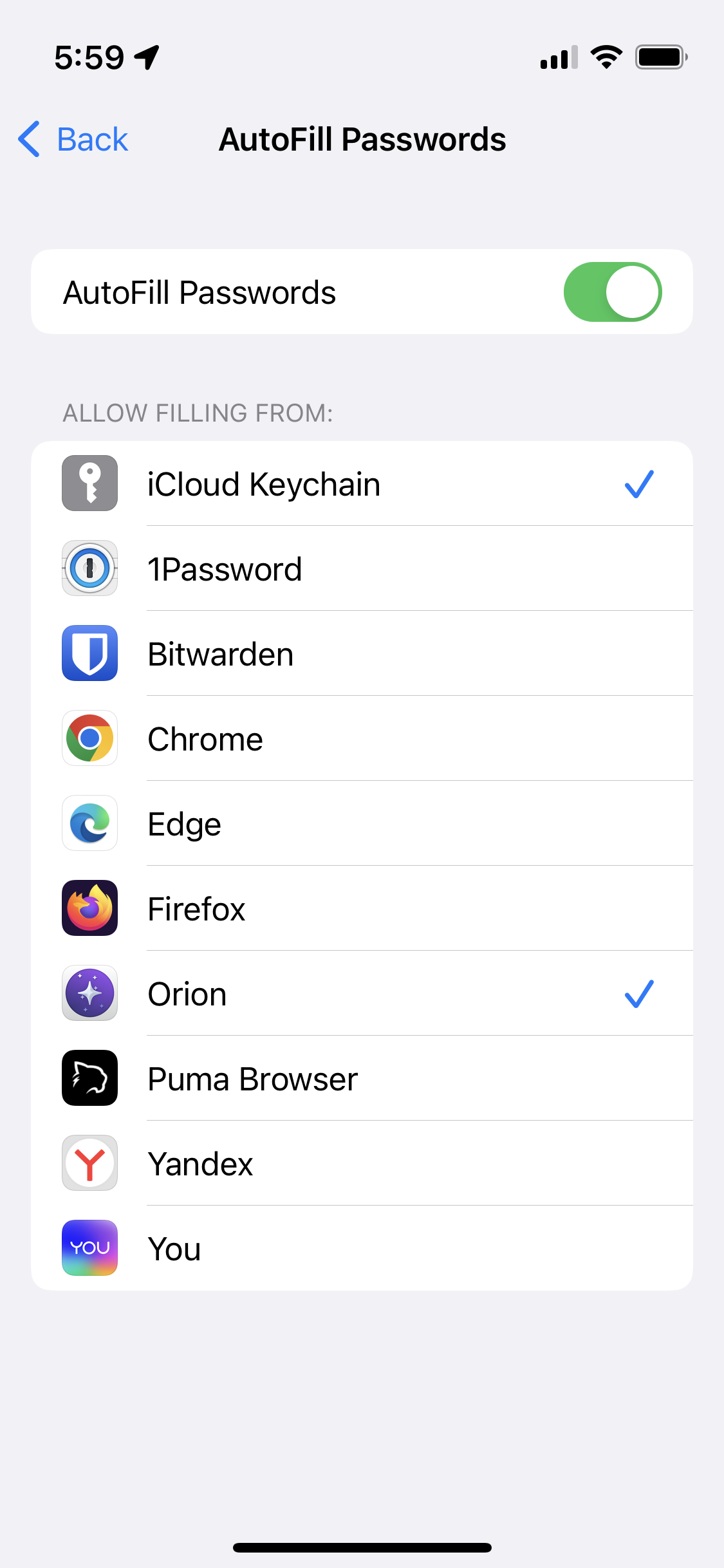
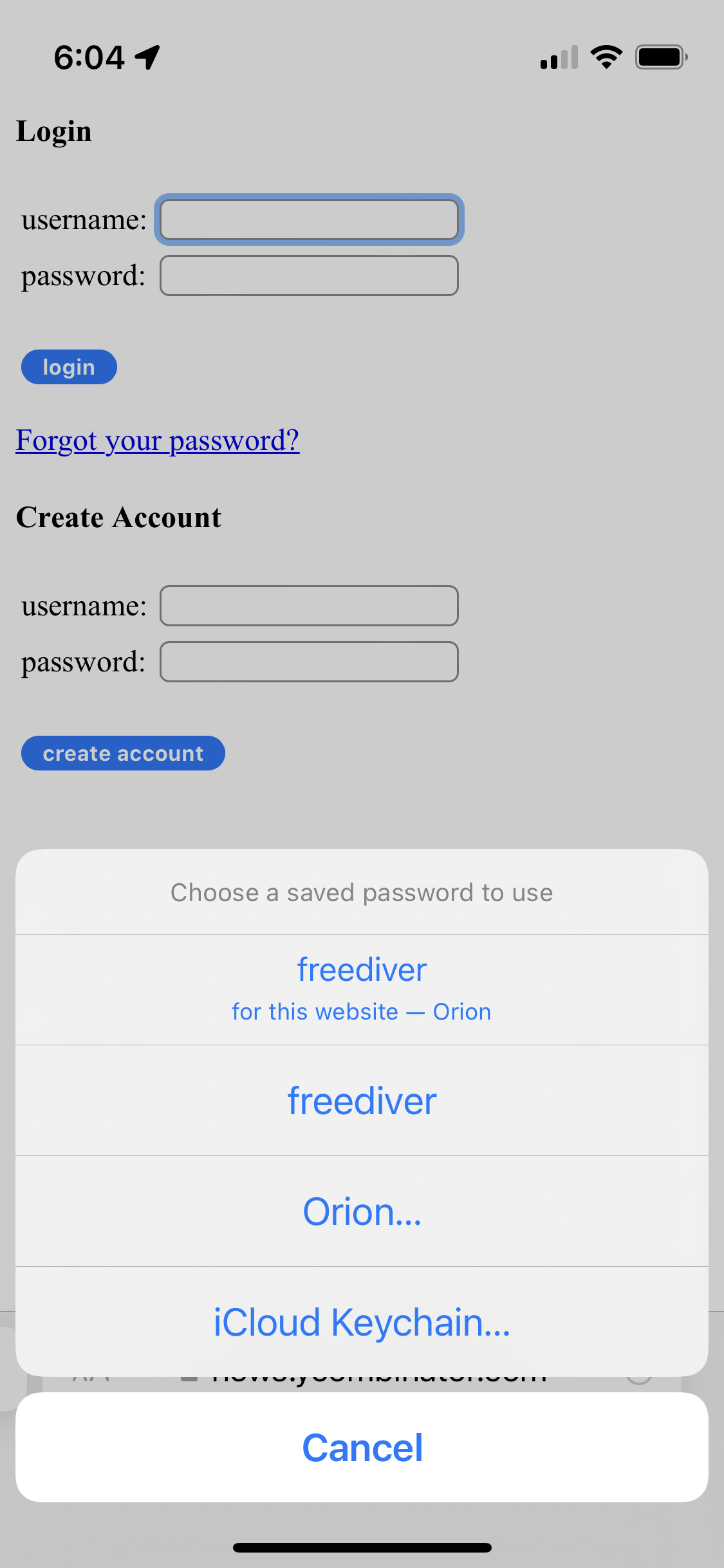
I'll try and clarify the apparent mis-communication here — if I understand correctly "iCloud Passwords" is the misnomer causing the misunderstanding; iCloud is the mechanism by which both Safari and Orion can synch their saved password lists between Macs and iOS devices.
While Orion saves and synchs it's own separate password list via iCloud between Orion Mac and Orion iOS, I believe @solosito is asking for Orion to use the Safari password list.
i.e. if a password is saved in Safari (Mac or iOS) that same password would automatically be available for auto-fill in Orion.
While it is actually possible to select a password saved by Safari it's not automatic — at present one must first try to auto-fill a password then manually select the somewhat cryptic "Password Providers" menu item, and then one can search/select Safari-saved passwords.
In practice this means a longtime Safari user who's amassed a lot of saved passwords has a to manually migrate saved passwords from the Safari to Orion password lists, and the 2 remain separate; any new passwords saved in Orion are not available for auto-fill in Safari nor vice versa.
Presumably third-party apps aren't allowed to write directly to Safari's Keychain so presumably there's no way to automate 2-way synchronisation of Safari<->Orion Keychain saved password lists.
…but it'd be awesome if Orion could find a workaround!