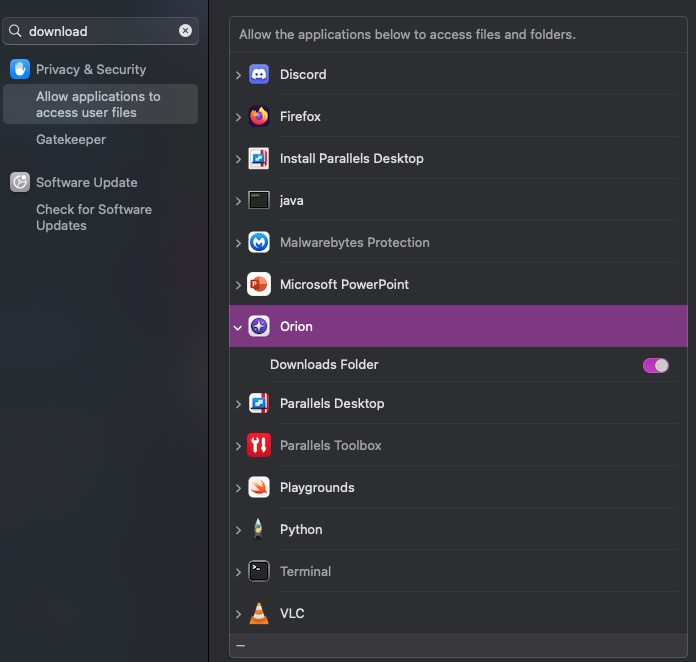
@Vlad, Yes, I can confirm that. Going in to settings and selecting "Other..." In the download folder drop-down and then picking the MacOS default download folder solved the problem for me as well.
I have had the exact same problem for a long time. No downloads would work unless selecting the link with right-click context menu and then selecting "Download linked file as ..."
So based on the solution that @tronix117 posted above, which solved the problem for me, it would indeed seem to be problem with the default download folder setting. And I would further hazard a guess that It might be related to some localization issue with the folder name in some non-English language versions of MacOS.
I am myself using a Danish language MacOS version.