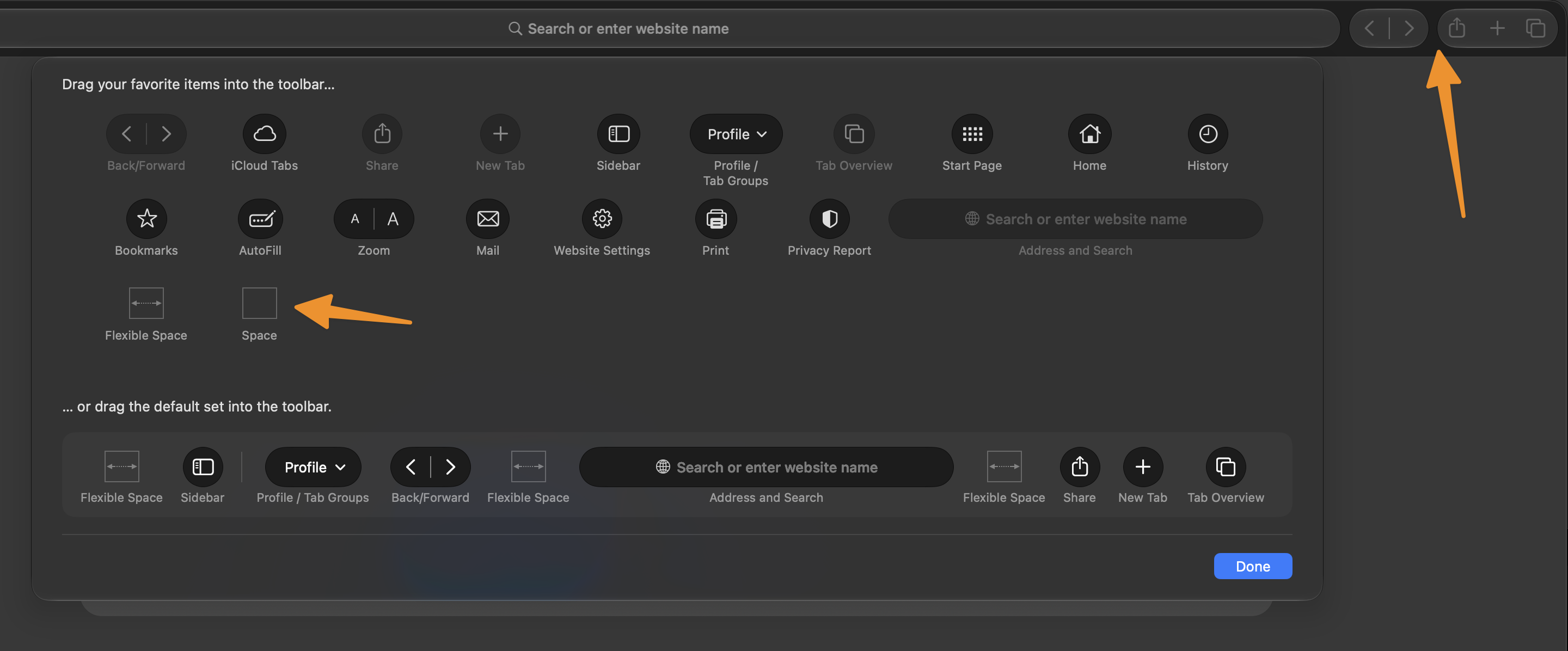
Vanilla macOS 27.x Safari has always / at least for a while now a mere 'Space' separator in the customize toolbar option that allows you to separate toolbar items without going full 'Flexible Space', so this:
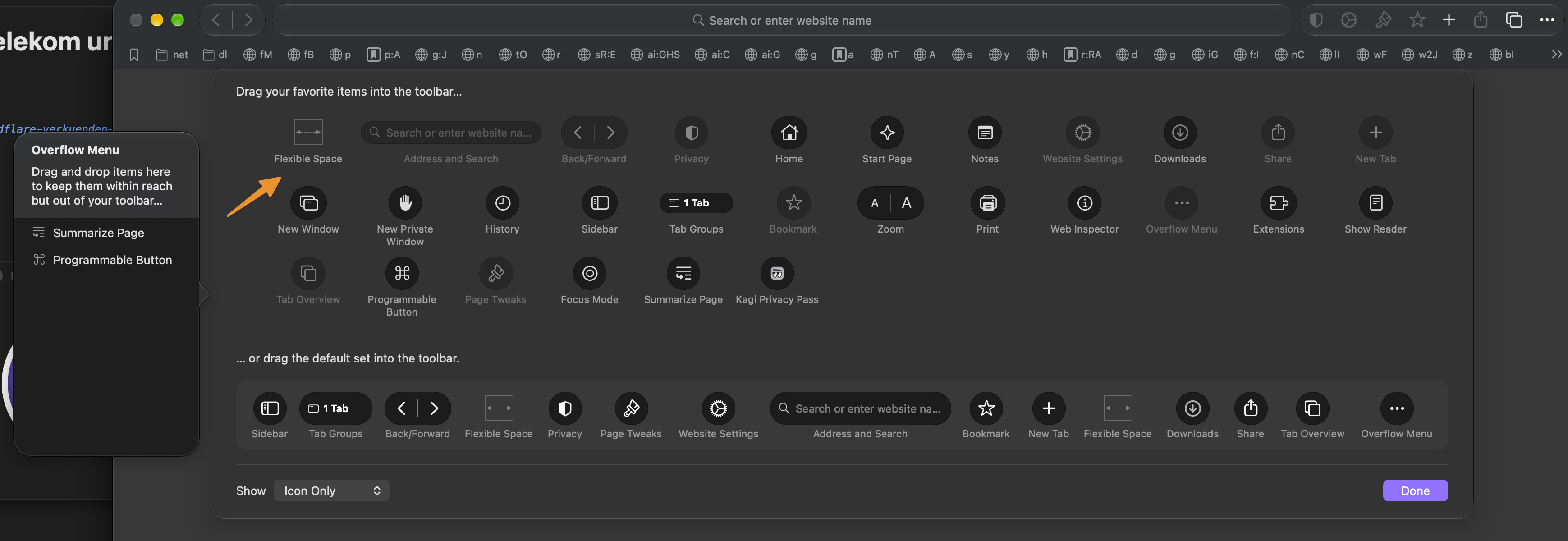
In Orion however there is no 'Space' option available to add / choose from, only 'Flexible Space':
P.s.: the 'What version of macOS are you running' drop down here on the right has no option for 'Golden Gate (27)' right now:
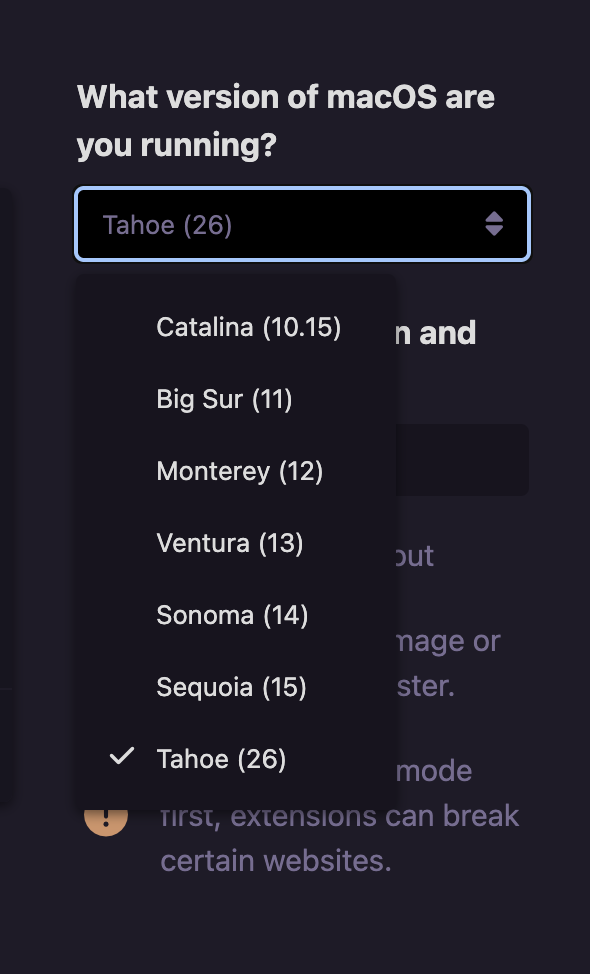
I am not sure if that's intentional or a bug, but it would be great to have the 'small' Space option available to customize toolbars in Orion as well.
1.1.3
Tahoe (26)
