clemcloum I have the exact same frustrating problem with code-heavy extensions like Stylus, Stylus (UserCSS), and Violentmonkey. Writing code directly in that field without native context menus is tedious and unacceptable.
The best native workaround is using Apple’s three-finger gestures:
Develop your entire script/CSS in an external app like Notes.
Select the code in Notes and pinch inward with three fingers to copy.
Go to Orion, tap the code field to get the insertion cursor.
Spread outward with three fingers directly over the cursor. This triggers the native iOS system paste command, bypassing the extension’s broken UI. It’s a lifesaver.
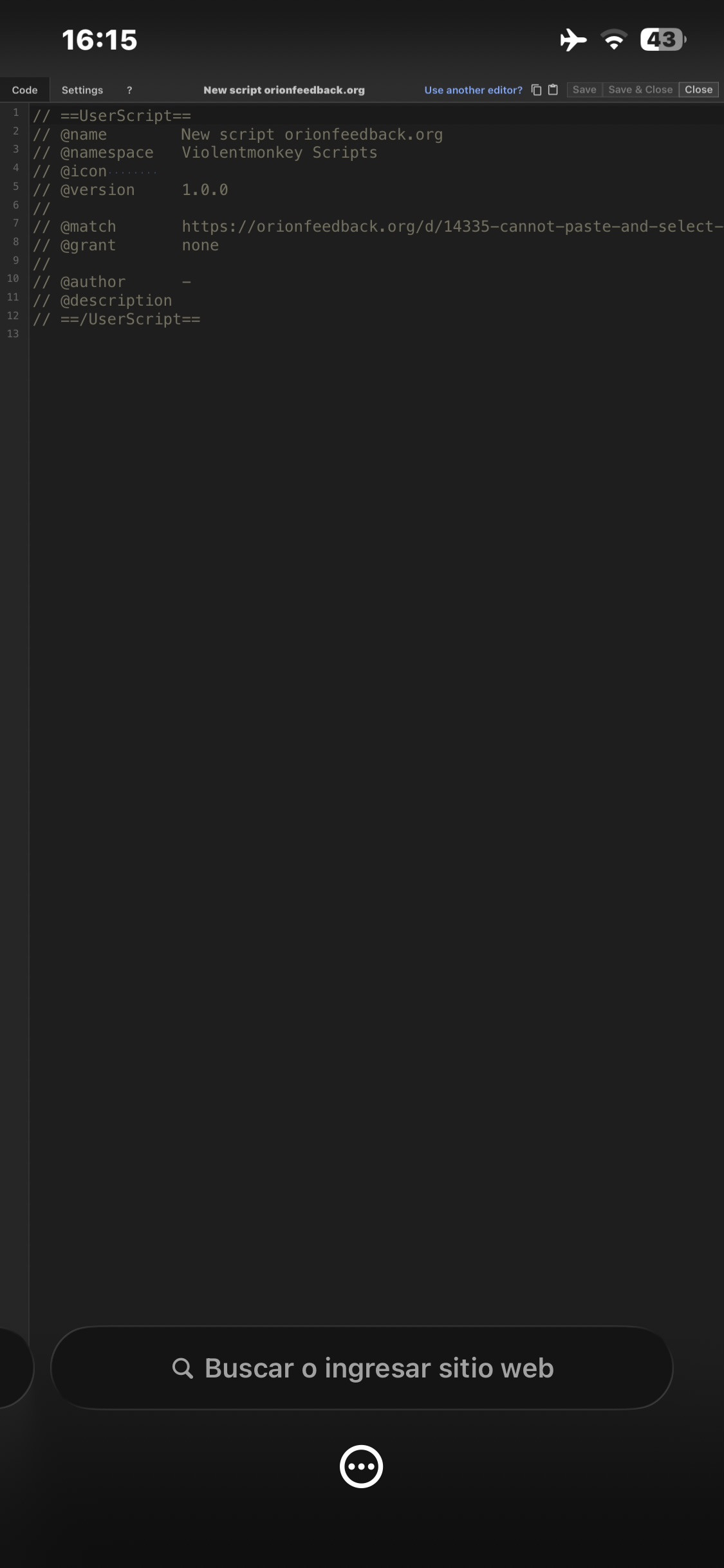
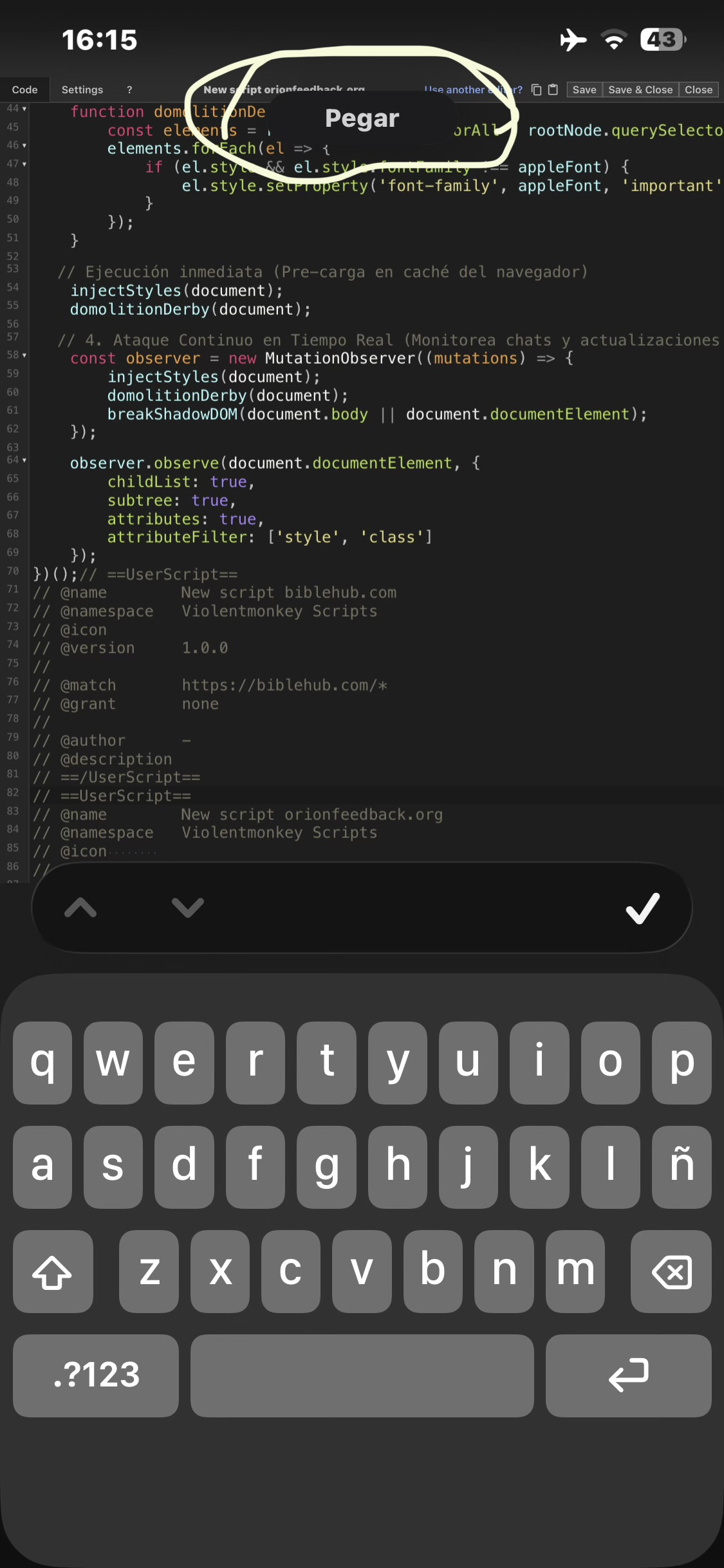
Basically, you just write your code on your own. Select your code (select all of your code, pinch three fingers inward on the screen, and Apple's system will copy it)
And the best part is that you just select where you want to paste it—in this case, a file extension—so that the text input bar is flashing and properly positioned. (NOW SPREAD YOUR FINGERS OUTWARD) So you start by pinching your fingers together, which basically zooms in, and that’s it; the code is pasted in the easiest and simplest way possible. : :


