Summary
The “Preview” feature on the website orionfeedback.org fails to work in Orion. Clicking the Preview button while composing a post/feedback does not display the expected live preview of the content. The same action works correctly in Chrome.
Steps to Reproduce
- Launch Orion with a clean profile (no extensions, default settings).
- Navigate to
https://orionfeedback.org.
- Begin creating a new feedback/post (e.g., click “New Post” or start a reply).
- Enter some text in the editor (e.g., “Test preview”).
- Click the “Preview” button (or equivalent UI control intended to show a rendered preview of the post).
- Observe the result.
Actual Result
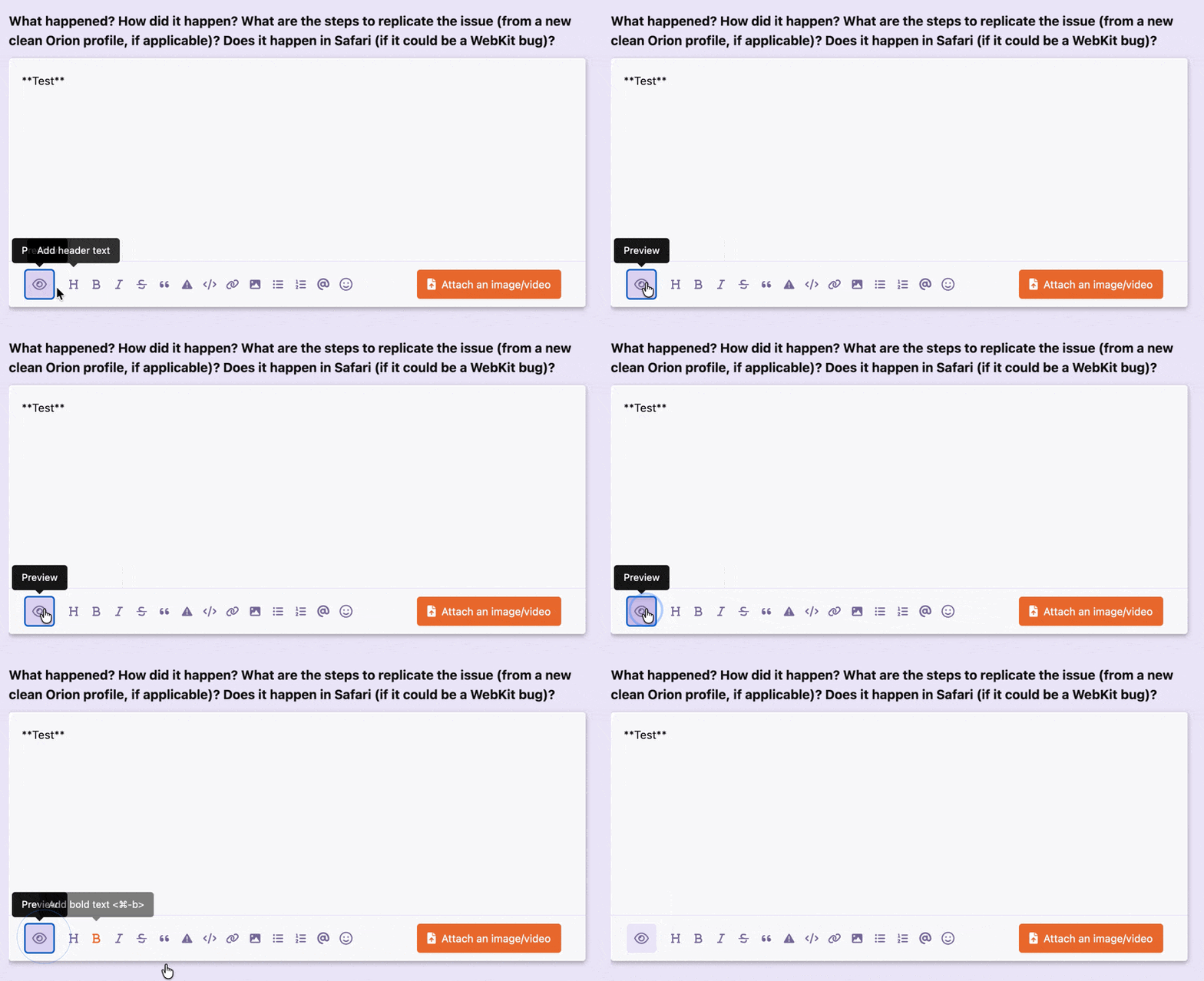
Nothing happens when pressing Preview button. Please see attached for better understanding.
Expected Result
Preview button should switch from md formatting view to WYSIWYG view.
Additional Details
- The issue is reproducible 100% of the time.
- Preview button does not seem to be working both in What happened and Desired Functionality sections
- The problem has been also tested and confirmed existing in Chrome 148.0.7778.97.
- The site itself appears to function normally otherwise (posting, browsing, etc.). Only the preview feature is affected
- The attached GIF visually demonstrates the button click yielding no preview in Orion.
Environment
- Orion Version: 1.0.6 (145.2-rc)
- OS: Apple macOS Tahoe 26.3.1 (25D2128)
- Chrome Version: 148.0.7778.97 (Official Build) (x86_64) — used for comparison
- Profile: clean Orion profile, no extensions
Best regards,
Yuriy
Apple macOS Tahoe 26.3.1 (25D2128); Orion RC Version: 1.0.6 (145.2-rc) WebKit: 625.1.8
