If I have a website open in a tab and tap on the address bar, the same tab page appears as I get when opening a new tab. There’s no easy way to hide or close this other than tapping the X in the top-right. It’s awkward when using my phone one-handed, especially when using it left-handed.
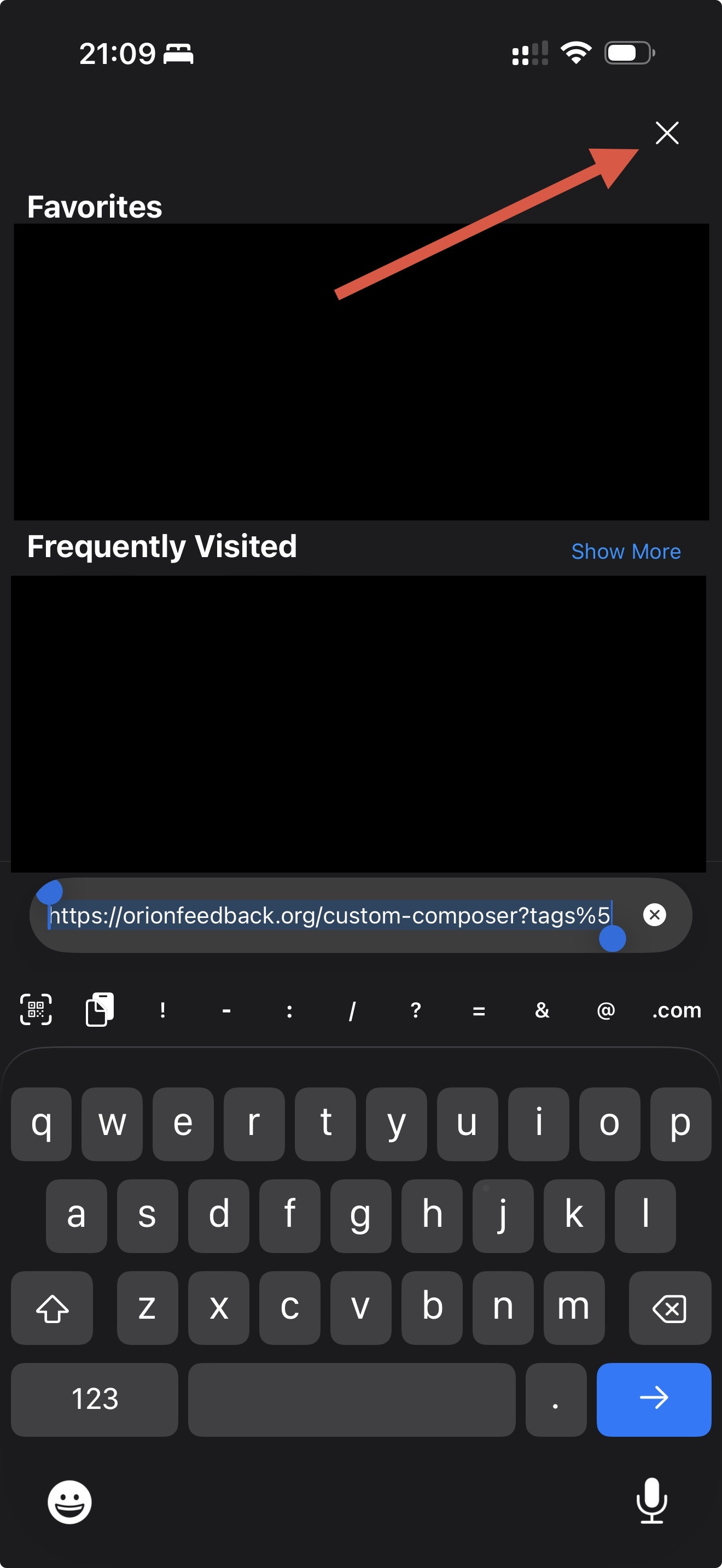
I’m using 1.4.16 (1) (WebKit 8624.1.16.10.6) on iOS 26.4.1.
There are a few options for how this workflow could be improved so that it’s easier to get back to the website you’re already on.
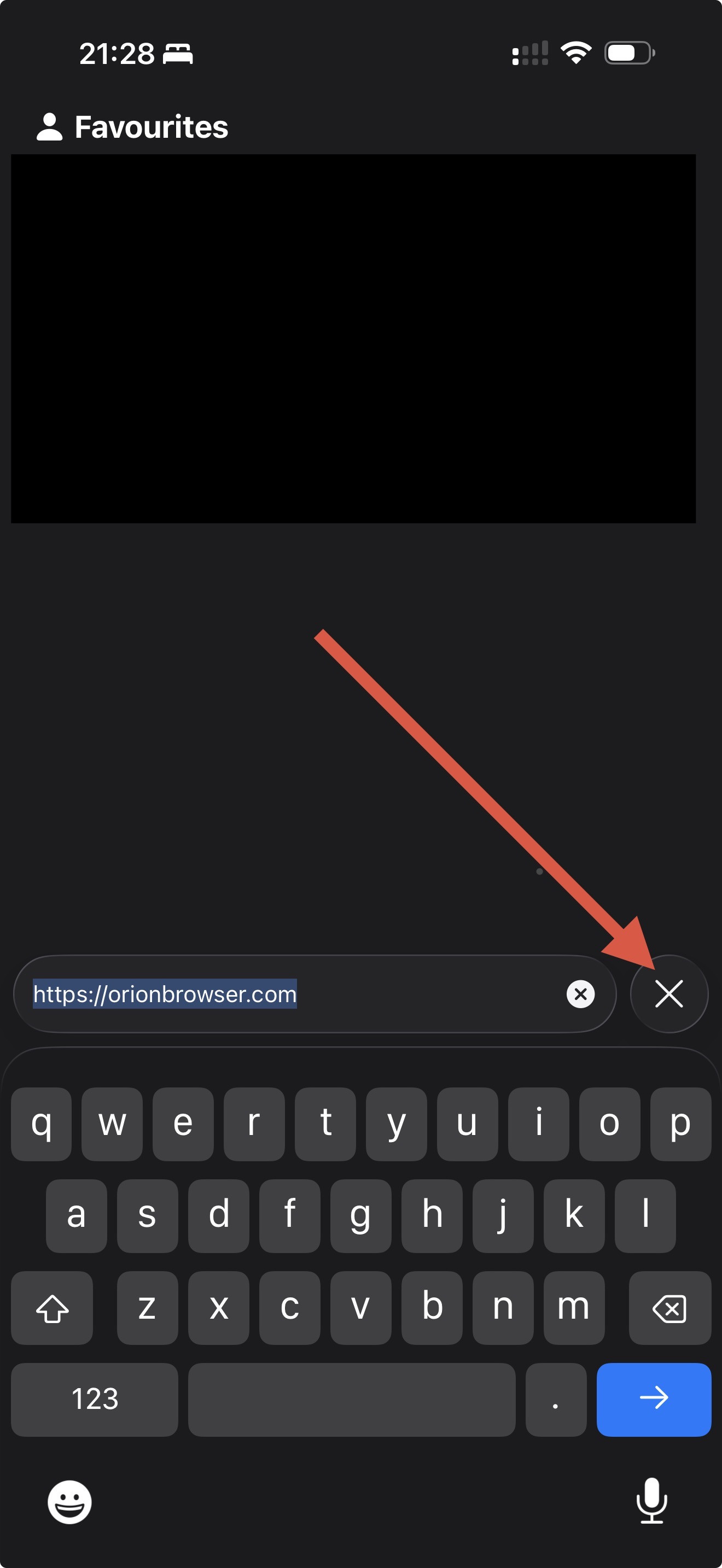
One would be adding an X (close) button to the left of the address bar that I could easily reach one-handed. Have an option to move the button to the right of the address bar for those who use their right hand instead. This is similar to what Safari does:
Another would be a new gesture such as pulling down over the keyboard paired with a new action to close the tab page and return to the website you’re on.
A final option could be moving the X button into a floating overlay that you can drag around the new tab page to your preferred position, which disappears when the new tab page isn’t shown.
(Of course, not all these need to be implemented! But maybe 1 or 3 combined with 2 for power users?)
