Clicking "Presenter view" on a Google Slides deck in Orion does nothing. The action works correctly in Safari, Chrome, and Firefox. Enabling Orion's compatibility mode does not resolve the issue.
Steps to reproduce
- Open any Google Slides presentation in Orion (e.g.
https://docs.google.com/presentation/...).
- Click the dropdown arrow next to the "Slideshow" button in the top-right.
- Select "Presenter view."
Expected behavior
A new window opens showing the slides, with a separate presenter window containing speaker notes and slide previews (matches Chrome/Firefox behavior).
Actual behavior
The presentation loads for a second and then crashes. Google then provides debugging text.
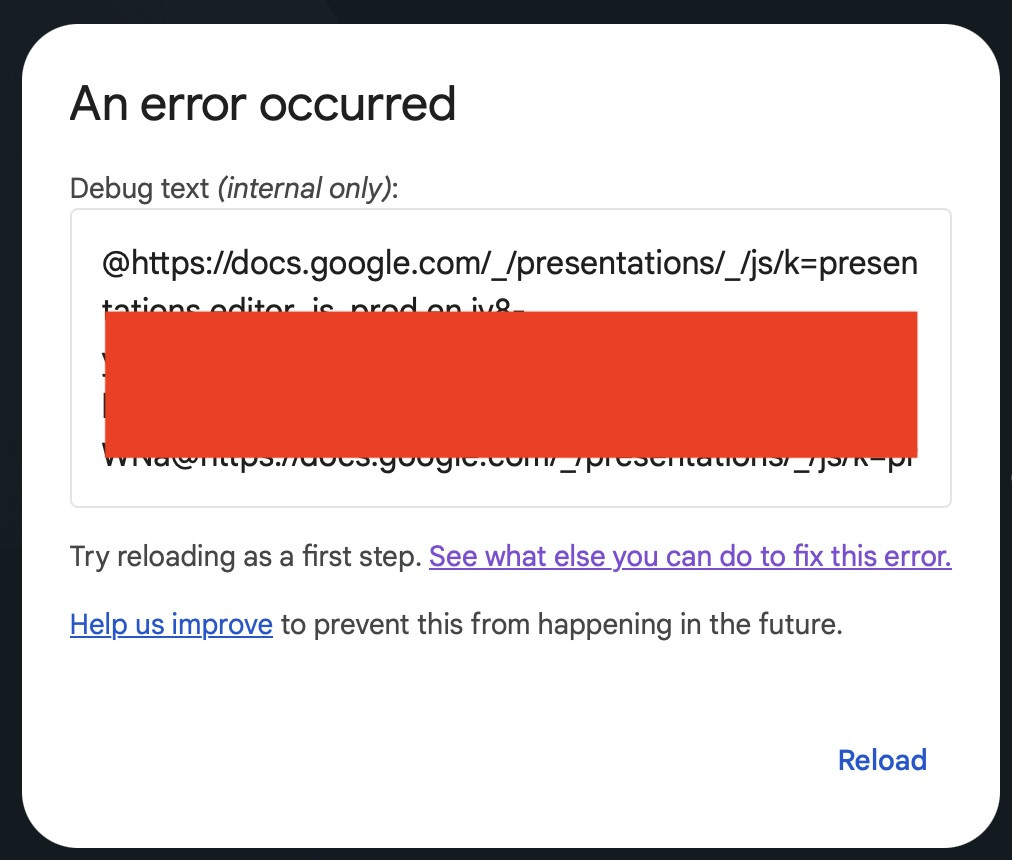
Console output (root cause)
Blocked script execution in 'about:blank' because the document's frame is sandboxed and the 'allow-scripts' permission is not set.
(anonymous function) (m=core:386)
(anonymous function) (m=app:11176:1262)
E$l (m=app:8037)
xnm (m=app:8429:396)
...
Global Code (m=app:12634)
Google's presenter view code opens a new window (initially about:blank) and injects a script to render the notes UI. WebKit blocks the injected script because the frame inherits sandbox flags without the allow-scripts token. Chromium permits this operation, which is why the feature works in Chrome and Firefox but not Orion.
Environment
- Orion version: Version 1.0.6 (145), WebKit 624.1.7
- macOS version: 26.4.1 (25E253)
- Compatibility mode: enabled (issue also reproduces with it disabled)
- Content blockers: enabled (issue also reproduces with it disabled)
Additional notes
- The stack trace and error are identical with compatibility mode on vs. off, suggesting this is not a user-agent sniffing issue.
- Disabling content blockers for
docs.google.com does not resolve the issue.
- Happy to provide a test deck or additional console/network logs if helpful.
- Presenter Mode works find in Safari, Chrome, Brave
When I select "Presenter view" from the Slideshow dropdown, Orion should open a new window containing the full-screen slide presentation, along with a separate presenter window that displays my speaker notes, a slide preview, a timer, and next/previous slide controls. This is the standard Google Slides presenter experience and matches how the feature behaves in Safari, Chrome, Brave, and Firefox on the same machine.
Version 1.0.6 (145)
Tahoe (26)
