Device: iPhone 14 Pro Max
Orion Version: Latest Mobile Version
Extension: Floccus v5.9.0
Problem: The extension fails to persist its data in browser.storage.local. It works perfectly for the first sync, but after closing and reopening Orion, the extension seems to "lose its memory."
Steps to Reproduce:
- Install Floccus and configure a WebDAV account.
- Complete the first sync successfully (bookmarks appear in the Bookmarks Bar).
- Force-close Orion and clear it from the background.
- Reopen Orion and check Floccus settings.
- Observed Behavior: The password field is often empty, and the sync gets stuck in "Syncing..." or triggers an E050 Failsafe error because the ID mapping cache is gone.
- Expected Behavior: Extension storage should persist across sessions so that sync can continue without re-calculating everything or losing credentials.
Additional Info: I've tried multiple sync extensions (Floccus, BookmarkHub), and they all exhibit similar storage-related failures on Orion iOS.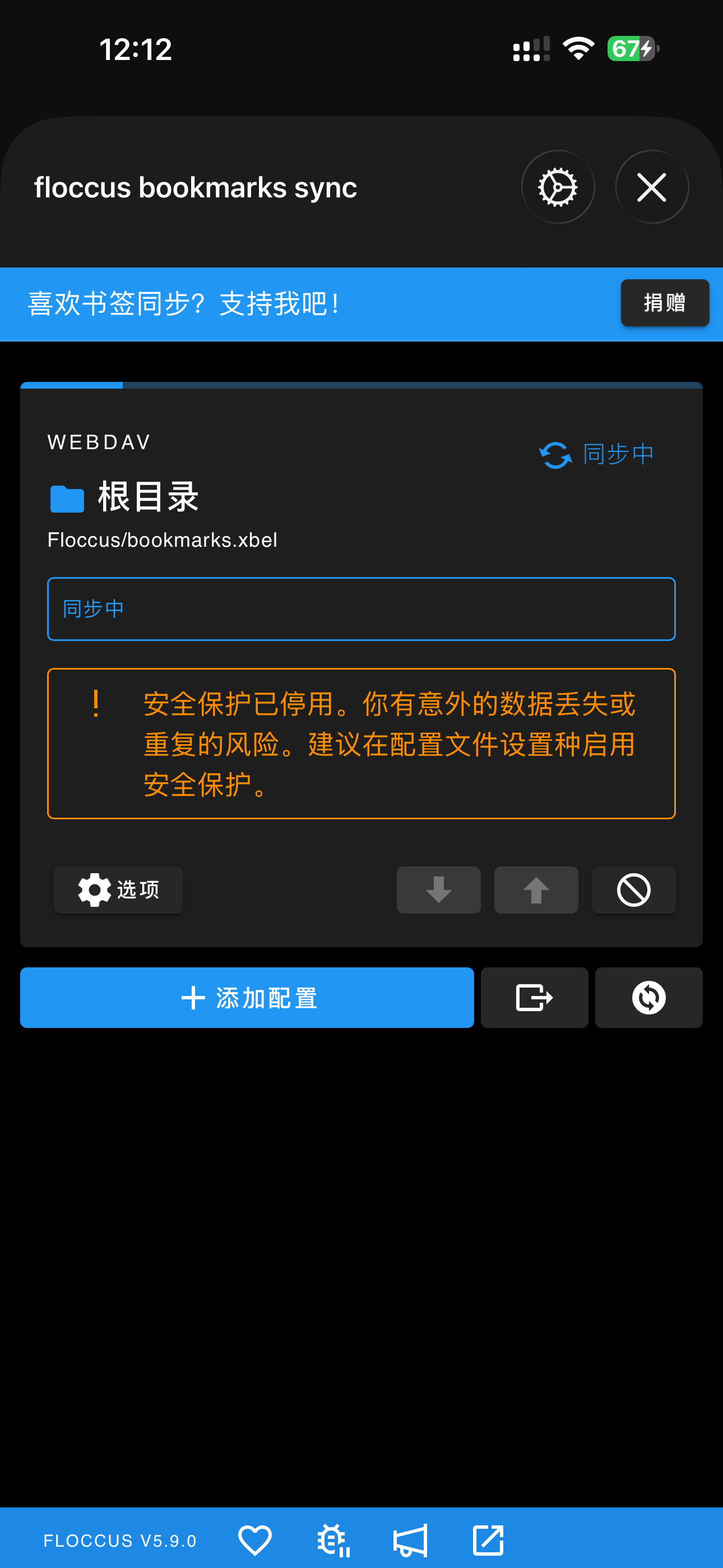
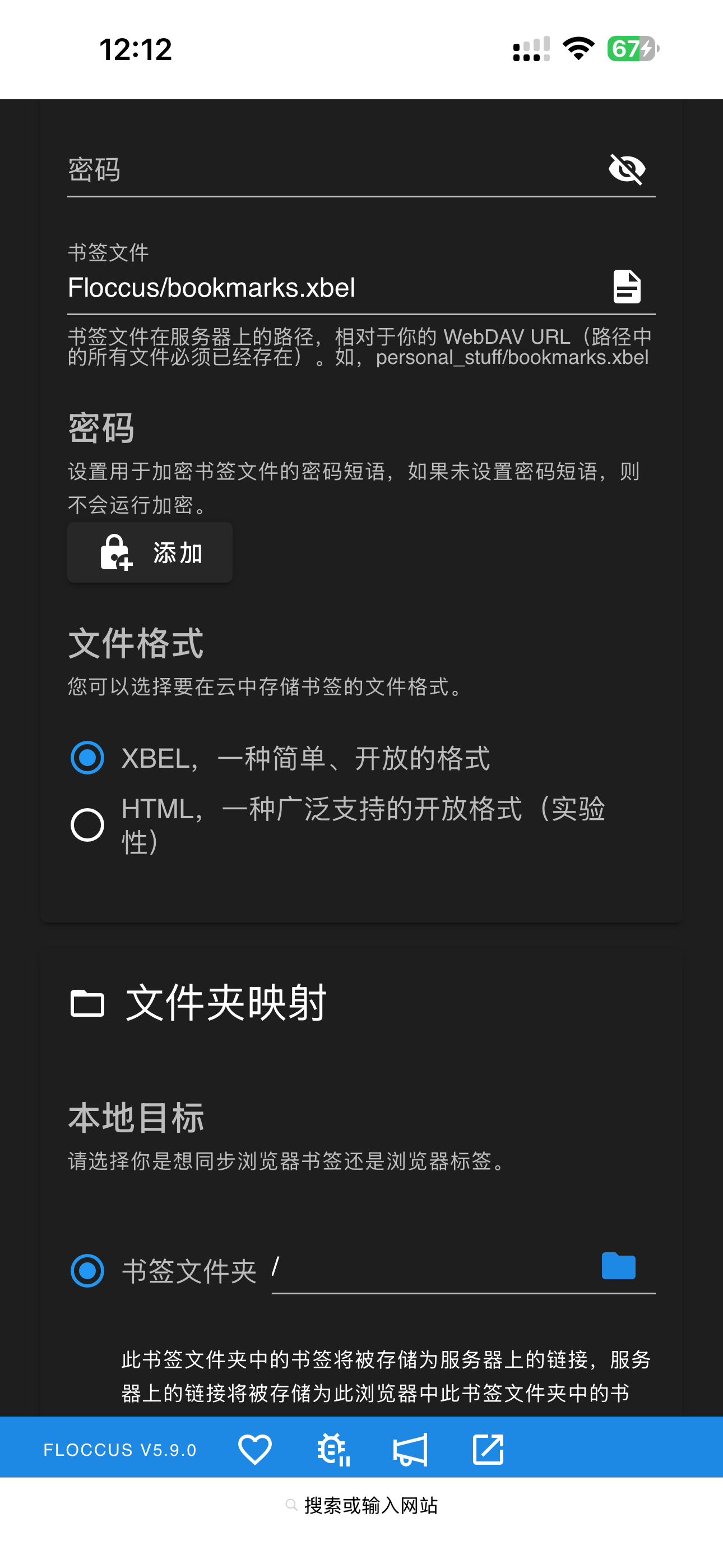
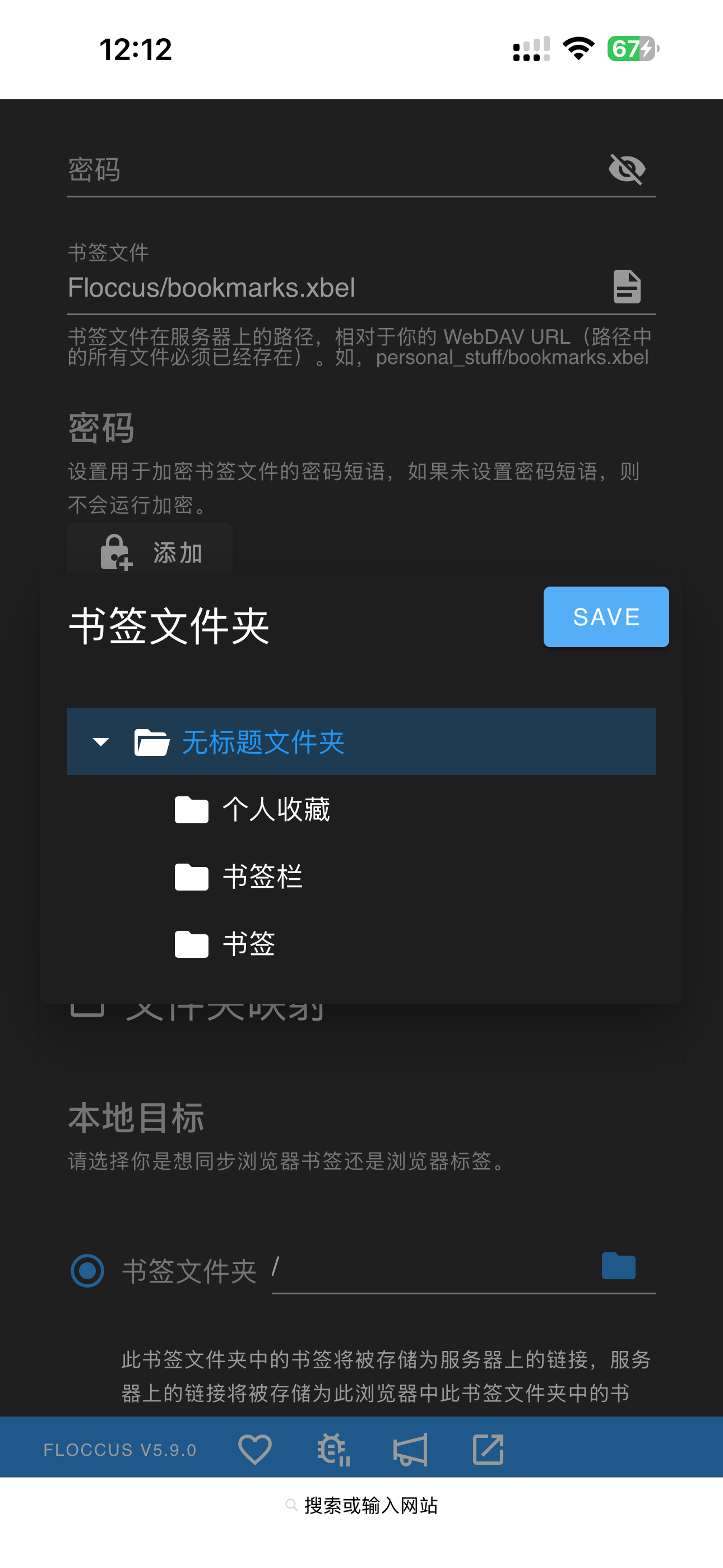
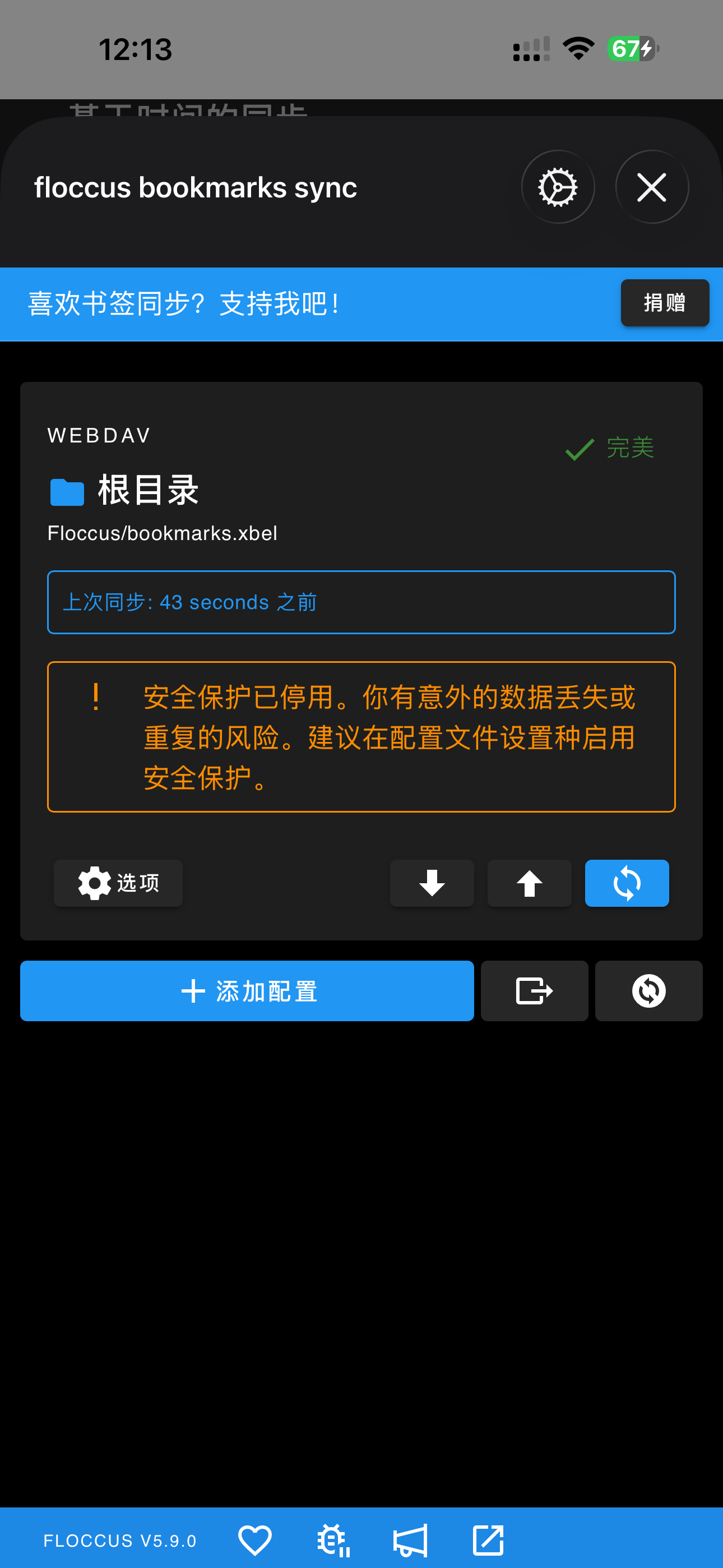
I expected the extension to remember my login credentials (password) and bookmark mapping data after the browser is closed and reopened. This should allow for seamless synchronization without the need to re-configure the account or encounter "E050 Failsafe" errors due to missing local cache.
1.4.15
26
