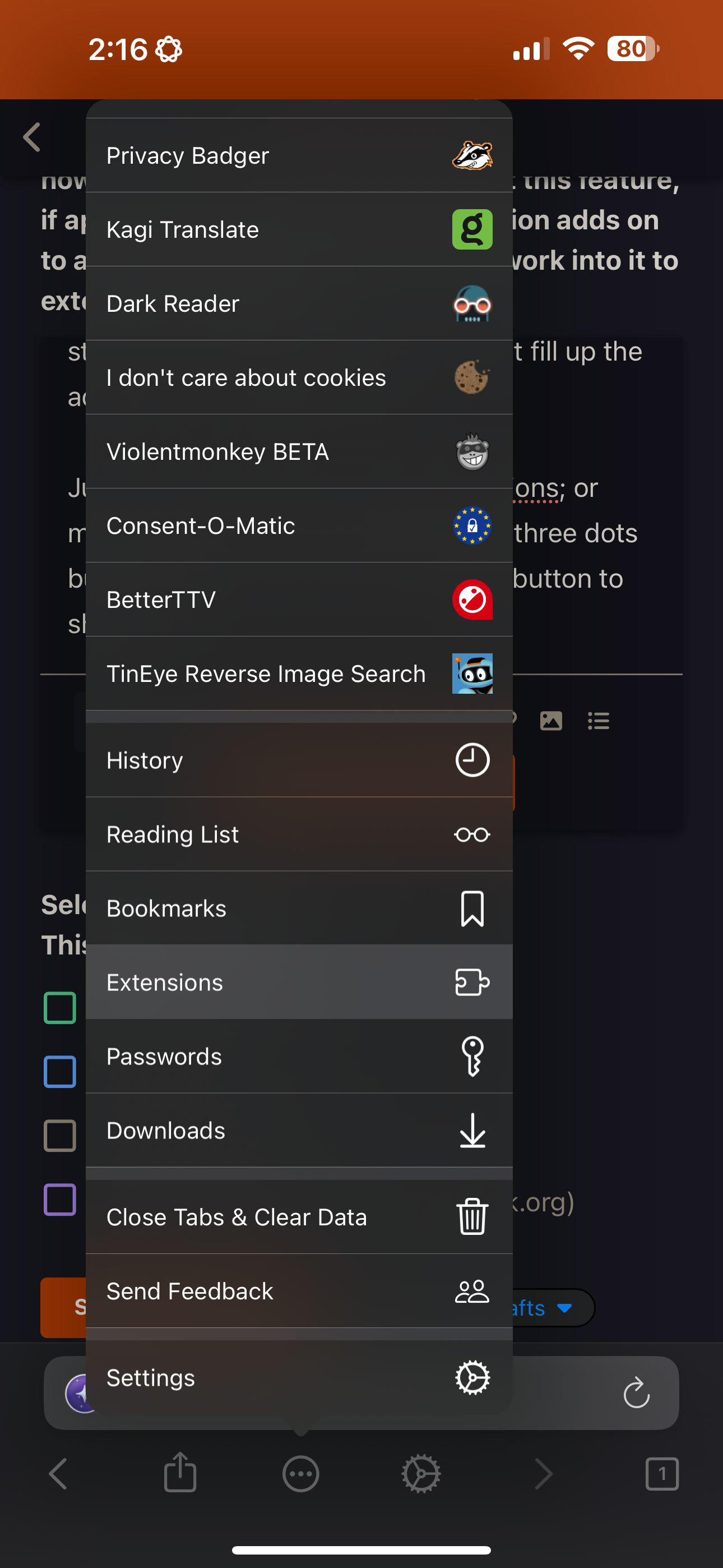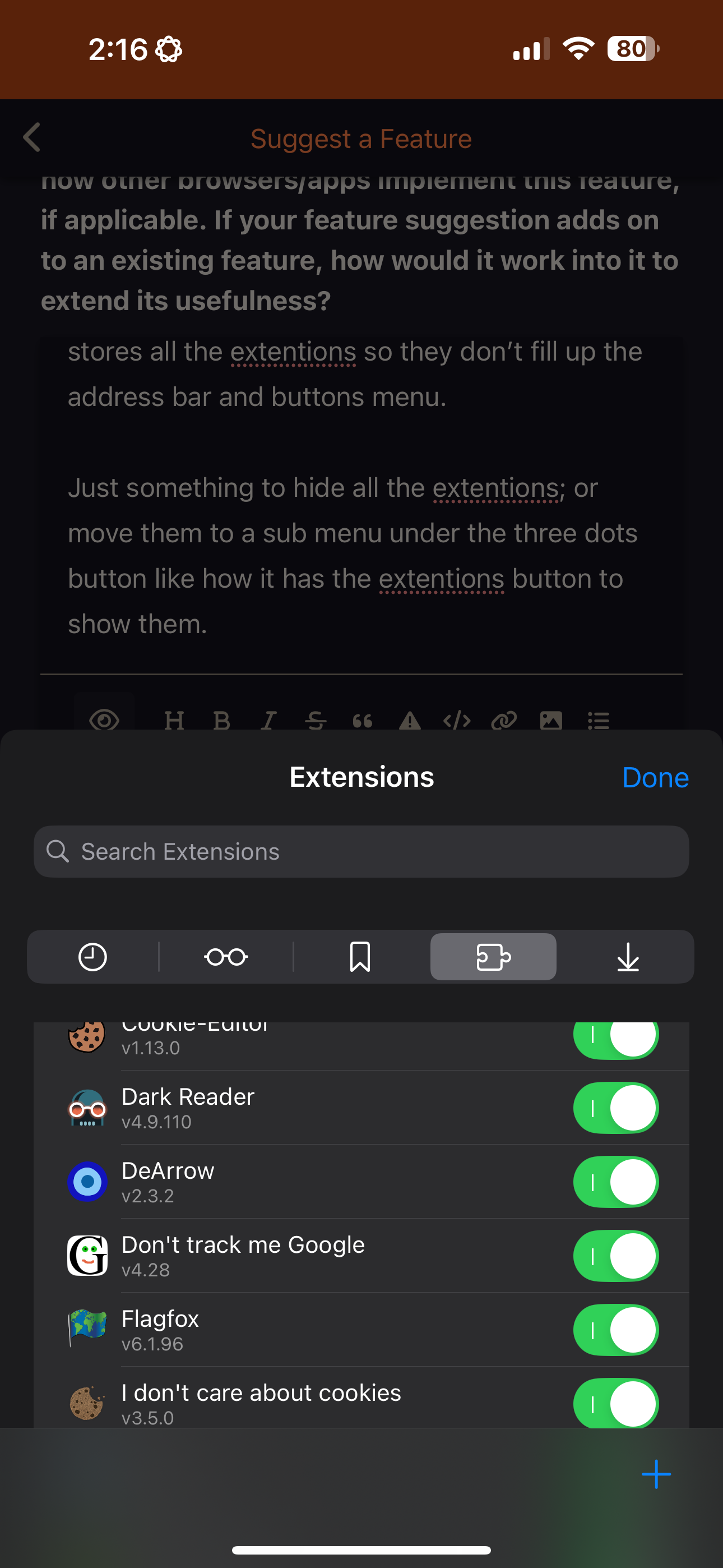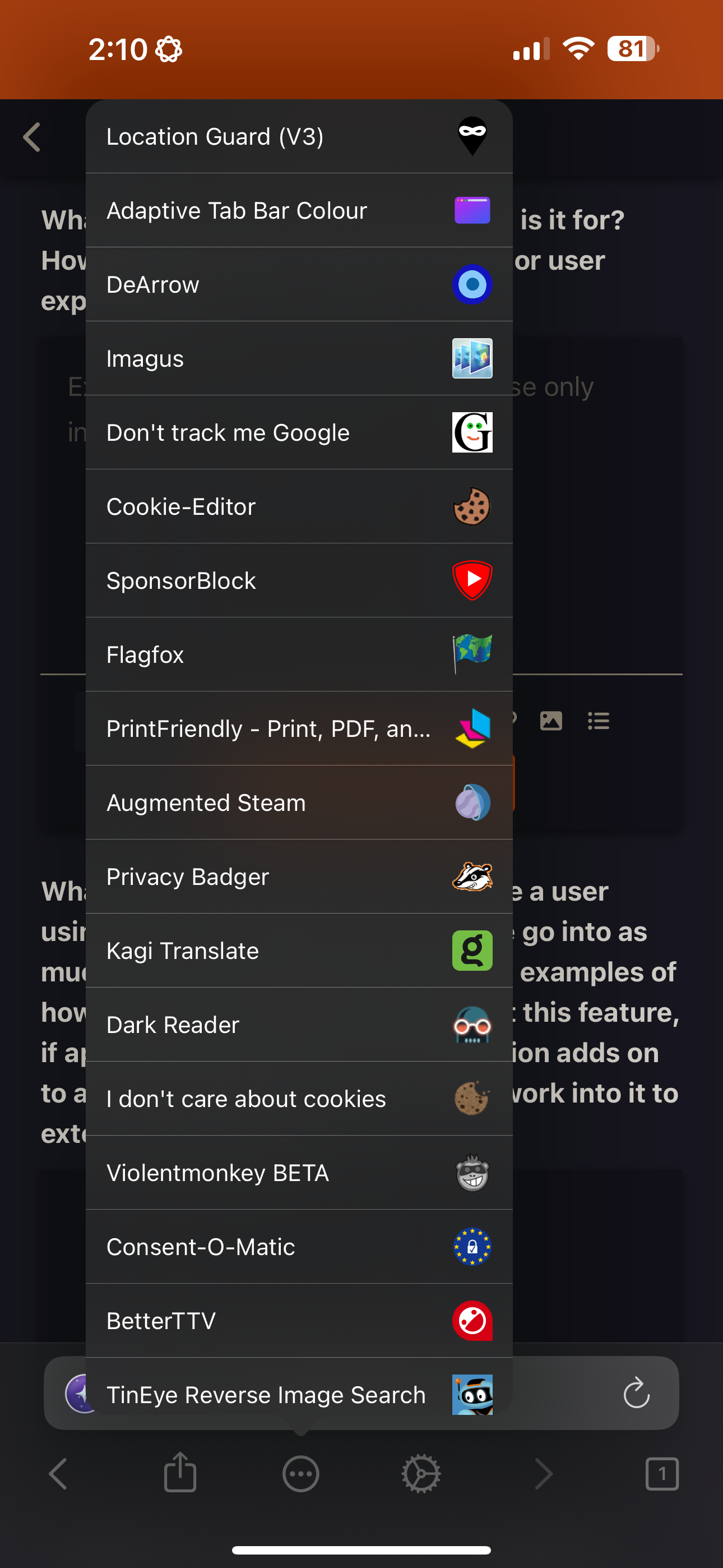
Image Uploaded, consumes full screen.
The Addons list gets a bit long in the tooth when you open the ‘three dots’ additional menu.
(I’d just like to hide them all or not have them all showing in my 3 dots menu like in the image above.)
Then you have the ‘Extentions Button’ in the action bar under the address bar,
And the ‘Extensions’ area lower in the list next to settings and passwords.
(Great that they are so accessible)
Desktop has an extension button (overflow) that stores all the extentions so they don’t fill up the address bar and buttons menu.
Just something to hide all the extentions; or move them to a sub menu under the three dots button like how it has the extentions button to show them.