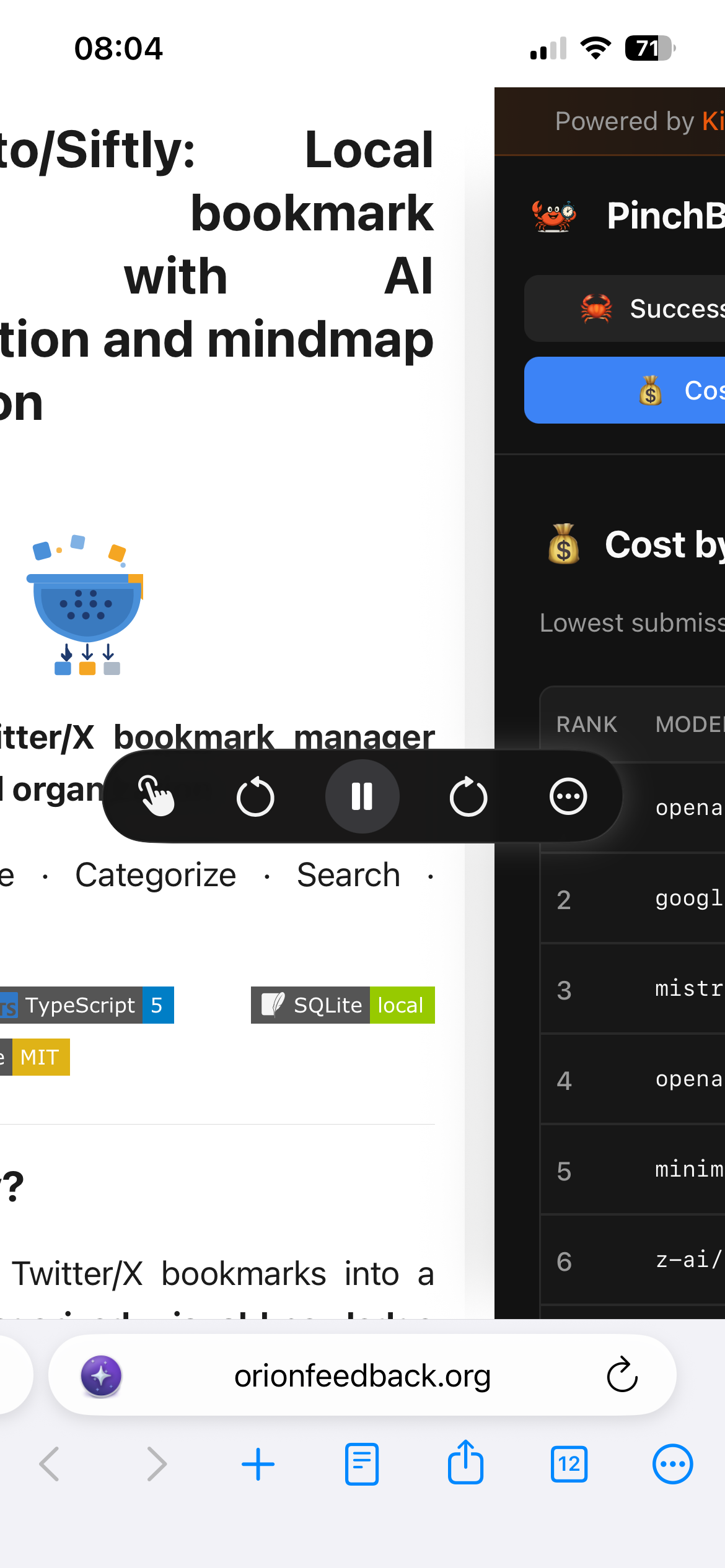
When attempting to use the read aloud feature (via Siri) on a webpage in Orion browser, tabs automatically switch without user input, causing Siri to read content from unintended tabs instead. The target page’s display renders incorrectly and appears broken (see attached screenshot).
Reproduction
• This occurs consistently every time on all pages.
• Issue has persisted across multiple Orion versions, including older releases.
• Steps: Open page > Activate Siri read aloud > Tabs switch automatically within seconds; display breaks immediately.
Environment
• Browser: Orion (latest and prior versions)
• Triggered on all sites; persists regardless of extensions or cache.
Impact
Renders read aloud unusable.
Read aloud reads content of current page without breaking
1.4.9
26
