Orion Version: 1.4.3 (1) (WebKit 8621.6.1.10.3)
iOS Version: 18.7.3
Device: iPhone XS
Problem 1: Zoom Inheritance Bug
There is a major inconsistency in how the Infinity New Tab Pro extension renders depending on how it is opened:
- Steps to Reproduce:
• While on an active webpage, tap the (+) plus icon in the toolbar to open a new tab.
• Result: The Infinity New Tab page opens "Large/Zoomed In," appearing to inherit the viewport or zoom level of the previous website.
- Comparison:
• Enter the Tab Overview (Grid View) and tap the (+) plus icon from there.
• Result: The New Tab opens correctly at the standard/smaller scale. • Expected Behavior: The extension should always open at a consistent 100% scale regardless of the previous tab's state.
Problem 2: Extension Data Sync Failure
The Infinity New Tab Pro extension is unable to sync data/backups via its internal cloud service in Orion iOS.
• Issue: Even when logged in, the extension does not pull data from the cloud.
• Workaround Attempted: Manually importing a backup file fails because Orion’s file picker grays out the .json or .dat files. Only by renaming the file to .txt was an import possible.
• Request: Improve background script support for extension sync and allow the file picker to recognize standard extension backup formats.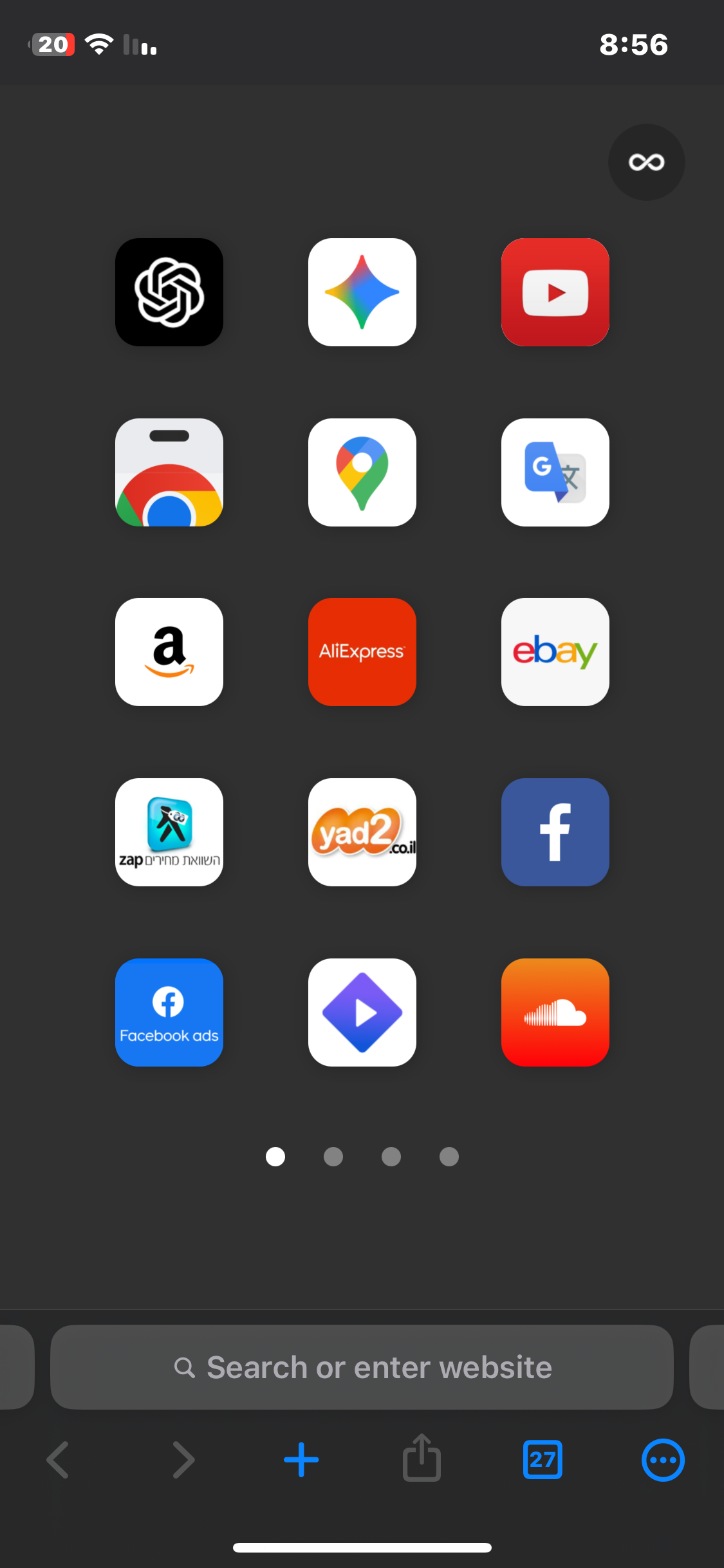
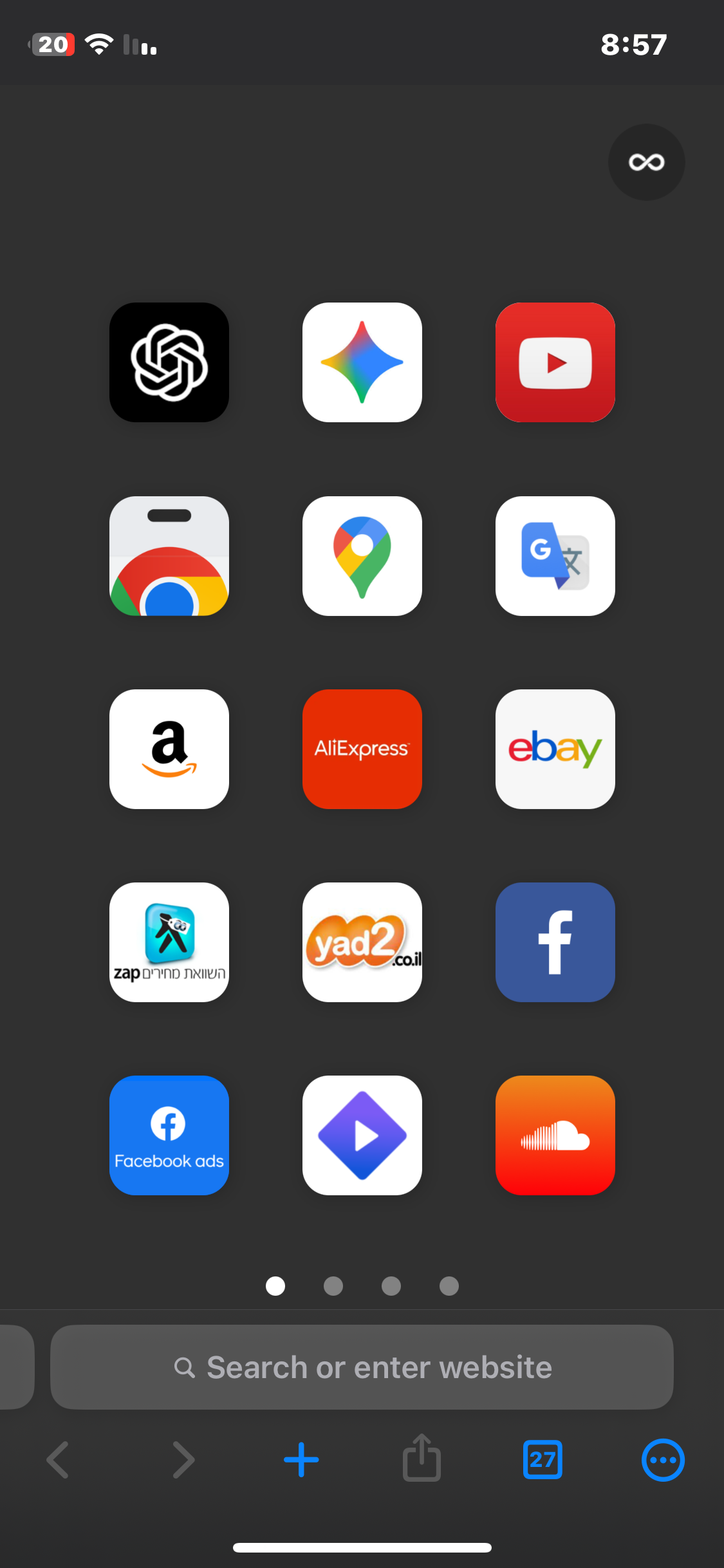
Written above
1.4.3 (1) (WebKit 8621.6.1.10.3)
18
